

C1709 on 2012-2013 Infiniti QX56: TPMS 'No Data' Fault Causes and Fixes
On a 2012-2013 Infiniti QX56, code C1709 means the front right TPMS sensor is not communicating. The most likely cause is a dead sensor battery due to age. Before replacing it, unplug all aftermarket 12V accessories to rule out radio frequency interference, a known issue documented in Infiniti TSB ITB13039A.
- C1709 specifically points to the front right TPMS sensor not sending a signal.
- The most common cause is the sensor's internal battery dying of old age (7-10 year lifespan).
- ALWAYS rule out radio frequency interference by unplugging all 12V accessories before spending money on parts. This is a free and very common fix for this platform.
- The symptom is a TPMS light that flashes for a minute at startup, then stays solid.
- This is not a simple DIY fix, as it requires tire dismounting and specialized OBDII tools for sensor registration.
What's Unique About the 2012-2013 Infiniti QX56
For this generation of Infiniti QX56 (Z62) and related Nissan/Infiniti platforms like the Nissan Armada and Titan, the TPMS is known to be sensitive to Radio Frequency (RF) interference. Infiniti issued a Technical Service Bulletin (ITB13039A, and the related Nissan NTB13-088a) highlighting that aftermarket electronics, especially those plugged into 12V power outlets like phone chargers or dash cams, can block the 315 MHz signal from the TPMS sensors. This can cause a C1709 code even if the sensor itself is perfectly functional, making it a crucial first diagnostic step to unplug these devices.
Diagnostic Flowchart
Tap your situation to follow the diagnostic path that matches what you're seeing on this vehicle.
Symptoms You May Notice
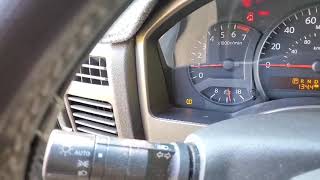
- TPMS warning light on the dashboard flashes for approximately one minute after startup, then stays on solid. This sequence specifically indicates a system fault, not low tire pressure.
- The vehicle's information display shows dashes (--) instead of a pressure reading for the front right tire.
- In cases of intermittent RF interference, the light may only appear after driving for 15+ minutes at highway speeds and might turn off on its own after the vehicle is parked and the interfering device is off.
- Assuming the tire is low on air. A flashing TPMS light indicates a system fault, whereas a solid, non-flashing light indicates low pressure.
- Replacing the TPMS sensor without first checking for RF interference. Many owners have needlessly replaced sensors when a cheap phone charger was the actual problem.
- Replacing the wrong sensor. C1709 is specific to the front right wheel location. If tires were rotated, the faulty sensor may be elsewhere, but the system still flags the front right position.
Most Likely Causes
- Dead or Failing TPMS Sensor Battery 🔴 High Probability → Shop Tire Pressure Monitoring System (TPMS) Sensor TPMS sensor batteries are non-replaceable and have a finite lifespan, typically 7-10 years. For a 2012-2013 vehicle, the original sensors are at or beyond their expected service life, making battery failure the most common reason for this code.
How to confirm: Use a TPMS activation tool (like an Autel or Bartec model) to attempt to read the sensor at the front right wheel. If the tool shows a low/dead battery or gets no response at all, the sensor has failed.
Typical fix: Replace the front right TPMS sensor and register the new sensor to the vehicle using an OBDII relearn procedure.
Est. part cost: $35-$90 - Radio Frequency (RF) Interference 🟡 Medium Probability As noted in TSB ITB13039A, the TPMS in these vehicles is susceptible to interference from aftermarket electronics like phone chargers, dash cams, or power inverters plugged into the 12V outlets. Forum discussions frequently name cheap, unshielded USB chargers as the primary culprit. 🎬 See this video for more on troubleshooting TPMS communication issues.
How to confirm: Unplug all aftermarket accessories from all 12V power outlets in the vehicle. Clear the code (if possible) and drive the vehicle for at least 10-15 minutes at speeds over 25 MPH to see if the code returns. If the light stays off, one of the accessories was the cause.
Typical fix: Identify and replace the offending electronic device with a higher-quality, better-shielded alternative. Sometimes simply moving the device to a different power outlet can resolve the issue.
Est. part cost: $0-$50 - Faulty TPMS Sensor ⚪ Low Probability → Shop Tire Pressure Monitoring System (TPMS) Sensor
How to confirm: If the sensor's battery reads as 'OK' with a TPMS tool but the code persists and RF interference has been ruled out, the sensor's transmitter may have failed internally.
Typical fix: Replace the front right TPMS sensor and register the new one.
Est. part cost: $35-$90
Rare But Worth Checking
- Faulty TPMS Control Unit / Receiver: This is uncommon and usually triggers codes for multiple or all sensors simultaneously (e.g., C1708, C1709, C1710, C1711). If only C1709 is present, a faulty receiver is very unlikely.
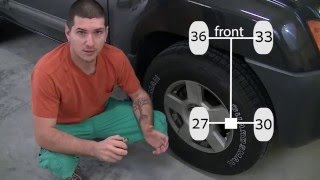
- Recently Rotated Tires: If tires were recently rotated without re-registering the sensor positions, the system may still be looking for the sensor that was *previously* at the front right. The code C1709 would still point to the front right location, even though the problematic sensor is now physically on a different corner of the car. A full system relearn will fix this.
Diagnosis Steps
- Verify code C1709 is present using a scanner capable of reading Chassis (C) codes.
- Note the TPMS light behavior: a flashing light on startup that turns solid confirms a system fault.
- CRITICAL FIRST STEP: Unplug ALL aftermarket devices from ALL 12V power outlets (front and rear) to eliminate potential RF interference.
- Clear the DTCs. Drive the vehicle for at least 10-15 minutes at speeds over 25 MPH to see if the light returns. If it does not, the issue was RF interference. Plug devices back in one by one to isolate the culprit.
- If the light returns, use a TPMS activation tool at the front right wheel to read the sensor's data (ID, pressure, temperature, battery status).
- If the tool cannot get a reading or reports a dead/low battery, the TPMS sensor must be replaced.
- If the tool can read the sensor and the battery is good, the issue may be with the vehicle's receiver or a registration error. Attempt to re-register all sensor IDs to the vehicle using an OBDII TPMS tool.
- If the registration fails specifically for the front right wheel with a known-good sensor, further diagnosis of the TPMS control module/receiver wiring may be needed.
Parts You'll Likely Need
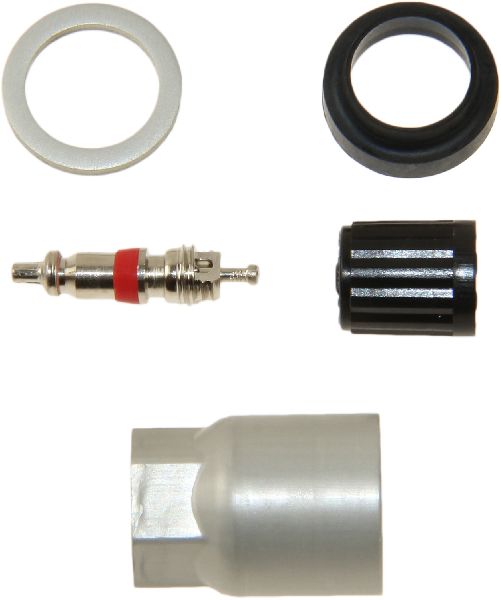
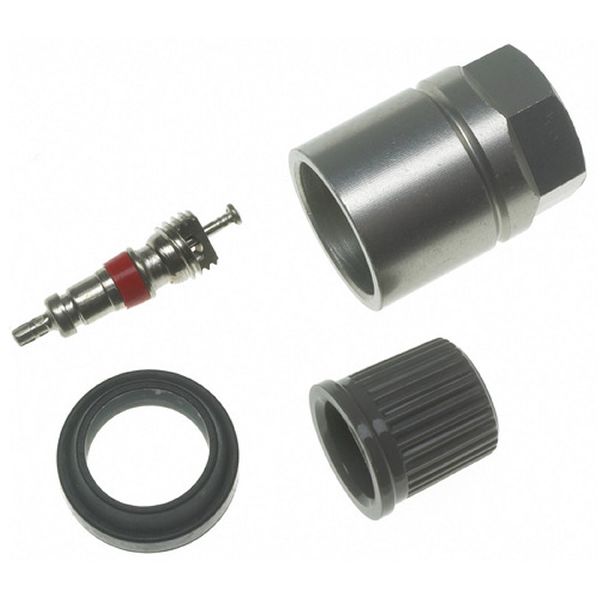
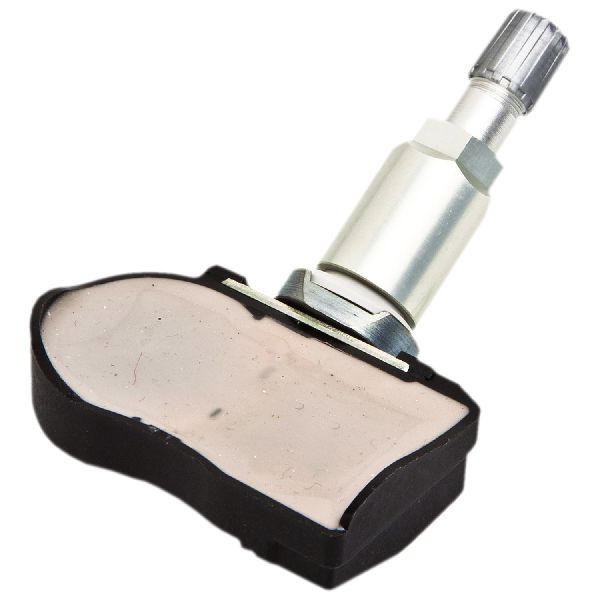
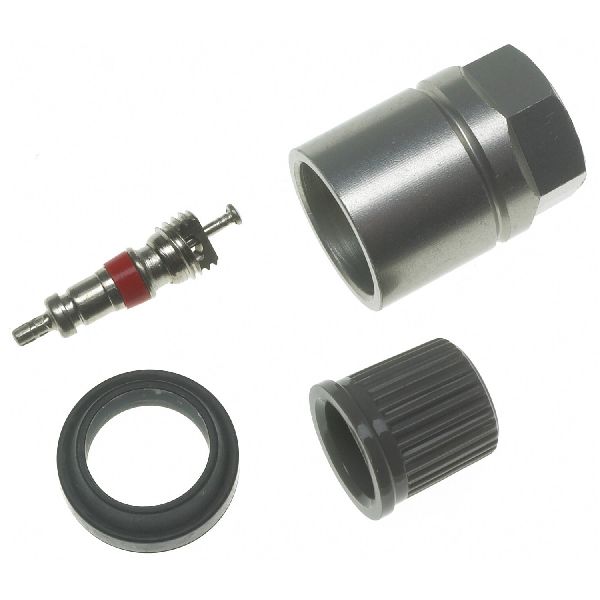
- Tire Pressure Monitoring System (TPMS) Sensor
(OEM #40700-1LA0E)— This is the direct cause of the code when the internal, non-replaceable battery dies from age.
Trusted brands: Infiniti/Nissan (OEM), Denso, Schrader, Autel (programmable), Pacific (OEM manufacturer)
OEM price range: $80-$115
Aftermarket price range: $35-$70
Related Codes That Often Appear With This One
- C1708 — This is the code for the front left sensor. Seeing both codes suggests the sensor batteries are failing around the same time due to age, or a significant source of RF interference is affecting both front sensors.
- C1710 — This is the code for the rear right sensor. Multiple TPMS codes appearing together often point to a common cause like widespread battery failure or significant RF interference.
- C1711 — This is the code for the rear left sensor. When multiple sensors fail to report, it's wise to check for a systemic issue before replacing individual parts.
Technical Service Bulletins (TSBs) & Recalls
- ITB13039A (Infiniti) / NTB13-088a (Nissan): Mentions radio frequency interference from devices like cell phone chargers causing a 'No Data' condition for codes C1708, C1709, C1710, and C1711.
Platform-Specific Known Issues
- Per TSB ITB13039A, these vehicles are known to be sensitive to radio frequency interference from aftermarket accessories, which can mimic the symptoms of a failed TPMS sensor.
- Owners often recommend replacing all four TPMS sensors at once if the vehicle is over 7 years old. Since they all have batteries of the same age, another is likely to fail soon, and replacing them all while the tires are already dismounted for one saves on future labor costs.
Scan Tool Commands That Help
- Infiniti CONSULT-III plus: Work Support > ID REGIST — This function is used to manually register the unique ID of a new TPMS sensor to the BCM after replacement. The tool guides the technician to activate each sensor in sequence to learn their new IDs.
- Infiniti CONSULT-III plus: Self-Diagnostic Result > BCM — To confirm the presence of C1709 and any other related TPMS DTCs stored in the Body Control Module.
- Infiniti CONSULT-III plus: Re/programming, Configuration > BCM > Air Pressure Monitor > Manual Configuration — This is a mandatory procedure ONLY when the BCM itself has been replaced. It configures the new BCM to work with the vehicle's TPMS system. Failure to perform this step will cause any subsequent sensor ID registration to fail.
Wiring & Ground Locations
- BCM (Body Control Module) — Located under the driver's side of the dashboard, to the left of the steering column, behind the lower kick panel.. The BCM is the primary control unit for the TPMS. It receives the radio signals from all four tire sensors, interprets the data, and stores fault codes like C1709. All diagnostic communication and sensor registration is performed through the BCM.
- TPMS Antennas (Rear) — While the front sensors communicate directly with the BCM, some diagrams show dedicated TPMS antennas (Part #40740-1LA0A) for the rear wheels. Their exact location can be in the rear quarter panels.. This is primarily for context. A C1709 code (Front Right) is highly unlikely to be caused by a rear antenna failure. However, if rear sensor codes (C1710, C1711) are also present, these antennas could be part of the diagnostic path.
- TPMS Reset Connector (Paperclip Method) — On some older Nissan/Infiniti models, a single-wire connector can be found taped to the OBD-II port wiring harness under the driver's dash.. This is a point of clarification. While this connector is used for a manual, tool-free relearn procedure on older platforms, the 2012-2013 QX56 (Z62 platform) reliably uses an OBD-II scan tool method for registration. Attempting the paperclip method may not work on this specific vehicle.
Real Owner Repair Stories
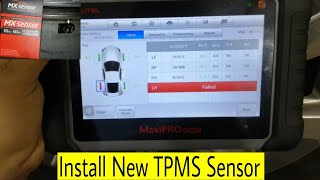
- YouTube channel 'Abdullah auto electrician' (2013 Infiniti QX56) — TPMS light was blinking on the dash and the LCD screen was not showing tire pressures. After a reset, the light would go away but return upon driving.
❌ Tried (didn't work) Resetting the system via the scan tool only provided a temporary fix; the light would always return.
✅ What actually fixed it Using a TPMS activation tool, the technician tested each sensor. The front-left, rear-right, and rear-left sensors all responded correctly (showing green on the tool). However, the front-right sensor failed to respond (showing red and 'Fail' on the tool), confirming it was dead. The fix was to replace the front-right TPMS sensor and program the new one to the vehicle.
Model Year Variations Within This Range
- 2011-2013: Compared to the first generation QX56 (2004-2010), the 2011-2013 models feature a more advanced instrument display that can show individual tire pressures, whereas the older models often just had a single warning light. Both generations, however, use a 315 MHz direct TPMS system.
Helpful Videos

We Have This Part in Stock



The information in this article is provided for general reference and educational purposes only. Vehicle specifications, procedures, and part compatibility can vary by production date, trim level, and region. Always consult your vehicle's factory service manual and verify part numbers before purchasing or performing repairs. Safety-critical components such as airbags, seat belts, and braking systems should be installed by a qualified professional.
- Infiniti QX56:
- 🧭 Diagnostic Flowchart
- 🎬 Helpful Videos
- 🛍️ Shop This Part
- What's Unique About the 2012-2013 Infiniti QX56
- Symptoms You May Notice
- Most Likely Causes
- Rare But Worth Checking
- Diagnosis Steps
- Parts You'll Likely Need
- Related Codes That Often Appear With This One
- Technical Service Bulletins (TSBs) & Recalls
- Platform-Specific Known Issues
- Scan Tool Commands That Help
- Wiring & Ground Locations
- Real Owner Repair Stories
- Model Year Variations Within This Range
- 🎟️ Get 5% Off