

Chevrolet Malibu Manifold Absolute Pressure (MAP) Sensor Guide (1997-2006)
Understanding the MAP sensor in your Malibu is key to fixing poor performance and bad gas mileage.
- A bad MAP sensor commonly causes a Check Engine Light with codes P0106-P0109, poor fuel economy, and rough running.
- For a critical sensor, choosing a quality brand like ACDelco or Delphi is highly recommended for reliability.
- Replacement is a very easy DIY job, typically requiring only a single tool and about 15 minutes.
- Always check for vacuum leaks before replacing the sensor, as they can cause similar symptoms.
Is a bad MAP sensor hurting your Malibu's performance?
A failing Manifold Absolute Pressure (MAP) sensor can be the source of many frustrating engine problems in a 1997-2006 Chevrolet Malibu. Because this sensor is critical for managing the air-fuel mixture and ignition timing, a bad signal can throw everything off. You might notice your car running rough, getting poor gas mileage, or just not having the power it used to. Since the replacement is straightforward and relatively inexpensive, it's a common repair for owners of this Malibu generation.
Common Symptoms of a Failing MAP Sensor
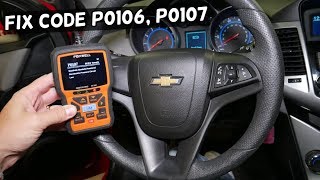
- Check Engine Light: This is often the first sign. You may see codes like P0106, P0107, or P0108. 🎬 Watch: How to fix these common engine light codes
- Poor Fuel Economy: If the sensor sends a bad signal, the engine's computer might add too much fuel, causing you to visit the gas station more often.
- Rough Idle: Your Malibu might shake or idle unevenly when stopped.
- Hesitation or Stumbling: When you press the gas, the car might hesitate or stumble before accelerating smoothly.
- Black Smoke from Exhaust: This is a clear sign that the engine is running too rich (too much fuel), which can be caused by a faulty MAP sensor.
- Lack of Power: The car may feel sluggish and slow to accelerate.
Choosing the Right Aftermarket MAP Sensor
When it comes to electronic sensors, quality matters. While you don't always need to buy an expensive OEM part, choosing a reputable aftermarket brand is important for a long-lasting repair.
OEM-Grade Aftermarket Brands
These brands are known for manufacturing original equipment for GM or have a strong reputation for quality that meets or exceeds OEM standards. For your Malibu, these are the most reliable choices.
- ACDelco: As the original equipment supplier for GM, ACDelco parts are designed specifically for your vehicle and offer a guaranteed fit and performance. Many consider this the top choice.
- Delphi: Delphi was once part of GM and has a long history of making quality electronic parts. They are a trusted name and often offer OEM-level quality at a slightly lower price point.
Reputable Aftermarket Alternatives
These brands are well-known in the aftermarket and provide a good balance of quality and value.
- NGK/NTK: While famous for spark plugs, their sensor line is also highly regarded for its quality and reliability.
- Standard Motor Products (SMP): A long-standing aftermarket manufacturer that produces reliable sensors that are a direct-fit replacement.
- Hella: A German brand with a strong reputation for quality electronic components.
Budget-Friendly Options
While more affordable, the quality and longevity of these brands can sometimes be inconsistent. They can be a viable option if budget is the primary concern, but be aware that you may not get the same lifespan as a premium brand.
- Walker Products: A company with a long history in fuel systems and engine management.
- Holstein Parts: Offers a wide range of sensors for many vehicles.
- Other brands like Global Parts, MTC, Facet, True Tech, and Spectra fall into this category. User reviews are mixed, so it's best to stick with the more established brands if possible.
Typical Replacement Costs
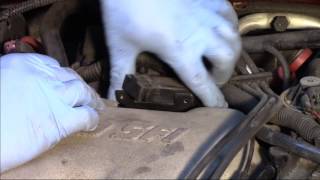
The MAP sensor replacement is a simple job that most DIY mechanics can do at home. 🎬 See this walkthrough for replacing the sensor on GM engines A professional shop should not charge much for labor given the easy access.
| Item | Estimated Cost |
|---|---|
| New Aftermarket Part | $32 - $98 |
| Shop Labor | $50 - $100 |
| Total Professional Replacement | $82 - $198 |
Frequently Asked Questions
Where is the MAP sensor located on a 1997-2006 Malibu?
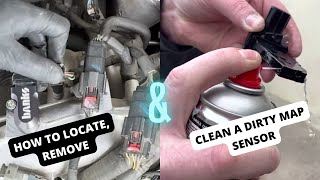
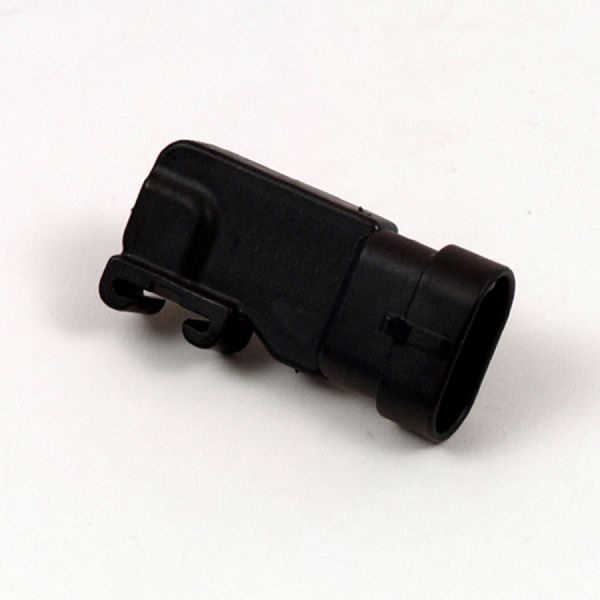
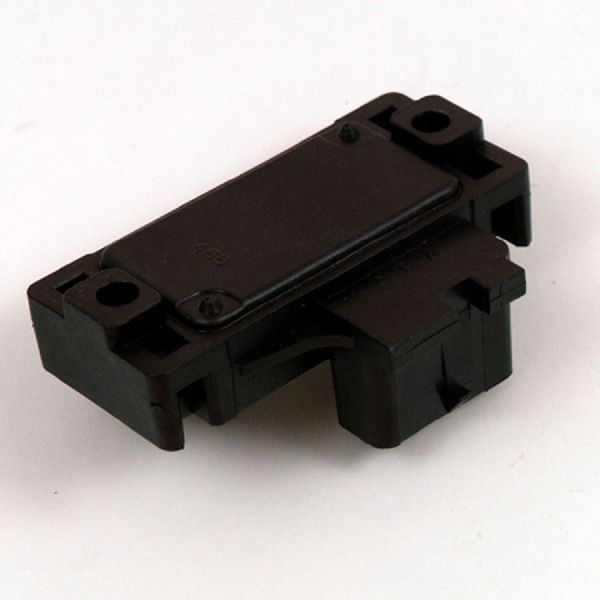
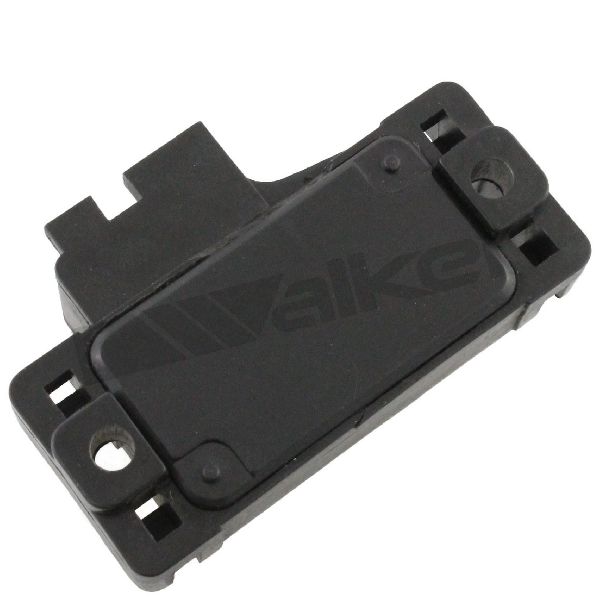
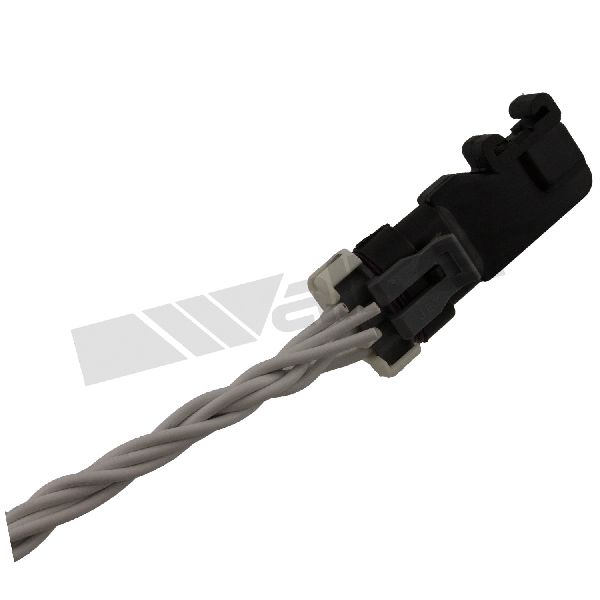
The MAP sensor is typically located on the top of the intake manifold, near the throttle body. It is a small, black plastic sensor held in place by a single bolt (often a T-25 Torx) or a clip, with an electrical connector attached. It is easily accessible once you remove the plastic engine cover.
🎬 Watch this video to help you locate and remove the sensorCan I clean my MAP sensor?
While some people attempt to clean MAP sensors, it is generally not recommended. The internal components are sensitive and can be easily damaged by cleaning chemicals or compressed air. Given the relatively low cost of a new part, replacement is the safest and most reliable solution.
Are there any recalls for the MAP sensor on this Malibu?
My search found no specific recalls issued by the NHTSA for the Manifold Absolute Pressure sensor on the 1997-2006 Chevrolet Malibu. Recalls for this generation were related to other issues.
What tools do I need to replace the MAP sensor?
The job is very simple and requires minimal tools. You will likely only need a small socket or Torx bit set (usually a T-25 Torx bit) to remove the single bolt holding the sensor in place. A flathead screwdriver may be helpful for releasing the clip on the electrical connector.
Helpful Videos

Technical Specifications
OEM Part Numbers: 12644228 12569240 16187556
The MAP sensor for the 1997-2006 Malibu is typically a 3-pin sensor that mounts directly to the intake manifold.
We Have This Part in Stock


The information in this article is provided for general reference and educational purposes only. Vehicle specifications, procedures, and part compatibility can vary by production date, trim level, and region. Always consult your vehicle's factory service manual and verify part numbers before purchasing or performing repairs. Safety-critical components such as airbags, seat belts, and braking systems should be installed by a qualified professional.
- Chevrolet Malibu:
- 🎬 Helpful Videos
- 🛍️ Shop This Part
- Is a bad MAP sensor hurting your Malibu's performance?
- Common Symptoms of a Failing MAP Sensor
- Choosing the Right Aftermarket MAP Sensor
- OEM-Grade Aftermarket Brands
- Reputable Aftermarket Alternatives
- Budget-Friendly Options
- Typical Replacement Costs
- Frequently Asked Questions
- 🎟️ Get 5% Off