

A Guide to Replacing Disc Brake Rotors on a 2001-2005 Toyota Highlander
Stop brake pulsation and noise by choosing the right replacement rotors for your first-generation Highlander.
- Vibration or pulsation during braking is the most common sign that your Highlander's rotors need to be replaced.
- Always replace brake pads and rotors together as a set to ensure proper performance and longevity.
- For most owners, quality aftermarket rotors with a rust-preventative coating offer the best value.
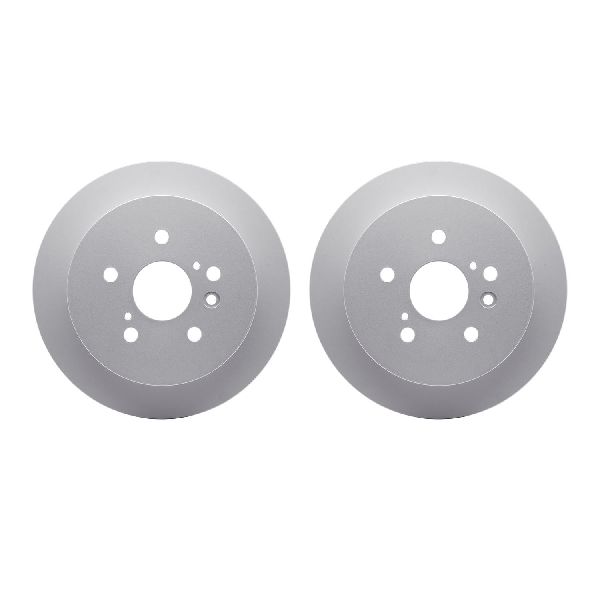
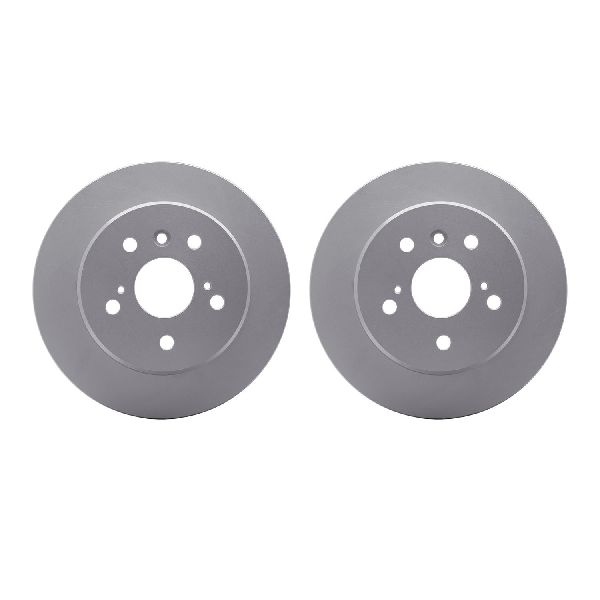
- Verify if your Highlander is FWD or AWD before ordering, as rear rotors can differ.
Is It Time for New Rotors? Common Symptoms


The most common sign of a rotor problem on the 2001-2005 Highlander is a pulsation or vibration you can feel in the brake pedal or steering wheel when you brake. This often means the rotors have become uneven, a condition commonly called "warped." You might also hear a squealing or grinding noise. A grinding sound usually means the brake pads are completely worn away and metal is grinding against metal, which will quickly destroy the rotor. In some cases, you can see visible grooves or scoring on the rotor's surface.
Known Issues, Recalls, and Service Bulletins

While there are no recalls specifically for the disc brake rotors on the 2001-2005 Highlander, there are a few related items to be aware of:
- 2001 Model Year Recall (NHTSA #01V228): Some 2001 Highlanders were recalled because the brake master cylinder cap could create a vacuum, letting air into the system. This could lead to a spongy pedal, abnormal noise, and longer stopping distances.
- 2004-2005 Model Year Recall: A recall was issued for 2004-2006 Highlanders because using non-Toyota brake fluid could cause a seal in the master cylinder to leak, reducing braking performance over time.
- Brake Noise TSBs: Toyota has released several Technical Service Bulletins (TSBs) for brake squeak or groan noises, often related to the brake pads.
It's also worth noting that worn suspension components, like control arm bushings, can cause vibrations that feel similar to warped rotors. If you replace your rotors and still feel a shake, have your suspension checked.
Choosing the Right Aftermarket Rotors

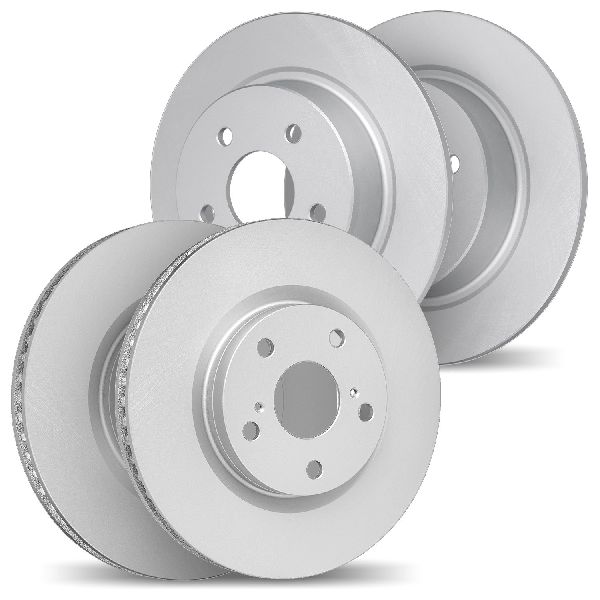
For a daily-driven Highlander, OEM (Original Equipment Manufacturer) rotors provide reliable performance. However, quality aftermarket rotors can offer similar or even upgraded performance, often at a better price. Many aftermarket options come with anti-rust coatings, which is a great feature for longevity, especially in areas that use road salt in the winter.
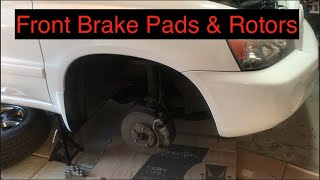
Pro Tip: Always replace brake pads and rotors together as a set for each axle. 🎬 See how to properly install new pads and rotors together. Using old, worn pads on new rotors will cause uneven wear and reduce performance from the start.
Brand Tiers
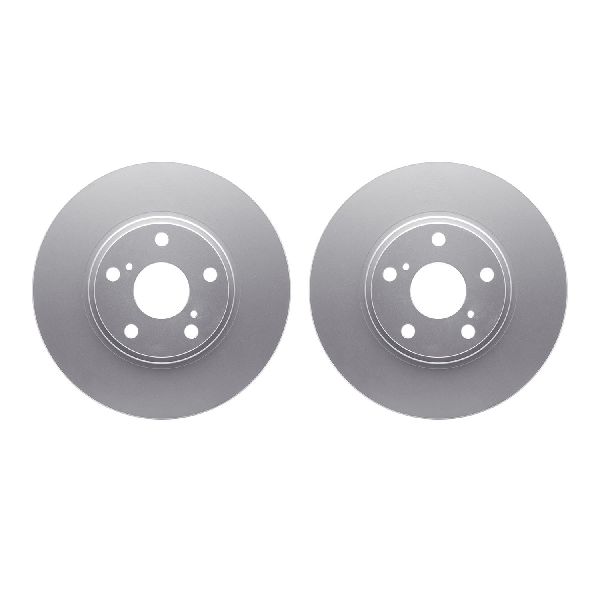
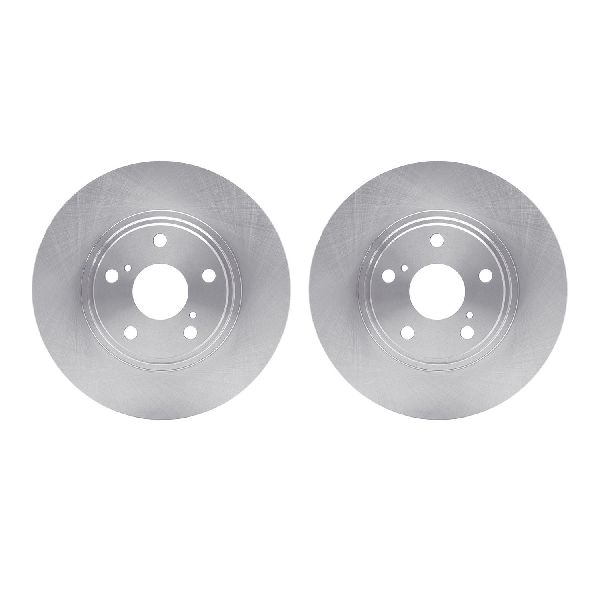
- Economy (Standard Replacement): Brands like Dynamic Friction offer basic, OE-specification rotors that are a good choice for drivers on a tight budget who need a safe, reliable replacement for daily driving.
- Premium (Upgraded Performance): Brands like Powerstop often provide kits that include drilled and slotted rotors. These are designed to dissipate heat better, which can be an advantage if you live in a hilly area or tow with your Highlander. While they can offer improved performance, they may sometimes create a slight whirring noise during braking.
| Part Type | Estimated Cost |
|---|---|
| New OEM Rotors | $150 - $220 |
| New Aftermarket Rotors (Set) | $95.72 - $344.52 |
| Shop Labor | $168 - $350 |
Frequently Asked Questions
Do I have to replace my brake pads when I replace my rotors?
Yes. It is critical to install new brake pads with new rotors. Old pads have worn into a pattern matching your old rotors. Using them on new, flat rotors will cause noise, poor performance, and uneven wear.
Should I get drilled or slotted rotors for my Highlander?
For most daily driving, standard smooth (blank) rotors are the quietest and most cost-effective option. If you frequently tow or drive in mountainous areas, the improved heat dissipation of drilled and slotted rotors from a brand like Powerstop can be beneficial to reduce brake fade.
Why does my steering wheel still shake after replacing my rotors?
If you've replaced the rotors and pads but still feel a vibration, the issue could be with another part of the vehicle. Common causes include unbalanced wheels or worn suspension parts like control arm bushings.
Do I need special tools to replace my Highlander's rotors?
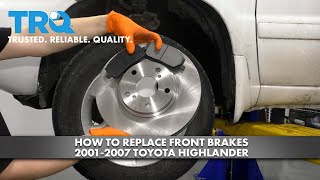
The job requires standard mechanic's tools like a jack, jack stands, sockets, and a caliper compression tool. 🎬 Watch this step-by-step guide on replacing your front brakes. Sometimes, a rotor is rusted to the hub and may require a hammer to break it loose or the use of M8x1.25 bolts in the threaded holes on the rotor face to push it off.
Frequently Asked Questions
Do I have to replace my brake pads when I replace my rotors?
Yes. It is critical to install new brake pads with new rotors. Old pads have worn into a pattern matching your old rotors. Using them on new, flat rotors will cause noise, poor performance, and uneven wear.
Should I get drilled or slotted rotors for my Highlander?
For most daily driving, standard smooth (blank) rotors are the quietest and most cost-effective option. If you frequently tow or drive in mountainous areas, the improved heat dissipation of drilled and slotted rotors from a brand like Powerstop can be beneficial to reduce brake fade.
Why does my steering wheel still shake after replacing my rotors?
If you've replaced the rotors and pads but still feel a vibration, the issue could be with another part of the vehicle. Common causes include unbalanced wheels or worn suspension parts like control arm bushings.
Do I need special tools to replace my Highlander's rotors?
The job requires standard mechanic's tools like a jack, jack stands, sockets, and a caliper compression tool. 🎬 Watch this step-by-step guide on replacing your front brakes. Sometimes, a rotor is rusted to the hub and may require a hammer to break it loose or the use of M8x1.25 bolts in the threaded holes on the rotor face to push it off.
Helpful Videos
Technical Specifications
OEM Part Numbers: 43512-48030 43512-48031 43512-48110 42431-48041 42431-48050
Front rotor replacement may require M8x1.25 bolts to press the rotor off the hub if it is seized by rust. The front caliper bracket bolts are 17mm, and the caliper slide pin bolts are 14mm.
We Have This Part in Stock

The information in this article is provided for general reference and educational purposes only. Vehicle specifications, procedures, and part compatibility can vary by production date, trim level, and region. Always consult your vehicle's factory service manual and verify part numbers before purchasing or performing repairs. Safety-critical components such as airbags, seat belts, and braking systems should be installed by a qualified professional.
- Toyota Highlander: