

2004-2012 Acura TL Audio Systems: Nav vs. Non-Nav, Codes, and Battery Drain Fixes
This guide covers the common failures, compatibility differences, and anti-theft procedures for third and fourth-generation Acura TL audio and navigation systems.
- Compatibility is paramount: You must match the replacement unit to your TL's generation (2004-08 vs. 2009-12) and factory options (Navigation vs. Non-Navigation).
- A dying battery is likely caused by the separate HandsFreeLink (Bluetooth) module, not the radio itself. Diagnose this first.
- No sound from the speakers is usually a sign of a failed factory amplifier, which is a separate part from the radio head unit.
- All replacement units require a 5-digit anti-theft code to function. You can retrieve this code online from Acura's website using the unit's serial number.
Generation-Specific Information
It is critical to understand that the 2004-2012 Acura TL spans two distinct generations, and their audio systems are completely different. Parts are not interchangeable between them.
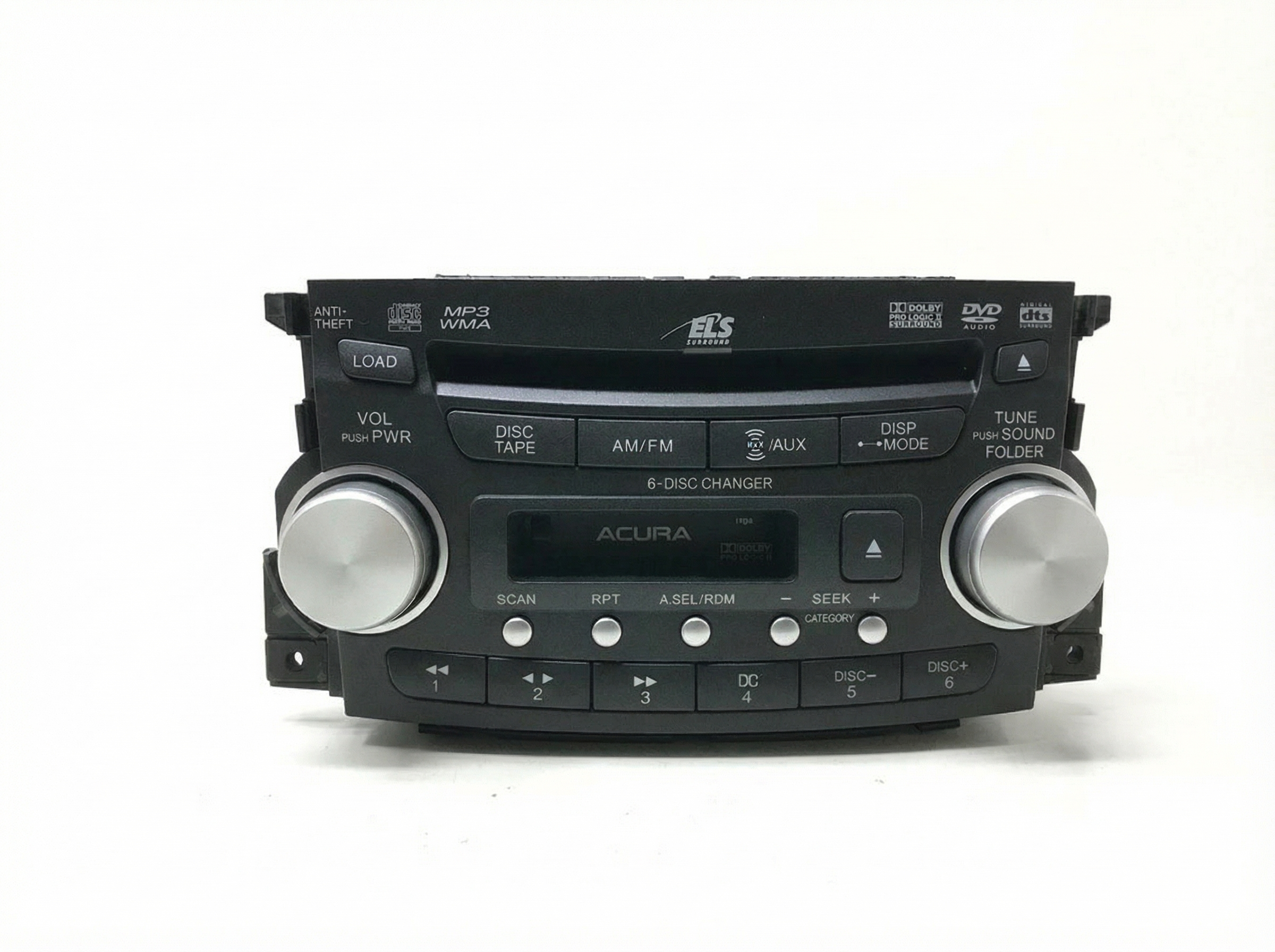
- Third Generation (2004-2008): These models feature a radio with a 6-disc in-dash CD changer. Higher trims included a DVD-Audio player and a navigation system with a display screen that was also used for audio information and the backup camera. The amplifier and HandsFreeLink (Bluetooth) module are common points of failure.
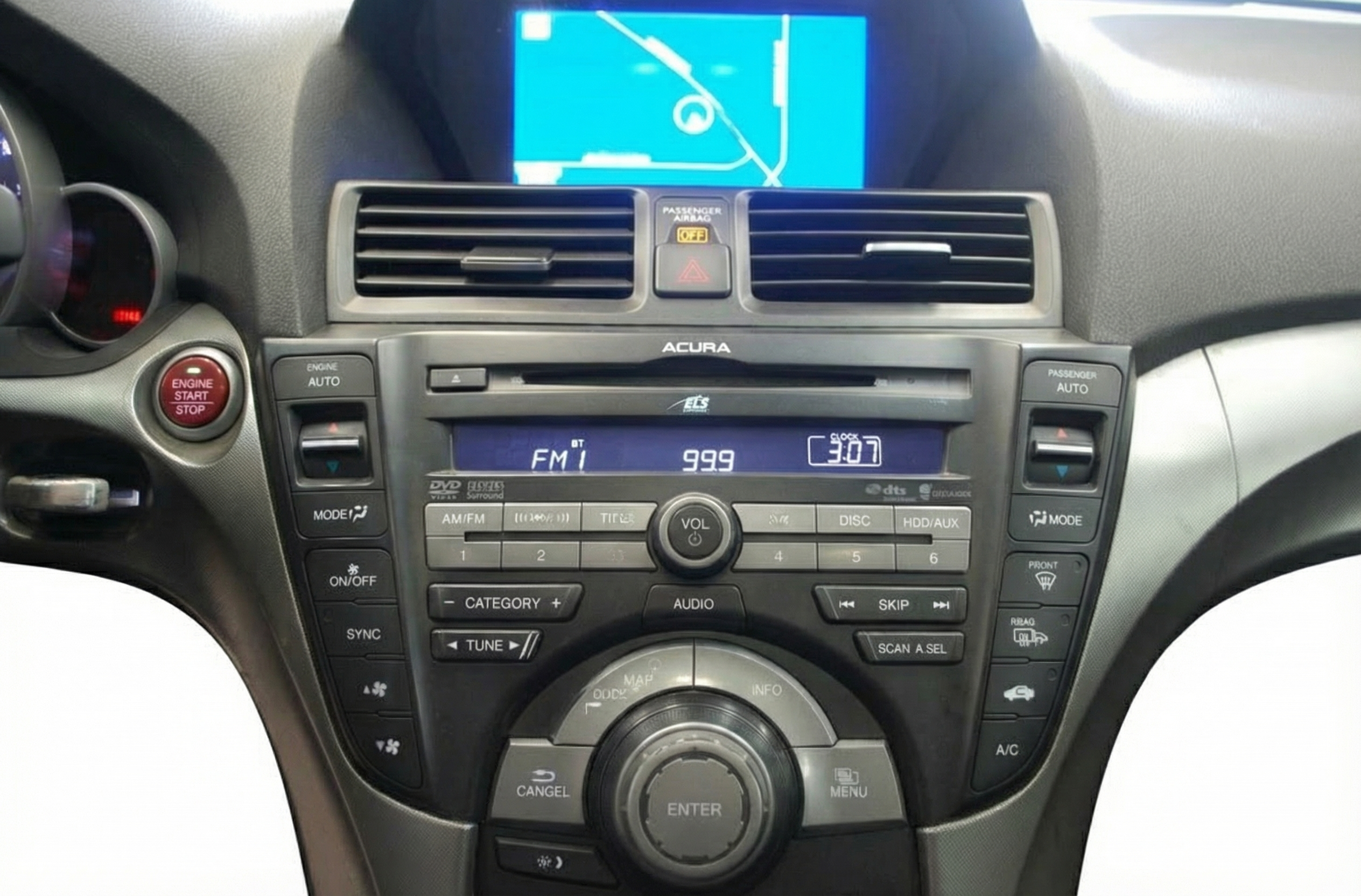
- Fourth Generation (2009-2012): The audio system was redesigned with the rest of the car. The Technology Package included a hard-drive based navigation and media storage system, eliminating the 6-disc changer for a single-disc player. The interface and internal electronics are entirely different from the previous generation.
Symptoms of Failure
Diagnosing an audio system issue in the Acura TL can be complex, as a single symptom can point to several different components. Here are the most common problems owners experience.
1. Parasitic Battery Drain
One of the most notorious issues, particularly for the 2004-2008 TL, is a battery that dies overnight or after a few days of sitting. While many suspect the radio or amplifier, the cause is very often the separate HandsFreeLink (HFL) Bluetooth module. This module can fail to go into its 'sleep' mode when the car is off, creating a constant power draw of around 250mA, which is enough to drain a healthy battery. Acura issued Technical Service Bulletins (TSBs) regarding this issue. If you are experiencing a dead battery, it is highly recommended to diagnose the HFL module first by unplugging it (located in the overhead console) and observing if the battery drain ceases.
🎬 Watch: How to identify and fix the Bluetooth HFL issue.2. No Sound or Very Low Volume
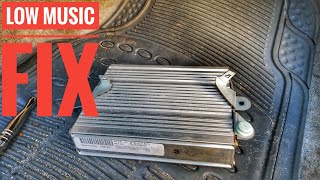
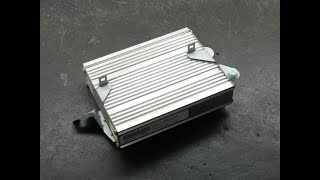
If the radio display turns on and appears to function normally but there is no audio, or the volume must be turned to maximum to be barely audible, the factory amplifier is the most likely culprit. This is a common failure on 3rd generation (2004-2008) models. The internal components of the amplifier can fail, leading to a complete loss of output. 🎬 See this step-by-step guide to replacing the factory amplifier. Sometimes this failure is intermittent at first, with sound cutting in and out before failing completely.
3. Navigation Screen is Black or Stuck on Boot Screen
For models equipped with navigation, a black or unresponsive screen is a common complaint. In 3rd generation models, this often points to a failure in the navigation DVD drive located in the trunk. The unit may fail to read the map DVD, preventing the system from booting up. For 4th generation (2009-2012) models, a black screen or an "application error" message can indicate a failure of the internal hard drive or the main navigation unit itself. Sometimes, simply disconnecting the car battery for 30 minutes can reset the system and resolve the issue temporarily.
4. CD Player Errors or Won't Play Discs
The in-dash 6-disc CD changer in 2004-2008 models is a frequent point of failure. Owners often report that the unit makes mechanical noises but fails to load, eject, or play discs. It may display a "MECH ERROR" message. This is typically an internal mechanical failure of the changer mechanism itself.
5. Radio Display Freezes or Controls are Unresponsive
The head unit itself can fail, causing the display to freeze or the buttons to become unresponsive. The audio might cut out, and the only way to restore function is to restart the car. This indicates an internal electronic fault within the main radio/navigation unit.
Warning: The 2004-2012 Acura TL was subject to numerous recalls, primarily related to Takata airbag inflators and a power steering hose leak that could pose a fire risk. While not directly related to the audio system, it is crucial to verify that all applicable safety recalls have been performed on any vehicle you own or are considering purchasing.
Buying a Used Audio System
Purchasing a used OEM audio or navigation unit can be a cost-effective solution, but careful verification is essential to avoid compatibility issues.
1. Match Part Numbers and Features EXACTLY
This is the most critical step. The audio systems are highly specific to the vehicle's year, generation, and options package. A unit from a car with navigation will not work in a car without it, and vice-versa. The wiring harnesses and system logic are completely different. Always match the OEM part number from your original unit to the replacement part. Do not rely on visual appearance alone.
2. The Anti-Theft Code is Essential
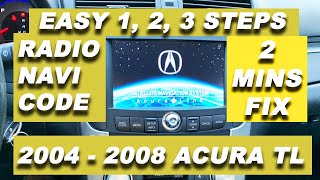
After installation, the replacement unit will display the word "CODE" and will not function until a 5-digit security code is entered using the radio preset buttons. Navigation units may require a separate 4-digit code. Before buying, ask the seller if they can provide the code. If not, you will need to retrieve it yourself. You can get the radio's serial number by turning the car on, making sure the radio is off, and then pressing and holding the '1' and '6' preset buttons while turning the radio on. The serial number will appear on the display. With the VIN and the radio's serial number, you can often retrieve the code for free from Acura's official website or by calling a dealership.
🎬 Watch: How to retrieve your radio and navigation anti-theft codes.3. Diagnose the Entire System First
Don't assume the head unit is the problem. If you have no sound, the amplifier is a likely cause. If your battery is dying, the HFL Bluetooth module is the prime suspect. Replacing the radio will not fix a bad amplifier or a faulty HFL module. Proper diagnosis will save you from buying the wrong part.
4. Inspect for Physical Damage
Check the unit for any signs of water damage, cracked screens, or broken connectors. Ask the seller to confirm that all functions, especially the CD player on 3rd gen models, were tested and working prior to removal.
Programming and Installation
For the 2004-2012 Acura TL, the main audio and navigation units do not require special programming or flashing by a dealer after installation. The primary security measure is the anti-theft code. Once the correct code is entered, the unit should function normally. No VIN matching or other complex electronic procedures are required for a like-for-like replacement.
Pro Tip: To get the serial number for the navigation unit on 2004-2008 models, you may need to access a hidden diagnostic menu by pressing and holding the 'MAP/GUIDE', 'MENU', and 'CANCEL' buttons simultaneously for a few seconds. The navigation drive itself is located in the trunk on the right side.
Cost Comparison
| Part | Estimated Cost |
|---|---|
| New OEM (Dealer) | $1,800 - $5,800+ |
| New Aftermarket | $250 - $800 (Requires extensive wiring kits and may result in loss of some features) |
| Used OEM | $90 - $450 |
| Remanufactured | $140 - $265 |
| Shop Labor to Replace | $150 - $300 |
Frequently Asked Questions (FAQ)
My car battery keeps dying. Is my radio broken?
Most likely not. The most common cause of parasitic battery drain in 2004-2008 Acura TLs is a faulty HandsFreeLink (HFL) Bluetooth module located in the overhead console. Before replacing the radio, unplug the HFL module and see if the battery drain stops.
How do I find my Acura radio's anti-theft code?
First, check for a sticker inside the glove box or on the side of it. It may also be on an 'Anti-Theft ID Card' with your owner's manual. If you can't find it, you can retrieve the radio's serial number and use Acura's official website to get the code online for free.
Can I install a navigation radio in my non-navigation TL?
No, this is not a plug-and-play swap. The wiring harnesses, antenna connections, and vehicle computer integrations are completely different between navigation and non-navigation models. You must replace your unit with one that matches your car's original factory options.
Why is there no sound from my speakers but the radio display works?
This is a classic symptom of a failed factory amplifier, especially on 2004-2008 models. The amplifier is a separate component from the head unit and is responsible for powering the speakers. Replacing the radio will not solve this problem.
Does a replacement radio need to be programmed by the dealer?
No, dealer programming is not required for a like-for-like replacement. The only step needed after installation is to enter the correct anti-theft security code.
Helpful Videos
Technical Specifications
OEM Part Numbers: 39100TK4307 39100TK4307ZA 39101TK4A11ZB 39101TK4A21ZA 39176TK4A02 39176TK4A02ZA 39176TK4A04 39176TK4A04ZA 39176TK4A31 39176TK4A31ZA 39176TK4C02 39176TK4C04 39176TK4C31 39820-TK4-A21 39820-TK4-A21RM 39100-SEP-A410 39100-SEP-A41 39100-SEP-A60ZA 39100-SEP-A50ZA 39100-TK4-A100
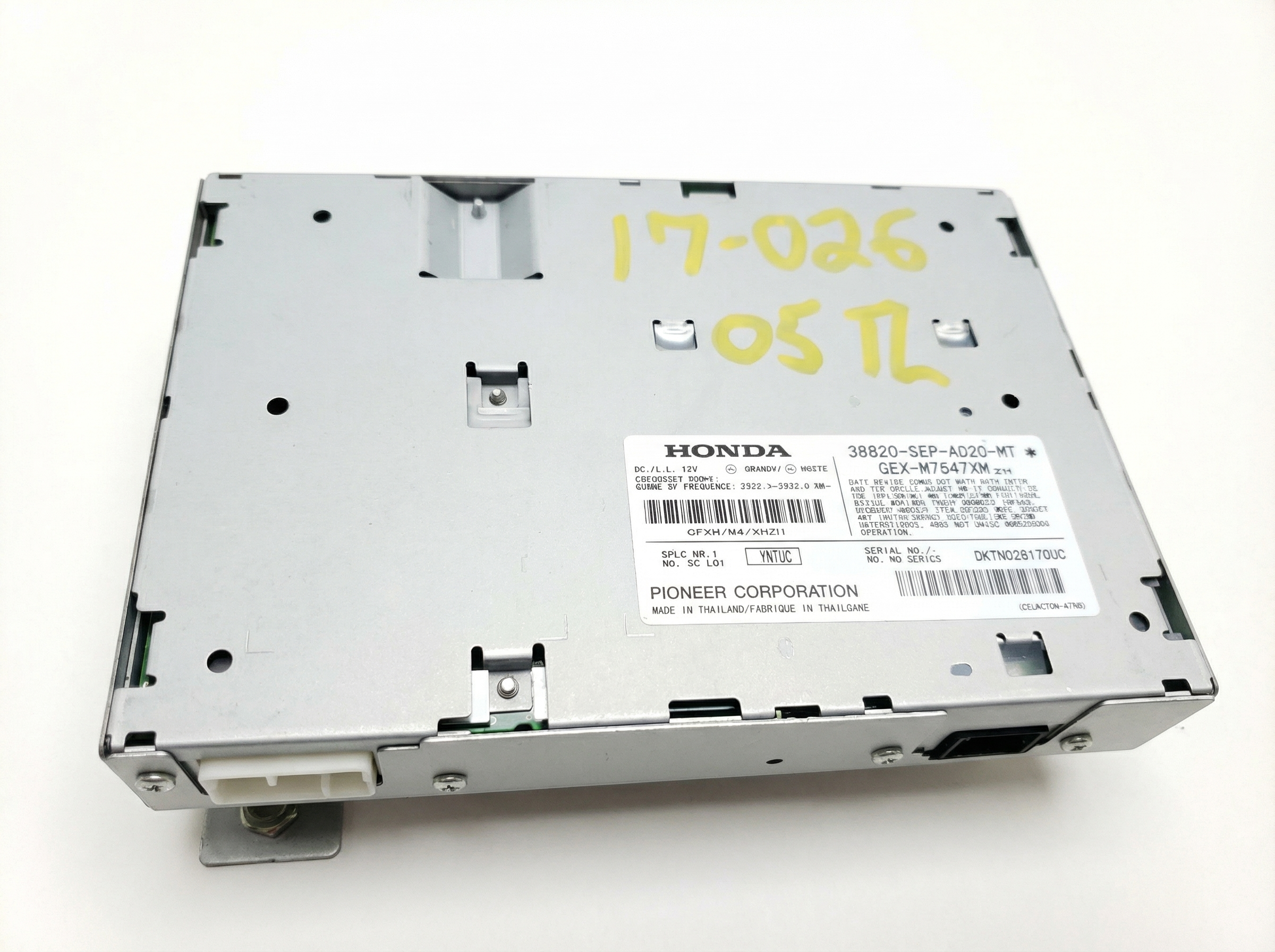
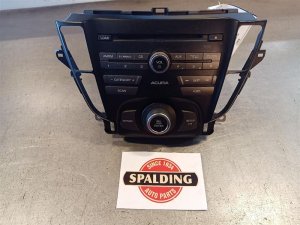
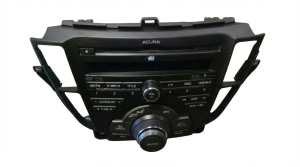
System architecture varies significantly by year and trim. Base systems use a standard amplifier, while Technology Package models feature a multi-channel Acura/ELS Surround Sound amplifier. Navigation units integrate GPS, a display screen, and either a trunk-mounted DVD drive (2004-2008) or an internal hard drive (2009-2012).
We Have This Part in Stock

The information in this article is provided for general reference and educational purposes only. Vehicle specifications, procedures, and part compatibility can vary by production date, trim level, and region. Always consult your vehicle's factory service manual and verify part numbers before purchasing or performing repairs. Safety-critical components such as airbags, seat belts, and braking systems should be installed by a qualified professional.
- Acura TL:
- 🎬 Helpful Videos
- 🛍️ Shop This Part
- Generation-Specific Information
- Symptoms of Failure
- 1. Parasitic Battery Drain
- 2. No Sound or Very Low Volume
- 3. Navigation Screen is Black or Stuck on Boot Screen
- 4. CD Player Errors or Won't Play Discs
- 5. Radio Display Freezes or Controls are Unresponsive
- Buying a Used Audio System
- 1. Match Part Numbers and Features EXACTLY
- 2. The Anti-Theft Code is Essential
- 3. Diagnose the Entire System First
- 4. Inspect for Physical Damage
- Programming and Installation
- Cost Comparison
- Frequently Asked Questions (FAQ)
- 🎟️ Get 5% Off