

2004-2010 Nissan Murano Radio: Bose, Nav, and Compatibility Explained
Learn the critical differences between Bose and standard systems, and navigate the complexities of replacing the radio in your first or second-generation Murano.
- The 2004-2007 (Gen 1) and 2009-2010 (Gen 2) Murano use completely different, non-interchangeable audio systems.
- You must replace your radio with one that matches your car's original options EXACTLY (Bose vs. non-Bose, Navigation vs. non-Nav). Upgrading is not possible with OEM parts.
- The most common failure is the internal 6-disc CD changer mechanism.
- Most replacement units will require a 4-digit anti-theft PIN code after installation, which can be obtained from a dealer or online service if lost.
Critical: Two Generations, Two Different Systems

The 2004-2010 year range for the Nissan Murano spans two distinct vehicle generations, and their audio systems are not interchangeable. Before buying any replacement part, you must identify your vehicle:
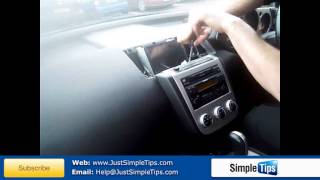
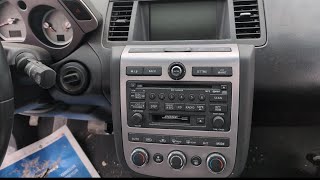
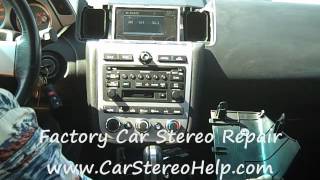
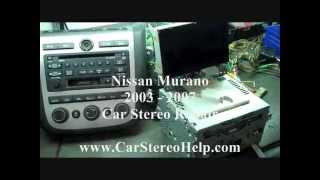
- First Generation (Z50): 2004-2007 Models. These systems are characterized by a combined radio and 6-disc CD changer unit, often with a tape player in early models. The display is integrated above the unit. 🎬 Watch: How to remove the radio and navigation on 2003-2007 models.
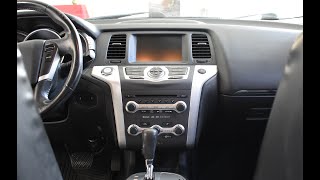
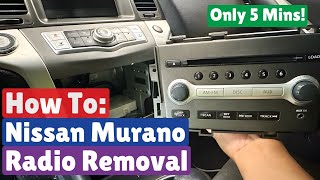
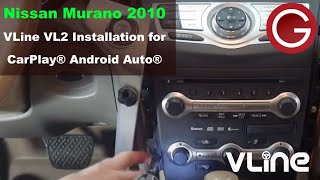
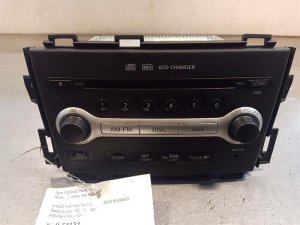
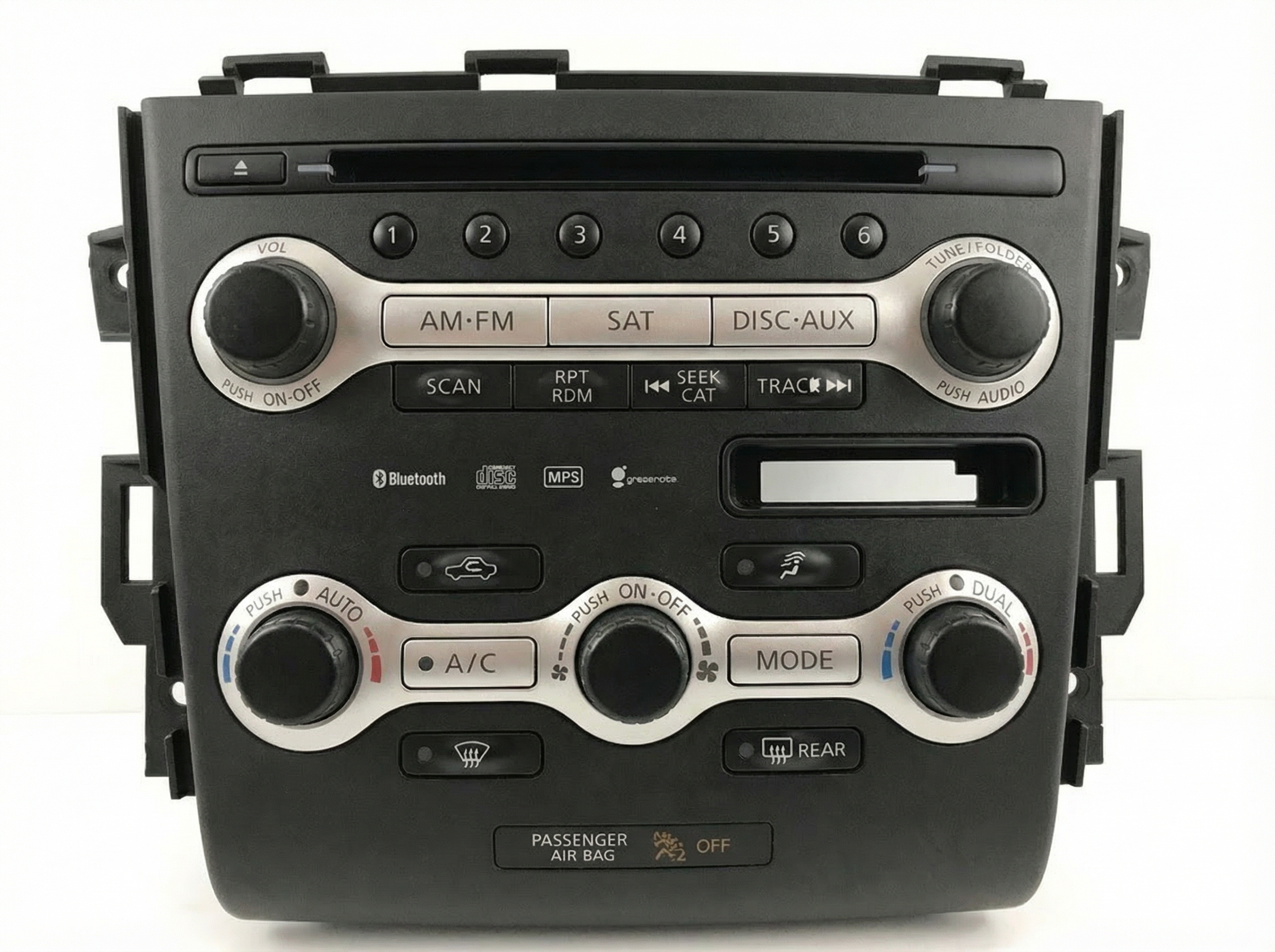
- Second Generation (Z51): 2009-2010 Models. (Note: There was no 2008 Murano in North America). These feature a more modern design, with options for a color screen, factory navigation, and Bluetooth. The control panel and the radio/CD unit can be separate components. 🎬 See this walkthrough for 2009-2010 stereo removal and CarPlay installation.
Warning: Parts are NOT cross-compatible between generations. A radio from a 2007 Murano will not work in a 2009 Murano, and vice-versa.
Symptoms of a Failing Murano Audio System

Audio system problems in the Murano can range from minor annoyances to complete failure of the center stack, which also controls HVAC (heating and air conditioning). Here are common symptoms:
- CD Changer Failure: This is the most common issue. You may hear grinding noises, the unit may refuse to accept or eject discs, or it may display a "CD Error" message.
- No Sound from Speakers: The radio display may turn on and appear to function normally, but no audio is produced. This often points to a failure in the external Bose amplifier (if equipped) or an internal failure in the head unit itself.
- Blank or Flickering Display: The screen may go dark, flicker, or become unreadable, making it impossible to see radio stations or climate control settings.
- Intermittent Power or Resets: The radio may randomly shut off and turn back on, or it may reset presets and audio settings every time the vehicle is turned off. This can sometimes be caused by a blown fuse or a bad wiring connection.
- Unresponsive Buttons: Buttons on the control panel may stop working, preventing you from changing volume, stations, or modes. In some cases, a complete failure of the control unit can take the HVAC controls offline as well.
- Bluetooth Connectivity Issues (2009-2010): Difficulty pairing a phone, frequent disconnections, or no audio during calls are common complaints on second-generation models. A system reset can sometimes resolve this.
Programming, Security, and Installation

Anti-Theft Codes
Many Nissan radios from this era are equipped with an anti-theft feature. If the battery is disconnected or the radio is removed from the vehicle, it will lock itself and require a four-digit PIN code to be entered before it will function again. This code is supposed to be on a card in the owner's manual portfolio. If the code is lost, a Nissan dealer can retrieve it with the vehicle's VIN and the radio's serial number. There are also online services that can provide the code for a fee if you can supply the radio's serial number.
Does it need to be programmed by a dealer?
For the most part, these audio systems do not require dealer programming to function. If you replace a failed unit with a used one that has the exact same part number and features (Bose, Nav, etc.), it is typically a plug-and-play installation, though you will likely need to enter the anti-theft code. The main complexity comes from the sheer number of variations, not from vehicle-specific software pairing.
Pro Tip: Before assuming the head unit is bad, check the fuses. There are multiple fuses for the audio system, often labeled "AUDIO" or for the amplifier, located in both the under-hood fuse box and the interior fuse panel.
Buying a Used 2004-2010 Murano Audio System

Due to the high cost of new OEM units, a used radio is the most practical option for most owners. However, the number of variations makes purchasing a used unit tricky. Follow these steps to ensure you get the right part.
The #1 Rule: Match Your Options EXACTLY.
You cannot upgrade or downgrade your system by simply swapping the head unit. The vehicle's wiring and other components are different.
- Bose vs. Standard Audio: This is the most critical distinction. A Bose head unit will not work in a car with the standard audio system, and vice versa. The systems use different amplifiers, speakers, and wiring. Verify if your car has the Bose system (it's usually indicated on the speaker grilles or the head unit itself).
- Navigation vs. Non-Navigation (2009-2010): The wiring and screen connections are completely different. A navigation unit cannot be installed in a non-navigation car without extensive, complex modifications.
- Other Features: For 2009-2010 models, features like Bluetooth and Satellite Radio are integrated. Ensure the replacement unit has the same features as your original.
Physically inspect the used unit for any signs of damage, especially to the connectors. Since the CD changer is the most common failure point, it's wise to ask the seller if it has been tested. Given the age of these parts, a unit from a lower-mileage vehicle is always preferable.
Cost of Replacement
Replacing the audio system can have a wide range of costs depending on the chosen path. Aftermarket options exist, but often require expensive adapters to retain steering wheel controls and integrate with the Bose amplifier, making a compatible used OEM unit a simpler choice for many.
| Part Type | Estimated Cost | Notes |
|---|---|---|
| New OEM | $1,400 - $5,300+ | Extremely expensive and may be difficult to source. Price varies by specific part number. |
| Used OEM | $40 - $250 | The most common and cost-effective solution. Prices vary based on condition, features (Nav/Bose), and seller. |
| New Aftermarket Head Unit | $150 - $500+ | Requires installation kits, wiring harnesses, and potentially complex adapters for Bose and steering wheel controls. |
| Shop Labor for Installation | $120 - $250 | Typically 1-2 hours of labor. |
Frequently Asked Questions (FAQ)
My radio display works but there's no sound. What's wrong?
This is a classic symptom of a failed amplifier. In Muranos with the Bose system, the amplifier is a separate unit that can fail independently of the head unit. First, check the amplifier and subwoofer fuses in the under-hood fuse box. If the fuses are good, the amplifier itself is the most likely culprit.
🎬 Watch: How to remove and replace the Bose amplifier.Can I add Bluetooth to my 2006 Murano by installing a 2009 radio?
No. The audio systems between the first generation (2004-2007) and second generation (2009-2010) are completely different and not interchangeable. The wiring, connectors, and communication protocols are incompatible.
My CD changer is jammed. Can I fix it?
Sometimes, but it is difficult. The internal mechanisms are complex and delicate. Some owners have had success by trying to gently insert another CD or a plastic card to free the stuck disc while pressing the eject button. However, in most cases, a jammed CD changer indicates a permanent mechanical failure, and replacing the entire head unit is the most reliable solution.
The buttons for my radio and AC stopped working. Is this related?
Yes. In the Nissan Murano, the audio control unit (head unit) and the button control panel (multi-function switch) are part of a communication network that also involves the HVAC system. A failure in one of these modules can cause the entire center stack to become unresponsive. Diagnosis can be complex, sometimes involving a faulty control panel, a bad head unit, or even a wiring issue.
Helpful Videos

Technical Specifications
OEM Part Numbers: 25391-1AA3A 253911AA0A 253911AA2A 253911AA5B 25915-1AA0E 259151AA0A 259151AA0B 259151AA0D 259151AA1A 259151AA3A 259151AA3C 28060-CB00A 28060-CB00B 28060CB00B 281851AA0A
System variations include Bose premium audio with external amplifier, standard audio, optional 6-disc CD changer, optional factory navigation (2009-2010), and optional Bluetooth (2009-2010).
We Have This Part in Stock
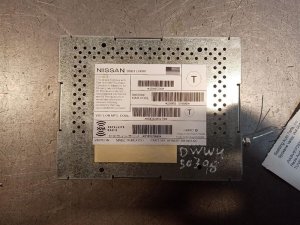
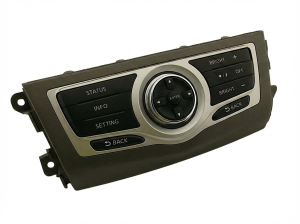
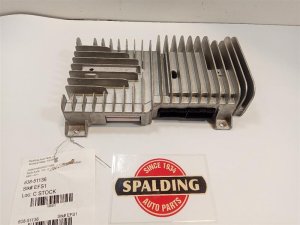
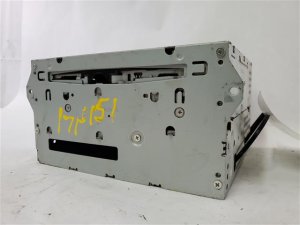

The information in this article is provided for general reference and educational purposes only. Vehicle specifications, procedures, and part compatibility can vary by production date, trim level, and region. Always consult your vehicle's factory service manual and verify part numbers before purchasing or performing repairs. Safety-critical components such as airbags, seat belts, and braking systems should be installed by a qualified professional.
- Nissan Murano:
- 🎬 Helpful Videos
- 🛍️ Shop This Part
- Critical: Two Generations, Two Different Systems
- Symptoms of a Failing Murano Audio System
- Programming, Security, and Installation
- Anti-Theft Codes
- Does it need to be programmed by a dealer?
- Buying a Used 2004-2010 Murano Audio System
- Cost of Replacement
- Frequently Asked Questions (FAQ)
- 🎟️ Get 5% Off