

2005-2007 Nissan Murano AWD Control Module: Solving the AWD Warning Light
This guide clarifies the function of the All-Wheel-Drive (AWD) Control Module, often confused with the BCM, and details how to diagnose and replace it.
- This part is the AWD Control Module, NOT the Body Control Module (BCM). They are two separate parts with different functions.
- A used AWD Control Module does NOT require programming, making it a simple and cost-effective plug-and-play replacement.
- Before replacing the module for an 'AWD' warning light, have the ABS system scanned, as a faulty wheel speed sensor is a very common cause of this issue.
- Always match the part number on your original module exactly when purchasing a replacement.
Is It the AWD Module or the Body Control Module (BCM)?
A common point of confusion for 2005-2007 Nissan Murano owners is telling the difference between the All-Wheel Drive (AWD) Control Module and the Body Control Module (BCM). The part numbers 41650CB020 and 41650CC40A specifically refer to the AWD Control Module, which Nissan calls the 'Control Assembly-Torque Split'. This module's only job is to manage the AWD system. The BCM is a separate unit that controls body electronics like lights, locks, windows, and the anti-theft system. While the two modules communicate, a problem with the AWD system (like the 'AWD' warning light) almost always points to the AWD module or its related sensors, not the BCM.
Symptoms of a Failing AWD Control Module
Failure of the AWD Control Module is not common, but when it occurs, the symptoms are usually straightforward and related to the drivetrain.
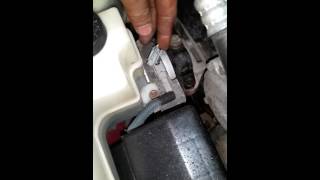
- AWD Warning Light: The most common symptom is an illuminated 'AWD' warning light 🎬 Watch: Troubleshooting the ABS and AWD light on your Murano on the instrument cluster. This indicates the system has detected a fault and has likely disabled the AWD function, causing the vehicle to operate in front-wheel drive (FWD) only.
- Inoperable AWD System: You may notice a lack of traction in slippery conditions (snow, ice, or heavy rain) as the rear wheels are no longer receiving power.
- Flashing 'AWD LOCK' Light: In some cases, the 'AWD LOCK' indicator may flash to signal a problem within the system.
- Diagnostic Trouble Codes (DTCs): A scan tool may reveal codes related to the AWD system. While specific codes for the module itself are not widely documented, network communication codes (U-codes) or codes pointing to implausible signals can suggest a module fault.
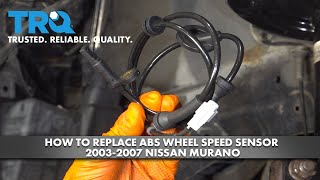
Pro Tip: Before blaming the AWD module, check other related components. A faulty wheel speed sensor is a very common cause for the ABS, VDC, and AWD warning lights to illuminate simultaneously, as the AWD system relies on accurate speed readings from all four wheels.
🎬 See how to replace a faulty ABS wheel speed sensorKnown Issues, Recalls, and Technical Service Bulletins (TSBs)
As of early 2026, there are no active recalls from the National Highway Traffic Safety Administration (NHTSA) specifically for the AWD Control Module on 2005-2007 Nissan Murano vehicles. Several recalls were issued for this generation for issues like alternator wiring, intake air ducts, and passenger airbag sensors, but none pertain to the AWD computer.
Buying a Used AWD Control Module
Because a new OEM AWD Control Module can be expensive, a used module from a reputable recycler is an excellent, cost-effective alternative. Here’s what you need to know:
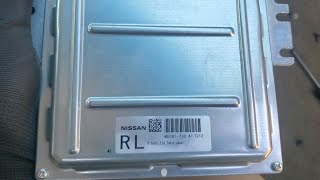
- Match the Part Number: This is the most critical step. You MUST match the OEM part number from your original module to the used one you are buying. The primary part numbers for this range are 41650CB020 and 41650CC40A. There may be other compatible numbers, so physically checking your original part is the best way to ensure a match.
- No Programming Required: Unlike the main Body Control Module (BCM), the AWD Control Module generally does not need to be programmed or flashed after installation. It does not contain immobilizer or key-related data. This makes swapping in a used module a simple plug-and-play procedure, saving you a trip to the dealership.
- Physical Inspection: When buying a used module, inspect the case for any signs of physical damage or corrosion. More importantly, check that all the connector pins are straight, clean, and free of any green or white corrosion, which would indicate water damage.
- Why Used OEM is a Good Choice: For a non-wear item like this module, a used OEM part offers the same performance and reliability as a new one for a fraction of the price. Aftermarket versions of this specific module are not common, making used OEM the best budget-friendly option.
Replacement Overview
Replacing the AWD Control Module is feasible for a DIY mechanic with basic tools and patience.
- Difficulty: 2 out of 5
- Estimated Time: 0.5 - 1 hour
- Location: The module is located under the driver's side dashboard, to the left of the steering column.
- Basic Steps:
- Disconnect the negative battery terminal.
- Remove any lower dashboard trim panels needed to access the module.
- Locate the module, which is a small metal box with electrical connectors.
- Carefully press the release tabs on the electrical connectors and pull them straight out.
- Unbolt the module from its mounting bracket.
- Installation is the reverse of removal. Ensure the connectors click securely into place before reconnecting the battery.
Warning: Always disconnect the battery before working on any electronic modules to prevent electrical shorts and protect the vehicle's computer systems.
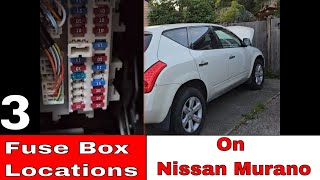
🎬 Check this guide to find your Murano's fuse box locationsCost Comparison
The cost savings of choosing a used OEM module are significant.
| Part Type | Estimated Cost |
|---|---|
| New OEM | $560 - $910 |
| New Aftermarket | Not Commonly Available |
| Used OEM | $50 - $150 |
| Shop Labor | $120 - $180 |
Frequently Asked Questions (FAQ)
Does the 2005-2007 Murano AWD module need to be programmed?
No, the AWD Control Module itself is typically plug-and-play and does not require programming. However, the main Body Control Module (BCM), which controls the anti-theft system, does require programming if it is replaced.
Can a bad wheel speed sensor turn on the AWD light?
Yes. A faulty ABS wheel speed sensor is a common cause of the AWD warning light. The AWD system needs accurate speed data from all four wheels to function correctly. A bad sensor will often trigger the ABS, VDC, and AWD lights all at once.
Where is the AWD Control Module located?
It is located under the dashboard on the driver's side, usually to the left of the steering column.
What is the difference between the AWD module and the BCM?
The AWD module (part numbers 41650CB020, 41650CC40A) exclusively controls the all-wheel-drive system. The Body Control Module (BCM) is a separate computer that manages general electronics like power windows, door locks, interior/exterior lights, and the vehicle's security system.
Helpful Videos
Technical Specifications
OEM Part Numbers: 41650CB020 41650CC40A 41650CC40B
Controls torque split for the AWD system. Located under the driver's side dashboard.
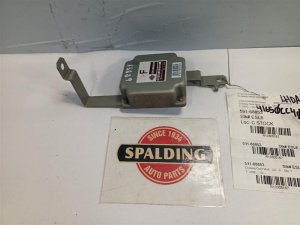
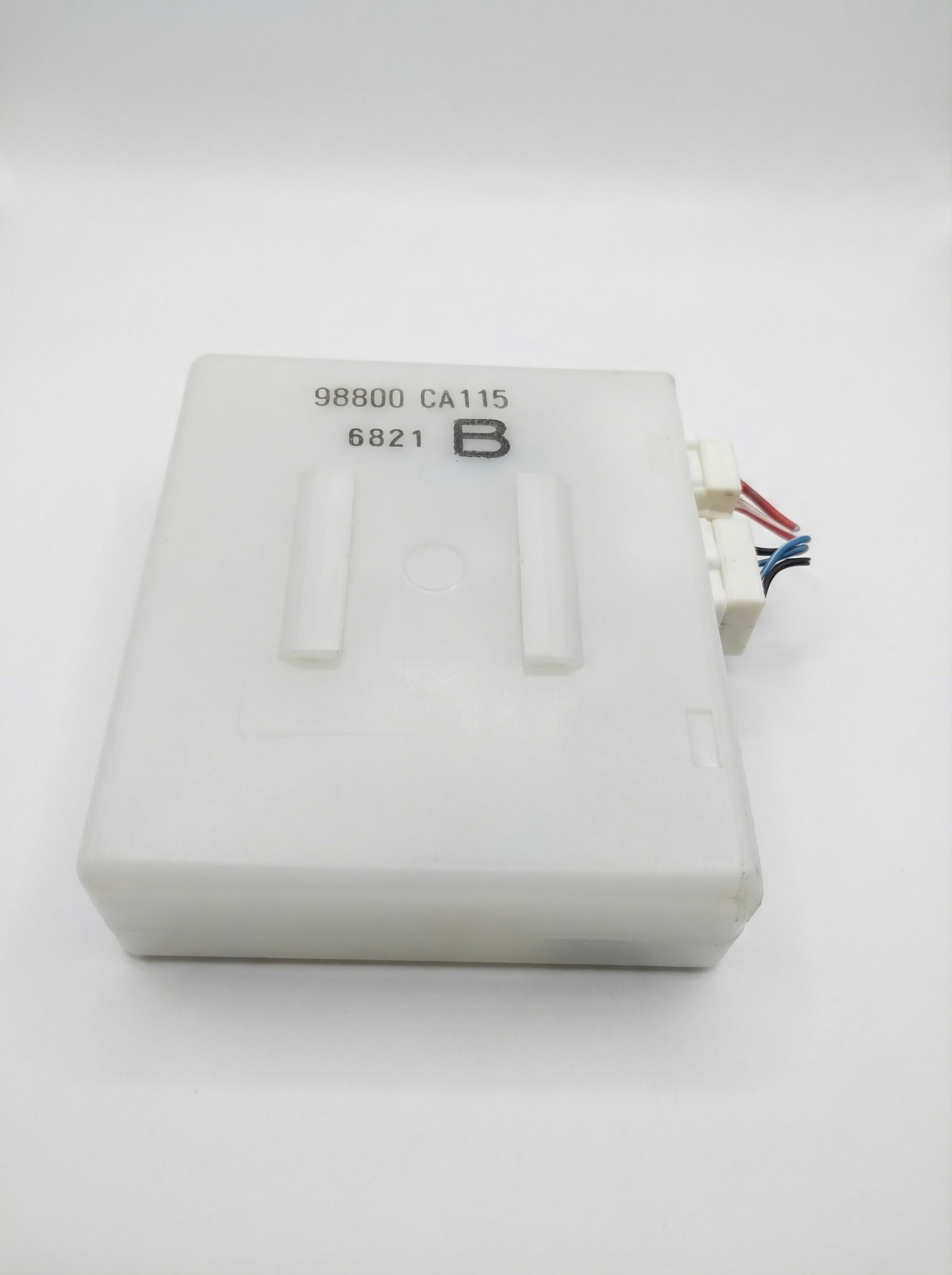
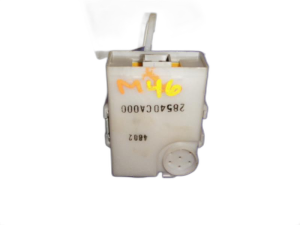
We Have This Part in Stock

The information in this article is provided for general reference and educational purposes only. Vehicle specifications, procedures, and part compatibility can vary by production date, trim level, and region. Always consult your vehicle's factory service manual and verify part numbers before purchasing or performing repairs. Safety-critical components such as airbags, seat belts, and braking systems should be installed by a qualified professional.
- Nissan Murano:
- 🎬 Helpful Videos
- 🛍️ Shop This Part
- Is It the AWD Module or the Body Control Module (BCM)?
- Symptoms of a Failing AWD Control Module
- Known Issues, Recalls, and Technical Service Bulletins (TSBs)
- Buying a Used AWD Control Module
- Replacement Overview
- Cost Comparison
- Frequently Asked Questions (FAQ)
- 🎟️ Get 5% Off