

B1447 on 2013-2017 Buick Regal: OnStar Backup Battery Failure Causes and Fixes
Code B1447 on a 2013-2017 Buick Regal almost always means the internal OnStar backup battery has failed. The primary symptom is a red light on the OnStar mirror. The fix is to replace this small battery, located in the trunk behind the driver's side trim. The part costs about $40-$95. It's a manageable DIY job if you carefully follow the power-down procedure to avoid destroying the new battery.
- B1447 on a 2013-2017 Buick Regal means the OnStar backup battery has failed.
- The most common symptom is a red light on the rearview mirror.
- The fix is to replace the battery, a common wear-and-tear item located in the trunk behind the driver's side trim.
- It is critical to let the vehicle power down completely (cancel Retained Accessory Power by opening the driver's door) before disconnecting the old battery to avoid damaging the new one.
- The vehicle is safe to drive with this code, but emergency OnStar services will not work.
What's Unique About the 2013-2017 Buick REGAL
This is a very common and expected issue across a wide range of General Motors vehicles from this era, including the Buick Regal. The OnStar backup battery is a consumable part with a finite chemical lifespan, typically lasting 3-7 years before failing and triggering this code. The failure is a normal part of the vehicle's aging process and does not indicate a broader electrical problem. GM TSB PIC4541F lists dozens of affected models, confirming the widespread nature of this issue across Buick, Cadillac, Chevrolet, and GMC vehicles.
Diagnostic Flowchart
Tap your situation to follow the diagnostic path that matches what you're seeing on this vehicle.
Symptoms You May Notice
- Red indicator light on the OnStar buttons/rearview mirror
- OnStar system is not functional
- "Service OnStar" message may appear on the Driver Information Center (DIC)
- Replacing the main vehicle battery. The OnStar backup battery is a separate, dedicated unit.
- Replacing the entire OnStar rearview mirror assembly. The fault is with the battery in the main module, not the mirror buttons.
Most Likely Causes
- Failed OnStar Backup Battery 🔴 High Probability → Shop Vehicle Battery The internal battery is a non-rechargeable lithium unit with a limited service life of 3-7 years. Failure is expected as the vehicle ages.
How to confirm: Confirm the presence of code B1447 (or B1446) with a capable scan tool and the visual symptom of a red OnStar LED. Given the high failure rate, replacement is the standard diagnostic step if the battery is original or several years old.
Typical fix: Replace the OnStar Backup Battery (BUB). This battery is attached to the main OnStar module (VCIM), which on the Regal and similar GM sedans is located in the trunk on the driver's side, behind the trim liner.
Est. part cost: $40-$95
Rare But Worth Checking
- Faulty OnStar Module (VCIM): → Shop Telematics Interface Module This is very rare. If a new, correctly installed backup battery does not resolve the code, the module itself may have an internal fault. This is an expensive last resort. 🎬 Watch: See how to access and replace the VCIM module.
- Wiring or Connector Issue: Damage to the wiring harness leading to the VCIM could cause this code, but it is uncommon unless other repairs have recently been performed in the area. A technician could check for voltage at Pin 14 of the VCIM's X1 connector to rule this out.
Diagnosis Steps
- Confirm the primary symptom: a solid red light on the OnStar indicator.
- Use an OBD-II scanner capable of reading Body (B) codes to confirm B1447 is present in the Telematics Communication Interface Control Module (VCIM).
- Prepare for battery replacement by following the critical power-down procedure outlined in GM TSB PIC4541F.
- Turn the ignition completely OFF and remove the key.
- Open the driver's door to cancel Retained Accessory Power (RAP) and wait for all interior lights to turn off. This may take several minutes.
- IMPORTANT: Failure to let RAP time out before disconnecting power can activate and permanently destroy the new backup battery upon installation. The module interprets this as a crash event and activates the one-time-use battery.
- Locate the VCIM. In the Regal, it is located in the trunk on the driver's side. Pull back the trunk liner carpet to expose the module.
- Once RAP is off, it is a best practice to disconnect the main vehicle battery's negative terminal.
- Access the VCIM and replace the small backup battery attached to it. It is typically held on by a small bracket.
- Reconnect the main vehicle battery, clear the DTCs with the scan tool, and start the vehicle.
- Verify the OnStar indicator light is now green. Some owners report the light turns green on its own after a few drive cycles.
Parts You'll Likely Need
- OnStar Backup Battery
(OEM #88861186, 23117460)— This is the direct cause of the fault code. It is a non-rechargeable battery that fails due to age. Part number 88861186 is the most commonly cited original part, while 23117460 is used in newer but similar GM models.
Trusted brands: ACDelco, Dorman, Ultralife
OEM price range: $60-$95
Aftermarket price range: $40-$70
Related Codes That Often Appear With This One
- B1446 — B1446 indicates the backup battery's voltage is below a minimum threshold, while B1447 indicates an open circuit. Both codes point to the same root cause: a failed backup battery, and they often appear together as documented in TSB PIC4541F.
Technical Service Bulletins (TSBs) & Recalls
- PIC4541F: Provides diagnostic tips for OnStar back-up battery failure, specifically mentioning codes B1446 and B1447 and the symptom of a red OnStar LED. It lists dozens of affected GM models, including the 2013-2017 Regal, and contains the critical warning about letting Retained Accessory Power (RAP) time out before disconnecting power to avoid destroying the new battery.
- PIT5463B: A related bulletin where code B1447 appears after a software update, with the fix being the installation of a new OnStar Backup Battery (BUB).
Platform-Specific Known Issues
- A known issue documented in TSB PIC4541F warns technicians that disconnecting power to the OnStar module while the ignition is ON or RAP is active will permanently discharge the backup battery, requiring its replacement.
- The VCIM module in the Regal is located in the trunk on the driver's side, behind the trim. This is a consistent location for GM sedans of this era, as confirmed by owners of similar vehicles like the Impala and LaCrosse.
Mechanic-Grade Diagnostic Values
- Backup battery supply voltage at VCIM — expected: 15.5 volts or greater. Failure: A reading less than 15.5 volts indicates a faulty circuit or a failed backup battery.
- New OnStar Backup Battery Open-Circuit Voltage — expected: ~16.5 V DC. Failure: A significantly lower voltage on a new, uninstalled battery may indicate it is old stock or defective.
Hidden / Shadow Codes Worth Checking
- B1447 04: Backup Power Source Open Circuit. This is the most common variant and indicates the VCIM sees no voltage from the backup battery, which is typical for an internally failed battery. (see via A professional scan tool like the GM GDS2/Tech2 is required to see symptom byte details.)
- B1447 07: Backup Power Source Component Protection Timeout Voltage Above Threshold. This is a less common variant that can point to a short to voltage in the wiring or an internal module fault. (see via A professional scan tool like the GM GDS2/Tech2 is required to see symptom byte details.)
Wiring & Ground Locations
- VCIM Connector X1, Pin 14 — On the main Vehicle Communication Interface Module (VCIM) located in the trunk on the driver's side, behind the trim liner.. This is the specific pin for the backup battery supply voltage circuit. It is the primary test point for a technician to verify with a multimeter if the battery is providing voltage to the module, which helps differentiate a wiring problem from a battery failure.
OEM Part Supersession History
19118855, 22704633, 42454411→88861186— Standard part evolution and consolidation by the manufacturer.
Helpful Videos
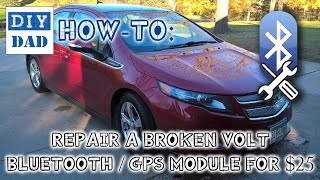
We Have This Part in Stock


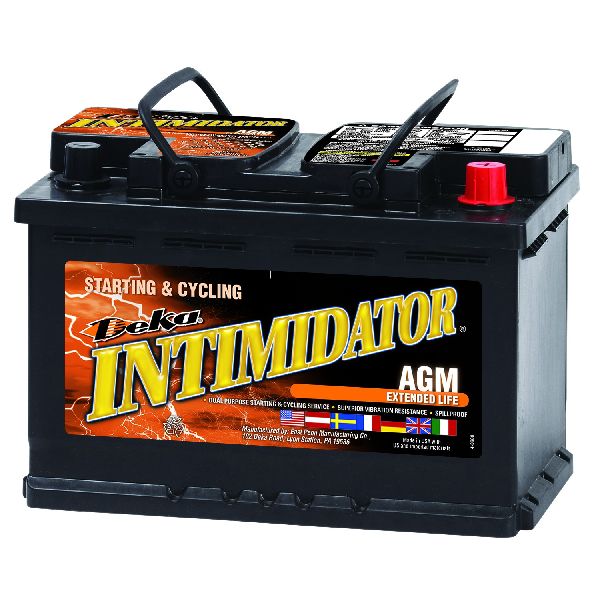
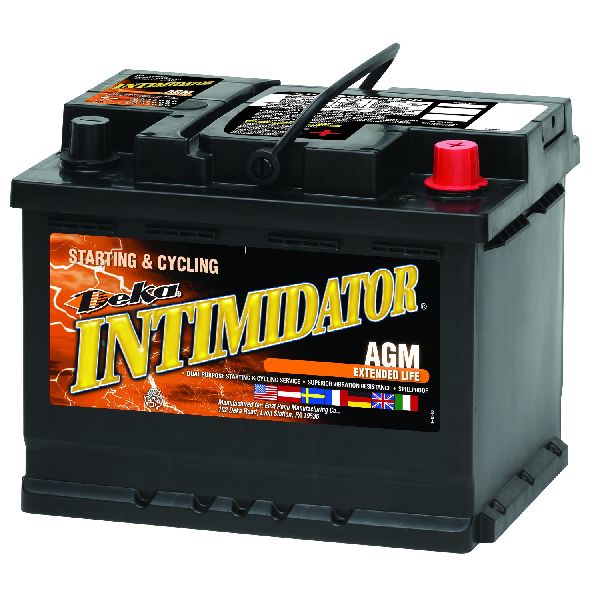
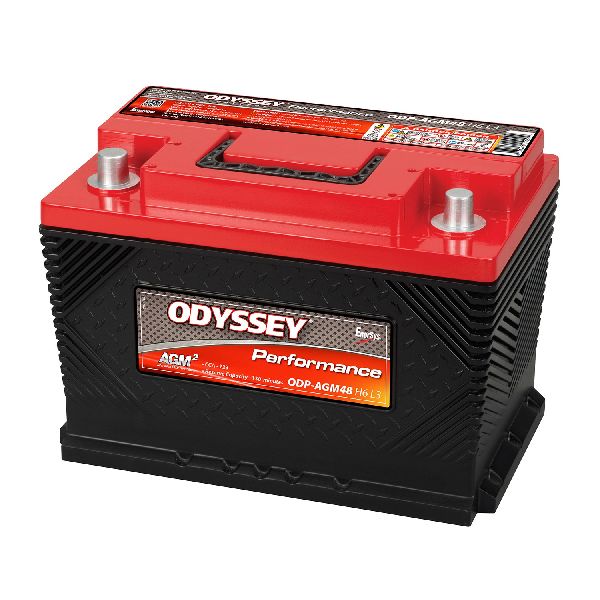

The information in this article is provided for general reference and educational purposes only. Vehicle specifications, procedures, and part compatibility can vary by production date, trim level, and region. Always consult your vehicle's factory service manual and verify part numbers before purchasing or performing repairs. Safety-critical components such as airbags, seat belts, and braking systems should be installed by a qualified professional.
- Buick REGAL:
- 🧭 Diagnostic Flowchart
- 🎬 Helpful Videos
- 🛍️ Shop This Part
- What's Unique About the 2013-2017 Buick REGAL
- Symptoms You May Notice
- Most Likely Causes
- Rare But Worth Checking
- Diagnosis Steps
- Parts You'll Likely Need
- Related Codes That Often Appear With This One
- Technical Service Bulletins (TSBs) & Recalls
- Platform-Specific Known Issues
- Mechanic-Grade Diagnostic Values
- Hidden / Shadow Codes Worth Checking
- Wiring & Ground Locations
- OEM Part Supersession History
- 🎟️ Get 5% Off