

B1479 on 2014-2015 Land Rover LR4: ECO Start/Stop and Charging System Faults
On a 2014-2015 Land Rover LR4, code B1479 is almost always caused by a software glitch in the Gateway Module (GWM). This can disable the ECO start/stop system or cause a false charging system warning. The fix is typically a software update performed by a dealer or qualified shop, though in some cases a faulty Dual Battery Junction Box may need replacement. A weak or failing auxiliary battery is another common culprit.
- B1479 on a 2014-2015 LR4 is a known issue, well-documented by Land Rover.
- The most likely cause is a software bug in the Gateway Module (GWM), not a failed hardware component.
- The fix almost always requires a trip to a dealer or specialist with the correct diagnostic software to perform an update.
- Do not replace the alternator or main battery based on this code alone, as the warnings are often false alarms.
- If the code suffix is -73 and persists after a software check, the Dual Battery Junction Box (LR067367) is the next likely culprit.
What's Unique About the 2014-2015 Land Rover LR4

The 2014 model year marked a significant refresh for the LR4, introducing a new engine and a more complex electrical system that heavily relies on a dual-battery setup for the ECO start/stop feature. Land Rover acknowledged through multiple Technical Service Bulletins (TSBs) that the logic for monitoring this system was flawed. The GWM software was overly sensitive, leading it to set the B1479 code when no actual hardware failure existed. This makes it a platform-specific software issue rather than a typical component failure. Service Action Q406 specifically addresses this for the 2014 model year, covering the LR4 and its platform mates.
Diagnostic Flowchart

Tap your situation to follow the diagnostic path that matches what you're seeing on this vehicle.
Symptoms You May Notice

- ECO start/stop system is inoperative.
- A crossed-out 'ECO' symbol or other warning light on the instrument cluster.
- Intermittent 'Charging System Fault' or battery warning lamp on the dashboard, which may disappear after restarting the vehicle.
- An orange "Eco" feature alert light stays illuminated while driving.
- Replacing the main vehicle battery when it is still healthy.
- Replacing the alternator, when the charging warning is simply a software-generated false alarm.
Most Likely Causes

- Gateway Module (GWM) Software Issue 🔴 High Probability Land Rover explicitly identified a "poor DTC logging strategy" and released software updates to correct it. Service Action Q406 was issued for 2014 models to update the GWM software for false B1479-72 codes.
How to confirm: A dealer or specialist with Land Rover's SDD diagnostic tool can check the current software version of the GWM and see if updates LTB00667NAS1 or Q406NAS1 apply. The VIN should be checked against the affected ranges in the service action.
Typical fix: Update the Gateway Module (GWM) software to the latest version. This is a software-only fix and requires no parts. This is typically done at a dealership and may be performed at no charge if the vehicle is under warranty or covered by the specific service action.
Est. part cost: $0 - Faulty Dual Battery Junction Box (DBJB) 🟡 Medium Probability → Shop Vehicle Battery For the specific code B1479-73, Land Rover issued TSB LTB00716NAS3 that instructs technicians to replace the DBJB if the code is present and persistent, suggesting an internal failure of the actuator or contactor. Forum discussions confirm this as a fix when software updates don't apply or fail to resolve the issue.
How to confirm: After confirming the GWM software is up to date, if code B1479-73 persists or is stored permanently, the DBJB is the likely culprit as per TSB LTB00716NAS3. The TSB provides a diagnostic flow: if the code is intermittent, try to clear and reproduce it; if it's permanent, replace the box.
Typical fix: Replace the Dual Battery Junction Box. According to forum users, this is a direct replacement and does not require programming.
Est. part cost: $250-$400 - Failing Auxiliary (ECO) Battery ⚪ Low Probability → Shop Vehicle Battery The ECO start/stop system relies on a small, secondary battery. These batteries have a limited lifespan (sometimes only a few years) and when they fail, the system is disabled, which can sometimes trigger related fault codes. Owners frequently report that a dead auxiliary battery is the first sign of trouble with the ECO system.
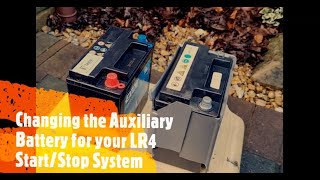
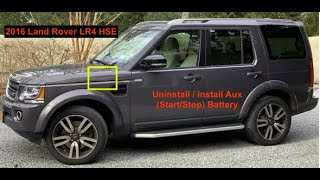
How to confirm: Test the auxiliary battery's voltage and load capacity. It is located on the driver's side of the engine bay, behind the ABS modulator. 🎬 Watch: Step-by-step guide to changing your LR4 auxiliary battery. A reading below 12.4V at rest suggests it is weak. Corrosion on the terminals is also a clear sign of a problem.
Typical fix: Replace the auxiliary battery and reset the Battery Monitoring System (BMS) using a capable scan tool, such as the GAP IIDTool. Failing to reset the BMS can prevent the ECO system from re-enabling.
Est. part cost: $150-$300
Diagnosis Steps
- Read the fault codes with a Land Rover-specific scan tool (like a GAP IIDTool or dealer SDD/Pathfinder) to confirm B1479 and identify the suffix (-72 or -73).
- Connect the vehicle to a stable power supply (e.g., Midtronics charger) as recommended in TSBs.
- Using the Land Rover SDD or Pathfinder diagnostic software, check the current software version of the Gateway Module (GWM).
- If the code is B1479-72 (actuator stuck open), check if Service Action Q406 or TSB LTB00667NAS1 applies to your VIN and apply the software update.
- If the code is B1479-73 (actuator stuck closed), follow TSB LTB00716NAS3. First, attempt to clear the code. If it returns intermittently, start the engine for 30 seconds, shut down, and re-read codes. If it returns permanently, replace the Dual Battery Junction Box (DBJB).
- If no software updates are available and the DBJB is not the specified fix, thoroughly test the health of both the main and auxiliary batteries. The ECO system is highly sensitive to battery voltage and a weak auxiliary battery is a common cause of system deactivation.
- Inspect the wiring and connectors to the Dual Battery Junction Box for any signs of corrosion or damage, particularly the smaller two-wire connector.
- After any repair, clear all DTCs. If a battery was replaced, reset the Battery Monitoring System (BMS) for both the primary and secondary batteries using a tool like the GAP IIDTool to restore full functionality.
Parts You'll Likely Need
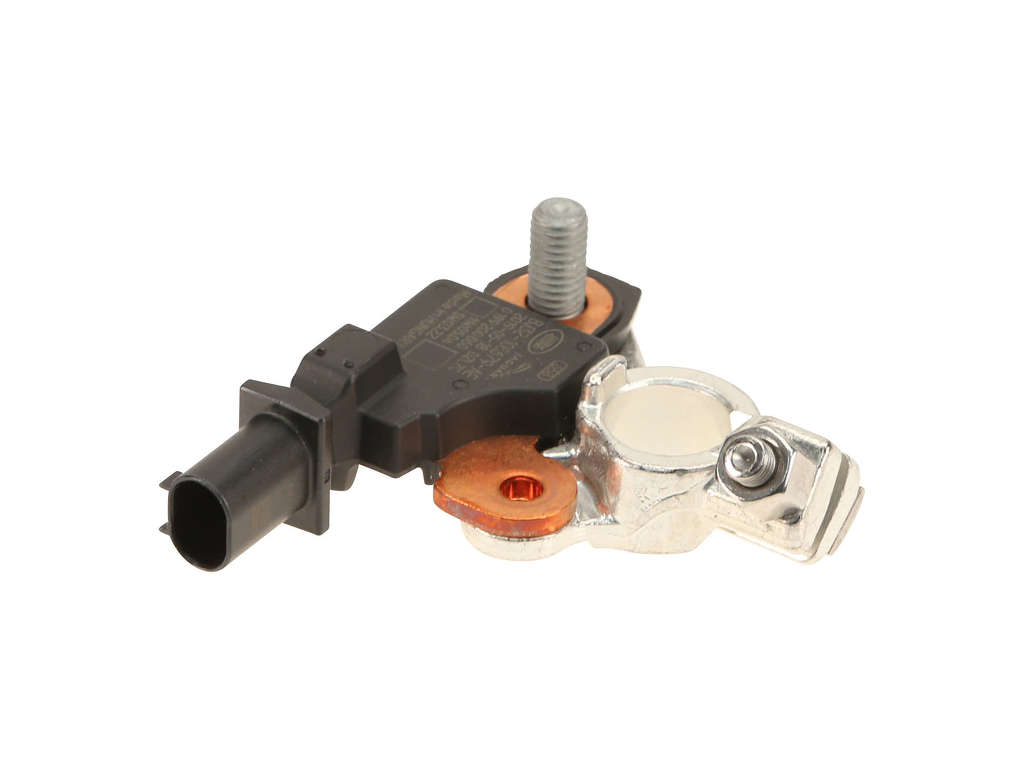
- Dual Battery Junction Box (DBJB)
(OEM #LR067367)— This part is the specific fix recommended by Land Rover for persistent B1479-73 codes where a software update does not resolve the issue.
Trusted brands: Genuine Land Rover
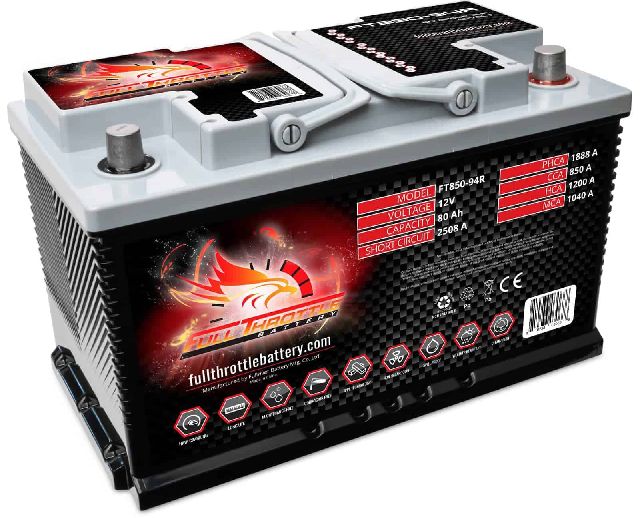
OEM price range: $250-$400 - Auxiliary Battery
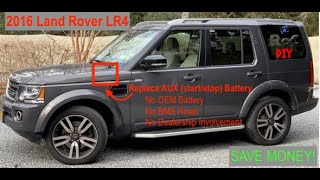
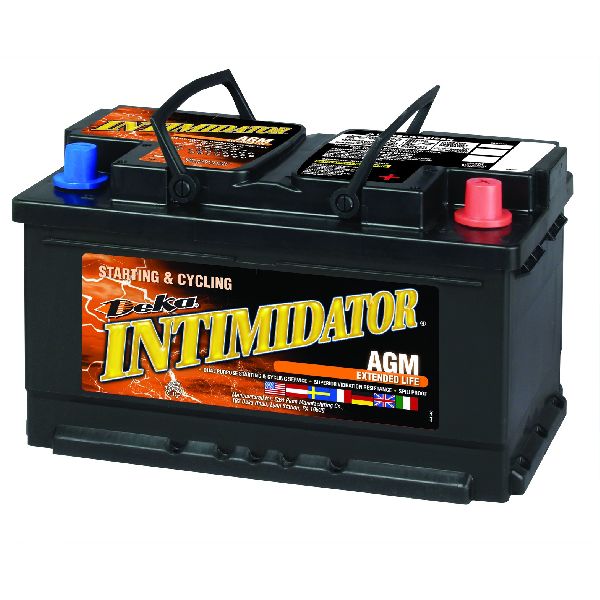
(OEM #LR047630, LR176847)— The ECO start/stop system depends on this secondary battery. It has a relatively short service life and its failure will disable the system, potentially causing faults. The OEM part is often a re-branded Exide battery. 🎬 Watch: Using an aftermarket battery to restore Eco Start/Stop.
Trusted brands: Genuine Land Rover, Exide, Bosch, Deka
OEM price range: $200-$410
Aftermarket price range: $150-$250
Related Codes That Often Appear With This One
- B1404-13 — This code for 'Charging system open circuit' is often logged alongside B1479-72 due to the same GWM software issue, as documented in TSB LTB00667NAS1 and Service Action Q406.
Technical Service Bulletins (TSBs) & Recalls
- LTB00716NAS3: ECO Stop/Start Inoperative; DTC B1479-73 Stored in Gateway Module.
- LTB00716NAS2: ECO Stop/Start Inoperative; DTC B1479-73 Stored in Gateway Module.
- SGI14-44 / Q406NAS1: Gateway Module Software Update for charge warning indicator and codes B1404-13 / B1479-72.
- LTB00667NAS1: Battery Warning Message Displayed, ECO Stop/Start may not function, DTC B1404-13 and/or B1479-72 stored.
Platform-Specific Known Issues
- A known software issue in the Gateway Module (GWM) causes false charging system warnings and disables the ECO start/stop system, logging codes B1479-72 and B1404-13. This was addressed by Service Action Q406 and TSB LTB00667NAS1.
- A separate issue related to a "poor DTC logging strategy" can cause code B1479-73 to be stored, disabling the ECO start/stop system. This was addressed by TSB LTB00716NAS3, which may require replacing the Dual Battery Junction Box.
Mechanic-Grade Diagnostic Values
- Alternator Field Wire Voltage at GWM — expected: 8V (when connected and engine running). Failure: A forum user troubleshooting a related charging fault measured 43 ohms of resistance on this wire, indicating a wiring issue between the alternator and GWM.
- Alternator Field Wire Voltage at Alternator Terminal — expected: 12.5V (when disconnected from GWM, engine running). Failure: A significant drop from this voltage when connected to the GWM could indicate a wiring problem or an issue with the GWM itself.
Scan Tool Commands That Help
- Land Rover SDD: Configure existing module – Gateway module — This is the specific function used to perform the software update that corrects the false B1479-72 and B1404-13 codes, as instructed by TSB LTB00667NAS1.
- Land Rover SDD: Clear all DTCs — This is a required final step after replacing the Dual Battery Junction Box (DBJB) to resolve a persistent B1479-73 code.
- GAP IIDTool: Service/Test > BCM-Body Control > Battery Replacement — This function performs the necessary Battery Monitoring System (BMS) reset after replacing either the main or auxiliary battery. This tells the system a new battery is installed so it uses the correct charging profile.
- GAP IIDTool: Car Configuration File (CCF) > Battery Type — If replacing a battery with a different type (e.g., standard flooded to AGM) or capacity (Ah), this setting should be updated in addition to the BMS reset to ensure the charging system parameters are correct.
Wiring & Ground Locations
- Gateway Module (GWM) — Attached to a bracket on the passenger side of the cross-car beam, behind the instrument panel and adjacent to the Passenger Junction Box (PJB).. The GWM is the module that stores the B1479 code and is the target for the software update fix. Access may be required for advanced wiring checks.
- Dual Battery Junction Box (DBJB) — Located in the engine bay on the driver's side, near the auxiliary battery, behind the ABS modulator.. This is the component that is replaced to fix a persistent B1479-73 code. Its connectors should be inspected for corrosion or damage.
- Auxiliary Battery — In the driver's side battery bay in the engine compartment.. This battery powers the ECO start/stop system. Its health is critical, and its terminals are a common point of failure due to corrosion.
Real Owner Repair Stories
- landroverforums.com user (2015 Land Rover LR4) — While driving at highway speed, the entire dashboard blacked out, flashed approximately 20 different errors, and the engine momentarily cut out. Relays could be heard tripping in the glove box area.
❌ Tried (didn't work) Dealer ran diagnostics all day and could not find any error codes., Dealer sent log files to Land Rover for analysis, with no immediate solution.
✅ What actually fixed it The dealer discovered the negative battery cable was loose. After tightening it, the issues were resolved.
OEM Part Supersession History
LR048786→LR067367— Not officially stated, but the supersession aligns with the timing of TSBs addressing faults with the Dual Battery Junction Box.LR047630→LR176847— Standard part number update/supplier change.
Heads up: The parts are interchangeable.
Model Year Variations Within This Range
- 2014-2016: The 2014 model year introduced the supercharged V6 engine and 8-speed transmission, replacing the previous V8. This change also brought the dual-battery ECO start/stop system that is central to the B1479 fault code. There are no significant electrical differences noted between 2014 and 2015 models regarding this specific fault.
Helpful Videos
We Have This Part in Stock



The information in this article is provided for general reference and educational purposes only. Vehicle specifications, procedures, and part compatibility can vary by production date, trim level, and region. Always consult your vehicle's factory service manual and verify part numbers before purchasing or performing repairs. Safety-critical components such as airbags, seat belts, and braking systems should be installed by a qualified professional.
- Land Rover LR4:
- 🧭 Diagnostic Flowchart
- 🎬 Helpful Videos
- 🛍️ Shop This Part
- What's Unique About the 2014-2015 Land Rover LR4
- Symptoms You May Notice
- Most Likely Causes
- Diagnosis Steps
- Parts You'll Likely Need
- Related Codes That Often Appear With This One
- Technical Service Bulletins (TSBs) & Recalls
- Platform-Specific Known Issues
- Mechanic-Grade Diagnostic Values
- Scan Tool Commands That Help
- Wiring & Ground Locations
- Real Owner Repair Stories
- OEM Part Supersession History
- Model Year Variations Within This Range
- 🎟️ Get 5% Off