

B3000 on 2016-2021 Mazda CX-3: Understanding This Undefined Code
The code B3000 is not a valid, documented trouble code for a 2016-2021 Mazda CX-3. It most often indicates a scan tool error. Before attempting any repairs, re-scan the vehicle with a professional-grade tool to find the true fault code.
- B3000 is not a valid, defined code for a 2016-2021 Mazda CX-3.
- The number one cause for seeing this code is an error from a basic OBD-II scanner.
- Do NOT replace any parts based on a B3000 code alone. First, confirm the real trouble code with a professional diagnostic tool like FORScan.
- Never confuse this trouble code with the Mazda B3000, which is an old pickup truck model. This confusion is common and even appears in official TSBs.
- If electrical problems are occurring, the Body Control Module (BCM) could be a suspect, but it will set other, more specific codes (like U0401 or U3000) when properly scanned.
What's Unique About the 2016-2021 Mazda CX-3
The main point of confusion for this code on any modern Mazda is the existence of the Mazda B3000 pickup truck, a rebadged Ford Ranger produced until the late 2000s. Many databases and even some official Mazda documents mention the 'B3000' truck, leading to incorrect search results. For the modern CX-3 crossover, this code is effectively non-existent in official documentation, making a scan tool error the most probable explanation for its appearance. The CX-3 is built on the Mazda2 (DJ) platform, and searches for this code on its platform mate yield similarly sparse results, further suggesting it's not a valid Mazda code.
Diagnostic Flowchart
Tap your situation to follow the diagnostic path that matches what you're seeing on this vehicle.
Symptoms You May Notice
- No symptoms directly linked to code B3000, as it is typically not a valid code.
- If other electrical issues are present (e.g., erratic lights, non-functional wipers, keyless entry problems), they are the real symptom and should be diagnosed, not the B3000 code.
- Error messages on the infotainment system or instrument cluster may appear, sometimes due to corrupted data in a module that requires a re-flash.
- A cascade of warning lights on the dashboard with no specific trouble codes found by a basic scanner can be a symptom of low battery voltage or a bad ground, which can cause module communication errors that a generic tool might misinterpret.
- Replacing the Body Control Module (BCM) based only on a B3000 code from a generic scanner.
- Searching for fuel system parts based on incorrect information related to the Mazda B3000 pickup truck, a confusion reinforced by TSBs like MT-002-21a.
Most Likely Causes
- Scan Tool Error or Incompatibility 🔴 High Probability Manufacturer-specific body codes (B-codes) are often not interpreted correctly by basic, consumer-grade OBD-II readers which may display a generic or non-existent code like B3000.
How to confirm: Re-scan the vehicle with a different, high-quality scan tool or a Mazda-specific diagnostic tool like FORScan. 🎬 Watch: How to use FORScan for dealer-level diagnostics on your Mazda. If the code disappears or a different, more specific code appears (e.g., a U-code like U0401 or U3000), the original reading was an error.
Typical fix: Disregard the B3000 code and diagnose any other codes found with the professional scanner. No parts are replaced for a scan tool error.
Est. part cost: $0 - Internal Control Module Failure ⚪ Low Probability While not a common issue, any modern vehicle can experience a module failure. A failing Body Control Module (BCM) or another module could theoretically output an undefined code on some scanners. A real-world forum post for a 2018 CX-3 described a situation where various error messages were caused by corrupted data in a module, which was fixed by a specialist re-flashing the computer.
How to confirm: A professional scan tool must be used to attempt communication with all individual control modules (BCM, SRS, etc.). The module that fails to communicate or reports internal errors is the culprit. The true code is often a U-series code, like U3000 (Control Module Fault), which requires a suffix (e.g., :49 for internal electronic failure) for proper diagnosis.
Typical fix: Replace the faulty control module. This repair requires programming the new module to the vehicle's VIN and configuration, which must be done by a dealer or a specialized shop. In some cases, a simple re-flash of the existing module may solve the problem.
Est. part cost: $400-$1200
Rare But Worth Checking
- Poor Battery Health or Ground Connection: → Shop Vehicle Battery
Diagnosis Steps
- CRITICAL: Disregard the B3000 code initially. Re-scan the vehicle's computer systems using a professional-grade diagnostic scanner or Mazda-specific software (like FORScan) to get accurate and specific trouble codes.
- If the B3000 code does not reappear, your issue was a scan tool error. Proceed to diagnose any other valid codes that are present, such as U-series communication codes.
- If no codes are present but electrical issues or warning lights persist, thoroughly check the battery's state of health and charge. Inspect the main battery terminals and chassis ground points for corrosion and tightness. A low voltage condition is a common cause of cascading, non-specific electronic faults.
- If a professional scanner reveals a U3000 code with a suffix (e.g., U3000:49), this confirms an internal electronic failure in a specific module. Use the scanner to identify which module is logging the fault (e.g., BCM, ABS, SAS).
- Perform a CAN bus integrity test. With the battery disconnected, measure the resistance between Pin 6 (CAN-H) and Pin 14 (CAN-L) at the OBD-II port. A healthy network should read approximately 60 ohms. A reading of 120 ohms indicates an open circuit or a missing terminating resistor, while a reading near 0 ohms indicates a short between the CAN lines. 🎬 Watch: A professional guide to troubleshooting CAN BUS network faults.
- Locate the suspect module (the BCM is under the driver's side dash, to the left of the steering column). 🎬 See this video to locate the BCM and ESU modules. Visually inspect its connectors and surrounding area for any signs of water intrusion, corrosion, or physical damage.
- Check for proper power and ground at the BCM connector using a multimeter and a wiring diagram. If power and ground are good, the module itself is the likely culprit.
- If a module is confirmed to be faulty, it must be replaced. A new BCM requires configuration using the Mazda Modular Diagnostic System (M-MDS) or equivalent high-level software like FORScan to load the vehicle's 'As-Built' data and program the keys. This step is critical; the car will not start otherwise.
Parts You'll Likely Need
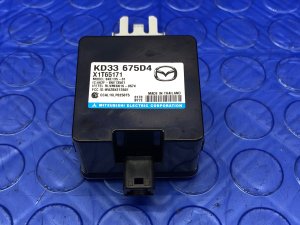
- Body Control Module (BCM)
Related Codes That Often Appear With This One
- U-codes (e.g., U0140, U0401, U3000) — If there is a genuine module failure, it will often be accompanied by U-prefix codes, which indicate a loss of communication between modules or an internal module fault. A generic B3000 from a basic scanner might actually be a more complex U3000 code that the tool cannot properly interpret.
Technical Service Bulletins (TSBs) & Recalls
- MT-002-21a: This TSB, dated 10/13/2021, discusses fuel compatibility and explicitly mentions the '1999-2001 B3000 trucks'. This is not related to the CX-3 but is a key example of how official documentation can create confusion between the truck model and a DTC.
- MT-002-21: Dated 09/24/2021, this is an earlier version of the same fuel compatibility TSB, again referencing the 'B3000 trucks' and highlighting the source of the common mix-up.
Mechanic-Grade Diagnostic Values
- CAN Bus Network Resistance — expected: ~60 Ohms. Failure: A reading of ~120 Ohms indicates an open circuit or one of the two terminating resistors is offline. A reading near 0 Ohms indicates a short between the CAN High and CAN Low wires.
- CAN High Voltage to Ground (Key On) — expected: ~2.5V to 3.0V. Failure: Significant deviation from this range indicates a fault on the CAN High line.
- CAN Low Voltage to Ground (Key On) — expected: ~2.0V to 2.5V. Failure: Significant deviation from this range indicates a fault on the CAN Low line.
Hidden / Shadow Codes Worth Checking
- U3000:49: This is a specific failure type code for the generic U3000 'Control Module' fault. The ':49' suffix indicates an 'Internal Electronic Failure' within the module that is storing the code (e.g., BCM, ABS, SAS, or VCM). (see via A professional-grade scan tool like the Mazda M-MDS or an advanced aftermarket tool that can read manufacturer-specific codes from individual modules.)
- U3000:04: Indicates a generic internal system failure within a module, often pointing to a hard fault that requires module replacement. (see via Mazda M-MDS or equivalent professional scan tool.)
Scan Tool Commands That Help
- Mazda M-MDS (Mazda Modular Diagnostic System): BCM Configuration (Read/Write Function) — This function is mandatory when replacing the Body Control Module. It reads the configuration data (known as 'As-Built' data) from the old module and writes it to the new one. Failure to perform this will result in a no-start condition and malfunctioning body electronics.
- FORScan: BCM As-Built Editor / Module Configuration — FORScan is a powerful aftermarket tool that can perform many dealer-level functions. It can be used to save the 'As-Built' data from the original BCM, and then write it to a replacement module. It can also be used to enable or disable features controlled by the BCM, such as auto-locking or lighting behavior.
Wiring & Ground Locations
- Body Control Module (BCM) — Located on the driver's side, to the left of the steering column, mounted up under the dashboard.. As the central hub for body electronics, any internal fault, connector issue, or poor ground at the BCM can cause widespread, unspecific electrical problems that a generic scanner might misinterpret as B3000.
- Main Battery Ground Point — The primary ground cable connects the negative battery terminal to the chassis. The owner's manual specifies a dedicated ground point on the chassis for jump-starting, which is a reliable ground location to test.. A corroded or loose main ground is a common cause of low-voltage issues and communication errors between modules, which can manifest as a cascade of warning lights and phantom codes.
- OBD-II Port Pins 6 & 14 — The diagnostic port under the driver's side dashboard.. Pin 6 is CAN High and Pin 14 is CAN Low. Technicians can directly measure the resistance and voltage of the main communication network from these pins to quickly assess the health of the entire CAN bus before diagnosing individual modules.
Real Owner Repair Stories
- Reddit r/MazdaCX30 (2023 Mazda CX-30 (platform shares electrical architecture with late-model CX-3)) — Vehicle was flooded. After drying out, the car would start and run, but keyless entry did not work.
❌ Tried (didn't work) Replacing the BCM with a used unit allowed the keyless entry to work, but then the car would not start.
✅ What actually fixed it The story highlights the critical need for proper BCM programming. The mismatch between the immobilizer data in the replacement BCM and the vehicle's other modules prevented the car from starting. The unresolved issue underscores that a new BCM must be programmed to the specific vehicle's VIN and key data by a dealer or specialist with the correct tools. - Reddit r/mazda (2019 Mazda CX-3) — A cascade of multiple warning lights appeared on the dashboard simultaneously.
❌ Tried (didn't work) Plugging in a basic OBD scanner showed no trouble codes.
✅ What actually fixed it Multiple community members identified the symptoms as classic signs of a failing battery or a bad ground connection. Modern Mazdas are highly sensitive to low voltage, which causes modules to fail sequentially and throw errors that basic scanners cannot read. The consensus fix was to test and likely replace the vehicle's 12V battery.
OEM Part Supersession History
DB4G-67-560→DB4G-67-560A, DB4G-67-560B, DB4G-67-560C, and finally DB4G-67-560F— Internal revisions and updates by the manufacturer.
Heads up: While later part numbers supersede earlier ones, it is critical to match the part number from the original module or use a VIN-lookup tool. Installing a BCM with the wrong hardware or software version, even if it physically fits, can cause features to malfunction or prevent the vehicle from starting.
Model Year Variations Within This Range
- 2019-2021: The 2019 model year received a significant refresh that included minor exterior changes, higher-quality interior materials, and the addition of an electronic parking brake. While the core electrical architecture and BCM function remained the same, the infotainment system was updated and G-Vectoring Control was added. These changes do not directly affect the diagnosis of a non-existent code like B3000 but mean that BCM programming must account for the correct vehicle features.
Helpful Videos
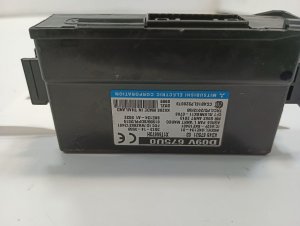
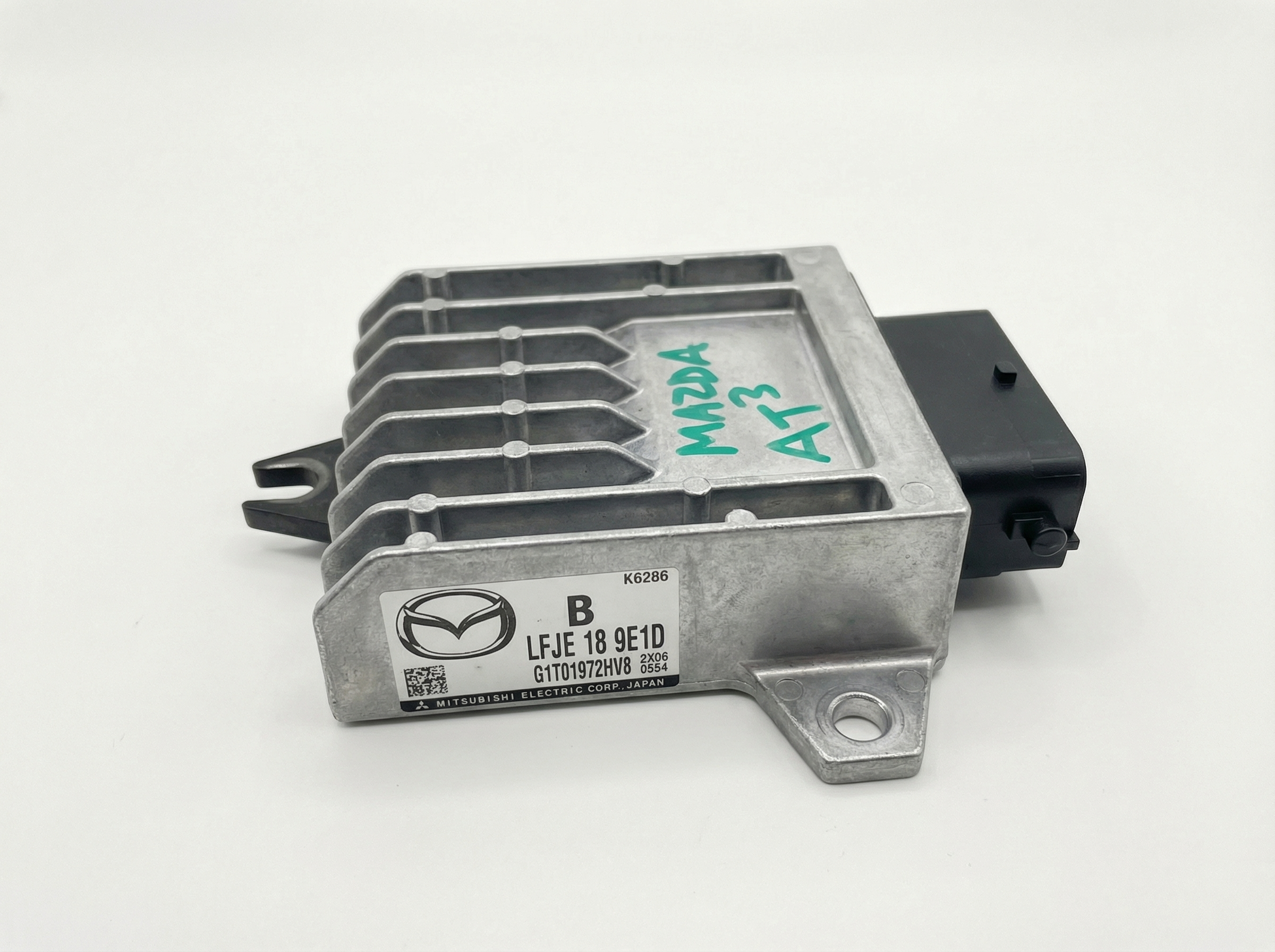
We Have This Part in Stock

The information in this article is provided for general reference and educational purposes only. Vehicle specifications, procedures, and part compatibility can vary by production date, trim level, and region. Always consult your vehicle's factory service manual and verify part numbers before purchasing or performing repairs. Safety-critical components such as airbags, seat belts, and braking systems should be installed by a qualified professional.
- Mazda CX-3:
- 🧭 Diagnostic Flowchart
- 🎬 Helpful Videos
- 🛍️ Shop This Part
- What's Unique About the 2016-2021 Mazda CX-3
- Symptoms You May Notice
- Most Likely Causes
- Rare But Worth Checking
- Diagnosis Steps
- Parts You'll Likely Need
- Related Codes That Often Appear With This One
- Technical Service Bulletins (TSBs) & Recalls
- Mechanic-Grade Diagnostic Values
- Hidden / Shadow Codes Worth Checking
- Scan Tool Commands That Help
- Wiring & Ground Locations
- Real Owner Repair Stories
- OEM Part Supersession History
- Model Year Variations Within This Range
- 🎟️ Get 5% Off