

B3925 on 2019-2020 Buick Envision: 'No FOB Detected' Causes and Fixes
On a 2019-2020 Buick Envision, code B3925 almost always indicates a Body Control Module (BCM) software glitch, not a failed part. This usually happens after a battery replacement or jump-start. The fix is a specific BCM reprogramming procedure performed by a dealer, typically costing 1-2 hours of labor.
- B3925 on a 2019-2020 Envision is a critical fault that will likely prevent the car from starting.
- The problem is almost certainly a software glitch in the Body Control Module (BCM), usually triggered by a weak battery, jump-start, or battery change.
- Do NOT replace the BCM, key fob, or any antennas. The correct fix is a specific software reprogramming procedure outlined in GM TSB #23-NA-163.
- This is not a DIY repair. The vehicle must be taken to a GM dealer or a qualified independent shop with the proper diagnostic and programming tools.
- Before any repair, ensure the 12V battery is fully charged and healthy, as low voltage is the root cause of the problem.
What's Unique About the 2019-2020 Buick ENVISION
The 2019-2020 Buick Envision uses a specific Body Control Module (BCM) known as 'GEN3R' that is highly susceptible to memory corruption after a low-voltage event, such as a battery replacement, jump-start, or even just a weak battery. General Motors has issued multiple Technical Service Bulletins (TSBs) acknowledging this software vulnerability. Unlike other vehicles where a 'no fob' issue often points to a bad antenna or fob, on the Envision and its platform mates, the primary cause is this documented software glitch. This makes a specific reprogramming procedure the correct first step in diagnosis, not parts replacement.
Diagnostic Flowchart
Tap your situation to follow the diagnostic path that matches what you're seeing on this vehicle.
Symptoms You May Notice
- "No FOB Detected" or "No Remote Detected" message on the driver information center
- Vehicle will not crank or start (no clicking, no sound)
- Engine starts and immediately stalls
- Key fob functions (lock/unlock/remote start) are inoperative
- Security light may be illuminated on the dashboard
- Replacing the key fob or its battery. 🎬 Watch: How to start your Envision with a dead fob. The B3925 code points to a problem with the vehicle's receiving system, not the fob itself.
- Replacing the Body Control Module (BCM) without first attempting the software fix. The issue is most often corruption, not hardware failure, and replacing the module is an expensive and often unnecessary step.
- Replacing PEPS antennas before confirming the BCM software is correct. The TSBs clearly indicate a software fix should be the first step.
- Attempting a standard immobilizer relearn procedure. This will fail because the underlying environmental ID corruption must be fixed first with the special TSB procedure.
Most Likely Causes
- Body Control Module (BCM) Memory Corruption After Low Voltage 🔴 High Probability → Shop Body Control Module The specific 'GEN3R' BCM used in this platform is known to be sensitive to voltage fluctuations, which can corrupt its memory and security data, specifically the 'Environmental ID' table.
How to confirm: A technician can use a GM-specific scan tool (GDS2) to confirm the presence of B3925 along with other codes like B3924, B3926, B3927, and especially B389A. They can also verify the BCM is the 'GEN3R' type by checking the part number in GDS2, making it eligible for the TSB repair.
Typical fix: A special multi-step BCM reprogramming and immobilizer relearn procedure must be performed using GM's Service Programming System (SPS) as detailed in TSB #23-NA-163. This is a software fix, not a hardware replacement.
Est. part cost: $0 - Weak or Failing 12V Battery 🟡 Medium Probability → Shop Vehicle Battery This is the most common trigger for the BCM memory corruption. Modern vehicles have a high electrical demand, and a weak battery that drops below a certain voltage threshold (often below 9V) during cranking can initiate the fault.
How to confirm: Test the 12V battery with a digital multimeter or a professional battery tester. A resting voltage below 12.4V indicates a weak battery. The problem often appears immediately after the vehicle required a jump-start or had its battery replaced.
Typical fix: Replace the weak 12V battery, which is typically an AGM (Absorbent Glass Mat) type. After replacement, the BCM reprogramming procedure must still be performed to clear the locked-in fault; simply replacing the battery will not fix the issue once the code is set.
Est. part cost: $200-$400
Rare But Worth Checking
- Faulty Passive Entry Passive Start (PEPS) Antenna: While a hardware failure of a keyless entry antenna is possible, it is much less common than the BCM software issue on this platform. This should only be considered after the TSB reprogramming procedure has been attempted and failed.
- Failed Body Control Module (BCM): → Shop Body Control Module In rare cases where the special reprogramming procedures fail to resolve the issue, the BCM itself may have an internal hardware failure and require replacement. This is a last resort and is very uncommon for this specific code.
Diagnosis Steps
- Verify the health of the 12V battery. Test with a professional tester and ensure resting voltage is above 12.4V. Charge or replace if necessary.
- Use a professional scan tool (GM GDS2 is required) to check for codes 🎬 See this guide to locate your OBD2 scan port. in the Body Control Module. Confirm the presence of B3925 and look for the key accompanying codes: B389A, B3924, B3926, and B3927.
- Using the GDS2 scan tool, navigate to Module Diagnostics > [K9] Body Control Module > Identification Information. Verify the 'Base Model Part Number' against the list of eligible GEN3R BCMs in TSB #23-NA-163.
- If the BCM is a GEN3R type, perform the special reprogramming procedure outlined in TSB #23-NA-163 using the GM Service Programming System (SPS). This involves a two-stage process, starting with 'Programming A'. Do NOT replace any modules.
- Following 'Programming A', perform the 'Body Control Module IMMO Learn with Existing Transponder or Remote Key' procedure with the existing key fobs as instructed by the TSB.
- Confirm if the vehicle starts and all DTCs have cleared. If not, and if an immobilizer learn was attempted before, the TSB directs the technician to use 'Programming B Per Bulletin 23-NA-163 Only' and then perform the 'Engine Control Module and Body Control Module IMMO Learn'.
- If the reprogramming fails after both procedures, investigate for a rare wiring issue or a hardware failure of the BCM itself.
Parts You'll Likely Need
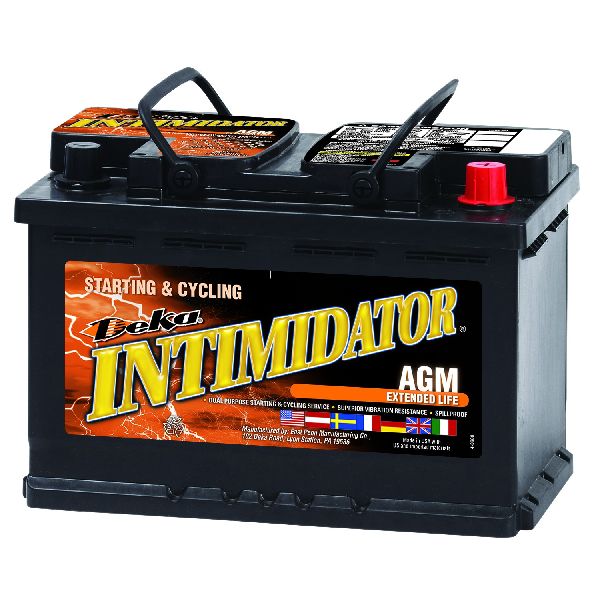
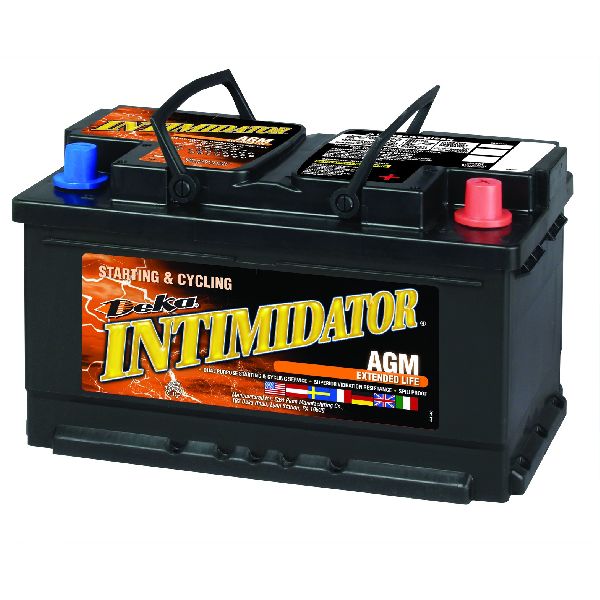
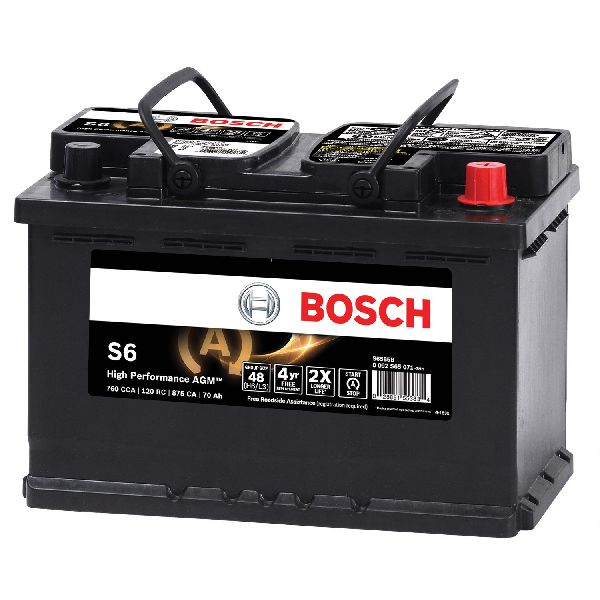
- 12V AGM Battery — A weak or failing battery is the most common trigger for the BCM software fault that causes code B3925.
Trusted brands: ACDelco, Duralast, DieHard
OEM price range: $250-$350
Aftermarket price range: $200-$300 - Body Control Module (BCM)
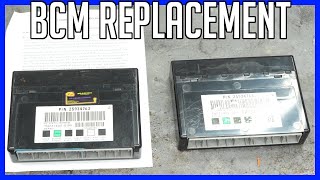
(OEM #13533817, 13518569, 13518570, 13518602, 13518603, 13519619, 13519620, 13519648, 13527252, 13527260, 13527261, 13527297, 13527298, 13527827, 13529492, 13529493, 13533809, 13533813, 13533814, 13533821)— Only needed in the rare event that the BCM has a hardware failure and cannot be fixed by the software reprogramming 🎬 Watch: How to locate the BCM in your vehicle. procedure. This is a comprehensive list of eligible GEN3R BCM part numbers from TSB 23-NA-163.
Trusted brands: GM Genuine Parts, ACDelco
OEM price range: $400-$600
Related Codes That Often Appear With This One
- B3924, B3926, B3927, B3928 — These are all 'Incorrect Environmental Identifier' codes for different modules (like the Instrument Cluster and HVAC controls) that set together with B3925 when the BCM memory is corrupted.
- P0513 — This code means 'Incorrect Immobilizer Key'. It sets because the BCM's corrupted security data no longer matches the key, preventing the engine from starting.
- B389A — This code for 'Environment Identification' is often a prerequisite for the other codes to set and is a key indicator that the BCM has experienced a memory corruption event. TSB 23-NA-163 specifically instructs technicians to check for this code.
Technical Service Bulletins (TSBs) & Recalls
- 23-NA-163: Provides the specific two-stage software reprogramming procedure to fix BCM memory corruption causing a no-start condition with codes B3924, B3925, B3926, etc. This bulletin has been revised multiple times, with an August 2024 update adding more affected models like the Blazer and XT5/XT6.
- 21-NA-277: An earlier bulletin also addressing the no-crank, no-start condition with codes B3925 and P0513, which was later superseded by 23-NA-163.
Platform-Specific Known Issues
- The 2019-2020 Buick Envision is subject to GM Technical Service Bulletin #23-NA-163, which details a specific software corruption issue in the Body Control Module (BCM) following a low-voltage event.
- The repair for this known issue is not parts replacement, but a special reprogramming and immobilizer relearn procedure that must be performed by a service center with access to GM's diagnostic software.
Mechanic-Grade Diagnostic Values
- BCM Base Model Part Number (BMPN) in GDS2 — expected: Must match one of the GEN3R part numbers listed in TSB 23-NA-163 (e.g., 13533817, 13519619, etc.).. Failure: If the BMPN is not on the TSB list, the special reprogramming procedure does not apply, and standard diagnostics should be followed.
- Battery Voltage During Programming — expected: Maintain a minimum of 12.5 volts.. Failure: Voltage dropping below 12.5V can cause programming to fail with errors like E4399/E4403.
Hidden / Shadow Codes Worth Checking
- B389A 00: Environment Identification Incorrect. This code is a key indicator that the BCM has experienced the memory corruption event that leads to B3925 and other related codes. (see via Visible with the GM GDS2 scan tool. TSB #23-NA-163 notes that if this code is not present, a technician should disconnect/reconnect the battery for at least 30 seconds and recheck, as this can force the code to set and confirm the condition.)
Scan Tool Commands That Help
- GM Service Programming System (SPS): K9 Body Control Module - 'Programming A Per Bulletin 23-NA-163 and 23-NA-165 Only' — This is the primary, first-step software routine to fix the BCM memory corruption.
- GM Service Programming System (SPS): Immobilizer procedure - 'Body Control Module IMMO Learn with Existing Transponder or Remote Key' — This immobilizer relearn must be performed immediately after running 'Programming A'.
- GM Service Programming System (SPS): K9 Body Control Module - 'Programming B Per Bulletin 23-NA-163 Only' — This is the secondary routine, used ONLY if 'Programming A' fails to fix the no-start condition, particularly if a standard immobilizer learn was attempted before starting the TSB procedure.
- GM Service Programming System (SPS): Immobilizer procedure - 'Engine Control Module and Body Control Module IMMO Learn' — This more extensive immobilizer relearn is required after running 'Programming B'.
- GM GDS2: Module Diagnostics > [K9] Body Control Module > Identification Information — This path is used to view the BCM's Base Model Part Number (BMPN) to confirm it is a 'GEN3R' type eligible for the TSB repair before attempting any programming.
Wiring & Ground Locations
- Body Control Module (BCM) — Located in the center console, directly behind the lower panel on the passenger side of the vehicle.. Physical access is required to check connectors or replace the module in the rare case of hardware failure. Knowing its location is the first step for any physical diagnosis.
- G103 (Potential BCM Ground) — On some GM models, located at the left rear of the engine compartment on the cowl, above the brake booster.. While not confirmed for this specific vehicle, G103 is a common grounding point for the BCM. A poor ground at this location could contribute to the voltage instability that triggers the B3925 fault. This is a plausible location to inspect for clean, tight connections during advanced diagnosis.
"I Checked Everything" — The Actual Cause
- This code represents a classic scenario where all related hardware components (key fob, antennas, wiring) will test perfectly fine, yet the vehicle will not start. A technician might replace the fob battery, test antenna circuits, and find no faults. The actual root cause is not a physical failure but a logical one: data corruption within the BCM's memory, which can only be identified by the presence of code B3925 and its companions (B389A, etc.) and fixed with a specific software procedure.
Model Year Variations Within This Range
- 2019-2020: There are no known significant variations in the cause or fix for code B3925 between the 2019 and 2020 Buick Envision models. Both are covered by the same Technical Service Bulletins (#23-NA-163, #21-NA-277) and use the affected GEN3R Body Control Module.
Helpful Videos


Used OEM Parts in Stock
New Aftermarket Parts Available



The information in this article is provided for general reference and educational purposes only. Vehicle specifications, procedures, and part compatibility can vary by production date, trim level, and region. Always consult your vehicle's factory service manual and verify part numbers before purchasing or performing repairs. Safety-critical components such as airbags, seat belts, and braking systems should be installed by a qualified professional.
- Buick ENVISION:
- 🧭 Diagnostic Flowchart
- 🎬 Helpful Videos
- 🛍️ Shop This Part
- What's Unique About the 2019-2020 Buick ENVISION
- Symptoms You May Notice
- Most Likely Causes
- Rare But Worth Checking
- Diagnosis Steps
- Parts You'll Likely Need
- Related Codes That Often Appear With This One
- Technical Service Bulletins (TSBs) & Recalls
- Platform-Specific Known Issues
- Mechanic-Grade Diagnostic Values
- Hidden / Shadow Codes Worth Checking
- Scan Tool Commands That Help
- Wiring & Ground Locations
- "I Checked Everything" — The Actual Cause
- Model Year Variations Within This Range
- 🎟️ Get 5% Off