

B3935 on 2011-2018 Chevrolet Volt: Causes for Security Light and No-Start
This code means your Volt's security system can't authenticate the key, usually due to Radio Frequency (RF) interference. Before replacing any parts, remove all phone chargers, dash cams, and RFID cards from the car and try starting again. This simple step often resolves the issue.
- B3935 is a security code, not a mechanical failure. It means your car doesn't recognize your key correctly.
- The most likely cause is RF interference. Unplug all chargers, dash cams, and remove RFID cards before spending any money.
- Do not replace the BCM or other expensive modules unless all other possibilities have been professionally diagnosed and ruled out.
- The second most likely fix is a new battery (CR2032) for your key fob, which costs less than $10.
What's Unique About the 2011-2018 Chevrolet VOLT
The Chevrolet Volt, with its advanced electrical systems, is particularly sensitive to Radio Frequency (RF) interference. General Motors has issued multiple Technical Service Bulletins for this era of vehicles that explicitly warn technicians *not* to replace expensive modules for this code until all sources of RF interference have been ruled out. This is because common items like phone chargers, dash cams, aftermarket LED lights, or even workplace ID badges can disrupt the low-frequency (125 kHz) signal between the key fob and the car, causing this authentication error. Forum users have specifically identified dash cams and radar detectors plugged into the 12V outlet as the source of the problem.
Diagnostic Flowchart
Tap your situation to follow the diagnostic path that matches what you're seeing on this vehicle.
Generation note: This issue is known to affect both the first generation (2011-2015) and second generation (2016-2019) of the Chevrolet Volt. The underlying cause related to RF interference is common across many GM vehicles from this period, as detailed in TSBs like PIC5650M. The location of the BCM and related components differs between generations.
Symptoms You May Notice
- Vehicle will not crank or start ('no-crank, no-start')
- Engine starts and immediately stalls
- Security indicator light is illuminated or flashing on the dashboard.
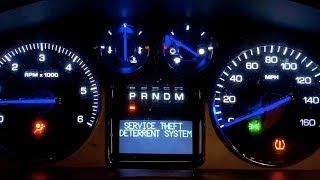
- "Service Theft Deterrent System" message on the driver information center (DIC).
- Replacing the Body Control Module (BCM) without first checking for RF interference.
- Replacing the key fob or Theft Deterrent Module (TDM) when the actual cause is a nearby phone charger or dash cam.
- Replacing the 12V starter battery, as the symptoms can be confused with a dead battery. Some Volt owners on Reddit reported similar no-start symptoms that were resolved with a new 12V battery, though this is often associated with other codes like U26xx for BECM failure.
Most Likely Causes
- Radio Frequency (RF) Interference 🔴 High Probability The immobilizer system operates on a 125 kHz frequency that is easily disrupted by common consumer electronics. GM TSBs PIC5650L and its successors specifically highlight this as the primary cause to investigate before any repairs. Specific culprits mentioned in bulletins and forums include phone chargers, USB power banks, aftermarket LED lights, and dash cams.
How to confirm: Remove ALL non-factory electronic devices from the vehicle's interior. This includes phone chargers, dash cams, aftermarket GPS, toll passes, and any RFID-enabled cards (like office badges) on the keychain. Attempt to start the vehicle again. A Corvette owner with a similar issue confirmed their dash cam/radar detector was the cause by reliably recreating the no-start condition when it was plugged in.
Typical fix: Identify and remove the interfering device. No parts are replaced.
Est. part cost: $0 - Weak or Dead Key Fob Battery 🟡 Medium Probability → Shop Vehicle Battery A weak battery can cause the key fob's transponder to send a signal that is too weak or corrupted to pass the security challenge, mimicking interference. The symptoms can be identical to RF interference.
How to confirm: Try using the vehicle's second key fob. If the second key works reliably, the battery in the first key is the likely culprit. You can also test the battery with a multimeter; a new CR2032 should be at or very near 3.0 volts.
Typical fix: Replace the CR2032 coin battery inside the key fob.
Est. part cost: $2-$10 - Body Control Module (BCM) Software Glitch ⚪ Low Probability → Shop Body Control Module Other GM vehicles from the same era have documented TSBs (like PI1180A for 2014-2015 trucks/SUVs) where a BCM software issue caused B3935. The fix was a software update, indicating a potential logic error in the module. While not specific to the Volt, it points to a known repair path for this code within GM.
How to confirm: This can only be confirmed by a GM dealer or a qualified shop with access to GM's Service Programming System (SPS) to check for available calibration updates for the BCM. The dealer would need to see if any updates apply to the vehicle's VIN.
Typical fix: Reprogram the Body Control Module (BCM) with the latest software calibration. This is a dealer or professional-level repair.
Est. part cost: $0 (software only)
Rare But Worth Checking
- Defective Key Fob Transponder: → Shop Keyless Entry Transmitter If a new battery doesn't fix the key and the spare key works fine, the transponder chip in the problematic key may have failed. This is rare but possible, especially if the key has been dropped or exposed to water. Diagnostic procedures suggest replacing the key as a valid step before replacing modules.
- Failed Theft Deterrent Module (TDM) or Body Control Module (BCM): → Shop Anti-Theft Control Module This is a last resort after all other possibilities, especially RF interference and software updates, have been exhausted. The TSBs specifically warn against premature replacement of these modules. If the BCM itself fails, it often causes a wider range of electrical issues, like flickering lights or unresponsive windows. Replacement requires programming to the vehicle's VIN.
Diagnosis Steps
- Confirm the security light is on and the vehicle won't start.
- Scan for other DTCs. B3055 and B3060 are commonly seen with B3935.
- Remove ALL aftermarket electronics from the vehicle cabin (phone chargers, dash cams, radar detectors, USB power banks, etc.).
- Remove all other keys and RFID cards (toll passes, work badges) from the keychain holding the Volt key.
- Attempt to start the vehicle. If it starts, the issue is RF interference. Re-introduce items one by one to find the culprit.
- If it does not start, try the spare key fob. If the spare works, the issue is with the primary key fob.
- Replace the CR2032 battery in the non-working key fob and try again.
- If neither key works and interference is ruled out, attempt a '30-Minute Relearn' procedure. Turn the key to 'ON' (do not start), wait 10-11 minutes until the security light turns off, turn the key 'OFF' for 30 seconds. Repeat this sequence a total of three times. After the third cycle, attempt to start the engine.
- If the issue persists, consult a dealer or professional shop to check for BCM software updates, as this is a known fix on similar GM platforms.
Parts You'll Likely Need
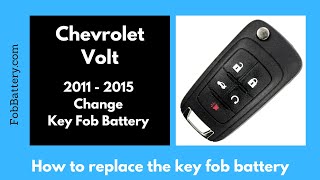
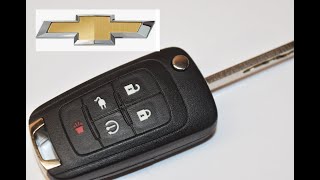
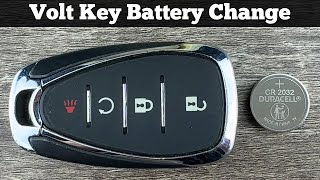
- Key Fob Battery — This is the most common and cheapest part to replace. A weak battery can cause the authentication to fail. The Volt key fob typically uses a CR2032 battery. 🎬 Watch: How to replace the battery in your 2011-2015 key fob.
Trusted brands: Energizer, Duracell, Panasonic
OEM price range: $5-$10
Aftermarket price range: $2-$5
Related Codes That Often Appear With This One
- B3055 — This is a 'No Transponder Key' code. It often appears with B3935 when RF interference is strong enough to block the key signal entirely.
- B3060 — This is an 'Unprogrammed Transponder Key' code. It can be set alongside B3935 if the security data gets corrupted during the failed authentication attempt.
Technical Service Bulletins (TSBs) & Recalls
- PIC5650M / PIC5650L: Mentions B3935 with no-start/stall concerns and advises to check for Radio Frequency Identification devices before replacing parts. Lists specific examples like aftermarket LED lights, phone chargers, and toll passes.
- PIE0232: An engineering information bulletin for other GM models that instructs dealers to check for RF devices as a first step for B3935, B3055, and B3060.
- PI1180A: A bulletin for 2014-2015 GM Trucks/SUVs that identifies a BCM software update as the fix for a no-start condition with codes B3935 and B2955.
Platform-Specific Known Issues
- The immobilizer system on the Volt is highly sensitive to RF interference, a fact acknowledged in GM's own service literature (TSB #PIC5650 series). Owners frequently report that a no-start issue was resolved simply by unplugging a USB phone charger or other 12V accessory.
- While B3935 is a security code, other common no-start issues on the Gen 2 Volt (2016+) are related to BECM (Battery Energy Control Module) failure, which presents with different codes (often U26xx) and symptoms like loss of EV range and A/C. It's important to differentiate B3935 from these other known issues.
Scan Tool Commands That Help
- GDS2 (GM Dealer Software): Immobilizer Learn — Used to program new or existing keys to the BCM/TDM after a module replacement or if keys have lost synchronization. This is a required step when replacing the BCM.
- GDS2 (GM Dealer Software): BCM Programming/Setup — When a new BCM is installed, it must be programmed with the vehicle's specific VIN and RPO codes using the Service Programming System (SPS). Failure to do so will result in a no-start and multiple communication DTCs.
- GDS2 (GM Dealer Software): Clear Secured High Voltage DTCs — While not directly for B3935, this function is critical on the Volt for other no-start conditions. It demonstrates a GDS2-specific reset function that consumer tools cannot perform, similar to how some security codes may require dealer-level resets.
Wiring & Ground Locations
- K9 Body Control Module (BCM) - Gen 1 — Located in the right-hand side of the engine compartment for the 2012 model year. Other documentation suggests it is under the driver's side dash for other similar GM platforms.. The BCM houses the Theft Deterrent Module (TDM) logic. A poor connection, water intrusion, or faulty ground at this location can directly cause B3935.
- K9 Body Control Module (BCM) - Gen 2 — Located in the rear of the vehicle, in the corner of the trunk/hatch area. This location makes it potentially vulnerable to water intrusion if the rear hatch seals fail or if there is unrepaired collision damage.. As with Gen 1, this module is central to the immobilizer system. Its location change means diagnostic and inspection points are completely different from the earlier generation.
- G103 (Ground) — Located on the cowl at the left rear of the engine compartment, often near the brake booster.. This is a major ground point for multiple critical modules, including the BCM, Instrument Panel Cluster (IPC), and the Remote Door Lock Receiver. Corrosion or a loose connection at G103 can cause intermittent communication failures and trigger security-related codes like B3935.
- Keyless Entry / Immobilizer Antenna — Typically located inside the ignition switch housing or integrated into the center console near the key slot/pocket. There are multiple antennas in the vehicle for keyless entry and starting.. This antenna receives the low-frequency signal from the key's transponder. A damaged wire or faulty antenna is a rare but possible cause for the B3935 authentication error.
- BCM Connectors (X1, X2, etc.) — These are the multi-pin connectors that plug into the BCM.. Technicians may need to test for battery voltage, ground, and communication signals at specific pins on these connectors to diagnose a faulty BCM or wiring issue. For example, pin 21 on connector X1 is often the Security Indicator Control circuit.
Real Owner Repair Stories
- YouTube user 'd5624' (2017 Chevrolet Volt) — Intermittent "fob not detected" messages, even with a fresh key fob battery.
❌ Tried (didn't work) Replacing the key fob battery.
✅ What actually fixed it The owner replaced the Remote Keyless Entry Receiver module located in the rear hatch area, as indicated by TSB 16-NA-396. This resolved the intermittent detection issue, which can be a precursor to or associated with authentication codes like B3935. - VXdiagshop.com Blog Post (Chevrolet Volt (year not specified, likely Gen 1)) — No-start condition after discovering damaged wiring and connectors at the ECM.
❌ Tried (didn't work) Initial attempts to start the car failed due to module communication errors.
✅ What actually fixed it The owner replaced the ECM, repaired the damaged wiring/connectors, and then used a VXDIAG tool with GM GDS2/SPS software to program the new ECM, reprogram the immobilizer, and program the body modules. This multi-step programming process was essential to make the new modules work with the car's security system.
OEM Part Supersession History
13580696 (BCM for 2012 Volt)→Also compatible with 123589093, 13588446, 13584692, and 13583542.— Standard part revisions and consolidation.
Heads up: While these part numbers are listed as compatible for a 2012 Volt, using a BCM from another vehicle type (e.g., a Camaro or SRX) requires professional programming to load the correct Volt-specific software and VIN.13594587 (BCM for 2017 Volt)→13534186— Standard part revision by the manufacturer.
Heads up: Part numbers are specific to Gen 2 vehicles and are not interchangeable with Gen 1 BCMs.23263544, 23285010, etc. (BECM for 2016-2019 Volt)→24296900— Multiple revisions to address a common failure point in Gen 2 Volts (related to U-codes, not B3935).
Heads up: This is the Battery Energy Control Module, not the Body Control Module. It is a common no-start part but is associated with different codes (U26xx) and should not be confused with the BCM for a B3935 diagnosis.
Model Year Variations Within This Range
- 2011-2015 (Gen 1): The Body Control Module (BCM) is located in the engine compartment. The infotainment and center stack controls are capacitive touch buttons, which are less tactile than the physical buttons in Gen 2. The immobilizer system is generally considered part of this 'over-engineered' generation.
- 2016-2018 (Gen 2): The Body Control Module (BCM) was relocated to the rear of the vehicle, in the hatch area. The Remote Keyless Entry Receiver is also in the rear hatch area. The infotainment system is updated with support for Android Auto/Apple CarPlay and uses physical buttons, which changes the driver interface significantly. The overall electrical architecture was updated from Gen 1.
Helpful Videos



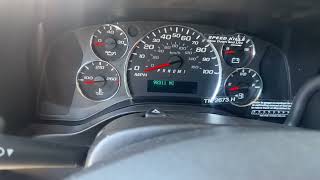
We Have This Part in Stock


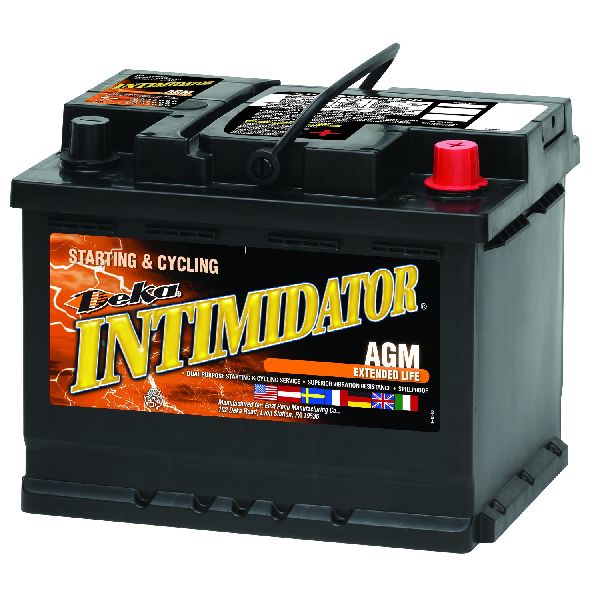
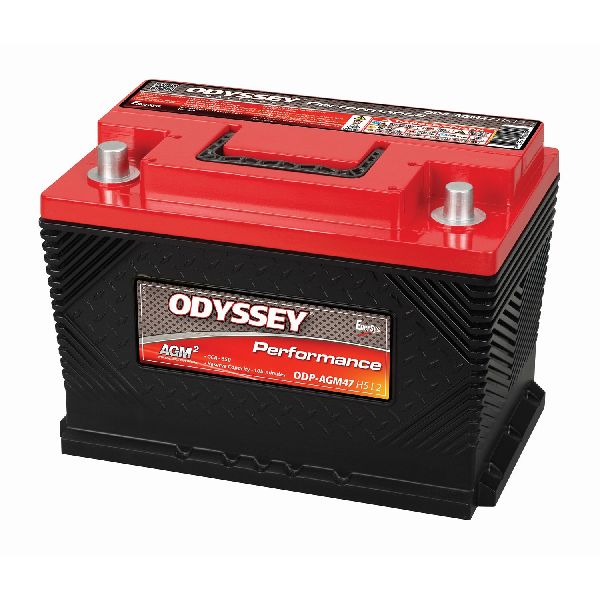

The information in this article is provided for general reference and educational purposes only. Vehicle specifications, procedures, and part compatibility can vary by production date, trim level, and region. Always consult your vehicle's factory service manual and verify part numbers before purchasing or performing repairs. Safety-critical components such as airbags, seat belts, and braking systems should be installed by a qualified professional.
- Chevrolet VOLT:
- 🧭 Diagnostic Flowchart
- 🎬 Helpful Videos
- 🛍️ Shop This Part
- What's Unique About the 2011-2018 Chevrolet VOLT
- Symptoms You May Notice
- Most Likely Causes
- Rare But Worth Checking
- Diagnosis Steps
- Parts You'll Likely Need
- Related Codes That Often Appear With This One
- Technical Service Bulletins (TSBs) & Recalls
- Platform-Specific Known Issues
- Scan Tool Commands That Help
- Wiring & Ground Locations
- Real Owner Repair Stories
- OEM Part Supersession History
- Model Year Variations Within This Range
- 🎟️ Get 5% Off