

C0755 on 2012-2019 Chevrolet Sonic: Right Front TPMS Fault Causes and Fixes
Code C0755 on a Chevy Sonic indicates a fault with the right front tire pressure (TPMS) sensor. The most common cause is a dead sensor battery, as they last about 5-10 years. Replacing the sensor and performing a relearn procedure is the typical fix. In some cases, this code can be linked to a more serious no-start condition.
- C0755 means the right front TPMS sensor needs attention, most likely replacement due to a dead battery.
- While a TPMS fault is usually not urgent, a GM TSB indicates it can be linked to your Sonic not starting, so it's best to fix it promptly.
- After replacing the sensor, a 'relearn' procedure is mandatory so the car can recognize the new sensor's ID.
- If you're replacing one original sensor, consider replacing all four, as their batteries are likely to fail around the same time.
What's Unique About the 2012-2019 Chevrolet SONIC
For the Chevy Sonic, the TPMS is a direct system, meaning each wheel has a battery-powered sensor. While the code itself is straightforward, a GM Technical Service Bulletin (TSB) has linked C0755 and other TPMS codes to more severe symptoms like a no-crank or stalling condition, potentially due to communication errors on the vehicle's data network that interfere with the security system. This interference can be caused by aftermarket electronics like phone chargers or LED lights, which jam the radio frequency used by both the TPMS sensors and the keyless entry system. This makes addressing the TPMS fault more critical than on other vehicles where it might only be a warning light issue.
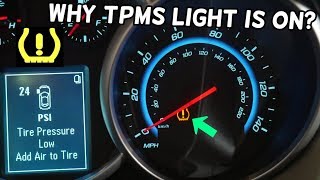
🎬 Watch: Why your TPMS light is on and what it means.Diagnostic Flowchart
Tap your situation to follow the diagnostic path that matches what you're seeing on this vehicle.
Symptoms You May Notice
- TPMS warning light flashing for approximately one minute, then staying illuminated
- Driver Information Center (DIC) may show dashes for the right front tire pressure
- DIC may display a "Service Tire Monitor System" message
- In rare cases, vehicle may not crank, may not start, or may stall (as noted in TSB #PIC5650M)
- Key fob may have poor range or be inoperative intermittently
- Replacing the BCM or TPMS receiver (RCDLR) before confirming the sensor itself has failed. The sensor is the most common point of failure.
- Replacing a TPMS sensor when the actual problem is RF interference from an aftermarket accessory plugged into the car.
Most Likely Causes
- Dead TPMS Sensor Battery 🔴 High Probability → Shop Tire Pressure Monitoring System (TPMS) Sensor TPMS sensor batteries have a finite lifespan, typically 5-10 years. Vehicles in the 2012-2019 year range are reaching or have passed the end of the original sensors' battery life.
How to confirm: A professional TPMS tool can test the sensor's battery level and signal output. A scan tool can also check the BCM data for a sensor low battery condition. If the sensor fails to activate or respond during the relearn procedure with a TPMS tool, the battery is the most likely culprit. A scan tool may show a specific symptom byte like '03' for low voltage.
Typical fix: Replace the right front TPMS sensor and perform the TPMS relearn procedure. It is often recommended to replace all four sensors at the same time if they are original, as the others are likely to fail soon.
Est. part cost: $30-$60 per sensor - Internal Sensor Failure or Damage 🟡 Medium Probability Sensors can be damaged during tire changes, by hitting potholes, or simply fail electronically over time. A user on a Reddit forum noted their sensor failed after hitting a curb.
How to confirm: The sensor will fail to transmit a signal when activated by a TPMS tool, even if the battery is known to be good (which is difficult to verify without replacing it). Visual inspection during a tire dismount may reveal physical damage.
Typical fix: Replace the damaged TPMS sensor and perform the relearn procedure.
Est. part cost: $30-$60 per sensor
Rare But Worth Checking
- Radio Frequency (RF) Interference: Aftermarket electronic devices like dash cams, phone chargers, USB power banks, or even aftermarket LED lighting can interfere with the low-power signal from the TPMS sensor to the vehicle's receiver. TSB PIC5650 specifically calls out these devices as a potential cause for TPMS and no-start issues. Before replacing parts, unplug all aftermarket accessories to see if the code clears and the system functions.
- Faulty Body Control Module (BCM) or Receiver: → Shop Body Control Module It is rare for the receiver (often the Remote Control Door Lock Receiver or RCDLR) or the BCM to fail in a way that affects only one sensor. However, a failure of the RCDLR can cause multiple TPMS codes (C0750, C0755, etc.) and key fob issues simultaneously. A BCM failure can also cause a wide range of seemingly unrelated electrical issues. This should only be considered after verifying the sensor is good and there is no RF interference.
Diagnosis Steps
- Verify the TPMS warning light is on and code C0755 is present using an OBD-II scanner.
- Use a dedicated TPMS tool (such as an Autel MaxiTPMS or similar) to attempt to activate and read the signal from the right front sensor. Note the pressure, temperature, battery status, and ID.
- If the tool cannot get a reading, the sensor is likely dead (bad battery or internal failure) and needs replacement.
- If the tool can read the sensor, the issue may be with the vehicle's receiver or RF interference. Unplug all aftermarket accessories (phone chargers, dash cams, LED lights) and try again.
- Attempt a TPMS relearn procedure. On a Sonic, this is initiated through the Driver Information Center (DIC) menu. 🎬 See this quick walkthrough on how to reset your sensors. Once in learn mode, use a TPMS activation tool to trigger each sensor in sequence (LF, RF, RR, LR). The horn will chirp for each successful sensor. Alternatively, you can let air out of each tire in sequence to trigger the sensor, though this is less reliable. 🎬 Watch: How to perform a full TPMS relearn procedure.
- If the relearn procedure fails only for the right front position (the horn doesn't chirp), this confirms a faulty sensor.
- If the relearn fails for all positions, investigate the TPMS receiver (RCDLR) and its wiring, or suspect a broader RF interference issue.
- If the vehicle has the no-start/stall symptom mentioned in TSB #PIC5650M, diagnosis should be performed by a professional, as it may involve complex BCM and data line diagnostics to find the source of RF interference.
Parts You'll Likely Need
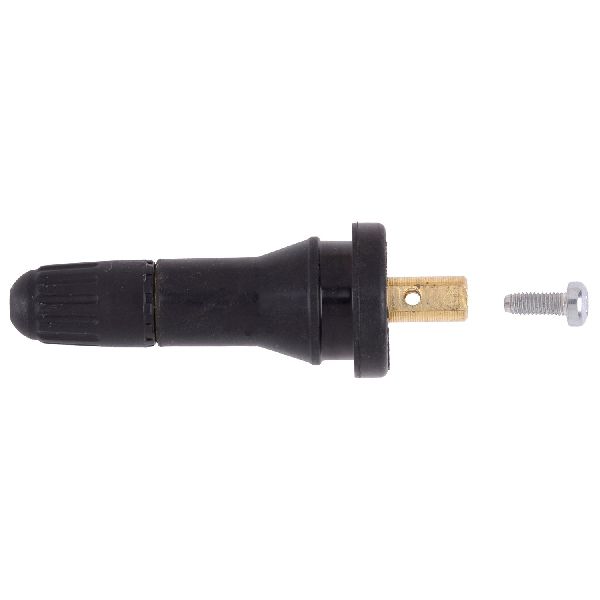
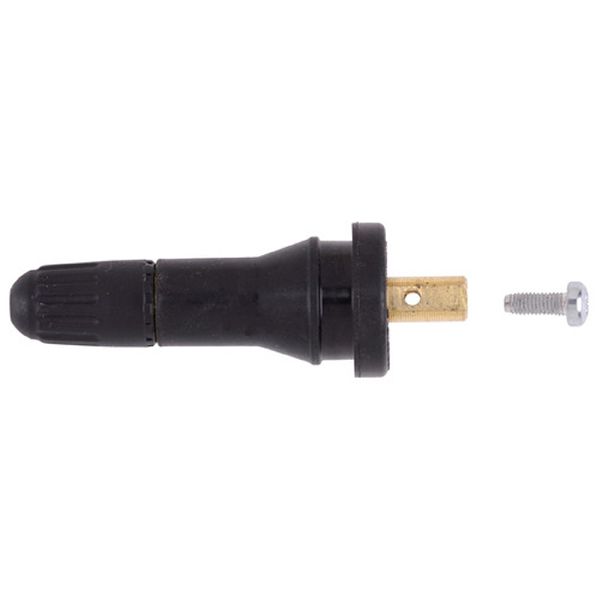
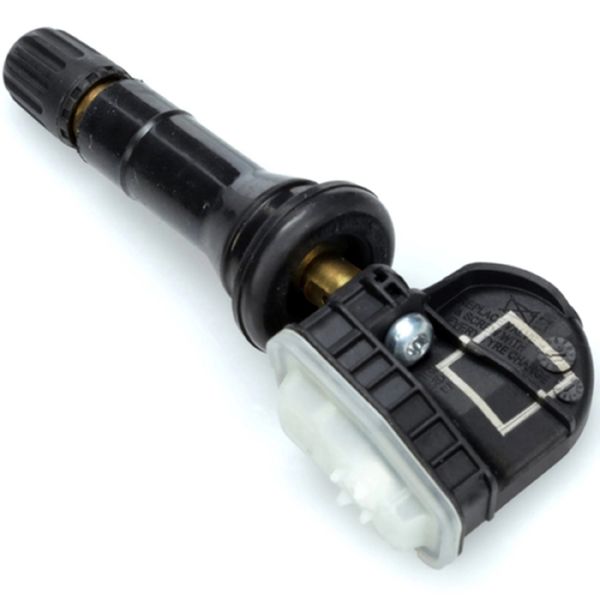
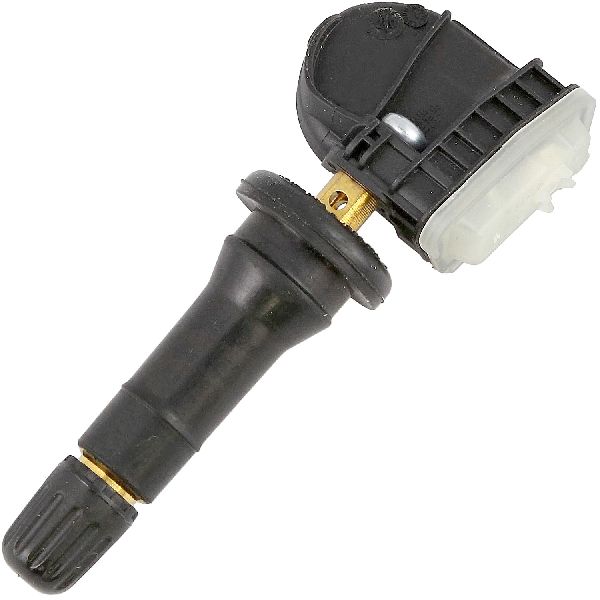
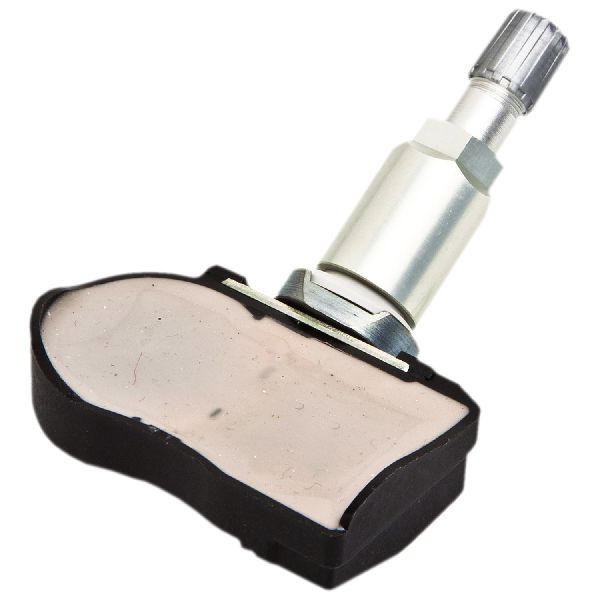
- Tire Pressure Monitoring System (TPMS) Sensor
(OEM #13540601)— This is the direct cause of the code. The internal battery dies or the sensor fails. The entire unit must be replaced. This part number is specified for the 315 MHz frequency used in North America. It supersedes part numbers 13581558, 13598772, and others.
Trusted brands: ACDelco, Schrader, Dorman, Bosch, Standard Motor Products
OEM price range: $50-$105
Aftermarket price range: $25-$60
Related Codes That Often Appear With This One
- C0750 — Fault with the Left Front TPMS sensor. Often occurs when multiple sensor batteries are failing around the same time.
- C0760 — Fault with the Left Rear TPMS sensor. Often occurs when multiple sensor batteries are failing around the same time.
- C0765 — Fault with the Right Rear TPMS sensor. Often occurs when multiple sensor batteries are failing around the same time.
- B3055 — This is a key-related immobilizer code. TSB #PIC5650M notes that it can appear with TPMS codes during a no-start condition, suggesting a wider communication issue caused by RF interference.
Technical Service Bulletins (TSBs) & Recalls
- PIC5650M: Addresses a no crank, no start, or start/stall concern that can be accompanied by various DTCs, including C0755. It strongly points to RF interference from aftermarket devices as the cause.
- 16-NA-396: Discusses intermittent operation of key fobs and TPMS issues (including C0755) on various GM vehicles, attributing the cause to internal failures of the Remote Control Door Lock Receiver (RCDLR).
Platform-Specific Known Issues
- A GM Technical Service Bulletin (PIC5650M) links this code, along with other TPMS and security codes, to a potential no-crank, no-start, or stalling condition on the Sonic and other GM vehicles. The root cause is often Radio Frequency Interference (RFI) from aftermarket electronics jamming the receiver.
- A recall bulletin (12209B) was issued for some 2013 Sonics for a BCM software issue where a failed turn signal would not be indicated to the driver. This required a BCM reprogram and highlights the BCM's central role, though it is not directly related to the C0755 cause.
Hidden / Shadow Codes Worth Checking
- C0755 03: Right Front Tire Pressure Sensor Low Voltage. This specifically indicates the sensor's internal battery is failing. (see via A professional scan tool (like GM GDS2) that can read manufacturer-specific symptom bytes or sub-codes.)
- C0755 29: Right Front Tire Pressure Sensor Too Few Pulses. This indicates the signal from the sensor is intermittent or not being received correctly. (see via A professional scan tool (like GM GDS2) that can read manufacturer-specific symptom bytes or sub-codes.)
- C0755 39: Right Front Tire Pressure Sensor Internal Malfunction. This points to a failure within the sensor's electronics, separate from the battery. (see via A professional scan tool (like GM GDS2) that can read manufacturer-specific symptom bytes or sub-codes.)
Scan Tool Commands That Help
- GM GDS2 (or equivalent professional scanner): TPMS Data Display — Use this to view live data for each sensor, including pressure, temperature, sensor ID, and battery status (often shown as 'Normal' or 'Replace'). A sensor with a 'Replace' status or missing data is faulty.
- GM GDS2 (or equivalent professional scanner): Tire Pressure Sensor Learn — This function guides the technician through the vehicle's relearn procedure after replacing a sensor or rotating tires. It's an alternative to initiating the learn mode from the DIC and is required to program the new sensor ID to the correct wheel position in the BCM.
- GM GDS2 (or equivalent professional scanner): Module Diagnostics > BCM > Output Controls — While not directly for TPMS, this allows a technician to command various BCM functions on and off to test the module's integrity if a BCM failure is suspected.
Wiring & Ground Locations
- Body Control Module (BCM) — Located behind the driver's side instrument panel, near the fuse panel. It is visible from underneath the dashboard near where the driver's left foot would be.. The BCM is the primary module that receives and interprets the TPMS sensor data from the RCDLR. A fault with the BCM or its connections can cause this and other electrical codes.
- Remote Control Door Lock Receiver (RCDLR) — On the Chevrolet Cruze, a similar platform, this module is located near the rearview mirror. On other GM models, it's often in a rear pillar or quarter panel. For the Sonic, it may be integrated with the BCM or located in a similar overhead or pillar location to receive RF signals effectively.. The RCDLR is the radio frequency receiver for both the key fobs and the TPMS sensors. A fault in this module, its antenna, or its wiring can cause both systems to fail simultaneously.
- G104 / G105 — G105 is located on the frame rail under the battery tray. G104's location was noted as incorrect in early service information but is a key chassis ground.. A GM Preliminary Information bulletin (PIC5574A) for the 2012 Sonic specifically calls out checking for loose connections or poor grounding at G104 and G105 as a potential cause for intermittent no-start conditions with multiple communication codes, which can include TPMS faults.
Real Owner Repair Stories
- 2CarPros Forum User (Unknown GM Vehicle) — After replacing all four TPMS sensors, the user was able to get the horn to beep during the relearn procedure, but the DIC still showed blank dashes for the pressures. Codes C0750, C0755, C0760, and C0765 with 'Too Few Pulses' were present.
❌ Tried (didn't work) Replacing all four TPMS sensors., Performing the standard relearn procedure with a TPMS tool.
✅ What actually fixed it The resolution provided by the mechanic on the forum was to suspect Radio Frequency (RF) interference. The advice was to unplug all aftermarket devices from power ports (phone chargers, USB adapters, etc.) and attempt the relearn procedure again, as these devices are a known cause of RF interference that can block the sensor signals from reaching the receiver.
OEM Part Supersession History
13581558, 13598772, 22854866, and others→13540601— Consolidation of part numbers and potential design revisions for improved reliability.
Heads up: While many aftermarket sensors are 'programmable' or 'cloneable', ensure they are set to the correct 315 MHz frequency for North American Sonics (RPO code XL7). Using a 433 MHz sensor will result in a failure to learn.13540601→86363052— Latest part number update from GM.
Heads up: This is the most current OEM part number. When ordering, using the latest number ensures you get the most recent revision.
Model Year Variations Within This Range
- 2012-2016 vs 2017-2019 (Facelift): While the core TPMS system and sensor frequency (315 MHz) remained the same, some part numbers for the sensors and related modules may have been updated post-facelift. For example, some parts catalogs show different sensor part numbers for 2016 and 2017 models, though they are often superseded by a common part. Always verify the part number with the vehicle's VIN.
Helpful Videos
We Have This Part in Stock


The information in this article is provided for general reference and educational purposes only. Vehicle specifications, procedures, and part compatibility can vary by production date, trim level, and region. Always consult your vehicle's factory service manual and verify part numbers before purchasing or performing repairs. Safety-critical components such as airbags, seat belts, and braking systems should be installed by a qualified professional.
- Chevrolet SONIC:
- 🧭 Diagnostic Flowchart
- 🎬 Helpful Videos
- 🛍️ Shop This Part
- What's Unique About the 2012-2019 Chevrolet SONIC
- Symptoms You May Notice
- Most Likely Causes
- Rare But Worth Checking
- Diagnosis Steps
- Parts You'll Likely Need
- Related Codes That Often Appear With This One
- Technical Service Bulletins (TSBs) & Recalls
- Platform-Specific Known Issues
- Hidden / Shadow Codes Worth Checking
- Scan Tool Commands That Help
- Wiring & Ground Locations
- Real Owner Repair Stories
- OEM Part Supersession History
- Model Year Variations Within This Range
- 🎟️ Get 5% Off