

GMC Acadia C0760: Left Rear TPMS Fault Causes & Fixes (2015-2022)
Code C0760 on a 2015-2022 GMC Acadia means there's a problem with the left rear tire pressure sensor. If your key fob is also not working, the most likely cause is a faulty Remote Control Door Lock Receiver (RCDLR), a known issue covered by GM TSB #16-NA-396. This module handles both TPMS and key fob signals. If the key fob works fine, the TPMS sensor in the tire is likely dead or its battery has expired.
- Code C0760 points to the left rear TPMS sensor, but the cause may not be the sensor itself.
- First, check your key fob. If it's also malfunctioning, the Remote Control Door Lock Receiver (RCDLR) is the most likely culprit.
- If the key fob works perfectly, the TPMS sensor in the left rear tire has probably failed due to a dead battery.
- Before replacing parts, unplug all aftermarket phone chargers and accessories to rule out radio frequency interference.
- Replacing the RCDLR requires professional programming; it is not a simple plug-and-play part.
What's Unique About the 2015-2022 Gmc ACADIA
On this generation of GMC Acadia and its platform mates (Chevy Traverse, Buick Enclave), the Remote Control Door Lock Receiver (RCDLR) is a critical and common point of failure. This single module processes signals from both the tire pressure sensors and your key fobs. A failure in this module, as documented in TSB #16-NA-396, commonly causes both a "Service Tire Monitor System" message with code C0760 (and others) and a completely unresponsive key fob, a confusing set of symptoms that leads many to mistakenly replace the TPMS sensor first.
Diagnostic Flowchart
Tap your situation to follow the diagnostic path that matches what you're seeing on this vehicle.
Generation note: This range covers the end of the first generation (2015-2016) and the beginning of the second generation (2017-2022). The underlying issue with the RCDLR affecting both TPMS and key fobs is common to both. Note that TPMS sensor frequencies differ: first-gen models typically use 315 MHz sensors, while second-gen (2017+) use 433 MHz sensors. The RCDLR location also differs: 1st gen models often have it in the headliner near the compass module, while 2nd gen models have it behind the driver's side rear quarter panel trim.
Symptoms You May Notice
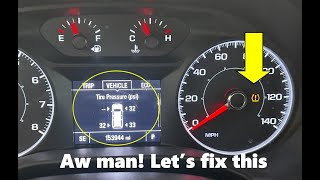
- "Service Tire Monitor System" message on the Driver Information Center (DIC).
- TPMS warning light is on (may flash for 60 seconds at startup, then stay solid).
- DIC displays dashes (---) for the left rear tire pressure reading.
- Key fob is intermittently or completely inoperative (lock, unlock, remote start, panic button won't work).
- "No Remote Detected" message appears on the DIC, possibly leading to a no-start or start-and-stall condition.
- Passive entry (door handle button) does not work.
- Reduced operating range for the key fob.
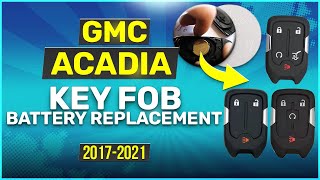
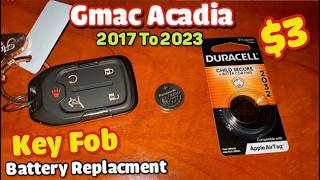
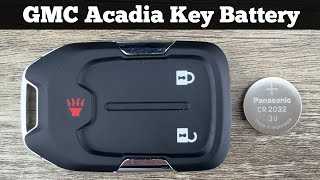
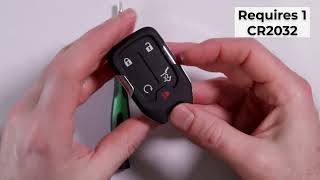
- Replacing the key fob battery. While 🎬 Watch: How to quickly replace your key fob battery. a good first step for a dead fob, it will not fix an issue originating from the RCDLR module. A DIY fix using aluminum foil on the fob's contact points can sometimes restore function to worn buttons but won't fix an RCDLR problem.
- Replacing the vehicle's main 12V battery. Unless the battery is failing and causing widespread electrical issues, it is not the specific cause of code C0760.
- Replacing the TPMS sensor when the key fob is also dead. The RCDLR is the more likely single point of failure for both systems.
Most Likely Causes
- Faulty Remote Control Door Lock Receiver (RCDLR) 🔴 High Probability → Shop Keyless Entry Receiver This is a well-documented failure point on many GM vehicles. GM issued Technical Service Bulletin #16-NA-396 specifically for this issue, where an internal fault in the RCDLR causes loss of communication with TPMS sensors and key fobs.
How to confirm: The strongest indicator is the presence of both TPMS warnings (C0750, C0755, C0760, C0765) and intermittent or dead key fob functions. If the key fob doesn't work, the RCDLR is the primary suspect. A professional scan tool can check for communication with the module and look for symptom code :29 ("Too Few Pulses").
Typical fix: Replace the RCDLR module. This new module must be programmed to the vehicle by a dealership or a qualified independent shop with the proper software (SPS). The module is typically located behind the interior trim panel in the driver's side rear quarter panel area on 2nd gen models, or in the headliner on 1st gen models.
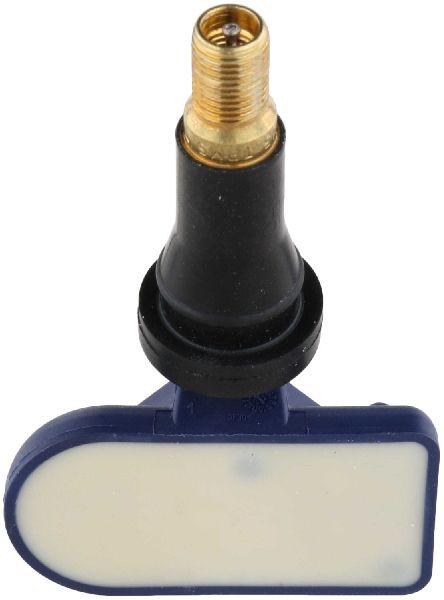
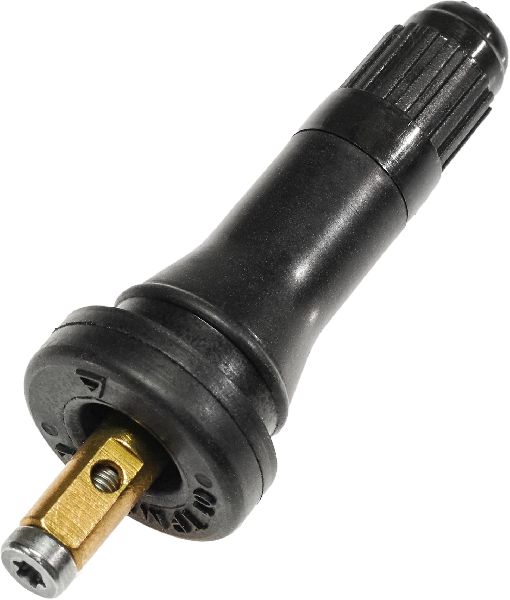
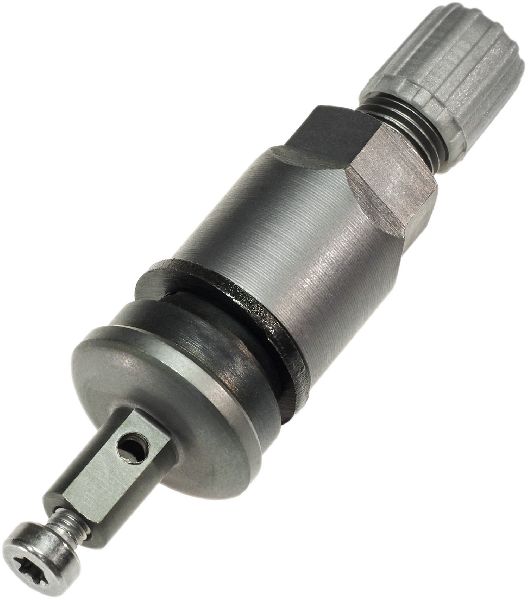
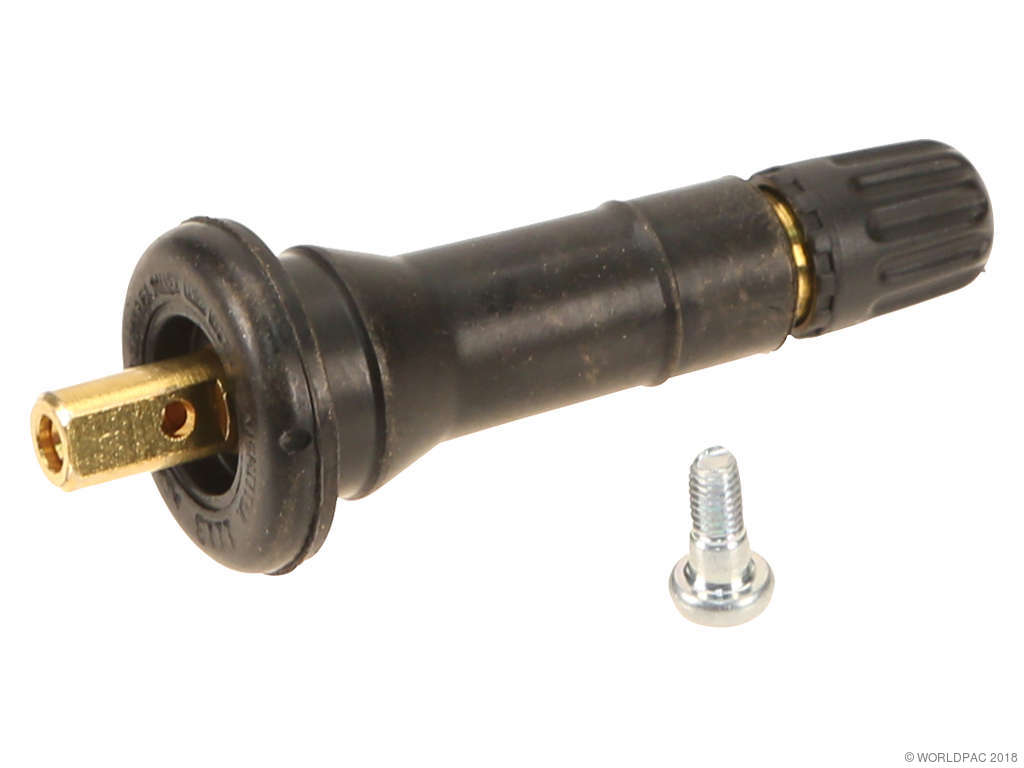
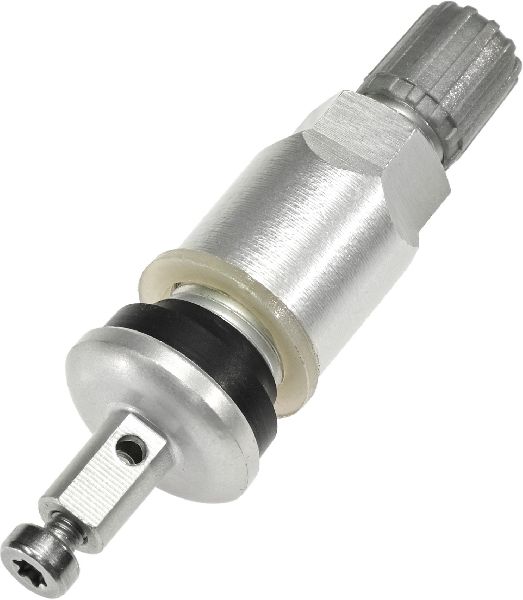
Est. part cost: $75-$150 - Dead or Faulty Left Rear TPMS Sensor 🔴 High Probability → Shop Tire Pressure Monitoring System (TPMS) Sensor TPMS sensors contain a non-serviceable battery with a finite lifespan, typically 7-10 years. As these vehicles age, sensor failure is very common and expected.
How to confirm: If the key fob and passive entry system work perfectly but the C0760 code is present, the sensor is the most likely culprit. A TPMS diagnostic tool (like the J-46079) can be used to check if the sensor is transmitting a signal and to check its battery status.
Typical fix: Replace the left rear TPMS sensor and perform a TPMS relearn procedure. This requires breaking the bead of the tire to access the sensor. A relearn tool like the EL-50448 is often needed.
Est. part cost: $25-$80 - Radio Frequency Interference (RFI) ⚪ Low Probability As noted in GM TSB PIC5650M, aftermarket electronics like phone chargers, dash cams, and LED lighting can emit radio frequencies that 'jam' the 315 MHz, 433 MHz, or 125 kHz signals from the TPMS sensors and key fob to the RCDLR.
How to confirm: The issue is intermittent and corresponds with the use of a specific electronic device. Unplug all aftermarket 12V and USB devices and see if the symptoms disappear. If they do, plug them back in one by one to find the offender.
Typical fix: Remove or replace the interfering aftermarket device.
Est. part cost: $0-$50
Rare But Worth Checking
- Corroded or Damaged RCDLR Wiring: The RCDLR is often located in the rear of the vehicle, sometimes near the liftgate or in a quarter panel, where water intrusion can be a problem. Another potential failure point is broken wiring in the driver's door sill plate area, which can cut power to the module. A visual inspection of the module's connector and related wiring harnesses for corrosion or damage is worthwhile if a new RCDLR fails to solve the issue.
- Loose RCDLR Antenna Connection: According to GM document 16-NA-061, a poor or disconnected coaxial antenna connection at the RCDLR module, antenna amplifier, or the antenna itself (often in the rear quarter glass) can cause intermittent TPMS and key fob issues, particularly for sensors farther from the module.
Diagnosis Steps
- Check Key Fob Function: Test all functions of all key fobs (lock, unlock, remote start). If they are inoperative or intermittent, the RCDLR is the primary suspect.
- Scan for Other Codes: Use a capable OBD-II scanner to check for other TPMS codes (C0750, C0755, C0765) or security codes (B-codes). Multiple codes strongly suggest a central problem like the RCDLR.
- Check for RFI: Unplug all aftermarket devices from USB and 12V outlets (dash cams, phone chargers, LED lights). Test the key fob and drive the vehicle to see if the TPMS warning clears.
- Test the TPMS Sensor: If the key fob works normally, use a TPMS diagnostic tool to attempt to read the sensor data (ID, pressure, battery status) from the left rear wheel. If the tool cannot get a reading, the sensor is bad.
- Attempt a TPMS Relearn: Initiate the vehicle's TPMS relearn mode via the DIC menu or by holding lock/unlock on the fob with the key on. Use a relearn tool (like EL-50448) to activate each sensor in sequence. If all other sensors learn but the left rear fails, this confirms a bad sensor.
- Inspect RCDLR Wiring: If the RCDLR is suspected, visually inspect the module (behind driver's rear quarter panel trim on 2nd gen, in headliner on 1st gen) and its connector for corrosion or damage. Also check the wiring harness under the driver's door sill plate for breaks.
- Replace Suspect Component: Based on the symptoms, replace either the TPMS sensor or the RCDLR. Remember that the RCDLR requires professional programming.
Parts You'll Likely Need
- Remote Control Door Lock Receiver (RCDLR)
(OEM #13595511 (superseded by 13540045))— This is the most common cause when TPMS issues are combined with key fob problems, as documented in TSB #16-NA-396. Part number 13595511 is frequently cited but has been superseded by 13540045.
Trusted brands: ACDelco, GM Genuine
OEM price range: $75-$150
Aftermarket price range: $50-$100 - Tire Pressure Monitoring System (TPMS) Sensor
(OEM #13598772 (315 MHz, Gen 1) or 13598773 (433 MHz, Gen 2))— This is the most common cause if the key fob works correctly. The sensor's internal battery has a limited lifespan. Part #13598772 is for 315 MHz systems (typically pre-2017), while #13598773 is for 433 MHz systems (typically 2017+).
Trusted brands: ACDelco, Schrader, Huf, Autel
OEM price range: $50-$90
Aftermarket price range: $25-$60
Related Codes That Often Appear With This One
- C0750 — This code corresponds to the Left Front TPMS sensor. When the RCDLR fails, it often loses communication with multiple or all sensors simultaneously.
- C0755 — This code corresponds to the Right Front TPMS sensor. A failing RCDLR can trigger faults for all sensors.
- C0765 — This code corresponds to the Right Rear TPMS sensor. Seeing all four TPMS codes (C0750, C0755, C0760, C0765) together strongly points to a faulty RCDLR.
- B3055, B3060, B3935 — These are key and security-related codes. Their presence alongside C0760 is another strong indicator that the RCDLR or RFI is the root cause, as mentioned in TSB PIC5650M.
Technical Service Bulletins (TSBs) & Recalls
- 16-NA-396
- PIC5650M
- PIT5446A
- 19-NA-243
Platform-Specific Known Issues
- TSB #16-NA-396: Documents that an internal failure of the Remote Control Door Lock Receiver can cause intermittent key fob operation and set TPMS codes C0750, C0755, C0760, and C0765. The fix is to replace the RCDLR module.
- TSB #PIC5650M: Details how Radio Frequency Interference (RFI) from aftermarket devices can cause a wide range of intermittent issues, including 'Service Tire Monitor System' messages and 'No Remote Detected' warnings.
- RCDLR Location: On the GMC Acadia and its platform mates, the RCDLR module is located behind the interior trim panel in the rear driver's side quarter panel area, near the wheel well.
- Water Intrusion: Other GM TSBs, like #19-NA-243, mention issues with water leaking past body plugs in the 'A' pillar, causing corrosion in major body harness connectors. While not directly citing the RCDLR, it highlights a potential source for electrical issues from water ingress.
Hidden / Shadow Codes Worth Checking
- C0760 with Symptom :29: The symptom code :29 means 'Too Few Pulses'. This indicates the RCDLR is detecting a signal from the sensor, but the data packet is incomplete or corrupt. This strongly suggests a weak sensor battery, radio frequency interference, or a fault in the RCDLR's receiver circuitry, rather than a completely dead sensor. (see via A GM dealer-level scan tool like GDS2 (Global Diagnostic System 2) or an equivalent high-end professional scanner.)
Scan Tool Commands That Help
- GDS2 / Techline Connect (SPS): Module Setup / Replace and Program — When replacing the RCDLR, the new module must be programmed to the vehicle. The technician uses the Service Programming System (SPS) within Techline Connect to download the correct software and VIN information to the new RCDLR, a process often called 'Replace and Program'.
- GDS2: Key Fob Status Data List — To diagnose a key fob issue, a technician can view the 'Key Fob Status' data list in GDS2. When a button is pressed on a working fob, the status should change (e.g., to 'Lock' or 'Unlock'). If the status remains 'None', it confirms the RCDLR is not receiving the signal, pointing to a bad fob or a faulty RCDLR.
- GDS2: Clear DTCs — After any repair, such as replacing a sensor or the RCDLR module, all Diagnostic Trouble Codes must be cleared from the system to turn off the warning lights and confirm the repair was successful.
Wiring & Ground Locations
- RCDLR (Gen 1, 2015-2016) — Typically located in the headliner, often near the compass module above the rear center of the headliner.. Knowing the physical location is essential for visual inspection of the module and its connectors for damage or corrosion, and for replacement.
- RCDLR (Gen 2, 2017-2022) — Located behind the driver's side rear quarter interior trim panel.. This location is critical for accessing the module for testing, checking the coaxial antenna connection, and replacement.
- G303 — A common ground point located near the base of the driver's side 'B' pillar.. A poor or corroded ground at this location can cause a variety of electrical issues for modules in the cabin, potentially including the RCDLR. Verifying a clean, tight ground connection is a key step in advanced electrical diagnosis.
- G401 — A ground point located near the base of the driver's side 'D' pillar, in the rear cargo area.. Given its proximity to the 2nd generation RCDLR location, this ground is a primary suspect for any power-related issues with the module. Water intrusion in the rear of the vehicle can compromise this ground.
Real Owner Repair Stories
- Snap-on Diagnostics Product Forums (2007 Chevrolet Impala (similar GM platform)) — Poor key fob range and TPMS issues.
❌ Tried (didn't work) Initial diagnosis pointed towards TPMS sensors.
✅ What actually fixed it Replacing the Remote Control Door Lock Receiver (RCDLR) and flashing it with the correct calibration fixed the key fob range issue, allowing the TPMS sensors to be relearned successfully. - YouTube - Automotive Diagnostics & Programming (2017 GM Truck (similar GM platform)) — Keyless entry not working and 'Service TPMS System' message on the dash. Multiple TPMS codes stored.
❌ Tried (didn't work) Erasing and attempting to relearn key fobs failed; the RCDLR would not see the fob button presses.
✅ What actually fixed it A broken wire (yellow with green stripe) in the harness running under the driver's side door sill plate was found. The harness was full of sand and debris from use as a work truck, leading to the wire breaking. Splicing the wire restored function to the RCDLR, fixing both the key fob and TPMS issues.
OEM Part Supersession History
13595511→13540045— Internal revision by GM. The original part number is discontinued.
Heads up: Part number 13540045 also replaces older numbers 13509518 and 13523281. Always use the latest part number for replacement. All versions require programming to the vehicle via SPS.
Model Year Variations Within This Range
- 2015-2016 (First Generation): These models typically use 315 MHz TPMS sensors. The RCDLR module is often located in the headliner, near the center-rear.
- 2017-2022 (Second Generation): These models typically use 433 MHz TPMS sensors. The RCDLR module was moved to behind the driver's side rear quarter panel trim.
Helpful Videos
We Have This Part in Stock


The information in this article is provided for general reference and educational purposes only. Vehicle specifications, procedures, and part compatibility can vary by production date, trim level, and region. Always consult your vehicle's factory service manual and verify part numbers before purchasing or performing repairs. Safety-critical components such as airbags, seat belts, and braking systems should be installed by a qualified professional.
- Gmc ACADIA:
- 🧭 Diagnostic Flowchart
- 🎬 Helpful Videos
- 🛍️ Shop This Part
- What's Unique About the 2015-2022 Gmc ACADIA
- Symptoms You May Notice
- Most Likely Causes
- Rare But Worth Checking
- Diagnosis Steps
- Parts You'll Likely Need
- Related Codes That Often Appear With This One
- Technical Service Bulletins (TSBs) & Recalls
- Platform-Specific Known Issues
- Hidden / Shadow Codes Worth Checking
- Scan Tool Commands That Help
- Wiring & Ground Locations
- Real Owner Repair Stories
- OEM Part Supersession History
- Model Year Variations Within This Range
- 🎟️ Get 5% Off