

C1711 on 2011-2015 Nissan Quest: Rear-Left TPMS Sensor Fault Guide
Code C1711 on a 2011-2015 Nissan Quest means the control module is not receiving data from the rear-left TPMS sensor. The most common cause is a dead battery in the sensor, which has a 5-10 year lifespan. Before replacing parts, unplug all aftermarket devices from 12V outlets to rule out RF interference, a known Nissan issue. The fix is typically to replace the sensor, which requires professional tire service.
- C1711 means the rear-left TPMS sensor is not communicating with your Quest.
- Before buying any parts, unplug all phone chargers, dash cams, and other aftermarket accessories from the power outlets to rule out radio interference.
- The most likely cause is a dead battery inside the sensor, which is a common failure on vehicles of this age.
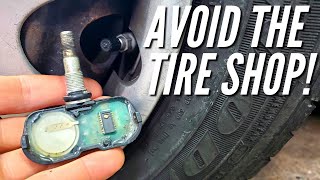
- Repair requires replacing the sensor, which involves dismounting the tire and using a special tool to program the new sensor. This is a job for a tire shop.
- It is often cost-effective to replace all four TPMS sensors at the same time if they are the original units.
What's Unique About the 2011-2015 Nissan QUEST
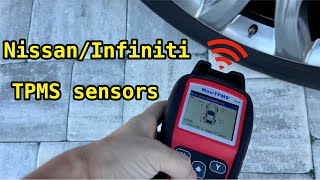
For the 2011-2015 Nissan Quest, a key issue to be aware of is radio frequency (RF) interference. Nissan issued a Technical Service Bulletin (NTB13-088A) acknowledging that aftermarket devices, especially cheap or unshielded phone chargers, wireless charging docks, and dash cams plugged into the 12V outlets, can disrupt the 315 MHz TPMS sensor signals and cause a C1711 code. 🎬 See a technician diagnose Nissan TPMS codes and interference. This issue is widely reported across many Nissan models sharing this system. Always unplug these devices as a first diagnostic step before assuming a sensor has failed.
Diagnostic Flowchart
Tap your situation to follow the diagnostic path that matches what you're seeing on this vehicle.
Symptoms You May Notice
- TPMS warning light flashes for approximately 60 seconds on startup, then remains on solid.
- A 'Check Tire Pressure' message may appear on the vehicle's information display.
- Inability to see the pressure reading for the rear-left tire on the information display, if equipped.
- Replacing the BCM when the issue is a single failed sensor or RF interference.
- Replacing a TPMS sensor without first checking for and removing sources of RF interference from aftermarket accessories.
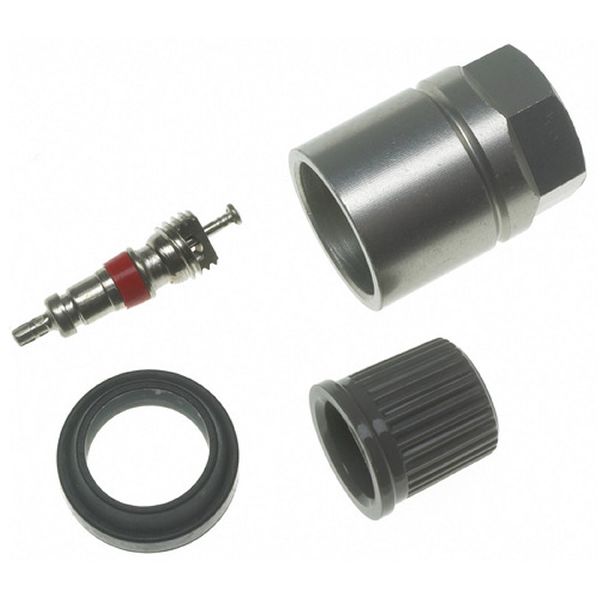
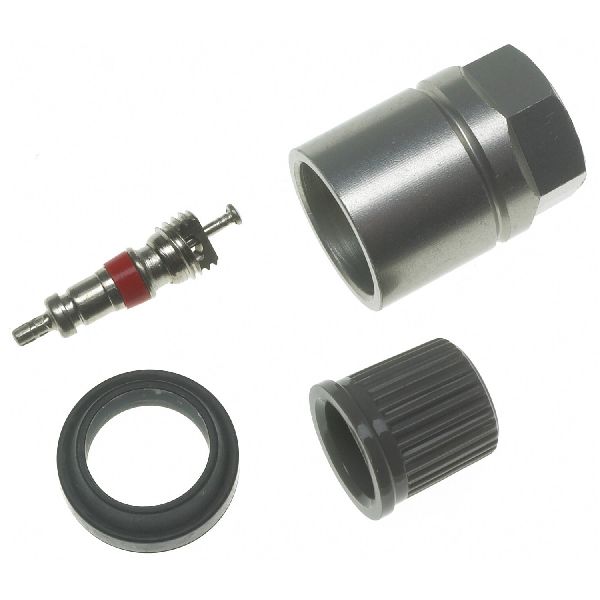
- Replacing the service kit (grommet, nut, valve core) to fix an electronic 'No Data' fault. The service kit only fixes air leaks.
Most Likely Causes
- Dead TPMS Sensor Battery 🔴 High Probability → Shop Tire Pressure Monitoring System (TPMS) Sensor The sealed, non-rechargeable batteries inside TPMS sensors have a finite lifespan of 5-10 years. Vehicles in the 2011-2015 year range are now at an age where battery failure is the most common cause of sensor failure.
How to confirm: Use a TPMS activation tool at the rear-left wheel. If the tool cannot get a response or shows a low battery status, the sensor has failed. Most tire shops can do this for free or a small fee.
Typical fix: Replace the rear-left TPMS sensor. It is often recommended to replace all four sensors at once, as the others are likely to fail soon.
Est. part cost: $35-$150 - Radio Frequency (RF) Interference 🟡 Medium Probability As documented in Nissan TSB NTB13-088A, aftermarket electronics like phone chargers (especially cheap or wireless ones), dash cams, or power inverters can transmit signals that interfere with the 315 MHz frequency used by the TPMS sensors. This is a widely known issue across many car brands, not just Nissan.
How to confirm: Unplug any and all devices from the 12V power outlets (cigarette lighters). Clear the code and drive the vehicle for several minutes above 16 MPH (25 km/h). If the code does not return, RF interference was the cause.
Typical fix: Remove or replace the interfering electronic device. Sometimes, using a high-quality, shielded charger or a power cord with a ferrite core can resolve the issue.
Est. part cost: $0 - Failed TPMS Sensor (Electronics) ⚪ Low Probability → Shop Tire Pressure Monitoring System (TPMS) Sensor Physical damage during tire service, corrosion from road salt, or internal electronic failure can cause the sensor to stop transmitting. This is less common than battery failure but still a possibility.
How to confirm: Even if a TPMS tool reads the sensor, it may be transmitting corrupted data. If RF interference is ruled out and a new sensor fixes the issue, the old sensor's electronics had failed.
Typical fix: Replace the rear-left TPMS sensor.
Est. part cost: $35-$150
Rare But Worth Checking
- Faulty Body Control Module (BCM) or TPMS Receiver: This is rare. Suspect this only if all four TPMS sensors stop communicating simultaneously (C1708, C1709, C1710, and C1711 are all present) and RF interference has been completely ruled out.
Diagnosis Steps
- Verify the symptom: The TPMS light should flash for about a minute and then stay solid. A solid light from startup indicates low pressure, not a system fault.
- Read codes with a scanner capable of accessing the Chassis/BCM module to confirm C1711 is present, which corresponds to the Rear-Left wheel.
- CRITICAL FIRST STEP: Unplug all aftermarket devices from the vehicle's 12V power ports (phone chargers, dash cams, GPS, etc.) as per Nissan TSB NTB13-088A.
- Clear the DTCs and drive the vehicle for several minutes at a speed over 16 MPH (25 km/h) to see if the code returns. If it does not, the issue was RF interference.
- If the code returns, use a TPMS activation tool to test the sensor at the rear-left wheel. This will confirm if the sensor is transmitting a signal.
- If the tool cannot get a response from the sensor, the sensor has failed (most likely a dead battery) and must be replaced.
- If the tool *can* read the sensor, but the code persists, the sensor may not be correctly registered to the BCM. Attempt a TPMS relearn procedure with a suitable scan tool.
- If the relearn procedure fails with a known-good sensor, the issue may be with the vehicle's TPMS receiver or wiring. This is rare and may require professional diagnosis.
Parts You'll Likely Need
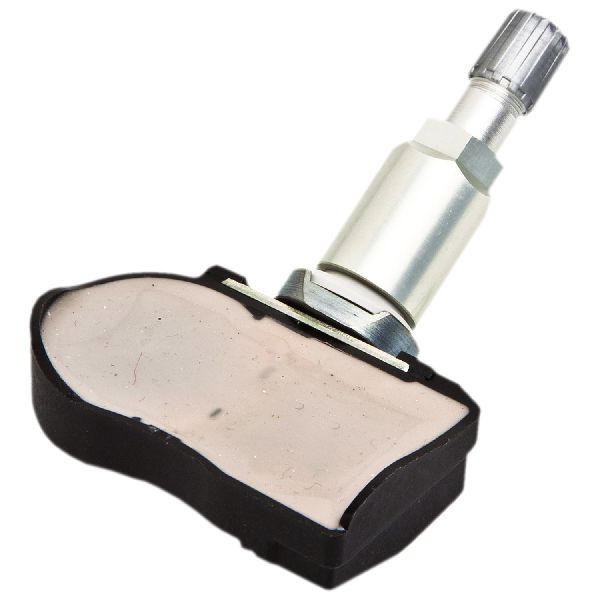
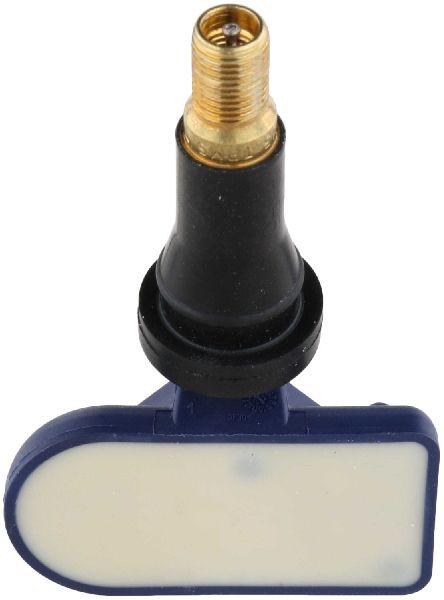
- Tire Pressure Monitoring System (TPMS) Sensor
(OEM #40700-1LA0E)— This is the component that fails, almost always due to its internal battery expiring after 5-10 years. The entire unit is sealed and must be replaced. This part number supersedes previous versions like 40700-1LA0A, 40700-1LA0B, 40700-1LA0C, and 40700-1LA0D.
Trusted brands: Schrader (often the OEM supplier), Denso, HUF/BH Sens, Standard Motor Products (SMP), Pacific (OEM supplier, part PMV-C811)
OEM price range: $70-$150
Aftermarket price range: $35-$75
Related Codes That Often Appear With This One
- C1708 — This is the code for the Front-Left sensor. Seeing multiple codes together can indicate that all sensor batteries are failing around the same time due to age.
- C1709 — This is the code for the Front-Right sensor.
- C1710 — This is the code for the Rear-Right sensor. If seen with C1711, it could point to an issue affecting the rear of the vehicle or simply multiple sensors failing from age.
Technical Service Bulletins (TSBs) & Recalls
- NTB13-088A: Low Tire Pressure Warning System (LTPWS) Information - Confirms C1708, C1709, C1710, and C1711 are 'No Data' codes and lists radio frequency interference as a primary diagnostic step.
Platform-Specific Known Issues
- Nissan TSB NTB13-088A specifically calls out that RF interference from accessories plugged into the power outlets is a known cause for 'No Data' codes like C1711. This should always be the first check.
- Some owners on forums for related Nissan vehicles have traced TPMS interference specifically to wireless phone chargers and dash cams, confirming the TSB's warning.
Scan Tool Commands That Help
- Nissan CONSULT-III: Work Support > ID REGIST — This function is required after replacing a TPMS sensor to manually register the new sensor's unique ID with the Body Control Module (BCM), allowing the system to recognize it.
Wiring & Ground Locations
- Body Control Module (BCM) — Located behind the instrument cluster on the 2011-2015 Nissan Quest. Access requires removing lower dash panels.. The BCM is the computer that receives and processes the signals from the TPMS sensors. A bad connection, poor ground, or internal fault in the BCM can prevent it from receiving the signal from the rear-left sensor, causing code C1711.
- TPMS Relearn Connector — A single-wire connector, often white, typically found taped to a wiring harness near the OBD-II port under the driver's side dash. On some Nissan models, it has been found on the passenger side.. This connector is used for the manual (no-tool) TPMS relearn procedure. Grounding this wire in a specific sequence puts the BCM into learning mode to register sensor IDs.
- Ground Point M79 — A shared ground point located behind the left side of the dash.. This is a potential ground point for the BCM. A loose or corroded ground here can cause a variety of electrical issues, including communication problems with modules like the TPMS receiver, potentially leading to a C1711 code.
- Ground Point B15 — Located at the base of the left 'A' pillar.. This is another key chassis ground point in the driver's cabin area. Poor grounding at this location can introduce electrical noise or unstable power to nearby modules, which could interfere with the BCM's ability to receive TPMS signals.
Real Owner Repair Stories
- Reddit user on r/Nissan (Nissan vehicle (model not specified, but uses same manual relearn procedure)) — TPMS light on, no tire pressure readings displayed for 10 years. Sensors were relatively new.
❌ Tried (didn't work) Multiple attempts at the manual relearn procedure failed initially.
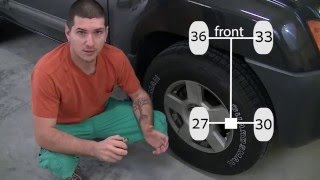
✅ What actually fixed it The user successfully performed the manual relearn procedure by setting specific, staggered tire pressures (FL 36, FR 33, RR 30, RL 27 psi), then grounding the TPMS reset connector multiple times. This made all four sensors register. However, the front-left and rear-left sensors stopped reading again on the next drive, suggesting the manual relearn worked but the sensors themselves were intermittently faulty or the BCM had trouble retaining the IDs.
OEM Part Supersession History
40700-1LA0A, 40700-1LA0B, 40700-1LA0C, 40700-1LA0D→40700-1LA0E— Standard part evolution for improved reliability or manufacturing changes.
Heads up: The newer part number 40700-1LA0E is the correct and current replacement for all previous versions used on this vehicle. No known incompatibilities when using the latest revision.
Helpful Videos
We Have This Part in Stock



The information in this article is provided for general reference and educational purposes only. Vehicle specifications, procedures, and part compatibility can vary by production date, trim level, and region. Always consult your vehicle's factory service manual and verify part numbers before purchasing or performing repairs. Safety-critical components such as airbags, seat belts, and braking systems should be installed by a qualified professional.
- Nissan QUEST:
- 🧭 Diagnostic Flowchart
- 🎬 Helpful Videos
- 🛍️ Shop This Part
- What's Unique About the 2011-2015 Nissan QUEST
- Symptoms You May Notice
- Most Likely Causes
- Rare But Worth Checking
- Diagnosis Steps
- Parts You'll Likely Need
- Related Codes That Often Appear With This One
- Technical Service Bulletins (TSBs) & Recalls
- Platform-Specific Known Issues
- Scan Tool Commands That Help
- Wiring & Ground Locations
- Real Owner Repair Stories
- OEM Part Supersession History
- 🎟️ Get 5% Off