

P1005 on 2020 GMC Sierra 2500: Fuel Pump Driver Control Module Fault
On a 2020 GMC Sierra 2500, code P1005 is almost always caused by a software error in the Fuel Pump Driver Control Module (FPCM). The fix is to replace the module with an updated part specified by GM in a technical service bulletin. Expect the part to cost between $100 and $200, with a DIY difficulty of 1/5.
- P1005 on a 2020 Sierra 2500 means you need a new Fuel Pump Driver Control Module (FPCM).
- This is a known issue with a GM-issued service bulletin (PIT5636D) that provides the exact fix.
- The repair is simple and fast, with a warranty labor time of only 0.5 hours, making it an easy DIY job.
- Ensure you buy the correct updated part number for your specific engine. For the 6.6L Gas (L8T), use 13565641. For the 6.6L Diesel (L5P), use 13565642.
- Do not waste time or money on replacing the fuel pump or looking for other causes.
What's Unique About the 2020-2020 Gmc SIERRA 2500
For this specific vehicle, General Motors has acknowledged the issue and published Technical Service Bulletin (TSB) #PIT5636D. This bulletin explicitly states the cause is a software error in the original FPCM and instructs technicians to replace it with a new, updated part. This isn't a generic fault; it's a known issue with a manufacturer-prescribed solution, making diagnosis very straightforward. The TSB also applies to 2019-2020 Chevrolet Silverado and GMC Sierra 1500 models, indicating a broad issue across the T1 truck platform.
Diagnostic Flowchart
Tap your situation to follow the diagnostic path that matches what you're seeing on this vehicle.
Symptoms You May Notice
- Check Engine Light (SES/MIL) is on.
- Vehicle may run and drive normally with no other symptoms.
- In some cases, the code may appear and then clear itself intermittently.
- Potential for stalling or a no-start condition, though less common for this specific code compared to other FPCM failures.
- Replacing the in-tank fuel pump. The code points to the control module, not the pump itself.
- Searching for vacuum leaks or issues with O2 sensors. These are unrelated to this specific manufacturer-defined code.
- Clearing the code and assuming it's a one-time glitch. While it may not return immediately, the underlying software fault in the module remains.
Most Likely Causes
- Faulty Fuel Pump Driver Control Module (FPCM) 🔴 High Probability → Shop Fuel Pump GM has identified an internal software error in the original modules and issued TSB #PIT5636D with an updated part to correct the concern. This is a well-documented failure point across GM's truck lineup from this era.
How to confirm: Verify the presence of code P1005. Check vehicle history for TSB #PIT5636D. If wiring and connectors appear undamaged, the module itself is the confirmed fault per the manufacturer.
Typical fix: Replace the Fuel Pump Driver Control Module with the updated OEM part number specified in the TSB. While the TSB for P1005 states no programming is needed, other service documents for FPCM replacement on this platform mention a 'Fuel Pump Driver Control Module Configuration' function in the GDS2 scan tool may be required.
Est. part cost: $100-$200
Rare But Worth Checking
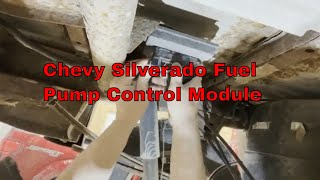
- Wiring Harness or Connector Issue: While the TSB points directly to the module for code P1005, it's always wise to visually inspect the wiring and connector for any damage, corrosion, or looseness before replacing parts. On these trucks, the FPCM is typically mounted to the frame rail, often above the spare tire, exposing it to the elements. 🎬 Watch: Overview of the fuel pump control module location and issues. Other TSBs for this platform, like 21-NA-149, note potential for harness chafing in various locations, which could theoretically cause electrical issues, though P1005 is almost exclusively the module itself.
Diagnosis Steps
- Use an OBD-II scanner to confirm that P1005 is the only code present.
- Confirm the vehicle falls under GM Technical Service Bulletin #PIT5636D.
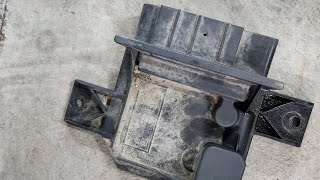
- Locate the Fuel Pump Driver Control Module. On GM trucks, this is typically mounted on the frame rail, often above the spare tire. You may need to lower the spare tire for access.
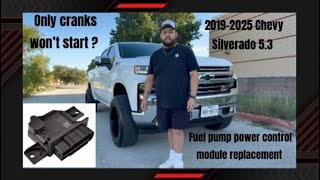
- Visually inspect its electrical connector (X411) and nearby wiring for any signs of damage, corrosion, or loose connections. The connector has a locking tab that must be disengaged. 🎬 See this walkthrough on how to replace the control module.
- If the wiring is intact, the diagnosis is complete. The FPCM is faulty per GM's bulletin.
- Purchase the correct, updated FPCM. Part numbers have been superseded; ensure you have the latest version. For the 6.6L L8T Gas, the original TSB part 13540028 has been replaced by 13565641. For the 6.6L L5P Diesel, original TSB part 13540026 has been replaced by 13565642.
- Disconnect the battery. Remove the bolts holding the module to the frame. Some videos note the bolts may have an external Torx (E-Torx) head on the bottom, allowing removal without special tools from above. Disconnect the electrical harness and swap the module. 🎬 Watch a mechanic swap out the module on this platform.
- Reinstall the new module, reconnect the battery, and clear the code with the scanner. Verify the check engine light does not return. If drivability issues are present, a 'Fuel Pump Driver Control Module Configuration' may need to be performed with a GDS2 scan tool.
Parts You'll Likely Need
- Fuel Pump Driver Control Module (for 6.6L L8T Gas)
(OEM #13565641 (supersedes 13540028))— This is the component identified by GM as having an internal software fault that causes code P1005. Part number 13540028 was specified in TSB PIT5636D, but has since been superseded by 13565641.
Trusted brands: ACDelco (GM Original Equipment)
OEM price range: $75-$125
Aftermarket price range: $60-$100 - Fuel Pump Driver Control Module (for 6.6L L5P Diesel)
(OEM #13565642 (supersedes 13540026))— This is the component identified by GM as having an internal software fault that causes code P1005. Part number 13540026 was specified in TSB PIT5636D, but has since been superseded by 13565642.
Trusted brands: ACDelco (GM Original Equipment)
OEM price range: $85-$150
Aftermarket price range: $70-$120
Technical Service Bulletins (TSBs) & Recalls
- PIT5636D: This is the most current TSB which identifies a software error in the FPCM and directs replacement with an updated part number to fix a P1005 code. It confirms the fix is a simple part swap with no reprogramming needed and lists affected engines.
- PIT5636B/C: Earlier, superseded versions of the TSB that identified the same problem but listed older part numbers (e.g., 13531875 for gas, 13531869 for diesel).
- 21-NA-149: A related but separate TSB that details widespread issues with engine harness chafing on this truck platform. While not the direct cause of P1005, it highlights the importance of checking wiring for any vehicle experiencing electrical faults.
- PIP5728 / PIP5728A: Bulletins addressing a software issue in the GDS2 scan tool where the 'Fuel Pump Driver Control Module Configuration' function was missing for 2020 HD trucks. This implies a configuration step may be necessary after replacement, contrary to the P1005-specific TSB.
Platform-Specific Known Issues
- A known software error in the original FPCM is documented in TSB #PIT5636D, which supersedes earlier versions. The only remedy is to replace the module with a new part number specified in the bulletin.
- The location of the module on the frame rail above the spare tire makes it susceptible to dirt and moisture, but the primary failure mode for P1005 is internal software, not environmental damage.
Mechanic-Grade Diagnostic Values
- FPCM Power Supply Voltage (at connector X411, Red/White wire) — expected: Battery voltage (~12.6V with key on, engine off). Failure: 0V or significantly low voltage indicates a wiring or fuse issue upstream.
- FPCM Ground Connection (at connector X411, Black wire) — expected: Near 0 Ohms of resistance to a clean chassis ground.. Failure: High resistance (OL or several ohms) indicates a bad ground connection at G110 or G114.
- ECM Command Signal to FPCM (at connector X411, Dark Green/White wire) — expected: A 12V signal for 2-6 seconds with key on, or constant 12V while cranking.. Failure: No voltage signal from the ECM points to a wiring issue or a fault with the ECM itself (check Pin 50 at the ECM connector).
- Low-Side Fuel Pressure (at idle) — expected: ~45 PSI. Failure: Pressure that is erratic or does not build could indicate a pump or module issue.
- Low-Side Fuel Pressure (maximum) — expected: Up to 72-78 PSI, depending on the pressure relief valve.. Failure: Inability to reach commanded pressure under load.
Scan Tool Commands That Help
- GDS2 (GM Dealer Scan Tool): Fuel Pump Driver Control Module Configuration — This function may be required after replacing the FPCM to ensure it is properly configured to the vehicle. GM issued bulletins (PIP5728, PIP5728A) to address a software glitch where this function was missing for 2020 HD trucks, implying its necessity.
- GDS2 (GM Dealer Scan Tool): Fuel Pump On/Off — A bidirectional command to directly activate the fuel pump, bypassing the normal control logic. This is used to verify if the fuel pump itself is functional, helping to isolate the fault to the control module or wiring.
Wiring & Ground Locations
- X411 — The main electrical connector at the Fuel Pump Driver Control Module, located on the frame rail above the spare tire.. This is the primary point for testing power, ground, and the command signal to the module. Key pins include the Red/White (Battery +), Black (Ground), and Dark Green/White (ECM Command Signal).
- G110 / G114 — Frame ground locations on the main frame rails.. These are the primary ground points for the FPCM. A loose connection here can cause intermittent power loss to the module, leading to various fuel system codes. GM noted potential issues with loose grounds at these locations in bulletin PIE0548.
- ECM Connector Pin 50 — At the Engine Control Module (ECM) in the engine bay.. This is the pin that sends the 12V command signal to the FPCM via the Dark Green/White wire. If there is no signal at the FPCM, checking for 12V at this pin can determine if the ECM is sending the signal.
Helpful Videos
Used OEM Parts in Stock
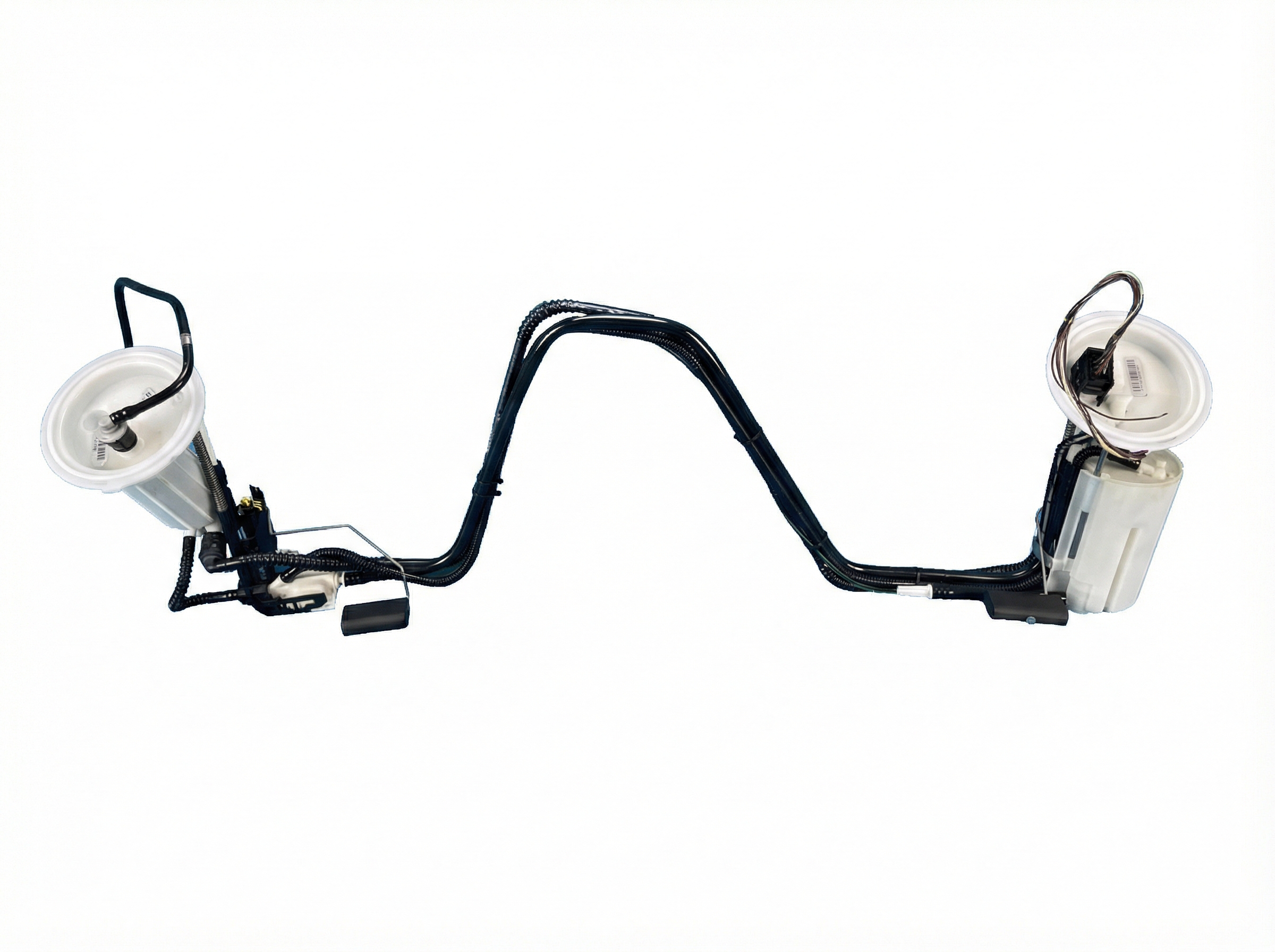
New Aftermarket Parts Available
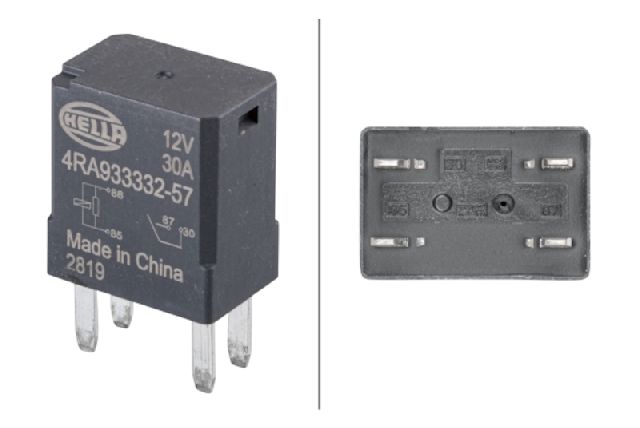




The information in this article is provided for general reference and educational purposes only. Vehicle specifications, procedures, and part compatibility can vary by production date, trim level, and region. Always consult your vehicle's factory service manual and verify part numbers before purchasing or performing repairs. Safety-critical components such as airbags, seat belts, and braking systems should be installed by a qualified professional.
- Gmc SIERRA 2500:
- 🧭 Diagnostic Flowchart
- 🎬 Helpful Videos
- 🛍️ Shop This Part
- What's Unique About the 2020-2020 Gmc SIERRA 2500
- Symptoms You May Notice
- Most Likely Causes
- Rare But Worth Checking
- Diagnosis Steps
- Parts You'll Likely Need
- Technical Service Bulletins (TSBs) & Recalls
- Platform-Specific Known Issues
- Mechanic-Grade Diagnostic Values
- Scan Tool Commands That Help
- Wiring & Ground Locations
- 🎟️ Get 5% Off