

Choosing the Right Universal Joint for Your 1969-1975 Chevrolet Blazer
Don't let a bad U-joint sideline your classic K5; understand your options before you buy.
- Listen for clunks, squeaks, and vibrations as these are the primary signs of a failing U-joint.
- For this classic Blazer, choose a top-tier aftermarket brand like Dana Spicer or Moog for long-term reliability.
- Confirm your Blazer's year before buying; 1972 and later models use a stronger, larger U-joint than earlier models.
- If your Blazer is lifted, you may need a specific type of driveshaft or additional parts to prevent premature U-joint failure.
Symptoms of a Failing U-Joint
A worn-out U-joint will give you clear warning signs. Ignoring them can lead to more damage or leave you stranded if the driveshaft disconnects. Listen and feel for these common symptoms:
- Clunking Noise: A loud "clunk" or "bang" when you shift into Drive or Reverse is a classic sign of a U-joint with too much play.
- Vibration at Speed: A vibration that you can feel through the floor or seat and gets worse as you drive faster often points to a bad U-joint. This is sometimes confused with an unbalanced tire, but if a tire balance doesn't fix it, the U-joint is a likely suspect.
- Squeaking or Chirping: A rhythmic squeaking noise that matches your wheel speed, especially at lower speeds, usually means a U-joint is dry and needs lubrication.
Choosing the Right Aftermarket U-Joint
For a classic vehicle like the 1969-1975 Blazer, factory "OEM" parts are no longer available from Chevrolet. All new replacement parts are from the aftermarket. The good news is that high-quality aftermarket brands like Dana Spicer were the original suppliers to GM, so their parts meet or exceed the original quality. The choice isn't between OEM and aftermarket, but between different tiers of aftermarket quality.
Brand Tiers for Your Blazer
Tier 1: Premium / OE-Equivalent
- Dana Spicer: Widely considered the gold standard for classic trucks. Spicer made many of the original parts and is known for strength and durability. Their non-greasable joints are often recommended for maximum strength.
- Moog: A long-standing, reputable aftermarket brand known for quality suspension and drivetrain parts. While some forum users feel the quality has declined in recent years, it remains a popular and trusted choice.
Tier 2: Quality Aftermarket
- SKF: A well-respected bearing manufacturer that offers high-quality U-joints, sometimes under the "Brute Force" line.
- Yukon Gear & Axle: Known for strong drivetrain components, often geared toward off-road and performance use. A solid choice if you use your Blazer for more demanding tasks.
Tier 3: Standard / Economy
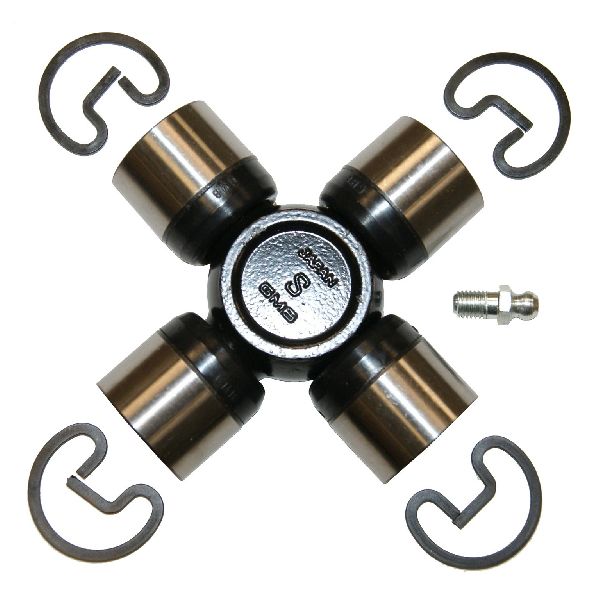
- GMB: A common and affordable option that meets basic requirements. It's a functional choice for budget-conscious repairs on a stock vehicle with standard use.
Pro Tip: Greasable vs. Non-Greasable
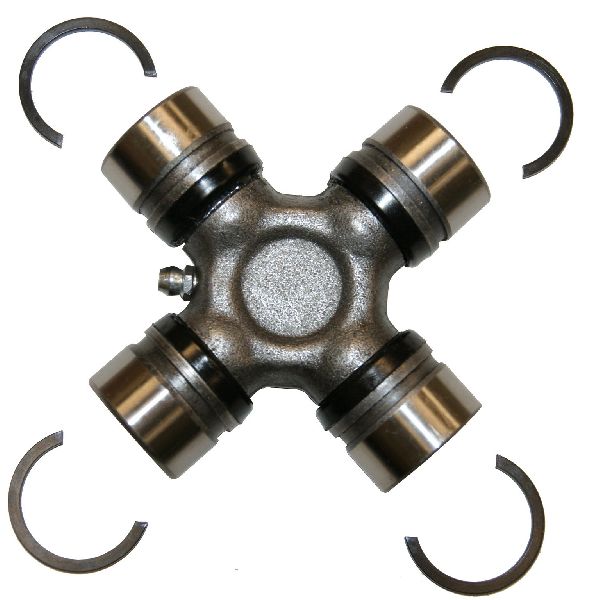
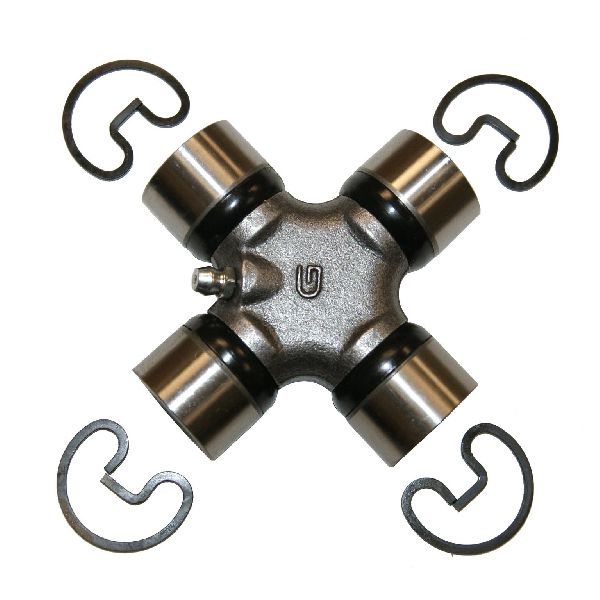
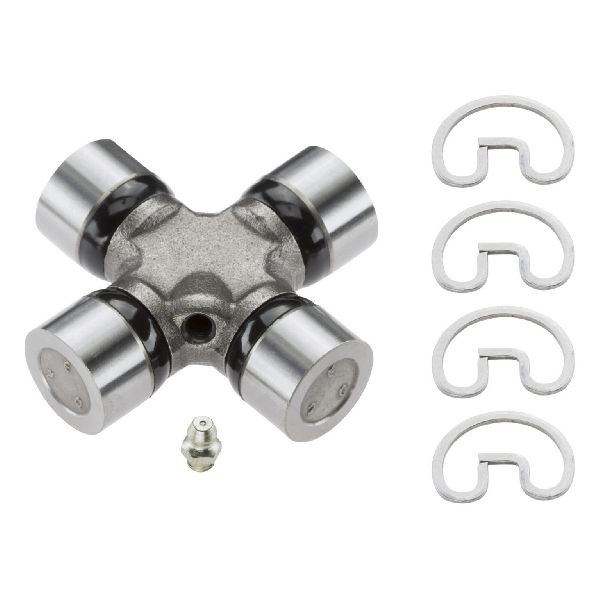
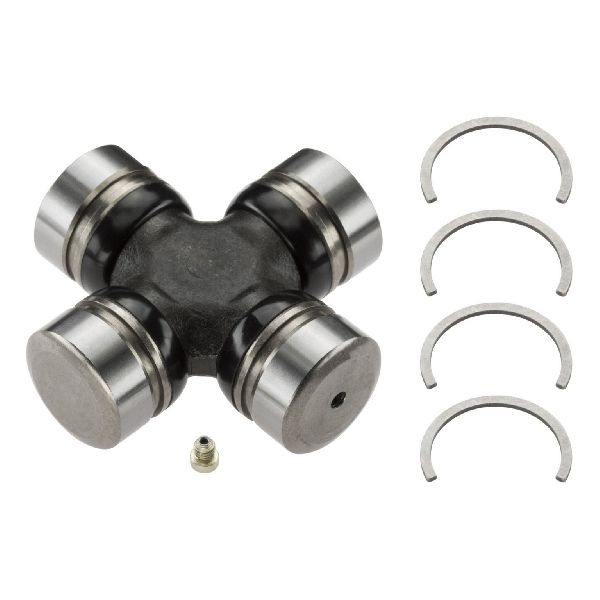
You'll see two types of U-joints: greasable (with a zerk fitting) and non-greasable (sealed). Non-greasable joints, like many from Spicer, are considered slightly stronger because the cross is solid metal. They are a great "fit-it-and-forget-it" option. Greasable joints are excellent for Blazers that see a lot of mud or water, as you can flush out contaminants with fresh grease. However, they only last if you grease them regularly.
Important: Check Your Year and Axle
Chevrolet used different U-joint sizes during this period. Early Blazers (approx. 1969-1971) often used a smaller front axle U-joint (Spicer 5-260X series). From 1972 onwards, a larger, stronger joint (Spicer 5-760X series) was used. Always measure your old parts or confirm your axle model before ordering to avoid getting the wrong size.
Estimated Costs for U-Joint Replacement
| Item | Estimated Cost |
|---|---|
| Premium Aftermarket U-Joint (Spicer, Moog) | $30 - $80 per joint |
| Standard Aftermarket U-Joint (GMB) | $18 - $40 per joint |
| Shop Labor to Replace One U-Joint | $100 - $200 |
| Total (DIY) | $18 - $80 per joint |
| Total (Installed at Shop) | $120 - $280 per joint |
Note: Your Blazer has multiple U-joints (front/rear driveshafts, front axle shafts). Costs are estimates and can vary by location and specific part.
Frequently Asked Questions
How many U-joints does my 1969-1975 Blazer have?
Typically, your Blazer will have a total of five U-joints that wear out: one at each end of the rear driveshaft (2), one at each end of the front driveshaft (2), and one in each front axle shaft by the wheels (2, though these are a different part). Some front driveshafts may have a double-cardan joint near the transfer case, which contains two U-joints in a single assembly.
Are there any recalls for my Blazer's U-joints?
No. There are no open recalls or Technical Service Bulletins (TSBs) from the NHTSA related to the universal joints or driveshafts for the 1969-1975 Chevrolet Blazer.
Should I replace all the U-joints at once?
If you find one bad U-joint, it's a good idea to inspect the others carefully. If they are all original and have similar mileage, they may be near the end of their service life. Replacing them all at once can save you from future breakdowns and repeated labor costs.
My Blazer is lifted. Does that change anything?
Yes. Lifting a Blazer increases the angle of the driveshaft, which puts extra stress on the U-joints and can cause vibrations or premature failure. If your truck has a lift of 4 inches or more, you may need a special CV (double cardan) driveshaft or shims to correct the driveline angle.
Technical Specifications
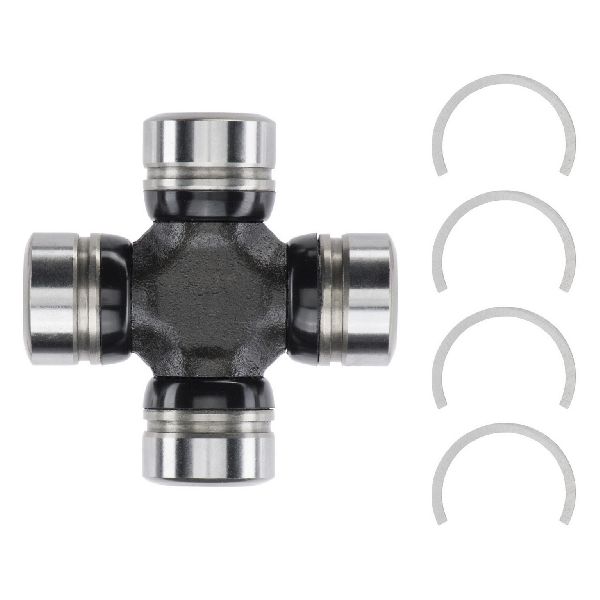
Varies by year and location. Common series include Spicer 1310, 1330, and 1350. Front axle shafts for 1969-1971 typically use Spicer 5-260X, while 1972-1975 use the larger 5-760X. Driveshaft U-joints are typically outside snap ring style. Always measure or verify before purchasing.
We Have This Part in Stock

The information in this article is provided for general reference and educational purposes only. Vehicle specifications, procedures, and part compatibility can vary by production date, trim level, and region. Always consult your vehicle's factory service manual and verify part numbers before purchasing or performing repairs. Safety-critical components such as airbags, seat belts, and braking systems should be installed by a qualified professional.