

Chevrolet K5 Blazer Speedometer Cable Replacement Guide (1975-1986)
A straightforward guide to fixing your K5's bouncing or dead speedometer needle for good.
- A bouncing needle or a dead speedometer are classic signs of a failed cable in a 1975-1986 K5 Blazer.
- Always measure your old cable's length before ordering a new one to ensure correct fitment.
- Aftermarket brands like ATP and Pioneer are affordable direct replacements, while Lokar offers premium cut-to-fit options for custom applications.
- Lubricating the new inner cable with graphite lube before installation is crucial for long life and smooth operation.
Is Your K5 Blazer's Speedometer Acting Up?
A faulty speedometer cable is a common issue on classic trucks like the 1975-1986 K5 Blazer. The most frequent signs of a problem are a speedometer needle that bounces around, especially at low speeds, or a needle that doesn't move at all. You might also hear a squealing or clicking noise from behind the dashboard as the cable binds inside its housing. These symptoms usually mean the cable is worn, kinked, or needs lubrication.
No Recalls or TSBs Found
As of this writing, there are no specific recalls or Technical Service Bulletins (TSBs) from the NHTSA for speedometer cable issues on the 1975-1986 Chevrolet K5 Blazer. Problems are typically due to the age and wear of this mechanical part.
Choosing the Right Aftermarket Speedometer Cable
Since new OEM (Original Equipment Manufacturer) speedometer cables for this generation of K5 Blazer are virtually impossible to find, the aftermarket is your only real option. The good news is that for a simple mechanical part like this, aftermarket cables are reliable and affordable. They are generally divided into two categories: direct-fit replacements and universal cut-to-fit kits.
Brand Tiers & Quality
- Standard Replacement (ATP & Pioneer Cable): These brands offer affordable, direct-fit replacement cables. They are designed to match the original's length and fittings for a straightforward installation. Some owners note that these cables may not be as well-lubricated from the factory, so it's a good idea to pull the inner cable and apply a quality speedometer cable lubricant before installation. Some forum users have reported that Pioneer cables can sometimes cause a bouncy needle, possibly due to differences in the bushing design compared to the original.
- Premium / Custom (Lokar): Lokar offers high-quality, "U-Cut-to-Fit" speedometer cable kits. These are a premium option, often featuring a stainless steel braided housing and durable billet aluminum fittings. They are longer than needed (typically 7 feet) and require you to trim the inner cable and outer housing to the perfect length for your specific truck. This is an excellent choice for modified trucks with body lifts or non-standard transmission swaps where a stock-length cable won't work.
- Performance (B&M): B&M is a well-known performance brand. While they offer some speedometer-related parts, they are often specialized components for transmission conversions or electronic speedometer setups, rather than standard replacement cables for a stock K5 Blazer.
Pro Tip: Measure Before You Buy!
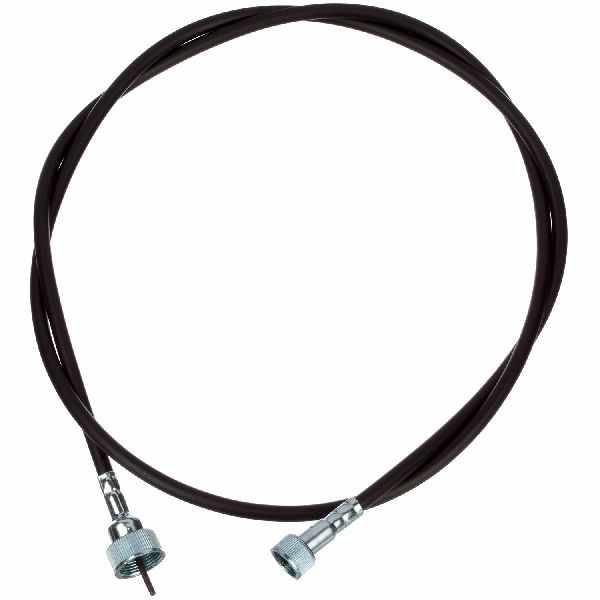
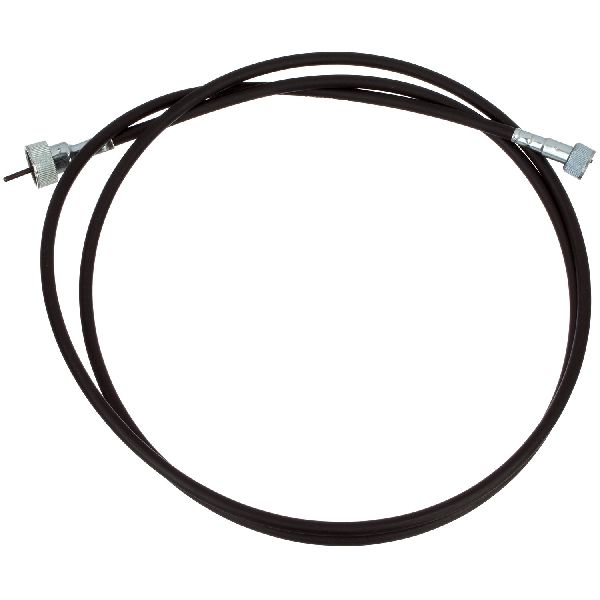
K5 Blazers had several different cable lengths and fitting types over the years, especially with variations like cruise control, different transmissions, and 2WD vs. 4WD setups. The most reliable way to get the right part is to remove your old cable and measure its length from tip to tip before ordering. Also, check the fitting types on both the speedometer and transmission/transfer case ends (e.g., threaded nut vs. push-in clip).
Aftermarket Speedometer Cable Cost
| Brand Tier | Typical Price Range | Notes |
|---|---|---|
| Standard Replacement (ATP, Pioneer) | $15 - $35 | Direct-fit, basic quality. Good for stock restorations on a budget. |
| Premium / Custom (Lokar) | $70 - $155 | Cut-to-fit, high-quality materials. Ideal for custom or modified trucks. |
Frequently Asked Questions
Why is my speedometer needle bouncing?
A bouncing needle is the most common symptom of a bad speedometer cable. It's usually caused by the inner cable binding and releasing as it rotates inside the outer housing. This can be due to a lack of lubrication, a kink in the cable housing, or the cable itself being stretched or worn out from age.
Is replacing a speedometer cable a difficult job?
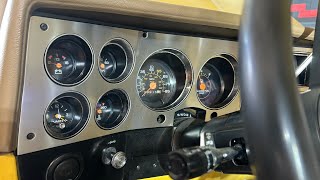
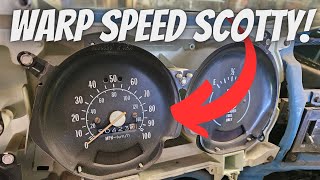
For a mechanically inclined owner, this is a relatively easy job. The most difficult part is often reaching the clip on the back of the speedometer under the dash. 🎬 See how to access and replace your Squarebody Chevy speedometer cable. The other end simply unscrews from the transmission or transfer case. Routing the new cable without sharp bends is crucial 🎬 Follow this quick guide for simple cable removal and replacement. for smooth operation. The entire process typically takes about one to two hours.
Do I need to lubricate my new speedometer cable?
Yes, it is highly recommended. Many aftermarket cables come with very little lubrication from the factory. Before installing, pull the inner cable out of the housing and apply a generous coat of graphite-based speedometer cable lubricant. Do not use heavy grease, as it can get into the speedometer head and cause damage.
What's the difference for 4WD vs. 2WD models?
The main difference is where the cable connects. On 4-wheel drive K5 Blazers, the speedometer cable connects to the transfer case. 🎬 Watch a step-by-step speedometer cable replacement on a 4x4 Squarebody. On 2-wheel drive models, it connects to the tail housing of the transmission. This can sometimes affect the required cable length, so it's important to order the correct part for your drivetrain.
Helpful Videos
Technical Specifications
OEM Part Numbers: 25032003 10000196
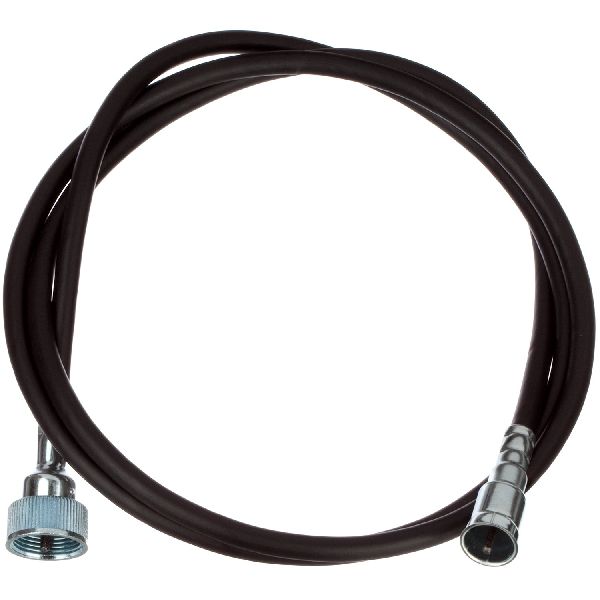
Cable length varies significantly (from ~61 to 100+ inches) depending on year, 2WD/4WD, and cruise control options. Common fittings include a clip-on style for the speedometer head and a threaded nut (often 7/8"-18) for the transmission or transfer case.
We Have This Part in Stock


The information in this article is provided for general reference and educational purposes only. Vehicle specifications, procedures, and part compatibility can vary by production date, trim level, and region. Always consult your vehicle's factory service manual and verify part numbers before purchasing or performing repairs. Safety-critical components such as airbags, seat belts, and braking systems should be installed by a qualified professional.