

A Guide to Replacing Disc Brake Rotors on Your 1991-2002 Ford Explorer
Stop the shaking and grinding by choosing the right new aftermarket brake rotors for your first or second-generation Explorer.
- The most common failure symptom is a pulsation or vibration when braking, usually caused by unevenly worn rotors.
- For 1991-1994 4WD models, verify if you have the complex hub-integrated front rotors before ordering.
- Always replace brake pads when installing new rotors to ensure proper performance and even wear.
- Insist on using a torque wrench to tighten lug nuts to 100 ft-lbs to prevent rotor distortion.
Is It Time for New Rotors? Common Symptoms on an Explorer
The most common brake complaint from owners of 1991-2002 Explorers is a vibration or pulsation felt through the steering wheel or brake pedal when stopping from highway speeds. This is a classic sign of what many call a "warped" rotor. Due to the Explorer's weight, its brakes work hard and generate significant heat, which can lead to uneven wear or pad material deposits on the rotor surface over time, causing this pulsation. You should consider replacing your rotors if you notice any of these signs:
- Pulsation or Shaking: A rhythmic vibration that occurs only when you apply the brakes. This is the top symptom for this generation of Explorer.
- Grinding Noises: A harsh, metal-on-metal grinding sound means your brake pads are likely worn out, and the metal backing plate is digging into and destroying the rotor.
- Visible Damage: Look for deep grooves, scoring, or a bluish tint on the rotor's surface, which indicates heat stress.
- Loud Squealing: While often a sign of worn pads, constant squealing can also indicate a glazed or damaged rotor surface.
Critical Fitment Note for 1991-1994 4WD Explorers
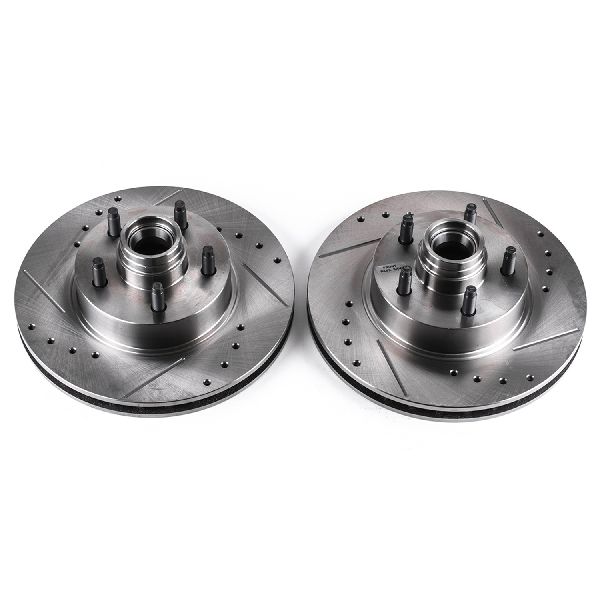
If you own a four-wheel-drive Explorer from 1991-1994, your front brake rotors are part of a more complex hub assembly. They are not simple "slip-on" rotors like on later models. Replacing them requires removing the locking hub, axle nut, and bearings. It is highly recommended to repack the wheel bearings and replace the grease seal during this job. Always verify this specific fitment before ordering parts for an early 4WD model.
Choosing the Right Aftermarket Rotors for Your Explorer
When shopping for new rotors, you don't have to pay dealership prices for original equipment (OEM) parts. Aftermarket brands often provide similar or even better performance for the money. For a workhorse like the Explorer, focusing on quality materials and design is key.
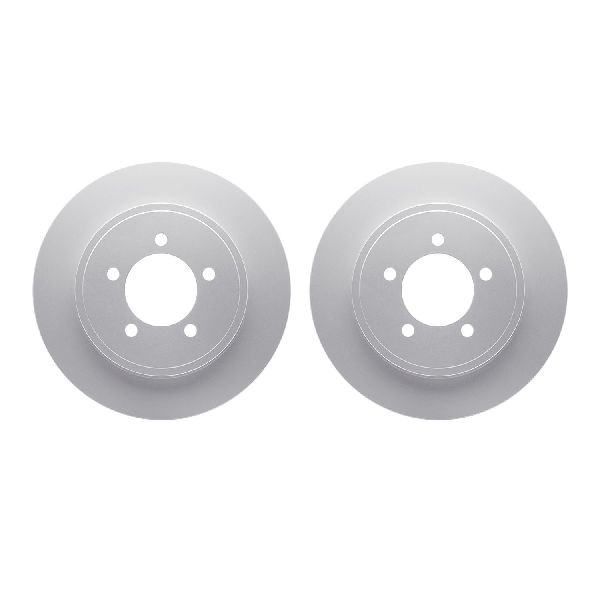
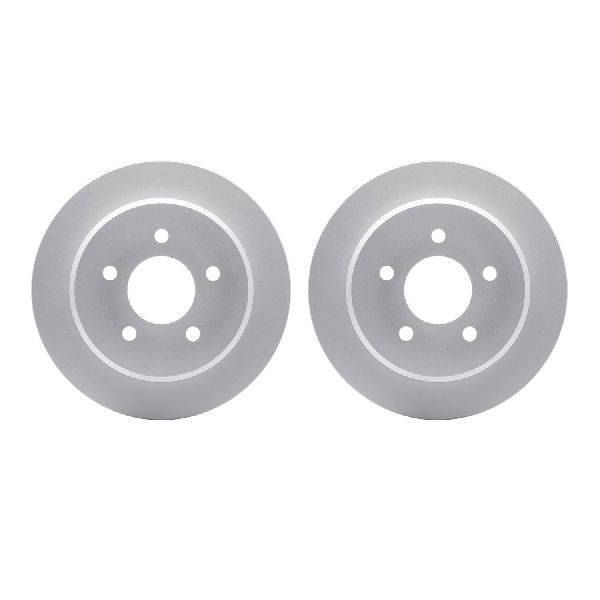
- Blank & Coated Rotors (Good): For most daily driving, a set of quality, solid (or "blank") rotors is perfectly adequate. Look for rotors with a full anti-rust coating (often black or grey). This coating on the hat (the center part of the rotor) and internal vanes prevents rust, which is a common issue that can cause noise and vibration problems. Dynamic Friction is a brand that offers high-quality, OE-equivalent coated rotors that are a great choice for a standard replacement.
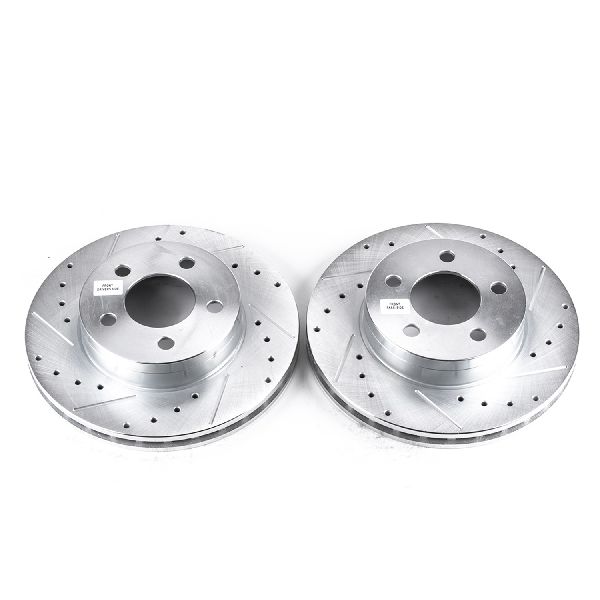
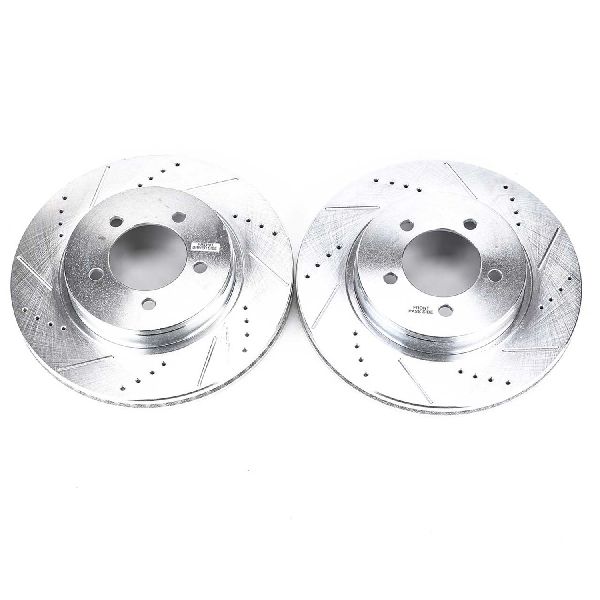
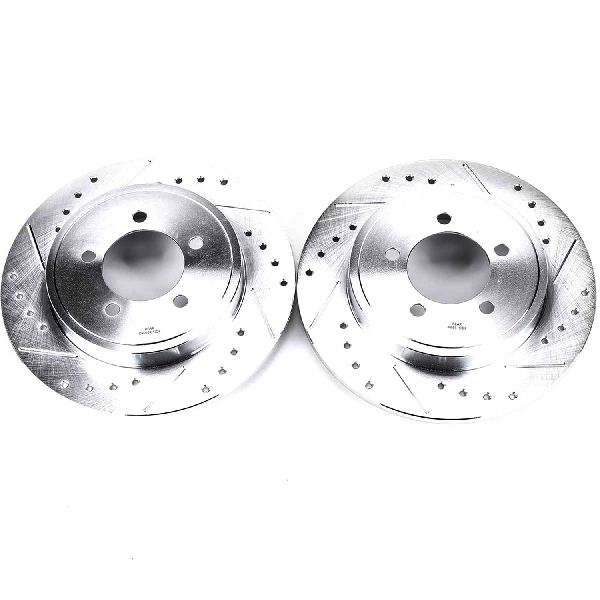
- Drilled & Slotted Rotors (Better/Best): If you frequently tow, live in a hilly area, or simply want an upgrade in braking performance and appearance, consider a drilled and slotted rotor kit. The holes (drilling) and slots help dissipate heat and gases more effectively, reducing brake fade during heavy use. Powerstop is a very popular brand in this category, offering complete kits that often include upgraded carbon-fiber ceramic brake pads for improved stopping power on heavy trucks and SUVs.
OEM vs. Aftermarket Quality
While Ford's original Motorcraft rotors are good quality, some cheaper aftermarket rotors can be made with less material or lower-grade iron, making them lighter. A lighter rotor can't absorb as much heat, which can lead to premature warping and brake fade, especially on a heavy vehicle. Sticking with reputable aftermarket brands like Dynamic Friction or Powerstop ensures you get a part designed to handle the demands of your Explorer.
Known Issues, Recalls, and Service Bulletins
While there are no direct recalls for the brake rotors on these models, there are some important related service bulletins (TSBs) and a critical brake system recall for early models.
- Recall 96V024001 (1991-1994 Models): The studs attaching the brake master cylinder to the power booster can crack and fail, potentially causing a complete loss of braking. Owners of these model years should verify this recall has been performed.
- TSB #15910 (2002 Models): Ford issued a bulletin concerning "brake vibration, roughness and/or grinding noise, and excessive brake rotor corrosion." This acknowledges the common rotor issues on these vehicles.
- TSB #14894 (2002 Models): This bulletin addresses a "repetitive thump/knock noise from the rear...caused by the initial finish/spiral cut of the rear break rotor(s)." This indicates that even new rotors could have manufacturing finishes that cause noise.
| Item | Estimated Cost |
|---|---|
| Aftermarket Rotor & Pad Set (Parts Only) | $96 - $500 |
| Shop Labor | $150 - $300 |
| Total Estimated Cost (Aftermarket) | $246 - $800 |
Frequently Asked Questions
Do I have to replace my brake pads when I install new rotors?
Yes, absolutely. You should always install new brake pads with new rotors. Your old pads have worn into a pattern that matches your old, uneven rotors. Using them on a fresh, flat rotor surface will cause noise, poor performance, and uneven wear.
What really causes brake rotors to "warp" on my Explorer?
True warping from heat is rare. The pulsation you feel is usually caused by either uneven rotor wear (Disc Thickness Variation) or an uneven transfer of pad material onto the rotor face. The main causes are excessive heat from heavy braking and, very commonly, improper lug nut torque. When a shop overtightens your lug nuts with an impact wrench, it can distort the rotor and hub, leading to pulsation. Always insist on having your lug nuts tightened to the factory specification (100 ft-lbs) with a torque wrench.
Are drilled and slotted rotors worth the extra cost for my Explorer?
For most daily driving, a quality set of blank, coated rotors is more than enough. However, if you tow trailers, carry heavy loads, or live in a mountainous area, the improved heat dissipation from drilled and slotted rotors can be a worthwhile upgrade to reduce brake fade and improve safety. Brands like Powerstop specialize in these kits for trucks and SUVs.
Why is replacing the front rotors on my 1993 4x4 so complicated?
On 1991-1994 4WD Explorers, the front rotor and wheel hub are a single, integrated assembly. Unlike later models where the rotor just slides off, you have to disassemble the 4WD locking hub and remove the large axle nut to get the entire hub/rotor assembly off the spindle. This is a more involved job that requires more tools and mechanical knowledge.
Technical Specifications
Related NHTSA Recall: 96V024001 (1991-94 Master Cylinder Bolts). Related TSBs: #15910 (2002 Rotor Vibration/Corrosion), #14894 (2002 Rear Rotor Finish Noise).
We Have This Part in Stock

The information in this article is provided for general reference and educational purposes only. Vehicle specifications, procedures, and part compatibility can vary by production date, trim level, and region. Always consult your vehicle's factory service manual and verify part numbers before purchasing or performing repairs. Safety-critical components such as airbags, seat belts, and braking systems should be installed by a qualified professional.
- Ford Explorer: