

Chrysler Neon Front & Rear Disc Brake Pad Set Guide (1995-2002)
Everything you need to know before replacing the disc brake pads on your first or second-generation Neon.
- Symptoms of failing brake pads include squealing, grinding, a pulsating pedal, and longer stopping distances.
- For a daily driven Neon, quality aftermarket ceramic pads from brands like Bosch or Wagner offer the best balance of performance, low noise, and low dust.
- Replacing brake pads on a 1995-2002 Neon is a DIY-friendly task that requires basic hand tools.
- It is highly recommended to replace the brake rotors at the same time as the pads for best performance and safety.
Symptoms of Worn Brake Pads on a Neon
Your Chrysler Neon will give you clear warning signs when the brake pads are getting low. Ignoring them can lead to more expensive repairs, like needing to replace the brake rotors too.
- Squealing or Screeching Noise: Most brake pads have a small metal tab called a wear indicator. When the pads get thin, this tab scrapes against the rotor, making a high-pitched noise when you brake (and sometimes when you're not). This is the most common first sign.
- Grinding Sound: If you hear a loud, harsh grinding noise, it means the brake pad material is completely gone. You are now hearing metal-on-metal contact between the pad's backing plate and the rotor. This is a critical warning; stop driving as soon as possible to prevent further damage.
- Vibration or Pulsation in Pedal: If you feel the brake pedal pulse or the steering wheel shake when you brake, it could mean your brake rotors are warped. This often happens when worn pads are not replaced in time, causing excessive heat.
- Longer Stopping Distances: If your car takes longer to stop than it used to, your brake pads may be worn out and unable to provide enough friction.
Known Issue: Rear Brake Moan
Some 2003-2004 models (which share parts with the earlier generation) had a Technical Service Bulletin (TSB) for a "moan-like sound" from the rear disc brakes, especially in cool weather. The official fix was to replace the rear pads and rotors with updated parts. While this TSB is for a slightly later model, the issue of brake noise is common, and the solution is often a good quality pad and rotor combination.
Choosing the Right Aftermarket Brake Pads
For a 1995-2002 Chrysler Neon, aftermarket brake pads offer excellent value and performance, often exceeding the original factory quality. You don't need to go to the dealer. The key is to choose the right type and brand for your needs.
Brake Pad Material: Ceramic vs. Semi-Metallic
- Ceramic Pads: These are a great choice for most Neon owners. They are quiet, produce less brake dust (keeping your wheels cleaner), and are gentle on brake rotors. Brands like Bosch QuietCast and Wagner QuickStop offer excellent ceramic options.
- Semi-Metallic Pads: These pads offer strong performance and are often more affordable. They can be slightly noisier and produce more dust than ceramic pads. Brands like Bendix and some Raybestos lines offer durable semi-metallic options.
Pro Tip: For a daily driven Neon, a quality ceramic pad offers the best combination of quiet operation, low dust, and reliable stopping power. If you're on a tight budget, a good semi-metallic pad is still a safe and effective choice.
Brand Tiers for Your Neon
Not all brands are created equal. Here’s a breakdown of reputable brands available for your vehicle, from good to better to best.
- Good (Economy/Daily Driver): Pronto, Dynamic Friction, Total Stopping Solutions. These brands provide a functional, budget-friendly replacement that meets factory standards. They are a solid choice for getting your car back on the road safely without breaking the bank.
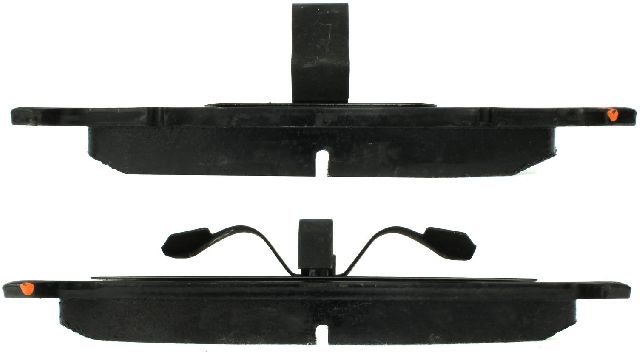
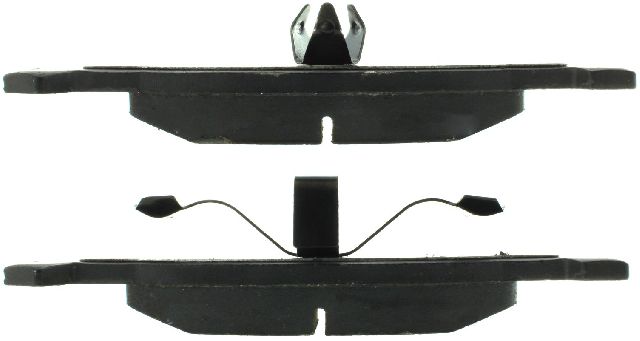
- Better (OE Quality): Centric, Raybestos, Wagner Brakes. These are well-known, trusted brands that offer pads meeting or exceeding Original Equipment (OE) specifications. They often include new hardware and are a great middle-ground for quality and price. Wagner OEX and Raybestos Element 3 are popular choices.
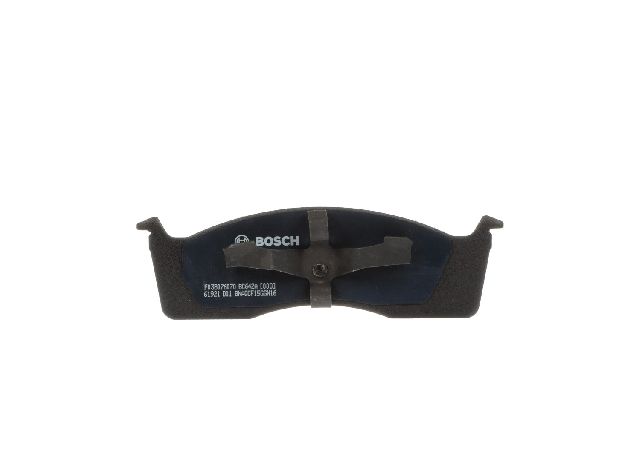
- Best (Premium/Performance): Bendix, Bosch, Powerstop. These brands represent the top tier for daily drivers. Bosch QuietCast pads are known for being very quiet. Powerstop often sells complete kits with pads and rotors that are a good performance upgrade for the money. Bendix is a long-standing brand with a reputation for quality and performance.
Frequently Asked Questions (FAQ)
Do I need to replace my rotors at the same time?
It's highly recommended. If your old pads were grinding, or if you feel a pulsation when braking, you must replace the rotors. Even if they look okay, installing new pads on a worn, uneven rotor surface can cause noise and reduce performance. Given the low cost of new rotors for the Neon, it's best practice to replace them with the pads.
Should I get ceramic or semi-metallic pads for my Neon?
For most drivers, ceramic pads are the better choice. They are quieter, produce less dust, and are less harsh on the rotors, which means your brakes will stay cleaner and quieter for longer. Semi-metallic pads are a good option if you need a bit more bite and are on a stricter budget.
Is it hard to change the brake pads on a 1995-2002 Neon?
No, it's a straightforward job for a DIYer with basic tools. The front and rear disc brake systems on the Neon are relatively simple. You'll need a jack and jack stands, a lug wrench, a basic socket set (a 10mm socket is key), and a C-clamp to compress the caliper piston. There are many video tutorials available online that walk through the process step-by-step.
Was there a recall on the brakes for this Neon?
Yes, there was a recall for some Neons concerning a brake booster vacuum hose. An oil-contaminated hose could swell and detach, leading to a loss of power brake assist and longer stopping distances. This is separate from the brake pads themselves, but it's worth checking if your vehicle was affected or is showing symptoms of a hard brake pedal.
Technical Specifications
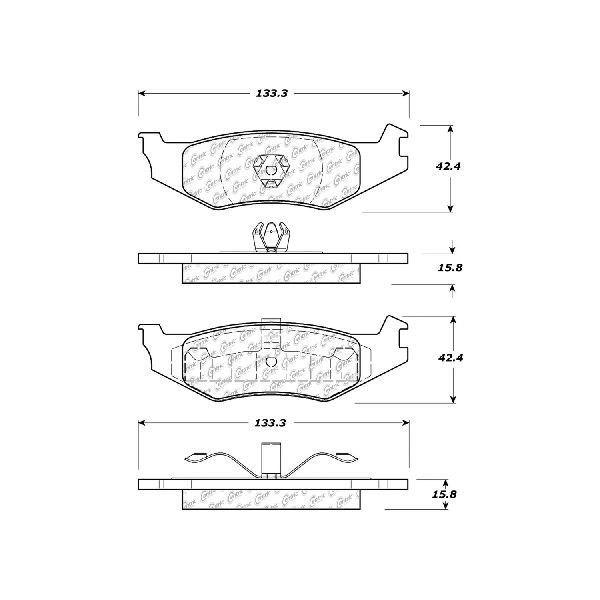
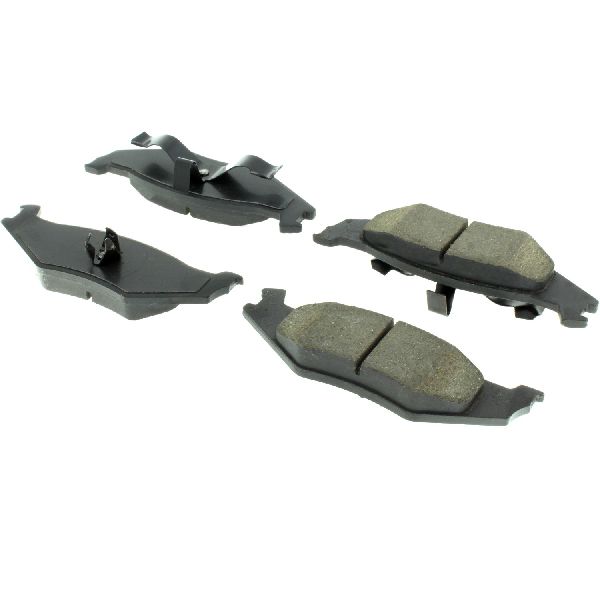
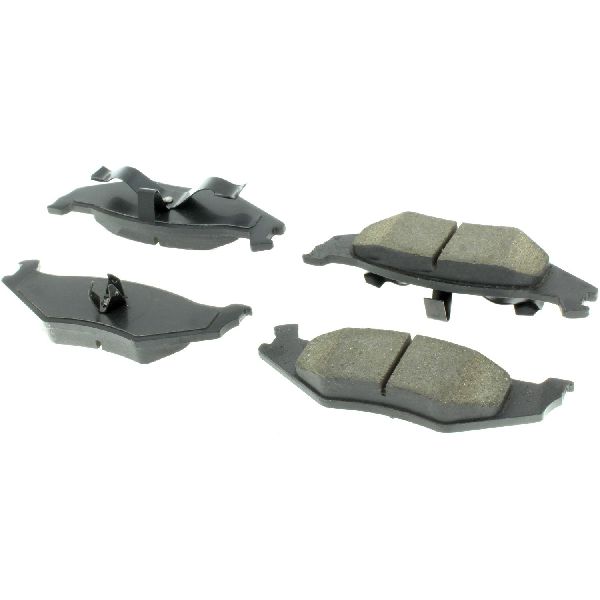
OEM Part Numbers: V1013438AC
Vehicle is equipped with front disc brakes. Rear brakes can be either disc or drum, depending on the trim level and year. This guide applies to models with rear disc brakes. A 10mm socket is typically required for caliper bolts.
We Have This Part in Stock

The information in this article is provided for general reference and educational purposes only. Vehicle specifications, procedures, and part compatibility can vary by production date, trim level, and region. Always consult your vehicle's factory service manual and verify part numbers before purchasing or performing repairs. Safety-critical components such as airbags, seat belts, and braking systems should be installed by a qualified professional.
- Chrysler Neon: