

Chevrolet Astro Mass Air Flow Sensor (1996-2005): A Comprehensive Guide
Solve common engine problems like stalling, poor fuel economy, and hesitation by choosing the right Mass Air Flow sensor for your van.
- A failing MAF sensor causes hesitation, stalling, rough idle, and poor gas mileage.
- Always try cleaning the sensor with dedicated MAF cleaner first before replacing it.
- For best results and to avoid further issues, choose a high-quality replacement brand like ACDelco or Delphi.
- Replacement is a simple DIY job that takes less than 15 minutes with basic tools.
Is My Astro's MAF Sensor Failing?
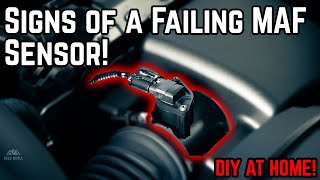
When the MAF sensor gets dirty or starts to fail, it sends incorrect information to your van's computer. This can cause a variety of frustrating problems that might seem unrelated. 🎬 Watch this guide on the common symptoms of MAF failure. Before replacing the sensor, it's a good idea to try cleaning it with a dedicated MAF sensor cleaner spray, as this is a common and inexpensive first step. However, cleaning is often a temporary fix for a failing sensor.
Choosing the Right Aftermarket MAF Sensor
When it comes to electronic sensors, not all aftermarket brands are created equal. For the Chevrolet Astro, using a low-quality sensor can sometimes cause more problems than it solves or fail quickly. Here’s a breakdown of brands based on owner feedback and general industry reputation.
Brand Quality Tiers
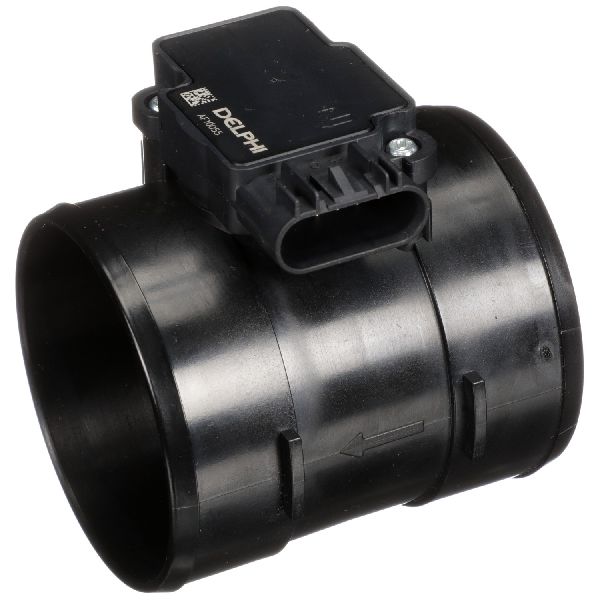
- Tier 1: OEM & Premium Aftermarket (Highest Reliability): Brands like ACDelco (the original GM part) and Delphi are highly recommended. Delphi was an original parts supplier for GM, so their quality is often identical to the factory part but sometimes at a lower cost. Choosing one of these is the safest bet for long-term reliability and avoiding compatibility issues.
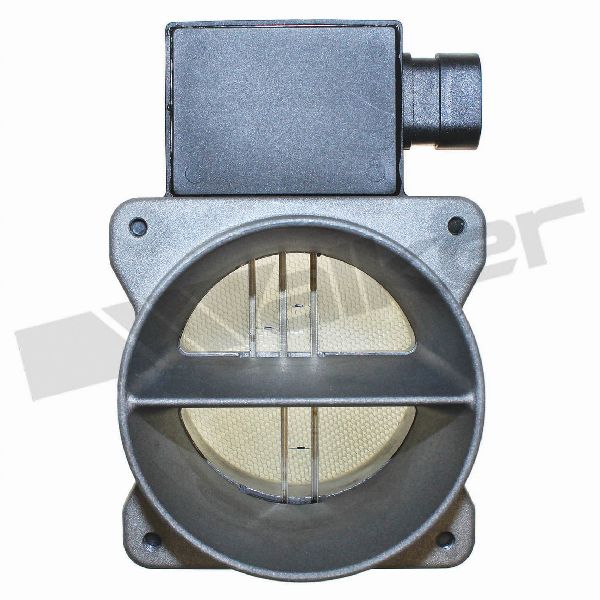
- Tier 2: Reputable Aftermarket (Good Value): Brands such as Standard Motor Products (SMP), Walker Products, and NGK/NTK are known for producing reliable sensors. They offer a good balance of quality and price. While generally dependable, there's a slightly higher chance of getting a faulty part compared to Tier 1.
- Tier 3: Budget Brands (Use with Caution): This category includes many store brands and lesser-known online options. While brands like Cardone and Spectra are available, forum discussions show mixed results. Some owners have had success, while others report issues like rough idling or premature failure. These parts are tempting due to their low price, but can be a gamble.
How Much Does It Cost?
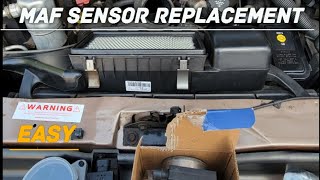
The cost to replace a MAF sensor on a 1996-2005 Astro varies. You can save significant money by doing the job yourself, which is very feasible for this particular part.
🎬 See what a typical Astro MAF sensor replacement looks like.| Item | Estimated Cost |
|---|---|
| New Aftermarket Part | $72.83 - $162.50 |
| New OEM (ACDelco) Part | $140 - $165 |
| Shop Labor Cost | $37 - $54 |
| Total Professional Replacement | $358 - $444 |
Known Issues & Recalls
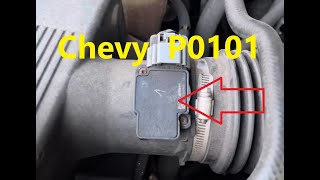
No recalls have been issued by the NHTSA specifically for the Mass Air Flow sensor on the 1996-2005 Chevrolet Astro. However, GM has released Technical Service Bulletins (TSBs) for similar vehicles and engines related to MAF sensor connectors and wiring. For example, TSB 24-NA-158 (for a different GM vehicle) points to issues like water getting into the connector, causing a P0102 code. Always inspect the wiring and connector for damage or corrosion before replacing the sensor itself. Also, problems like vacuum leaks or clogged catalytic converters can sometimes trigger a MAF sensor code (P0101).
🎬 Learn how to troubleshoot and fix a P0101 error code.Frequently Asked Questions
Can I just clean my Astro's MAF sensor?
Yes, and you should try it first. Oil and dirt can build up on the sensor's hot wires. Use a dedicated MAF sensor cleaner spray only—do not use brake cleaner or carburetor cleaner, as they will damage the sensor. If cleaning solves the problem, you're done. If the symptoms return quickly, the sensor itself is likely failing and needs replacement.
Is an expensive ACDelco or Delphi sensor really worth it?
For many owners, yes. The engine's computer is calibrated to the signal from the original sensor. ACDelco and Delphi parts are designed to match that signal precisely. Cheaper sensors can sometimes send a signal that is slightly off, leading to persistent, hard-to-diagnose issues like poor fuel economy or hesitation, even without a check engine light.
What happens if I ignore a bad MAF sensor?
You can continue driving, but it's not recommended. Your van will have poor performance, bad gas mileage, and may stall unexpectedly. Driving for a long time with a bad MAF sensor can cause the engine to run too rich (too much fuel), which can eventually damage the catalytic converter—a much more expensive repair.
Do I need to disconnect the battery or reset the computer after replacing the sensor?
It is always a good practice to disconnect the negative battery terminal before working on any engine sensor. After installing the new sensor, the check engine light may turn off on its own after several drive cycles. However, for best results, it is recommended to clear the codes with an OBD-II scanner to allow the engine computer to immediately start using the data from the new sensor.
Helpful Videos
Technical Specifications
OEM Part Numbers: 25008302 25180303 AF10045 213-4527 213-3458 19207202
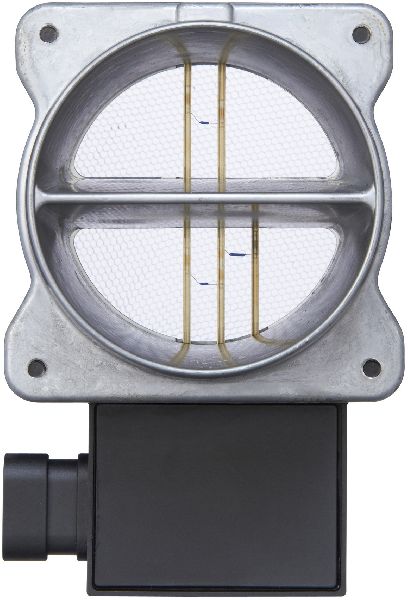
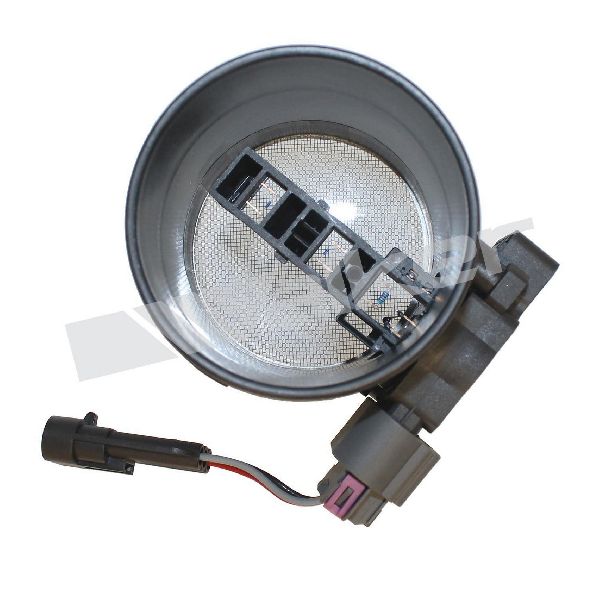
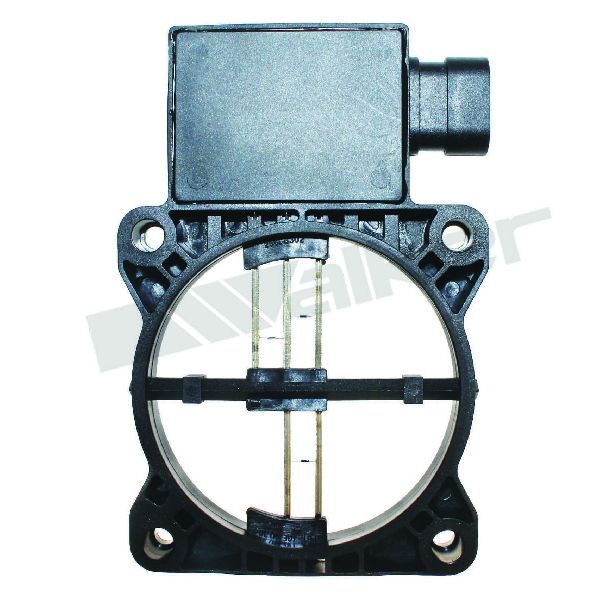
The sensor for the 1996-2005 Chevrolet Astro is a complete unit that includes the aluminum-style housing. It is typically a 3-wire sensor for this generation of the 4.3L V6 engine.
We Have This Part in Stock


The information in this article is provided for general reference and educational purposes only. Vehicle specifications, procedures, and part compatibility can vary by production date, trim level, and region. Always consult your vehicle's factory service manual and verify part numbers before purchasing or performing repairs. Safety-critical components such as airbags, seat belts, and braking systems should be installed by a qualified professional.
- Chevrolet Astro: