

Ford Expedition Universal Joint Guide (1997-2003)
Diagnosing and fixing the clunks, squeaks, and vibrations from your Expedition's driveline.
- Listen for a 'clunk' when shifting into gear or a rotational squeak while driving, as these are the first signs of U-joint failure.
- For maximum durability similar to the original part, choose a non-greasable U-joint from a premium brand like Dana Spicer.
- If doing the replacement yourself, you will need a U-joint press or a heavy-duty bench vise to remove the old joint and install the new one.
- Always mark the driveshaft's orientation relative to the axle before removal to ensure it is reinstalled in the same balanced position.
Symptoms of a Bad U-Joint in a Ford Expedition
A failing U-joint gives clear warning signs. As the needle bearings inside the joint wear out from age, lack of lubrication, or damage, you will notice distinct symptoms. Ignoring these can lead to the U-joint breaking completely, which can cause the driveshaft to fall from the vehicle, resulting in a loss of power and potential damage to other components like the transmission, exhaust, and fuel lines.
- Clunking or Ringing Noise: The most common symptom is a loud 'clunk' or 'ping' when you shift from Park into Drive or Reverse. This is the sound of the worn joint taking up slack in the driveline.
- Rotational Squeaking: A persistent, bird-chirping or squeaking sound that gets faster as you drive is a classic sign of a dry, failing U-joint. This indicates the lubrication is gone and metal is grinding against metal.
- Vibration at Speed: You may feel a vibration throughout the vehicle, often starting around highway speeds. This is different from a tire vibration and is caused by the driveshaft being thrown off balance by the worn joint.
- Shudder on Acceleration: A shudder or judder when you accelerate from a stop can point to a loose U-joint with excessive play.
Known Issues, Recalls, and TSBs
For the 1997-2003 Ford Expedition, there are no major recalls or Technical Service Bulletins (TSBs) from Ford specifically for universal joint failure. While many TSBs exist for this generation for other issues, the U-joint is considered a standard wear-and-tear component. Failure is typically due to high mileage and normal wear.
Choosing the Right Aftermarket U-Joint
The original factory U-joints on these Expeditions were typically high-quality, non-greasable Spicer units that can last for well over 100,000 miles. When choosing a replacement, you have several good options, and the choice often comes down to durability versus serviceability.
Brand Quality Tiers
| Tier | Brands | Notes |
|---|---|---|
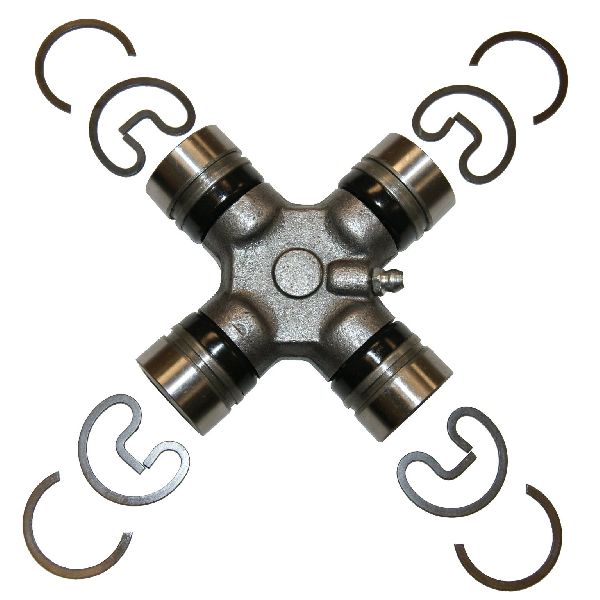
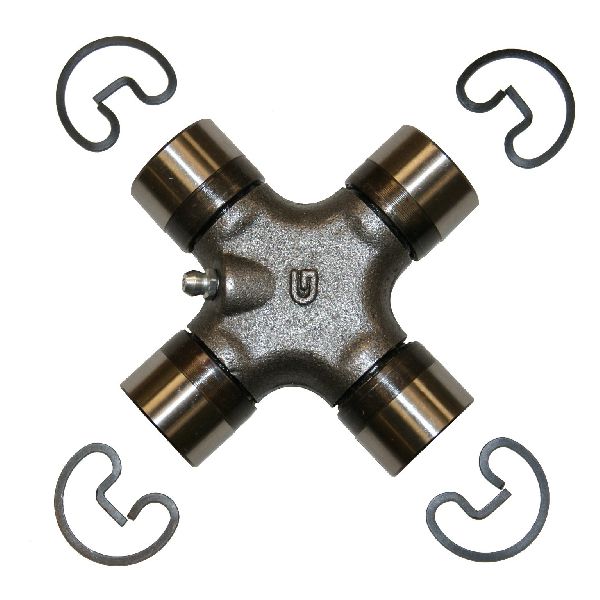
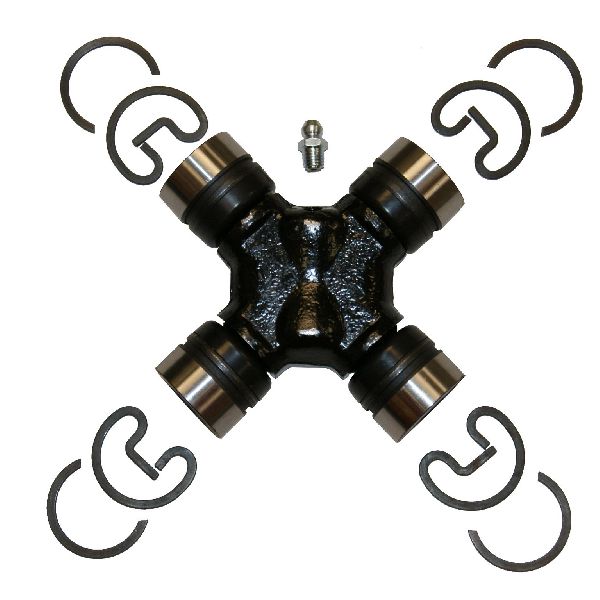
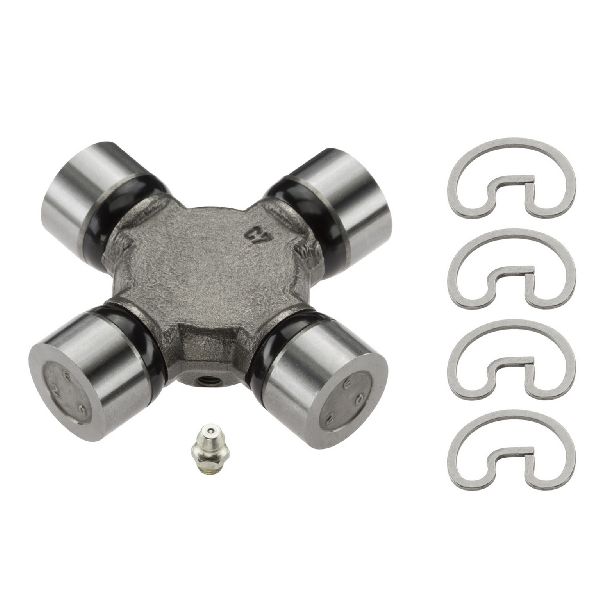
| Premium / OEM Quality | Dana Spicer Chassis | Spicer is widely considered the original equipment manufacturer and the top choice for durability. Their non-greasable joints are forged from solid steel, making them stronger than greasable versions. |
| Quality Aftermarket | Moog, SKF, GMB | These are all reputable brands that offer quality replacements. Moog has a long history, though some users in forums report mixed quality in recent years. They often feature grease fittings for easier maintenance. |
| Performance / Heavy-Duty | Yukon Gear | Yukon Gear specializes in drivetrain components and is a good choice for vehicles that are used for heavy towing or off-roading. |
Greasable vs. Non-Greasable U-Joints
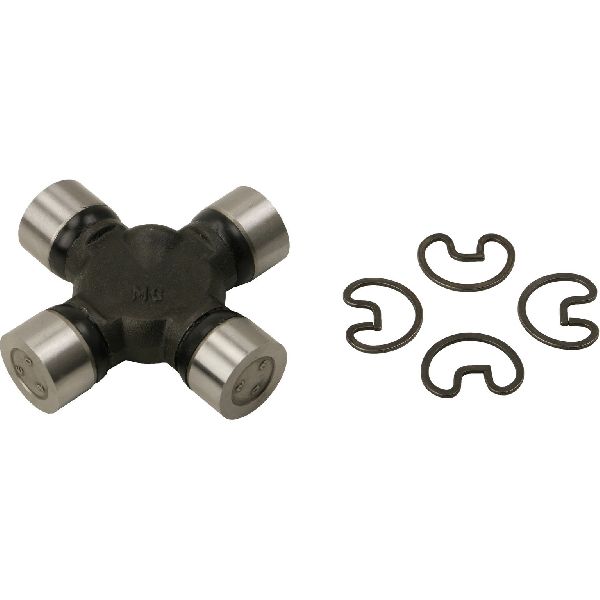
Non-Greasable (Sealed): These are what your Expedition likely came with from the factory. The solid cross design makes them stronger. They are lubricated for life and require no maintenance, but when the grease eventually dries out, they must be replaced. One owner noted their original sealed joints lasted 235,000 miles.
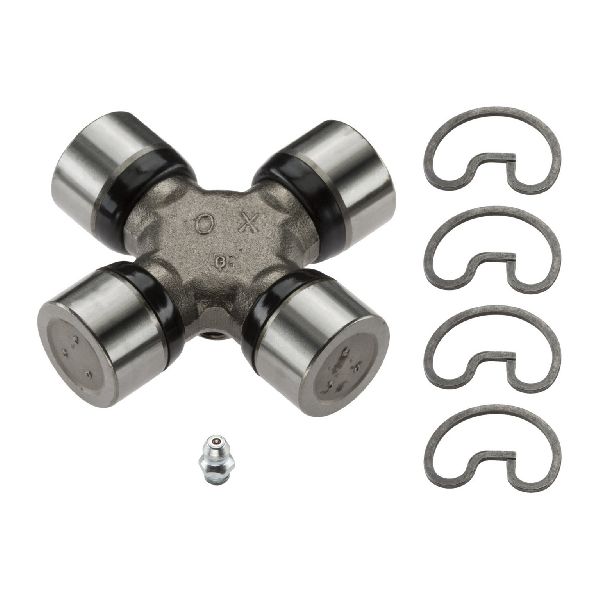
Greasable: These have a zerk fitting that allows you to add fresh grease periodically. This can flush out contaminants and extend the life of the U-joint, but only if you perform the maintenance. The grease passages make the cross slightly weaker than a solid, non-greasable joint. If you don't plan on greasing them regularly, a non-greasable joint is a better choice.
Replacement Cost
The cost to replace a U-joint can vary depending on the brand of the part and local labor rates. Your Expedition may have three or four U-joints in total (two on the rear driveshaft and two on the front driveshaft for 4WD models).
| Item | Estimated Cost |
|---|---|
| New Aftermarket U-Joint Part | $18.90 - $75.00 (per joint) |
| Shop Labor | $150 - $300 (to replace one or two joints on a single driveshaft) |
Frequently Asked Questions (FAQ)
How many U-joints does my 1997-2003 Expedition have?
It depends on your drivetrain. A 2WD model typically has two U-joints on its rear driveshaft. A 4WD model has the same two on the rear driveshaft, plus two more on the front driveshaft, for a total of four. Different part numbers may be required for the front and rear shafts, or based on your engine size.
Can I replace a U-joint myself?
Yes, this is a DIY-feasible job for someone with mechanical experience, but it requires specific tools. After unbolting and removing the driveshaft, you need a heavy-duty bench vise or a U-joint press tool to push the old joint out and press the new one in without damaging the driveshaft yokes. Many auto parts stores offer loaner press tools.
What is the most common mistake when replacing a U-joint?
Forgetting to mark the driveshaft's orientation before removal. The driveshaft is balanced from the factory. If you reinstall it in a different position, you can create a new vibration. Use a paint marker to draw a line across the driveshaft and the differential yoke before you unbolt it.
What happens if I don't replace a bad U-joint?
A worn U-joint will eventually break. When this happens, the driveshaft can detach from the vehicle while you are driving. This will cause an immediate loss of power and can lead to catastrophic damage to your transmission, exhaust, fuel tank, and brake lines as the heavy steel shaft spins out of control underneath the vehicle.
Technical Specifications
U-joint selection depends on 2WD vs 4WD configuration, front vs rear driveshaft, and engine size. For example, some 4WD models may use Moog part numbers 354 or 331 depending on the specific application. Always verify the correct part for your specific vehicle configuration before ordering.
We Have This Part in Stock

The information in this article is provided for general reference and educational purposes only. Vehicle specifications, procedures, and part compatibility can vary by production date, trim level, and region. Always consult your vehicle's factory service manual and verify part numbers before purchasing or performing repairs. Safety-critical components such as airbags, seat belts, and braking systems should be installed by a qualified professional.
- Ford Expedition: