

Disc Brake Rotor Guide for the 2000-2004 Subaru Outback
Everything you need to know before replacing the brake rotors on your second-generation Outback.
- Vibration when braking is the most common sign of a rotor problem on this Outback generation.
- Always replace rotors and pads in pairs for balanced and safe braking.
- Quality coated aftermarket rotors from brands like Centric or Bosch can offer better value and corrosion resistance than OEM.
- Check that you are ordering the correct rotors for the front or rear, as they are different sizes.
Is it Time for New Rotors? Common Symptoms

Brake rotors on the 2000-2004 Subaru Outback are known to be susceptible to warping and uneven wear. This is often felt as a vibration or pulsation in the brake pedal or steering wheel when you apply the brakes, especially at highway speeds. This issue, sometimes called "brake judder," can be caused by uneven deposits of brake pad material on the rotor surface from heat. Here are the most common signs that your rotors need attention:
- Vibration or Pulsing: A shaky feeling in the steering wheel or brake pedal when braking is a classic sign of warped rotors.
- Grinding Noises: A metal-on-metal grinding sound means the brake pads are completely worn, and the metal backing plate is now scraping against the rotor, causing severe damage.
- Squealing Sounds: While often a sign of worn pads, persistent squealing can also indicate a problem with the rotor surface.
- Visible Damage: Deep grooves, scoring, or a visible "lip" on the outer edge of the rotor are clear signs it's time for a replacement.
A Note on "Warping"
While commonly called "warped rotors," the vibration you feel is rarely from the rotor's metal actually bending. It's usually caused by an uneven buildup of pad material on the rotor's face or uneven wear, creating high and low spots. This can happen from overheating the brakes on long downhill drives or from improperly tightened lug nuts.
Choosing the Right Aftermarket Rotors for Your Outback

Original Subaru (OEM) rotors are a solid choice, but quality aftermarket brands can offer similar or even better performance, often at a lower price. Many aftermarket rotors come with features like corrosion-resistant coatings, which can be a great benefit, especially in areas that use road salt. Here’s a breakdown of your options:
Tier 1: Daily Driver & OEM-Equivalent
These brands provide a great balance of quality, durability, and price for everyday driving. They are designed to meet or exceed original factory specifications.
- Centric: A highly recommended brand in owner forums, offering premium options with anti-corrosion E-coating and standard C-TEK versions.
- Bosch: Known for quiet operation and solid, dependable performance for daily use.
- Raybestos: A long-standing brand offering reliable, OE-matching rotors.
- Brembo: While famous for performance brakes, their standard replacement rotors are a high-quality OEM-equivalent option.
Tier 2: Performance & Heavy-Duty Upgrade
If you frequently tow, drive in mountainous areas, or simply want an upgrade in braking performance, these brands are excellent choices. Many feature slots or drilled holes for better heat and gas dissipation.
- PowerStop: Very popular among owners for their complete kits, which often include drilled and slotted rotors and ceramic pads for improved stopping power.
- EBC Brakes: A premium brand offering high-performance slotted or dimpled rotors that provide excellent fade resistance.
- Hawk Performance: Often paired with their well-regarded brake pads, Hawk rotors are designed for drivers seeking a significant step up in braking force.
Tier 3: Economy Options
For those on a tight budget, these brands offer a functional replacement, though they may not have the same longevity or corrosion resistance as higher-tiered options.
- Dynamic Friction: Offers coated rotors that aim to provide good value.
- Pronto / Duralast: Store brands that provide a basic, affordable replacement option.
Pro Tip: Always Replace in Pairs
Brake rotors must always be replaced in pairs (both front wheels or both rear wheels) to ensure even braking and prevent the vehicle from pulling to one side. It is also highly recommended to install new brake pads at the same time to ensure the new rotor breaks in properly.
Common Ordering Mistakes

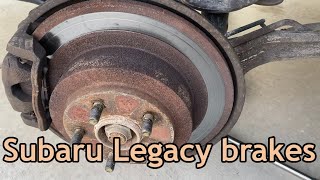
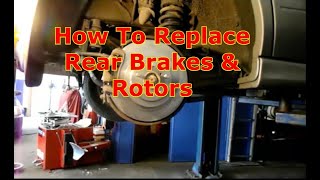
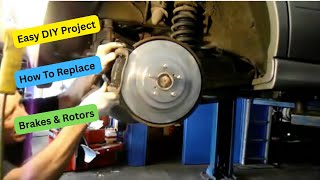
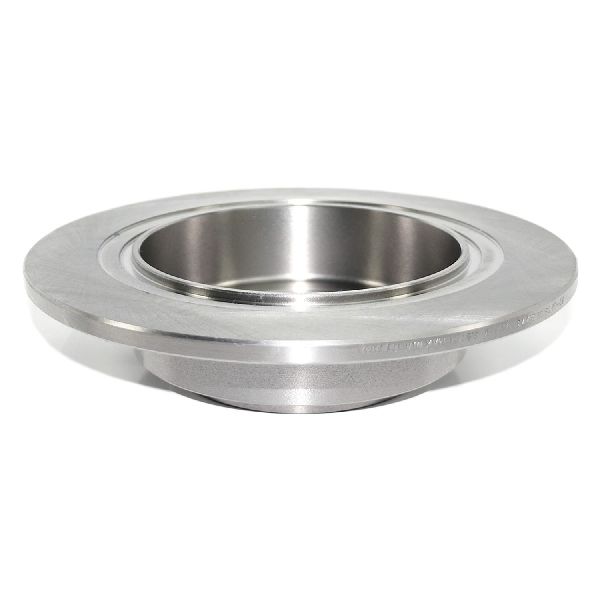
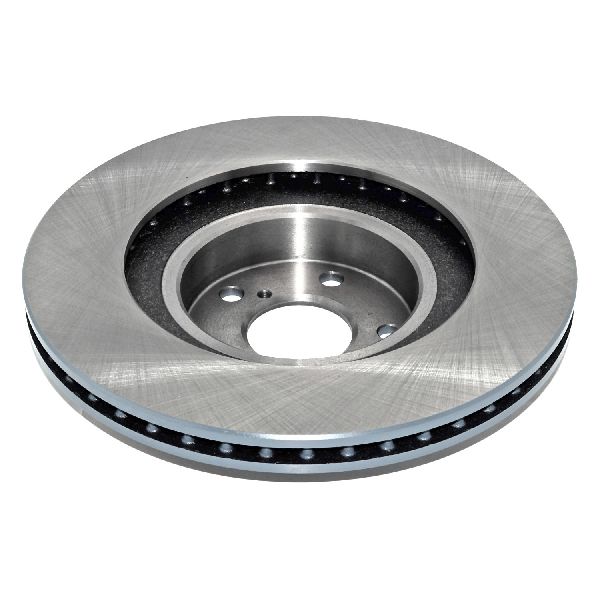
The 2000-2004 Outback uses different rotors for the front and rear axles. The front rotors are larger and thicker to handle more of the braking force. Always double-check that you are ordering for the correct axle (front or rear) to avoid installation delays. 🎬 Follow this walkthrough for replacing the rear pads and rotors. The rear rotor outside diameter is approximately 290mm (11.42 inches), while the front is around 277mm (10.9 inches). Be sure to verify the correct part for your specific vehicle before ordering.
Known Issues, Recalls, and Service Bulletins
While there are no specific recalls for brake rotors on the 2000-2004 Outback, Subaru did issue recalls for later models due to brake line corrosion from road salt. This highlights the importance of using rotors with a protective coating if you live in a snowy climate. Some owners have also reported issues with sticking calipers, which can cause rotors to overheat and wear unevenly, so it's a good idea to check caliper slide pins for proper lubrication during the rotor replacement.
🎬 See how to fix a stuck caliper pin during installation.Frequently Asked Questions
Can I just replace my brake pads and not the rotors?
If your rotors are still in good condition (not warped, grooved, or below the minimum thickness), you can sometimes replace just the pads. However, most mechanics recommend resurfacing or replacing the rotors with the pads to ensure optimal performance and prevent noise. Given the low cost of new aftermarket rotors, replacement is often the better and safer choice.
What's the difference between drilled and slotted rotors?
Slotted rotors use shallow channels to wipe away gas, dust, and water from the pad's surface, improving initial bite. Drilled rotors have holes that go all the way through, which helps dissipate heat and reduce brake fade during heavy use. For most Outback owners, a quality blank or slotted rotor is more than sufficient. Drilled rotors are typically for high-performance driving.
Do I need to "bed-in" my new rotors and pads?
Yes. Bedding-in is the process of transferring an even layer of friction material from the new pads onto the new rotors. This is crucial for smooth, quiet, and powerful braking. The process typically involves a series of controlled stops from moderate speeds. Follow the manufacturer's specific instructions included with your new brakes.
How difficult is it to replace the rotors myself?
For a DIYer with the right tools, replacing the rotors on a 2000-2004 Outback is a manageable job. It involves removing the wheel, brake caliper, and caliper bracket. You will need a good socket set, a C-clamp to compress the caliper piston, and potentially a rubber mallet to persuade a rusted rotor off the hub. The job is considered to have a difficulty rating of 2 out of 5.
🎬 Watch a step-by-step DIY guide for replacing your Outback's rotors.Helpful Videos
Technical Specifications
Front Rotor Diameter: Approx. 277mm (10.9 in). Rear Rotor Diameter: Approx. 290mm (11.42 in). Lug Holes: 5.
We Have This Part in Stock
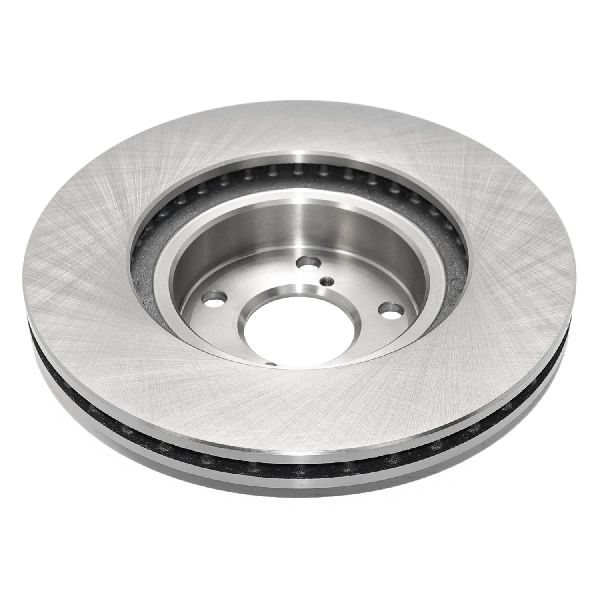
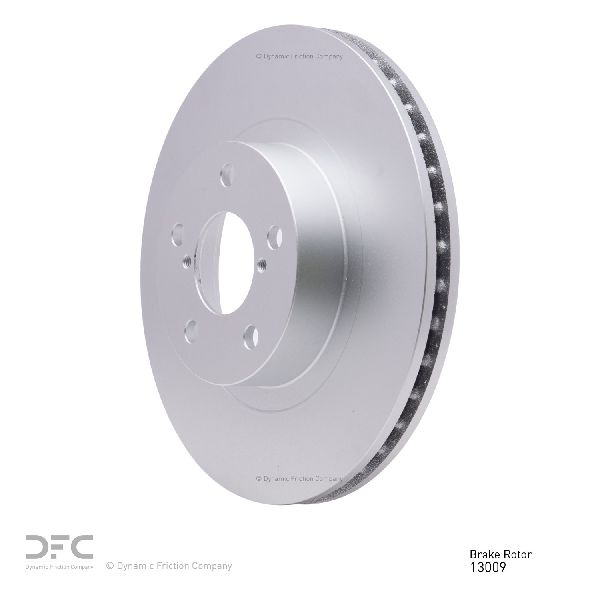
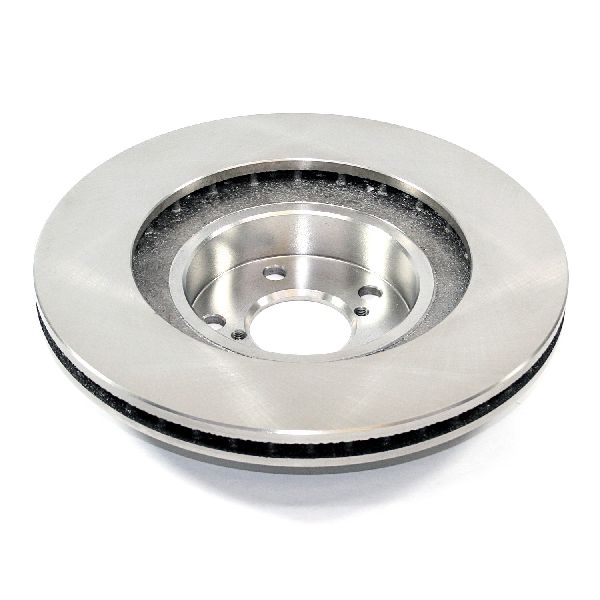
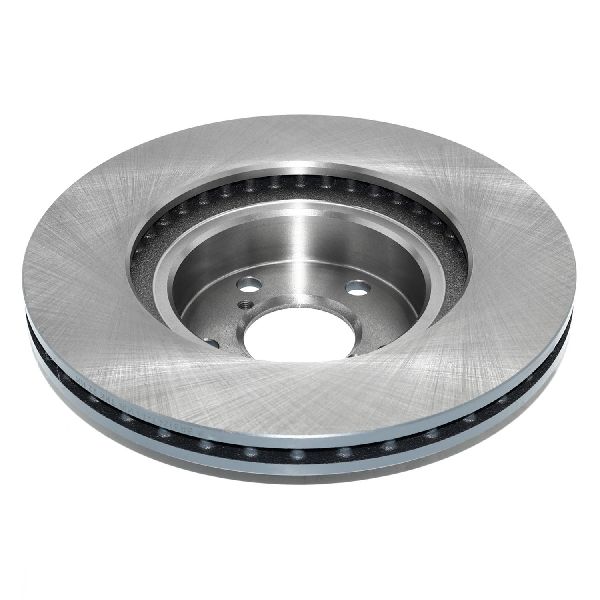

The information in this article is provided for general reference and educational purposes only. Vehicle specifications, procedures, and part compatibility can vary by production date, trim level, and region. Always consult your vehicle's factory service manual and verify part numbers before purchasing or performing repairs. Safety-critical components such as airbags, seat belts, and braking systems should be installed by a qualified professional.
- Subaru Outback:
- 🎬 Helpful Videos
- 🛍️ Shop This Part
- Is it Time for New Rotors? Common Symptoms
- A Note on "Warping"
- Choosing the Right Aftermarket Rotors for Your Outback
- Tier 1: Daily Driver & OEM-Equivalent
- Tier 2: Performance & Heavy-Duty Upgrade
- Tier 3: Economy Options
- Pro Tip: Always Replace in Pairs
- Common Ordering Mistakes
- Known Issues, Recalls, and Service Bulletins
- Frequently Asked Questions
- 🎟️ Get 5% Off