

Ford Taurus Brake Light Switch Guide (2000-2009): Symptoms and Replacement
If your Taurus is stuck in park or the brake lights are acting up, the brake light switch is the most likely reason.
- A bad brake light switch is the likely cause if your Taurus is stuck in park or has brake light issues.
- Check for the outstanding NHTSA recall (04V106000) on 2000-2003 models before purchasing a part.
- This is an easy and inexpensive DIY replacement, typically taking less than 30 minutes.
- For long-term reliability, choose a quality brand like Motorcraft or Standard Ignition over cheaper economy options.
Is Your Ford Taurus Brake Light Switch Failing?
A faulty brake light switch is a very common issue on the 2000-2009 Ford Taurus. The symptoms can be frustrating, but luckily, the part is inexpensive and easy to replace. Understanding the signs of failure can save you from a wrong diagnosis.
Key Failure Symptoms
- Brake Lights Don't Work: The most obvious and dangerous symptom. This is a major safety risk.
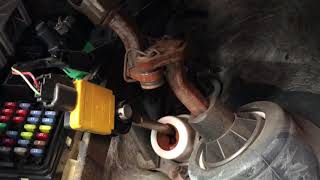
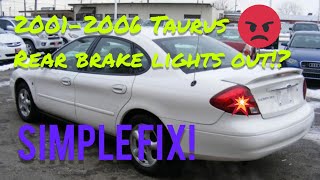
- Stuck in Park: Your Taurus has a safety feature called a shift interlock that prevents you from shifting out of 'Park' unless the brake is pressed. A bad switch won't send the signal, leaving your car stranded. 🎬 Watch this video to see these symptoms in action.
- Brake Lights Stay On: The switch can fail in the 'on' position, leaving your brake lights illuminated constantly. This can drain your battery overnight.
- Cruise Control Won't Work: If the switch is faulty, it may not allow the cruise control to engage or may cause it to shut off randomly.
Important Recall Information (NHTSA #04V106000)
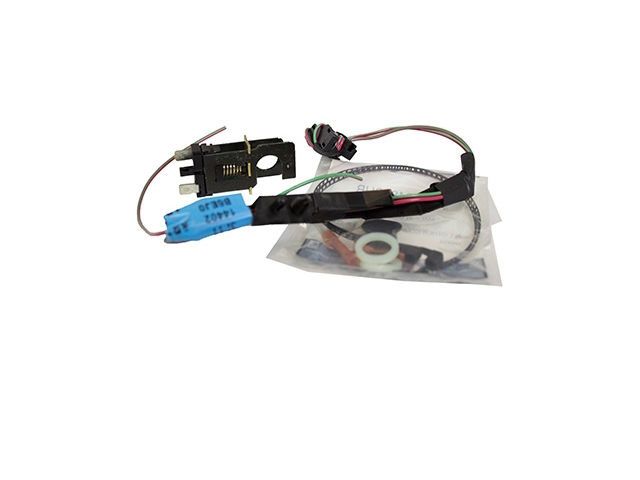
Ford issued a major safety recall for the brake light switch on 2000-2003 and some early 2004 Taurus models. The original switch and wiring were prone to failure from grease contamination, poor alignment, or wire fatigue. The recall involved installing a redesigned, more durable switch and wiring pigtail. Before buying a part, check if your vehicle had the recall performed. If not, you may be eligible for a free repair at a Ford dealership. Even if the recall was done, the replacement part can still fail over time.
Choosing the Right Aftermarket Switch
While an OEM part from the dealer is an option, several aftermarket brands offer quality replacements. They generally fall into three tiers.
Tier 1: OEM or Premium Aftermarket
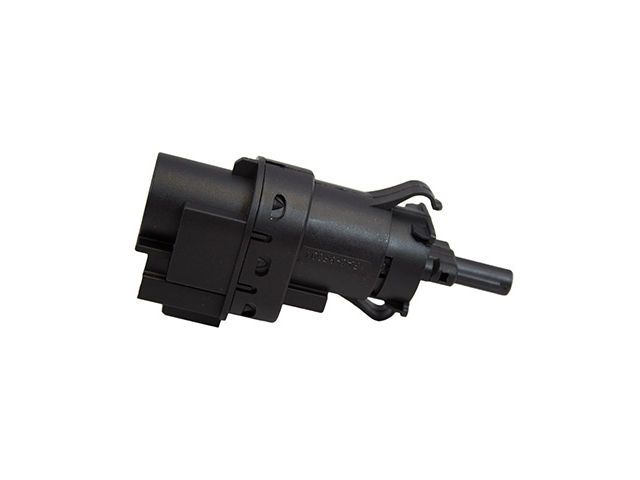
- Motorcraft: This is Ford's own brand and the original equipment manufacturer (OEM). Choosing Motorcraft guarantees a perfect fit and the latest revised design intended to fix the original flaws. This is the safest choice for reliability.
- Standard Ignition (SMP): A top-tier aftermarket brand known for making parts that meet or exceed OEM quality. They use high-quality materials and perform extensive testing. A Standard brand switch is an excellent alternative to Motorcraft.
Tier 2: Reputable Aftermarket
- Rostra Powertrain: Rostra is a known manufacturer of automotive electronic components. While not as prominent as Motorcraft or Standard for this specific part, their products are generally considered a solid mid-grade option.
Tier 3: Economy Brands
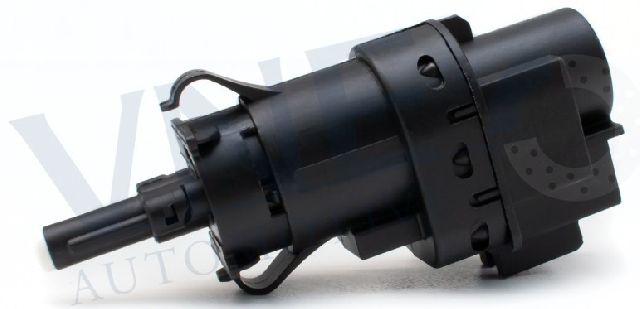
- VNE / Replacement: These brands represent the budget-friendly end of the market. While they are the most affordable, they may not offer the same durability or precise fit as premium brands. Some owners report issues with economy switches not working perfectly without minor adjustments. They can work in a pinch, but for a critical part like this, spending a little more for a Tier 1 or Tier 2 brand is recommended.
| Part Type | Estimated Cost |
|---|---|
| New Aftermarket | $21.44 - $63.01 |
| New OEM (Motorcraft) | $40 - $70 |
| Shop Labor | $48 - $70 |
DIY Installation
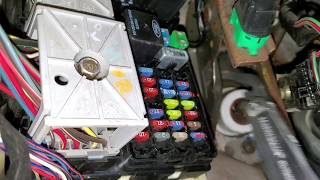
Replacing this switch is a great DIY job for beginners. It's located above the brake pedal arm and held by a simple clip. You'll need basic tools and about 30 minutes. Just disconnect the battery first. You can find many step-by-step videos online for the 2000-2007 Taurus which show the process clearly.
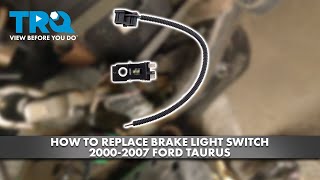
🎬 See this step-by-step walkthrough for replacing the switch.Frequently Asked Questions
Why won't my Taurus shift out of park?
The most common reason is a failed brake light switch. The switch must send a signal to the shift interlock solenoid to release the shifter. If the switch is bad, no signal is sent, and the shifter remains locked.
Can I replace the brake light switch myself?
Yes, this is a very DIY-friendly repair. The switch is located under the driver's side dashboard, attached to the brake pedal assembly. 🎬 Watch this quick guide to find and remove the switch. It usually requires no special tools and can be done in under 30 minutes.
Is it safe to drive with a bad brake light switch?
No. If your brake lights are not working, other drivers cannot see when you are slowing down, which is extremely dangerous. If the lights are stuck on, it can confuse other drivers and drain your battery. Get this fixed immediately.
What's the difference between a cheap switch and an expensive one?
The difference often comes down to the quality of materials, precision of manufacturing, and durability. Premium brands like Motorcraft and Standard Ignition use better internal contacts and plastics that last longer. Given the recall history for this part, investing in a quality switch is a smart move to avoid replacing it again soon.
Helpful Videos
Technical Specifications
OEM Part Numbers: 3F1Z-13480-AA SW-6170 SW-6543
Located on the brake pedal support bracket. Actuated by the movement of the brake pedal. Typically includes a 2-pin or multi-pin electrical connector. The recall replacement part includes an updated switch and wiring pigtail.
We Have This Part in Stock


The information in this article is provided for general reference and educational purposes only. Vehicle specifications, procedures, and part compatibility can vary by production date, trim level, and region. Always consult your vehicle's factory service manual and verify part numbers before purchasing or performing repairs. Safety-critical components such as airbags, seat belts, and braking systems should be installed by a qualified professional.
- Ford Taurus: