

Choosing the Right Disc Brake Pads for Your 2000-2012 Dodge Dakota
Your complete guide to finding the best new aftermarket brake pads for your truck's specific needs.
- For most Dakota owners, a quality ceramic or semi-metallic pad from brands like Wagner, Raybestos, or Bosch offers the best value and performance for daily driving.
- If you tow or haul, consider upgrading to a heavy-duty pad from Powerstop, Hawk, or EBC for better heat resistance and stopping power.
- Brake system issues like sticking calipers and warped rotors are common; always inspect calipers and guide pins during a brake job.
- It is highly recommended to replace rotors at the same time as pads to ensure optimal performance and safety.
Symptoms of Failing Brake Pads
Your Dakota will usually tell you when its brake pads are getting low. Ignoring these signs can lead to more expensive repairs, like needing new rotors or calipers. Be aware of these common symptoms:
- Squealing or Screeching Noises: Most brake pads have a small metal tab called a wear indicator. When the pad material wears down, this tab scrapes against the rotor, making a high-pitched noise when you brake. This is a clear sign it's time for new pads.
- Grinding Sounds: If you hear a harsh grinding, it means the pad material is completely gone. The metal backing plate of the pad is now grinding against the rotor. This is a serious safety issue that can damage the rotors quickly.
- Vibration in Pedal or Steering Wheel: If you feel a pulsing or vibration when you apply the brakes, it could mean your brake rotors have warped from overheating. This is a common complaint on some Dakota models and is often related to worn pads or sticking calipers.
- Longer Stopping Distances: If your truck takes longer to stop than it used to, your brake pads may be worn out or contaminated with grease or brake fluid.
- Pulling to One Side: If the truck pulls to the left or right when braking, it could indicate a problem with a sticking caliper or unevenly worn pads.
Choosing the Right Aftermarket Brake Pads
When replacing brake pads on your Dakota, you don't have to buy original equipment (OEM) parts from the dealer. The aftermarket offers a wide range of options that can meet or even exceed OEM quality, often at a better price. The key is to choose the right pad for how you use your truck.
Aftermarket Brand Tiers for Your Dakota
| Tier | Description & Use Case | Recommended Brands |
|---|---|---|
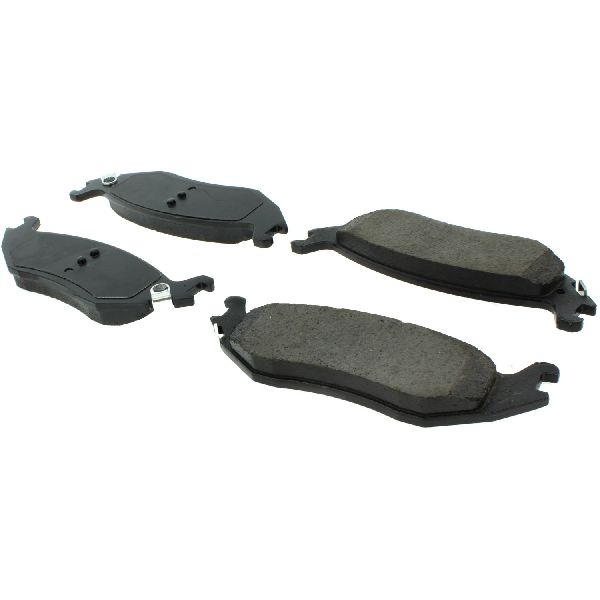
| Economy | These are the most budget-friendly options. They provide safe, basic stopping power for light, around-town driving. They may create more dust and wear out faster than higher-tier pads. | Pronto, Dynamic Friction, Centric C-Tek |
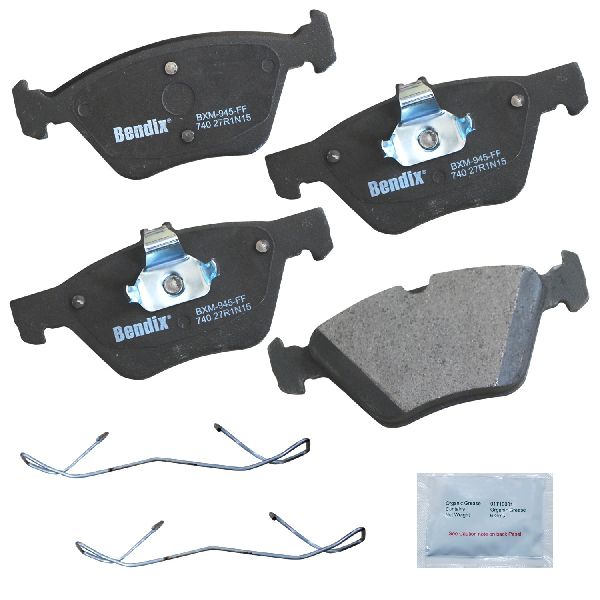
| Daily Driver / OEM Quality | This is the sweet spot for most Dakota owners. These pads offer a great balance of performance, low noise, and durability, similar to or better than the original factory pads. They are typically made from ceramic or high-quality semi-metallic compounds. | Wagner, Raybestos, Bosch, Bendix, Akebono |
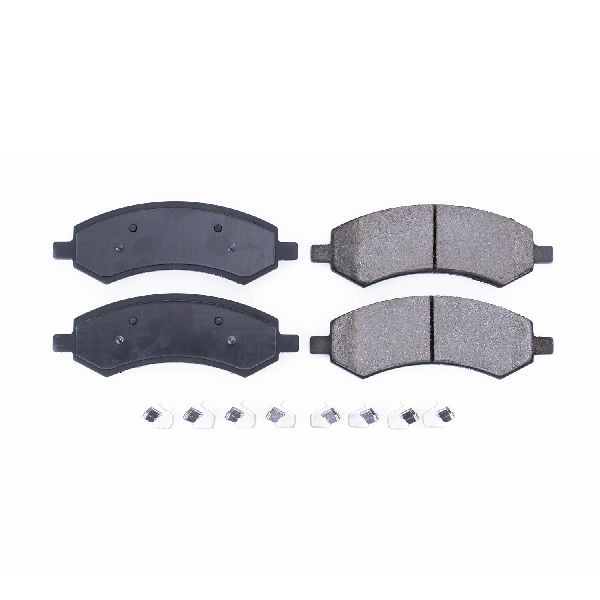
| Premium / Heavy-Duty / Performance | If you tow, haul heavy loads, or just want the best stopping power possible, these pads are for you. They are designed to handle more heat and provide more bite. Some may produce more dust or noise than daily driver pads. | Powerstop, Hawk Performance, EBC Brakes, Brembo |
Pro Tip: Ceramic vs. Semi-Metallic. For most 2000-2012 Dakotas used for daily driving, a quality ceramic pad is an excellent choice. They are quiet, produce less dust, and are gentle on rotors. If you frequently tow or haul heavy loads, a good semi-metallic or a heavy-duty ceramic pad (like those from Powerstop or Hawk) will offer better performance under high heat.
Known Issues, Recalls, and Service Bulletins
While the 2000-2012 Dakota is a solid truck, there are a few known issues related to its brake system.
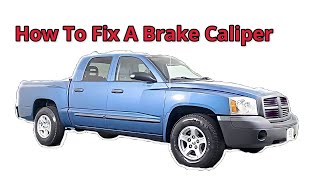
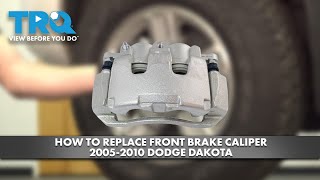
- Brake Drag/Sticking Calipers: Some owners report issues with front brakes dragging or calipers seizing after a pad change. This can cause rapid pad wear and overheating. This is often due to worn caliper guide pins that need cleaning and lubrication, or the caliper itself needing replacement. 🎬 See how to replace a front brake caliper on your truck.
- Warped Rotors: A common complaint is vibration during braking, which points to warped front rotors. This can be caused by sticking calipers or the use of lower-quality pads that don't dissipate heat well.
- Recalls (2000-2001 Models): There was a recall for some 2000 model year Dakotas concerning inadequate clearance between a brake tube and a power steering hose, which could lead to a brake fluid leak. Another recall for 2005-2011 models involved a potential passenger airbag inflator issue, which is unrelated to the brake pads but important for owners to be aware of.
- TSB for Brake Shudder (2005-2006 Models): A Technical Service Bulletin (TSB) was issued for a vibration or shudder felt in the brake pedal at highway speeds on some 2005-2006 models. The fix involved replacing rear brake shoes and resurfacing front rotors.
Frequently Asked Questions (FAQ)
Do I need to replace my rotors with my brake pads?
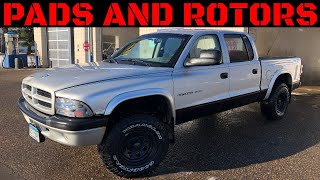
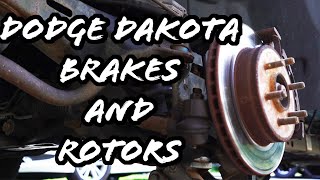
Not always, but it's highly recommended. If your rotors are smooth, have no deep grooves, and are within the manufacturer's minimum thickness specification, they can sometimes be reused. However, installing new pads on old or warped rotors can reduce braking performance and cause vibrations. For the best results and safety, replacing pads and rotors at the same time 🎬 Watch this step-by-step guide for replacing Dakota pads and rotors. is the best practice for the Dodge Dakota.
What's the difference between front and rear brake pads?
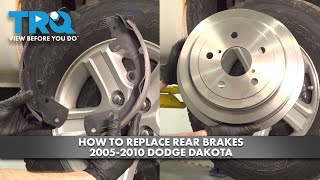
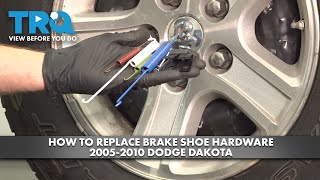
Your front brakes do most of the stopping (around 70-80%). Because of this, the front brake pads are larger and wear out faster than the rear ones. Many Dakotas in this year range have disc brakes in the front and drum brakes in the rear, which use brake shoes instead of pads. Some later models or 4WD versions may have rear disc brakes. Always verify your truck's specific setup before ordering parts.
What is "bedding in" new brake pads?
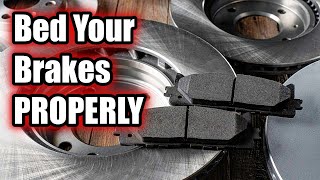
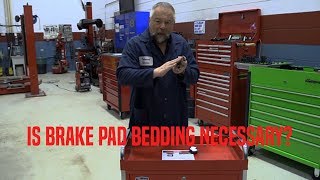
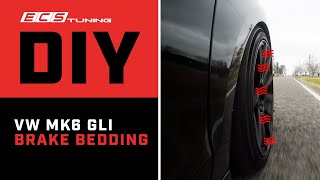
Bedding-in is a process of a few controlled stops to properly transfer a thin, even layer of friction material from the new pads to the rotors. This ensures smooth, quiet, and powerful braking right from the start. Most performance brake pad manufacturers like Powerstop and Hawk provide specific instructions for this process, which you should follow carefully.
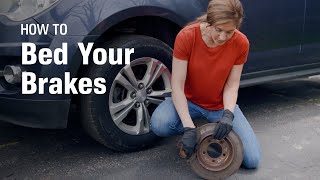
🎬 Watch this video to learn how to bed brakes properly.Why are my new brakes squeaking?
New brakes can sometimes squeak for a few reasons. It could be from not applying a thin layer of brake grease to the back of the pads and contact points, or it could be the pads settling in. If the noise persists after a few hundred miles, it could be a sign of improper installation or a compatibility issue. High-performance metallic pads can also be noisier by nature than ceramic pads.
Helpful Videos
Technical Specifications
OEM Part Numbers: 2AMV1167AA
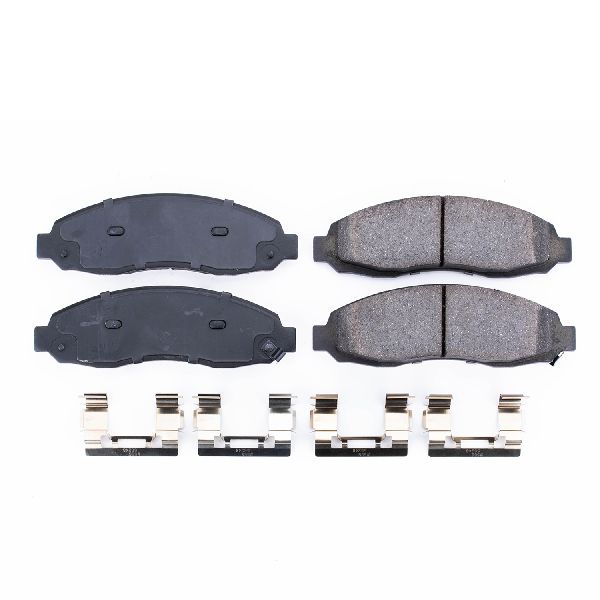
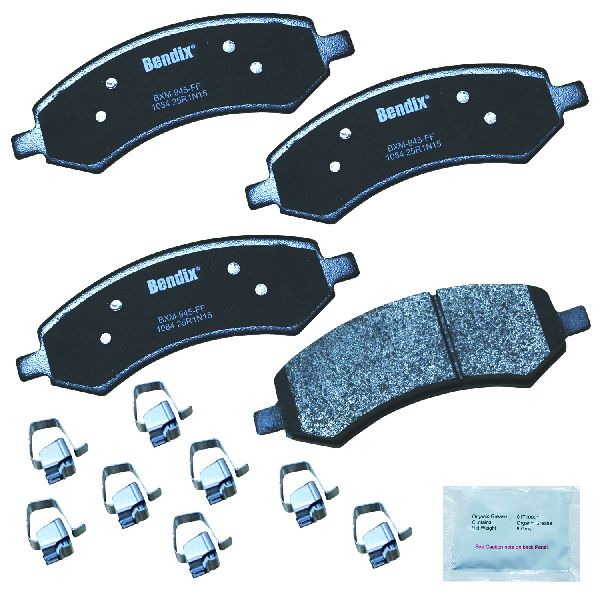
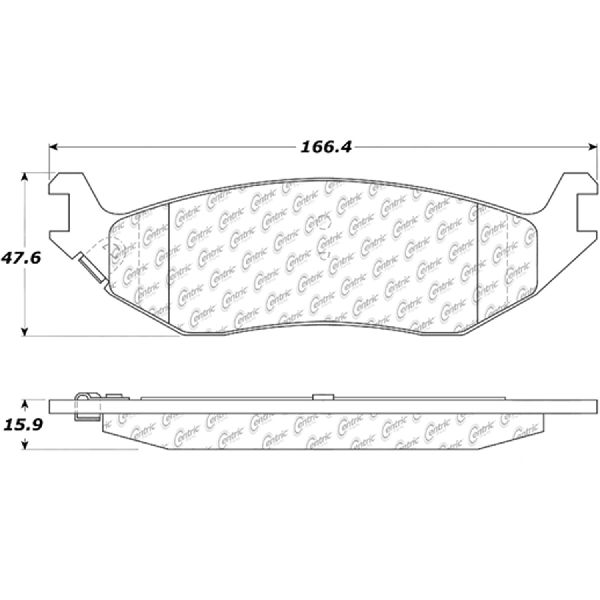
Brake pad material (ceramic, semi-metallic), inclusion of hardware (shims, clips), and compatibility with your specific year, engine, and drivetrain (2WD vs 4WD) are the most important specifications. Some models have different brake systems (e.g., rear disc vs. rear drum).
We Have This Part in Stock

The information in this article is provided for general reference and educational purposes only. Vehicle specifications, procedures, and part compatibility can vary by production date, trim level, and region. Always consult your vehicle's factory service manual and verify part numbers before purchasing or performing repairs. Safety-critical components such as airbags, seat belts, and braking systems should be installed by a qualified professional.
- Dodge Dakota: