

A/C Compressor Replacement Guide for 2001-2003 Ford Explorer Sport
Get your Explorer Sport's A/C blowing ice cold again by understanding your replacement options.
- A bad compressor can make grinding noises or cause the A/C to blow warm air.
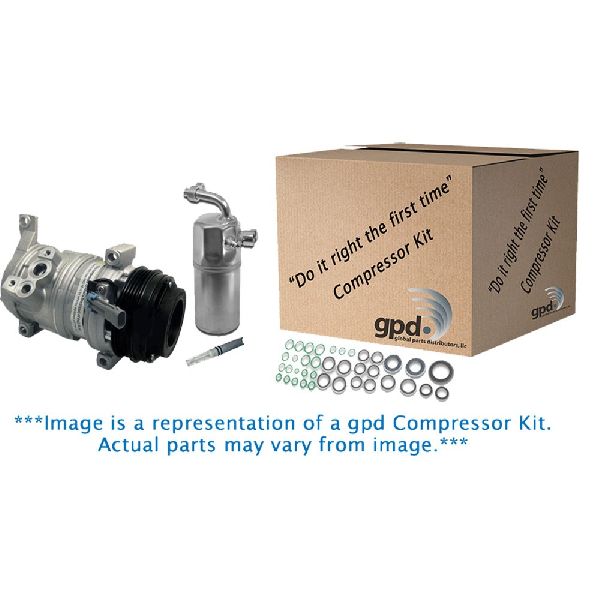
- You MUST replace the accumulator/drier and orifice tube when you replace the compressor to prevent immediate failure and to validate the warranty.
- If the old compressor failed internally, the entire A/C system must be flushed to remove metal debris.
- While you can physically swap the compressor, the refrigerant must be handled by a certified professional with special equipment.
Is Your Explorer Sport's A/C Compressor Failing?
When the A/C compressor in your 2001-2003 Explorer Sport starts to go bad, the signs are usually obvious. A failing compressor can't properly circulate refrigerant, leading to a loss of cooling. Here are the most common symptoms to watch for:
Symptoms of a Bad A/C Compressor
- Warm Air from Vents: The most common sign is warm or lukewarm air blowing from the vents when the A/C is turned on.
- Strange Noises: Grinding, rattling, or high-pitched squealing when the A/C is running often points to failing internal bearings or other components inside the compressor.
- Compressor Clutch Not Engaging: The outer part of the compressor pulley (the clutch) should engage and spin when you turn on the A/C. If it remains stationary, it could be a bad clutch or an electrical issue preventing engagement.
- Leaking Refrigerant: You might see oily residue on the compressor body. The compressor has seals that can wear out and leak refrigerant.
Known Issues for This Vehicle
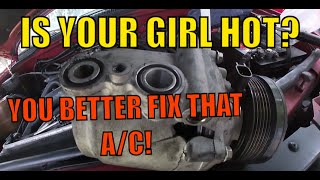
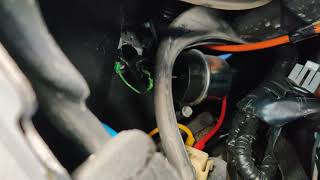
While no major recalls exist for the A/C compressor on the 2001-2003 Explorer Sport, it's important to be aware of related issues. Some owners have reported issues with the A/C system in general, including problems with the blend door actuator which can make a clicking noise behind the dash. 🎬 Watch: How to fix air flow issues through the vents. A Technical Service Bulletin (TSB) was issued for later Sport Trac models regarding a leaking front shaft seal, which can sometimes be relevant to similar compressor designs.
Choosing the Right Aftermarket A/C Compressor
When replacing your A/C compressor, you have several options. For the 2001-2003 Explorer Sport, the choice often comes down to OEM (Motorcraft) or various aftermarket brands.
| Brand Tier | Brands | Quality & Notes |
|---|---|---|
| OEM | Motorcraft | Motorcraft is Ford's official parts brand. These compressors are built to the original factory specifications for fit and performance. They are the most expensive option but offer peace of mind. |
| Premium Aftermarket | Valeo, Denso | Valeo and Denso are often Original Equipment (OE) suppliers to many car manufacturers. Their aftermarket parts are generally considered high-quality and reliable, often matching OEM performance at a lower cost. |
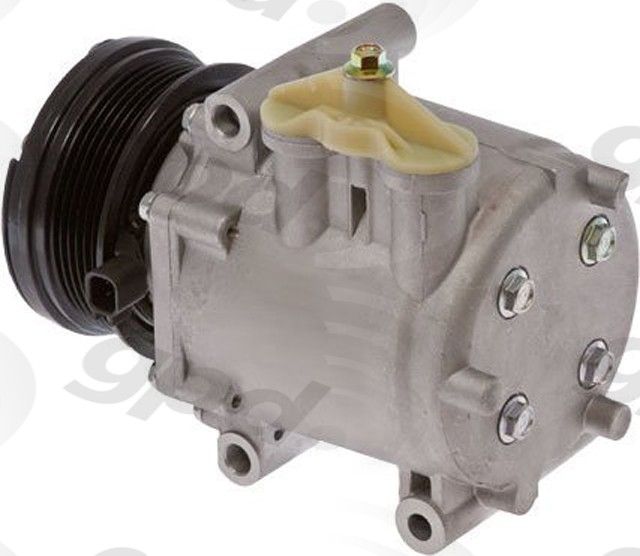
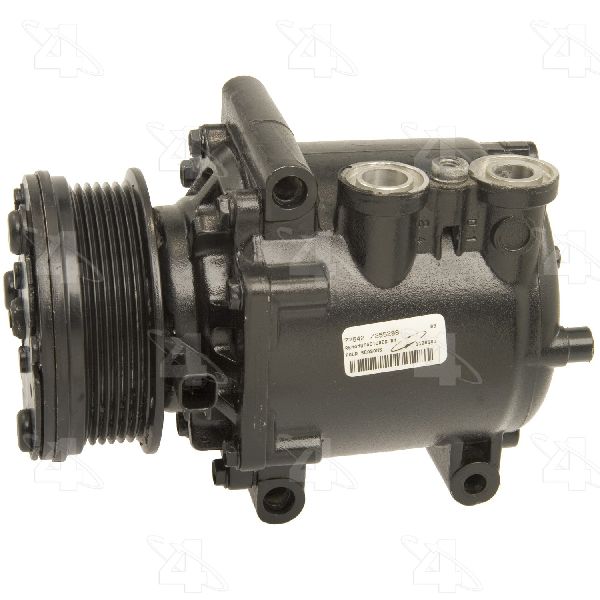
| Standard Aftermarket | Four Seasons, Global Parts (GPD) | Four Seasons is a large remanufacturer and producer of new compressors known for good quality and fair pricing. GPD also offers reliable, tested compressors that meet or exceed OE specifications. These brands offer a good balance of cost and quality. |
| Economy | Replacement | This category includes various budget-friendly brands. While they are the most affordable, quality can be inconsistent. They can be a viable option for older vehicles or tight budgets, but may not have the same longevity as premium brands. |
"Black Death" - A Critical Warning
If your old compressor failed internally, it likely sent metal shavings and debris throughout the entire A/C system. This is often called "black death." If you install a new compressor without completely flushing the system and replacing the accumulator/drier and orifice tube, this debris will destroy the new compressor almost immediately. Your warranty will be voided if these parts are not replaced at the same time as the compressor.
Frequently Asked Questions (FAQ)
Do I have to replace other parts with the compressor?
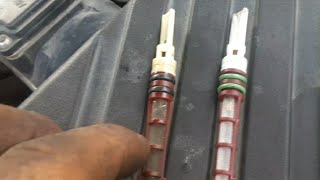
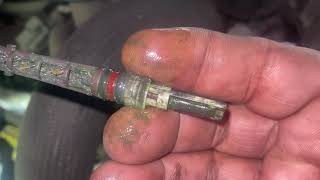
Yes. To ensure your new compressor lasts and to keep your warranty valid, you MUST replace the A/C accumulator (also called a receiver/drier) and the orifice tube. 🎬 See this video to find the orifice tube location. You must also have the system professionally flushed to remove any contaminants from the old compressor's failure.
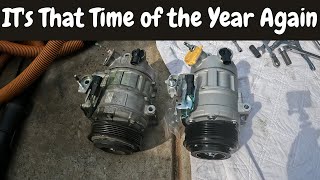
Can I replace the A/C compressor myself? 🎬 Watch this step-by-step guide on replacing the compressor yourself.
This is an advanced DIY job. While mechanically unbolting and replacing the compressor is straightforward for someone with experience, handling refrigerant is legally restricted. The system must be professionally evacuated before you start and then properly vacuumed and recharged after the new parts are installed. Failure to pull a proper vacuum will leave moisture in the system, causing poor performance and damage to the new compressor.
My A/C works sometimes and then blows warm. Is it the compressor?
This could be a failing compressor clutch or low refrigerant. When the system is low on refrigerant, the pressure switches may shut the compressor off intermittently. It could also be a clutch that is wearing out and unable to stay engaged when it gets hot. A full system diagnosis is recommended.
Are there any recalls for the A/C on my 2001-2003 Explorer Sport?
No, there are no specific NHTSA safety recalls for the A/C compressor on the 2001-2003 Ford Explorer Sport.
Helpful Videos
Technical Specifications
OEM Part Numbers: YCC-486
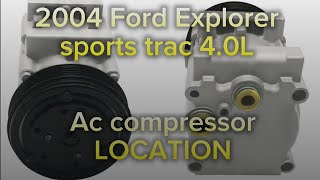
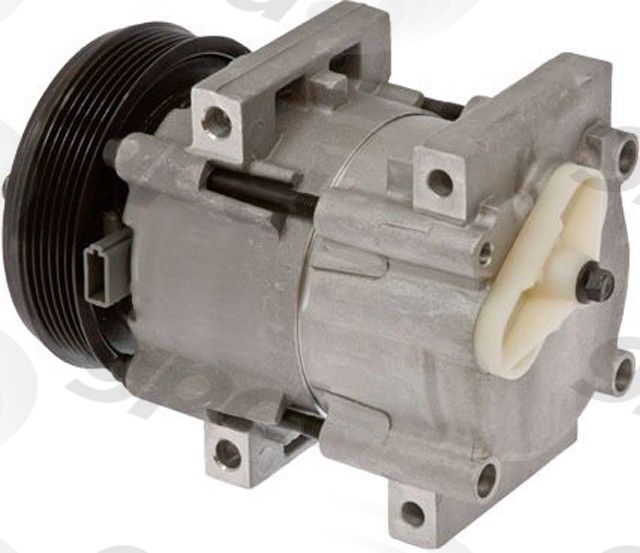
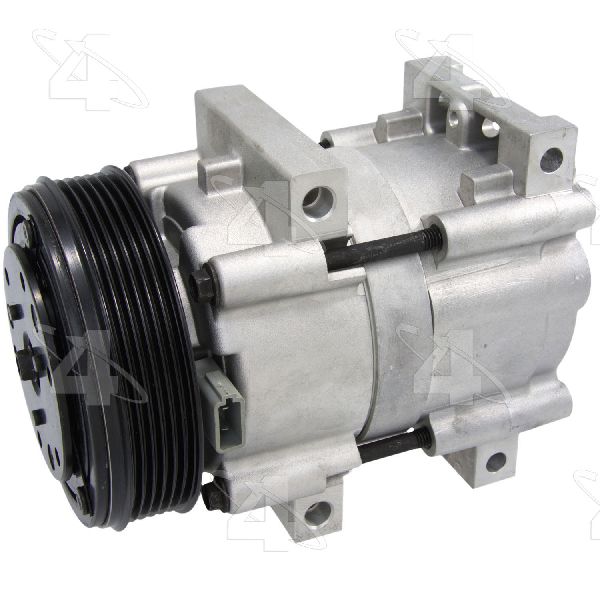
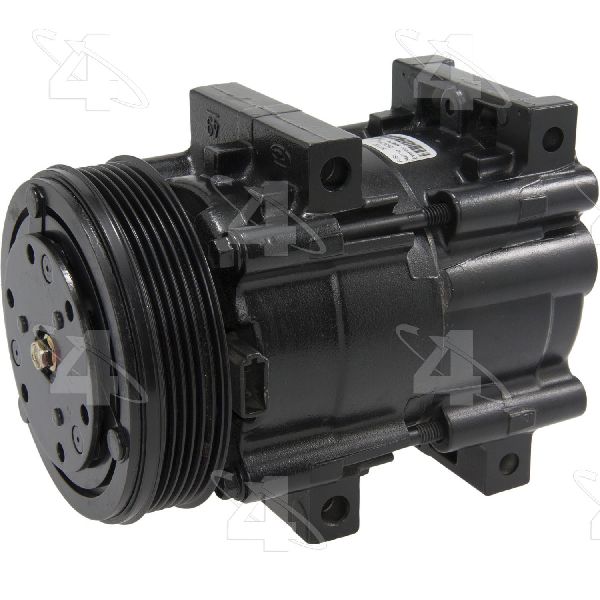
The 2001-2003 Ford Explorer Sport with the 4.0L V6 engine typically uses an FS10 style compressor. It is driven by the main serpentine belt. The system uses R-134a refrigerant.
We Have This Part in Stock

The information in this article is provided for general reference and educational purposes only. Vehicle specifications, procedures, and part compatibility can vary by production date, trim level, and region. Always consult your vehicle's factory service manual and verify part numbers before purchasing or performing repairs. Safety-critical components such as airbags, seat belts, and braking systems should be installed by a qualified professional.
- Ford Explorer Sport: