

A Guide to Replacing Disc Brake Rotors on Your 2002-2009 GMC Envoy
Stop brake pulsation and noise by choosing the right new aftermarket rotors for your Envoy.
- The most common rotor problem on the Envoy is warping, which causes pedal pulsation and steering wheel vibration.
- Always replace rotors in pairs (both front or both rear) and install new brake pads at the same time for safety and performance.
- For most owners, premium coated rotors offer the best value, preventing rust on the hub and vanes.
- Before replacing rotors for low-speed pulsation, check and clean the front ABS wheel speed sensor mounting surfaces, a common issue on this platform.
Signs of a Failing Brake Rotor
When your Envoy's rotors are worn out, they will give you clear warning signs. Ignoring them can lead to longer stopping distances and more expensive repairs down the line.
- Pulsation or Vibration: The most common symptom on the GMC Envoy is a noticeable pulsation in the brake pedal or a vibration in the steering wheel when you apply the brakes, especially at highway speeds. This is typically caused by uneven wear or warping of the rotor surface, a condition known as Disc Thickness Variation (DTV).
- Grinding or Squealing Noises: A loud grinding sound means the brake pads have likely worn down completely, and now metal is grinding against metal. Squealing can also occur if the rotors have developed a glazed or grooved surface.
- Visible Damage: A visual inspection might reveal deep grooves, scoring, or dark blueish "hot spots" on the rotor's surface. These are signs of overheating and damage.
Pro Tip: Is It Your Rotors or an ABS Sensor?
The GMT360 platform (Envoy, Trailblazer, etc.) is known for an issue where rust and debris build up under the front wheel speed sensors. This can cause the sensor to send a faulty signal at low speeds (under 5 mph), making the ABS module think a wheel is locking up. This triggers a rapid pulsation in the brake pedal that feels very similar to a warped rotor, but it only happens just before you come to a complete stop. If your pulsation only occurs at very low speeds, consider cleaning your front wheel speed sensor mounting surfaces before replacing the rotors.
Choosing the Right Aftermarket Rotors for Your Envoy
When shopping for new rotors, you don't have to buy from the dealer. Aftermarket brands often provide equal or superior quality, sometimes for a lower price. They generally fall into three categories.
Tier 1: Daily Driver / Economy
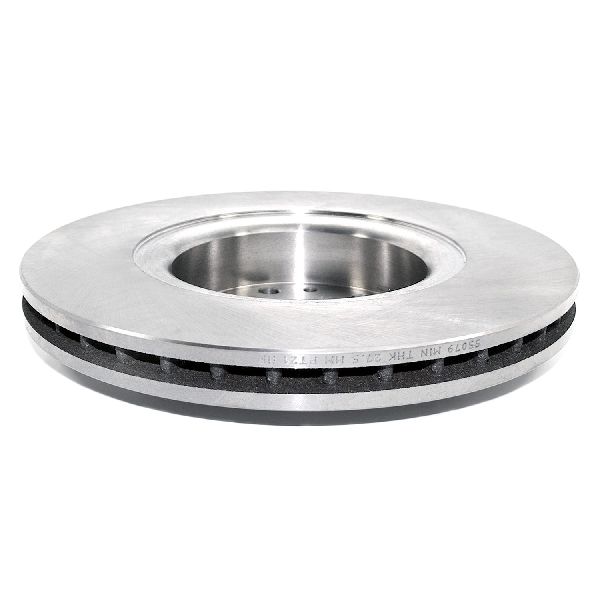
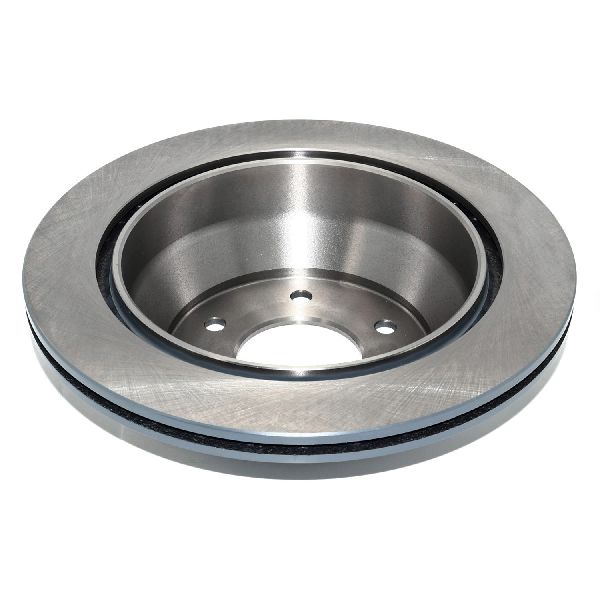
These are standard, uncoated rotors that meet or exceed original equipment (OE) specifications. They are a cost-effective solution for normal daily driving. The main drawback is that the hat (the center part of the rotor) and cooling vanes will rust over time, which is mostly a cosmetic issue.
- Brands: Centric (C-Tek), Pronto, Dynamic Friction, Wagner Brakes (standard lines).
- Best For: Commuting and light-duty use where budget is the primary concern.
Tier 2: OEM-Grade / Premium
This is the sweet spot for most Envoy owners. These rotors feature a protective coating (often called an e-coating or GEOMET finish) on the non-braking surfaces. This coating prevents rust and corrosion, keeping the rotors looking good behind your wheels and potentially extending their life. They offer the best balance of performance, longevity, and price.
- Brands: ACDelco (Professional Gold), Bosch (QuietCast), Raybestos (Element3), Centric (Premium), Wagner (E-Coated).
- Best For: The majority of Envoy owners looking for a durable, long-lasting, and rust-free replacement.
Tier 3: Performance / Heavy-Duty
If you tow a trailer, live in a hilly area, or have had repeated problems with rotors warping, an upgrade to a performance rotor is a smart investment. These rotors are designed to dissipate heat more effectively. They are typically drilled, slotted, or both. Slotted rotors help clean the pad surface, while drilled holes help vent hot gases. Powerstop is a very popular brand in this category among truck and SUV owners.
- Brands: Powerstop (Drilled & Slotted), Brembo, Hawk, EBC Brakes, ACDelco (Severe Duty).
- Best For: Towing, heavy-load situations, or drivers seeking maximum braking performance and fade resistance.
| Rotor Type | Estimated Cost (Parts Only) |
|---|---|
| New Aftermarket (Economy) | $110 - $180 |
| New Aftermarket (Premium Coated) | $150 - $250 |
| New Aftermarket (Performance) | $200 - $380+ |
| New OEM (ACDelco) | $180 - $300 |
Frequently Asked Questions (FAQ)
Should I replace my brake pads and rotors at the same time?
Yes, it is highly recommended. Installing old, worn pads on new rotors will cause uneven wear and dramatically reduce the life and performance of your new rotors. Likewise, putting new pads on old, grooved rotors will prevent the pads from bedding in correctly and can cause noise and vibration.
What does it mean to "bed-in" new brakes?
Bedding-in is a process of controlled stops to transfer an even layer of friction material from the new brake pads onto the new rotors. This ensures smooth, quiet, and powerful braking. Most aftermarket brake manufacturers provide a specific procedure, which typically involves several moderate stops from around 40-50 mph without coming to a complete stop, followed by a cool-down period.
Can I just resurface (machine) my old rotors?
While resurfacing (also called "turning") a warped rotor on a brake lathe is possible, it's often not the best solution. Resurfacing removes material, making the rotor thinner and more susceptible to warping again from heat. With the affordable cost of new aftermarket rotors, replacement is almost always the more reliable and safer option.
Do I need special tools to replace my Envoy's rotors?
You will need a good socket set (including 14mm, 18mm, and 19mm sockets), a torque wrench, a C-clamp or piston spreader to compress the caliper pistons, a wire brush for cleaning, and brake parts cleaner. A breaker bar can be very helpful for the tight caliper bracket bolts. Always use jack stands for safety.
Technical Specifications
Brake rotor specifications for the 2002-2009 GMC Envoy can vary based on model year, drivetrain (2WD vs 4WD), and whether the vehicle is a standard or XL model. Always verify the correct part using your vehicle's VIN before ordering.
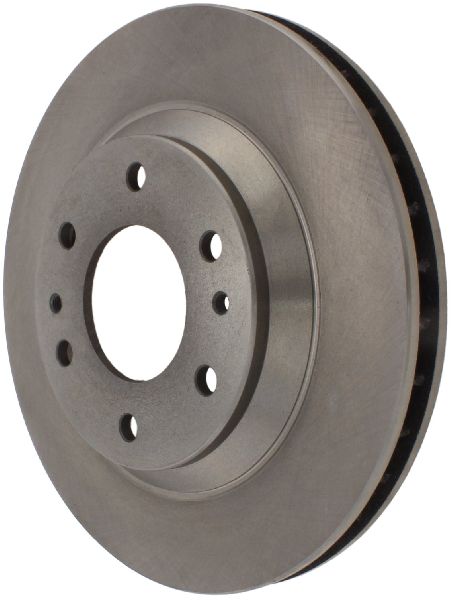
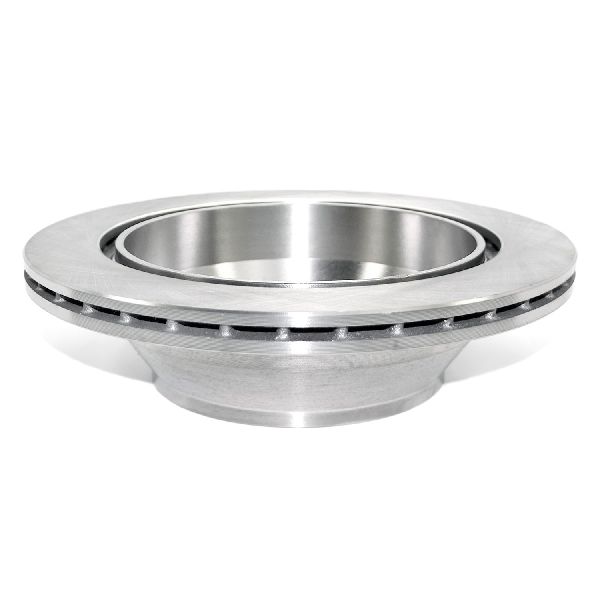
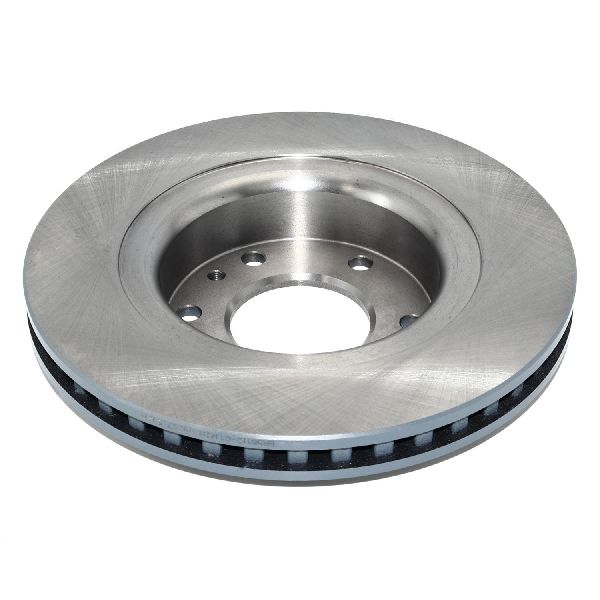
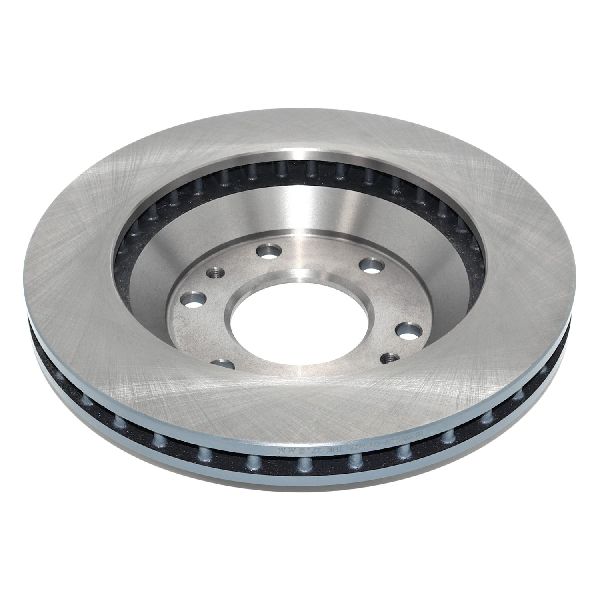
We Have This Part in Stock

The information in this article is provided for general reference and educational purposes only. Vehicle specifications, procedures, and part compatibility can vary by production date, trim level, and region. Always consult your vehicle's factory service manual and verify part numbers before purchasing or performing repairs. Safety-critical components such as airbags, seat belts, and braking systems should be installed by a qualified professional.
- GMC Envoy: