

Ford Explorer Disc Brake Hardware Guide for 2002-2012 Models
Don't let worn-out brake hardware compromise your Explorer's stopping power; here's what you need to know.
- Always replace brake hardware when changing pads to prevent noise and uneven wear.
- For Explorers of this age, premium aftermarket brands like Centric, Raybestos, and Dynamic Friction offer the best value.
- Brake parts are often different between the 2002-05, 2006-10, and 2011-12 generations; verify fitment.
- Symptoms like clicking noises or uneven pad wear point directly to failing hardware.
Is Your Explorer Making Noise When You Brake?
If you own a 2002-2012 Ford Explorer, you have a capable SUV that works hard. But the parts that stop your truck, especially the small ones, wear out over time. The disc brake hardware is often overlooked during a brake job, but ignoring it can cause problems. Worn or rusty hardware can cause brake pads to stick, leading to grinding noises and premature wear. A clicking sound when you press or release the brake pedal is a classic sign that the clips holding your pads are loose.
Generation Gaps: Know Your Explorer
It's critical to know which Explorer you have, as parts are not always interchangeable. This guide covers three distinct generations:
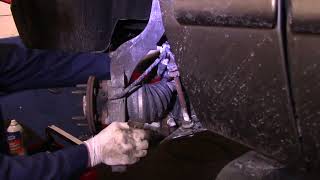
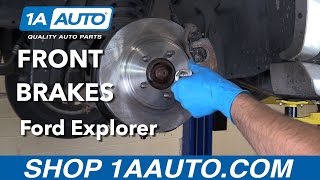
- 3rd Generation (2002-2005): The first Explorer with an independent rear suspension. 🎬 Watch this walkthrough for replacing front brakes on 2002-2005 models.
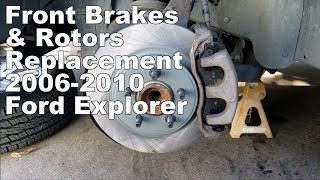
- 4th Generation (2006-2010): A significant refresh with a new frame and updated styling. 🎬 See how to replace front brakes and rotors on 2006-2010 Explorers.
- 5th Generation (2011-2012): A major change to a unibody platform, sharing more with cars than trucks.
Always verify the part fitment for your specific year and submodel, as brake systems differ between these generations.
Known Issues for This Generation
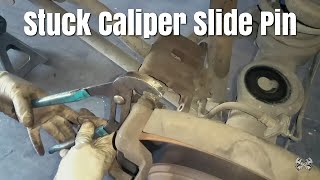
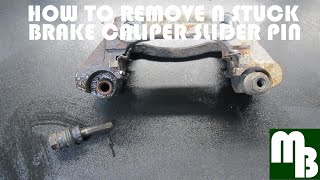
While there are no specific recalls from the National Highway Traffic Safety Administration (NHTSA) for the disc brake hardware on 2002-2012 Explorers, problems with seized caliper slide pins are very common. 🎬 Learn how to safely remove a stuck caliper slide pin. These pins are part of the hardware kit. When they get stuck due to rust or old grease, the brake pads can't move freely. This often leads to one pad wearing out much faster than the other and can cause the vehicle to pull to one side when braking.
Choosing the Right Aftermarket Hardware Kit
For a vehicle of this age, you don't necessarily need to pay a premium for dealership OEM parts. Quality aftermarket brands provide excellent performance and value. Many aftermarket brake pad sets even come with a new hardware kit included. Here’s a breakdown of available brands:
- Premium Aftermarket (Raybestos, Centric, Dynamic Friction): These brands are well-regarded in forums and by mechanics. They often use high-quality materials like stainless steel for their clips, which resist rust better than the standard plated steel parts. Centric and Raybestos are part of the same company and offer reliable fit and performance.
- Standard Aftermarket (Dorman, Carlson): These brands are widely available and offer a dependable replacement for the original hardware. They are a cost-effective choice that meets original equipment specifications and are perfectly suitable for daily driving.
Pro Tip: Always replace your brake hardware when you replace your brake pads. A new set of pads won't perform correctly with old, rusty, or weakened clips and springs. The small extra cost is cheap insurance for a quiet and effective brake job.
How Much Does a New Disc Brake Hardware Kit Cost?
The cost for the kit itself is low, but it's a critical part of a larger brake job. The prices below reflect the hardware kit for one axle (front or rear).
| Part Type | Price Range | Notes |
|---|---|---|
| New Aftermarket | $7.87 - $39.11 | Includes brands like Dorman, Centric, Raybestos, and Dynamic Friction. A great balance of cost and quality. |
| New OEM (Motorcraft) | $25 - $60 (est.) | Original factory part. Guarantees a perfect fit but at a higher cost. |
Frequently Asked Questions (FAQ)
Do I really need to replace the hardware with my brake pads?
Yes. The metal clips and springs lose their tension over thousands of heat cycles. Reusing old hardware can lead to brake noise, improper pad movement, and uneven wear. For the low cost, it's always worth replacing.
What's included in a typical disc brake hardware kit?
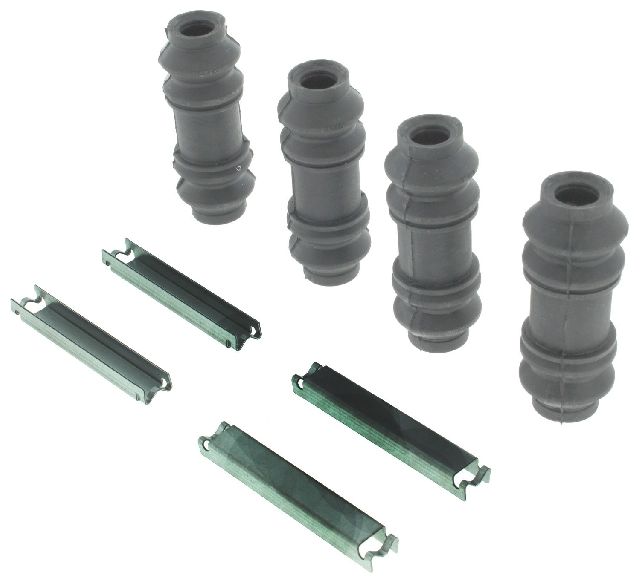
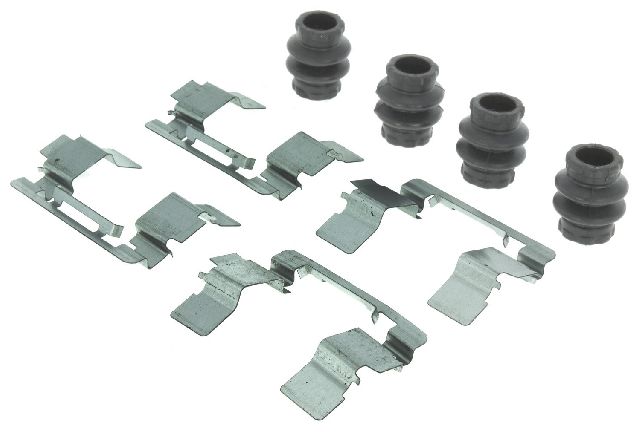
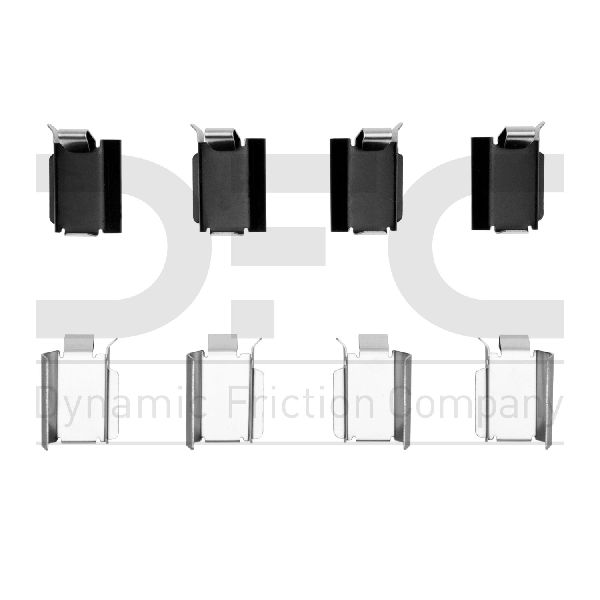
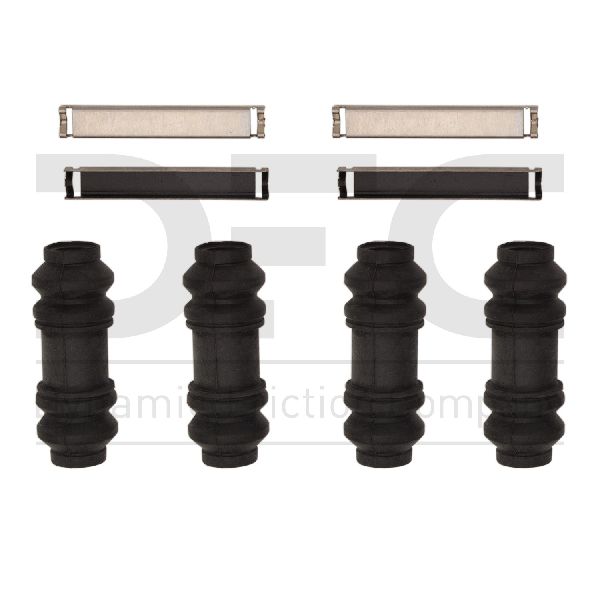
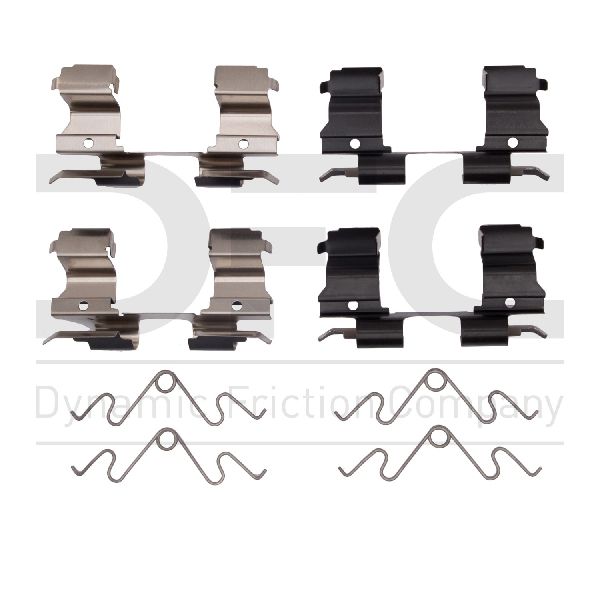
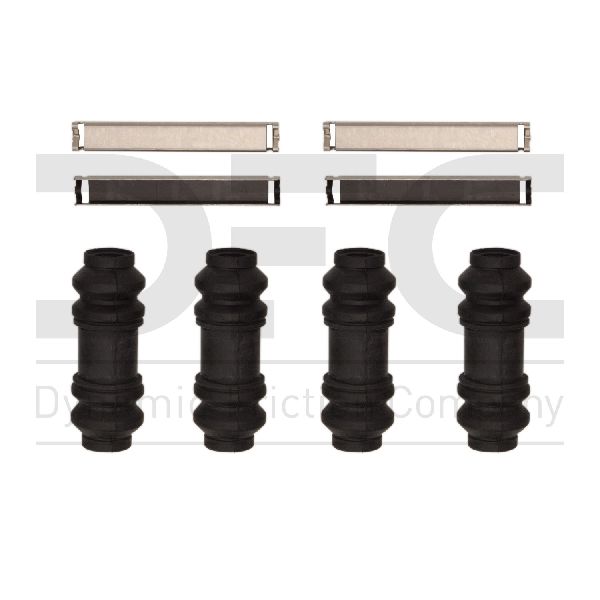
A kit usually contains brake pad abutment clips (which sit on the caliper bracket), pad spreader springs, and sometimes new guide pin boots and bolts. It includes all the necessary small parts for one axle.
Can bad brake hardware cause a grinding noise?
Yes. While grinding is most often caused by completely worn-out brake pads, a stuck or failed hardware clip can cause a pad to sit at an angle, making metal-to-metal contact with the rotor. It can also be caused by debris caught in the caliper assembly.
Is installing a brake hardware kit a DIY job?
Yes, if you are already comfortable replacing your own brake pads and rotors. The hardware is replaced as part of that job. Key steps include cleaning all rust from the caliper bracket where the new clips will sit and properly lubricating the caliper slide pins with silicone brake grease.
Helpful Videos
Technical Specifications
Kit typically includes abutment clips, spreader springs, and guide pin boots. Materials vary from zinc-plated steel to more durable stainless steel.
We Have This Part in Stock

The information in this article is provided for general reference and educational purposes only. Vehicle specifications, procedures, and part compatibility can vary by production date, trim level, and region. Always consult your vehicle's factory service manual and verify part numbers before purchasing or performing repairs. Safety-critical components such as airbags, seat belts, and braking systems should be installed by a qualified professional.
- Ford Explorer: