

A Honda Mechanic's Guide to 2002-2016 Civic Brake Rotors
Stop the steering wheel shake and brake noise by choosing the right replacement rotors for your Civic.
- Vibration when braking is the #1 sign of a rotor problem, often caused by uneven wear or improper installation.
- Always replace brake pads at the same time as rotors to ensure proper performance and wear.
- For most Civic drivers, quality blank rotors from brands like Centric, Raybestos, or Brembo are a better choice than drilled/slotted rotors.
- Ensure the wheel hub is cleaned of rust and lug nuts are properly torqued to prevent repeat vibration issues.
Symptoms of a Failing Brake Rotor

When your brake rotors are worn out, your Civic will give you clear warning signs. The most common issue is a steering wheel that shakes or a brake pedal that pulses when you brake from higher speeds. This is often called 'warped rotors,' but it's usually caused by uneven wear or brake pad material building up on the rotor's surface. You might also hear grinding or scraping noises, which could mean the rotors are heavily scored or the brake pads are completely worn down.
Don't Ignore Brake Problems
Brake issues are serious. A vibrating steering wheel or strange noises mean your braking system isn't working at 100%. This can increase your stopping distance, especially in an emergency. It's best to get these symptoms checked out right away.
Choosing the Right Aftermarket Rotors for Your Civic

For a car as popular as the 2002-2016 Civic, you have many aftermarket rotor options. They generally fall into three categories. It's important to note that across the 7th, 8th, and 9th generations, different trims (like DX, LX, EX, and Si) may have different size rotors, so always confirm the fit for your specific model.
Tier 1: Performance & Upgrade Brands
These brands are for the Civic owner who wants better-than-factory performance, especially for spirited driving or track use. They often feature special coatings for rust prevention, or are drilled and slotted for better heat and gas dissipation.
- Brembo: A top name in braking, Brembo offers high-quality blank (smooth) rotors that are a favorite for daily drivers and performance enthusiasts alike. They also offer performance lines with coatings and slots.
- EBC Brakes & Hawk Performance: Known for their performance pads, they also make high-quality rotors, often slotted or dimpled, designed to work as a system with their pads for improved stopping power.
- Powerstop & StopTech: These brands specialize in complete brake kits that often include drilled and slotted rotors and matching ceramic pads. They are a popular all-in-one upgrade for daily drivers looking for a bit more bite and a sportier look.
Tier 2: Daily Driver & OEM-Equivalent Brands
These brands provide a balance of quality, reliability, and price. They are an excellent choice for most Civic owners who just want to restore the original braking feel and performance. Many of these brands are OEM (Original Equipment Manufacturer) suppliers to Honda and other carmakers.
- Advics & Akebono: Both are well-regarded OEM suppliers. If you want as close to factory quality as possible without the dealer price, these are a safe bet.
- Centric / StopTech (Standard): Centric offers a wide range, from basic C-Tek rotors to their premium high-carbon and coated rotors which are excellent for daily use.
- Raybestos & Wagner: Long-standing, trusted names in the aftermarket brake world. Their coated rotors (like Raybestos Element3) are a great choice to prevent rust on the hub and edges.
- Bosch: Known for quality across many auto parts, their 'QuietCast' line of rotors are a solid OEM-equivalent option.
Tier 3: Economy Brands
These are budget-focused options. While they meet basic safety standards, they may not have the same longevity, corrosion resistance, or precise manufacturing as higher-tier brands. They can be a good choice if budget is the primary concern, but be aware they may not last as long.
- Pronto, Dynamic Friction, and store brands (e.g., Duralast): These offer the lowest entry price. They will get the job done, but may be more susceptible to noise and premature wear or warping.
Pro Tip: Always Replace Pads with Rotors
To ensure even wear and the best performance, always install new brake pads when you replace your rotors. Also, make sure your mechanic cleans any rust from the wheel hub before installing the new rotor and torques the lug nuts to the correct specification. This prevents runout, a slight wobble that causes the same vibration as a warped rotor.
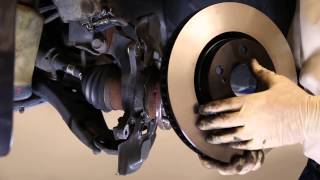
🎬 Watch this guide on proper rotor installation and hub cleaningKnown Issues, Recalls, and TSBs

For the 2002-2016 model years, there have been no major recalls specifically for disc brake rotors on the Honda Civic. Most brake-related complaints are about premature wear and vibration (warping), which is common on many vehicles and often related to driving style or installation issues rather than a specific defect. Some 2016 models were recalled for an electric parking brake software issue and a separate engine piston issue, but not for the rotors themselves.
Cost of Replacing Honda Civic Brake Rotors

The cost can vary depending on the brand you choose and labor rates in your area. Replacing rotors is a common DIY job for those with the right tools.
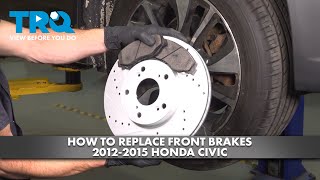
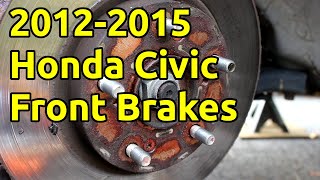
🎬 Watch: Step-by-step front brake and rotor replacement for 2012-2015 Civics| Item | Estimated Cost |
|---|---|
| Aftermarket Rotors (Pair, Front or Rear) | $55 - $350+ |
| OEM Rotors (Pair, Front or Rear) | $150 - $450 |
| Shop Labor (Front or Rear Pair) | $150 - $275 |
| Total Professional Job (Pads & Rotors, per axle) | $300 - $800+ |
Frequently Asked Questions
Do I need drilled and slotted rotors for my Civic?
For a standard daily-driven Civic, the answer is no. Plain, smooth (blank) rotors from a quality brand like Brembo or Centric are more than enough. Drilled and slotted rotors are designed for high-performance driving to dissipate extreme heat and gases, but on the street, they can sometimes wear pads faster and are not necessary.
Why do my new rotors seem to be warped already?
This is a common and frustrating problem. It's often not the rotor itself but an installation issue. If the wheel hub wasn't cleaned of all rust and debris, the rotor won't sit perfectly flat, causing a wobble (runout). Another cause is improperly torqued lug nuts. Always use a torque wrench. Finally, not bedding-in the new pads and rotors correctly can cause uneven pad material transfer, which feels just like a warp.
How often should I replace my Civic's rotors?
There's no set interval. It depends entirely on your driving habits, the quality of the parts, and the type of driving you do. A general guideline is that rotors may last for two sets of brake pads, which is typically between 30,000 and 70,000 miles. A mechanic should measure the rotor's thickness at every brake service to see if it's at or near the minimum thickness stamped on the rotor itself.
Should I replace front and rear rotors at the same time?
Not necessarily. The front brakes on your Civic do most of the work (around 70-80% of the stopping). Because of this, front rotors and pads wear out much faster than the rears. You will likely replace the front brakes two or even three times before the rear brakes need service.
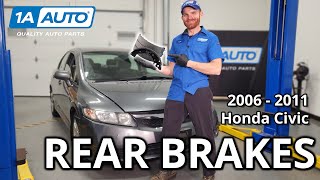
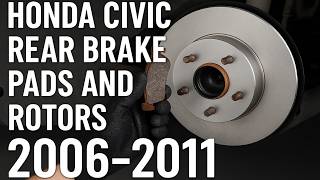
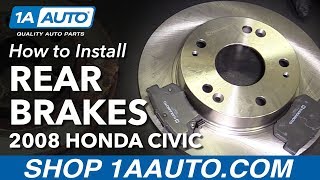
🎬 See how to replace rear pads and rotors on 2006-2011 modelsHelpful Videos
Technical Specifications
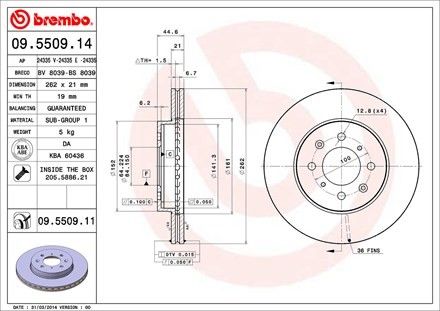
OEM Part Numbers: 45251-S5D-A10 42510-TBA-A00 45251sr0a10
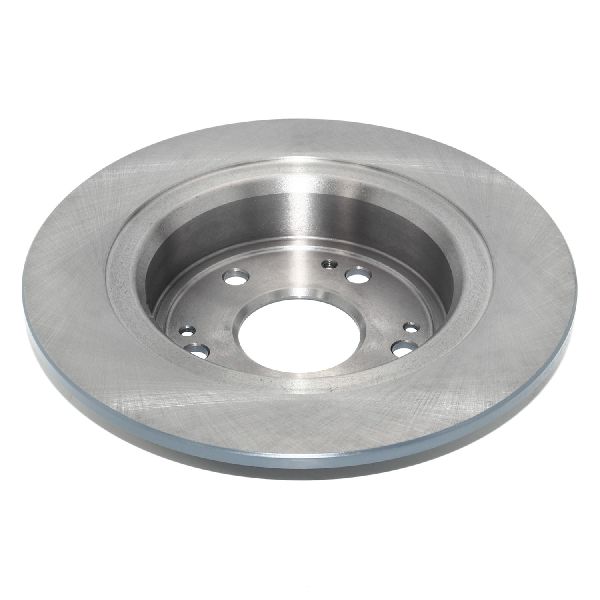
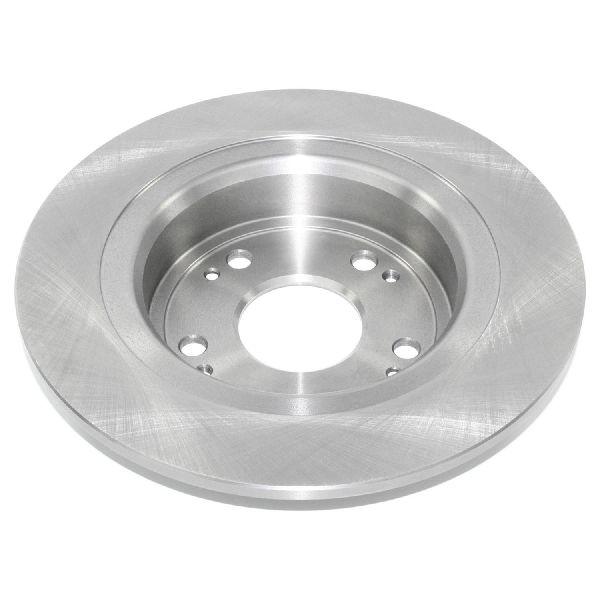
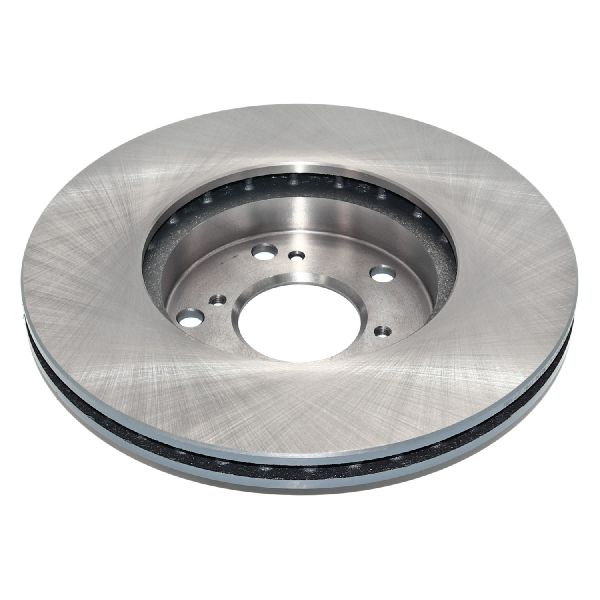
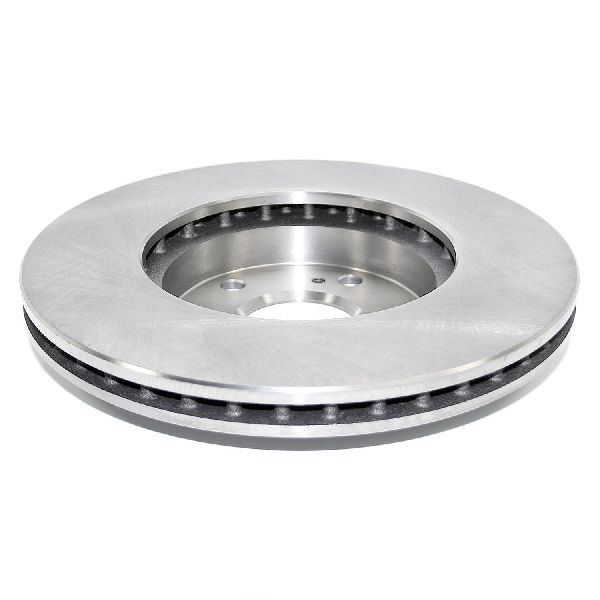
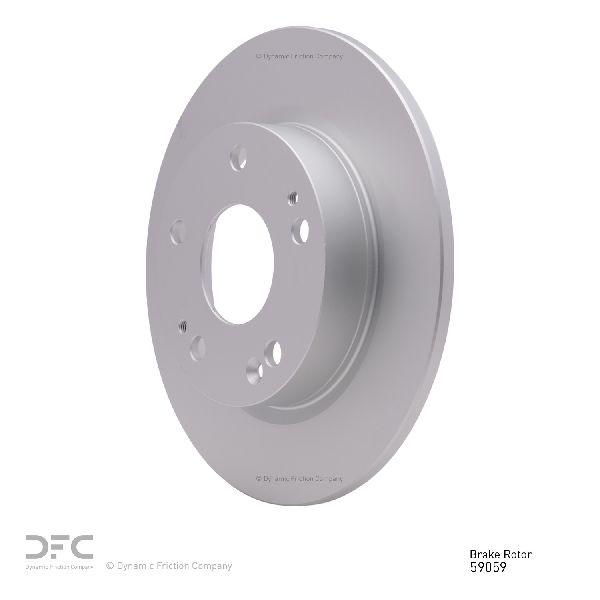
Rotor diameter, thickness, and bolt pattern vary significantly between Civic generations (7th, 8th, 9th) and trim levels (DX, LX, EX, Si). Front rotors are vented, while rear rotors on many non-Si models are solid. Always verify the exact part for your specific year and trim before purchasing.
We Have This Part in Stock

The information in this article is provided for general reference and educational purposes only. Vehicle specifications, procedures, and part compatibility can vary by production date, trim level, and region. Always consult your vehicle's factory service manual and verify part numbers before purchasing or performing repairs. Safety-critical components such as airbags, seat belts, and braking systems should be installed by a qualified professional.
- Honda Civic:
- 🎬 Helpful Videos
- 🛍️ Shop This Part
- Symptoms of a Failing Brake Rotor
- Don't Ignore Brake Problems
- Choosing the Right Aftermarket Rotors for Your Civic
- Tier 1: Performance & Upgrade Brands
- Tier 2: Daily Driver & OEM-Equivalent Brands
- Tier 3: Economy Brands
- Pro Tip: Always Replace Pads with Rotors
- Known Issues, Recalls, and TSBs
- Cost of Replacing Honda Civic Brake Rotors
- Frequently Asked Questions
- 🎟️ Get 5% Off