

Honda Element Engine Cooling Fan Switch Guide for 2003-2006 Models
Stop your Element from overheating by understanding this critical cooling system sensor.
- The primary symptom of a bad fan switch is overheating when the vehicle is stopped or in slow traffic.
- As a temporary fix, turning on your A/C can force the fans to run and help prevent overheating.
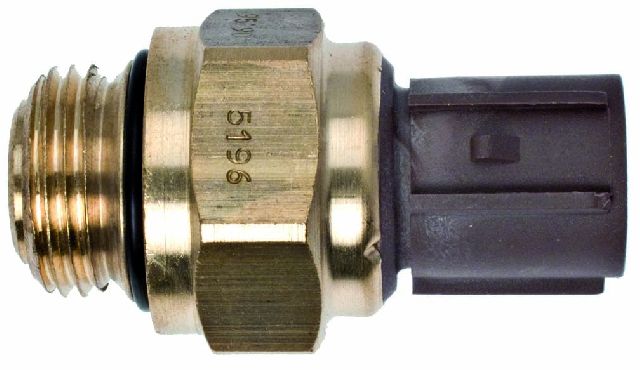
- The switch is located at the bottom of the radiator on the passenger side and requires a 24mm socket to replace.
- The OEM part number is 37760-P00-003, which replaces older versions like 37760-P00-004.
Is Your Element Overheating in Traffic?

A failing engine cooling fan switch is one of the most common reasons a 2003-2006 Honda Element will start to overheat when it's not moving. When you're driving at speed, air is forced through the radiator, keeping things cool. But in stop-and-go traffic or at a standstill, your Element depends entirely on its electric cooling fans to do that job. If the switch doesn't tell the fans to turn on, the temperature will quickly climb, putting your engine at risk.
Key Failure Symptom: Overheating at Idle
The most obvious sign of a bad fan switch is a temperature gauge that is normal on the highway but creeps into the red zone when you're stopped in traffic or waiting at a long light. You may also notice that you never hear the cooling fans running after you park the car on a hot day.
Choosing the Right Aftermarket Part

For a simple and critical part like a fan switch, you don't necessarily need to pay for an OEM part from the dealer. The aftermarket offers several reliable options that meet or exceed original specifications. Aftermarket parts for this component are generally considered a cost-effective and reliable repair. Here’s a breakdown of the available brands from our inventory:
- Premium Aftermarket (Beck Arnley, Standard Ignition, Four Seasons): These brands have a strong reputation for quality and reliability. They often serve as original equipment suppliers for various manufacturers and are engineered to match OEM performance. For a critical sensor, choosing from this tier provides excellent peace of mind.
- Standard Aftermarket (Walker Products): Walker is a well-known manufacturer of fuel and engine management components. Their parts are a solid, dependable choice for a standard replacement that balances cost and quality.
- Economy Aftermarket (URO Parts, Facet): These brands offer a more budget-friendly option. While they can get the job done, they are sometimes associated with less rigorous quality control compared to premium brands. They can be a viable choice if the budget is the primary concern.
Cost to Replace Honda Element Fan Switch
| Part Type | Price Range |
|---|---|
| New Aftermarket | $17.72 - $63.34 |
| New OEM | $82.00 - $119.00 |
| Shop Labor | $120.00 - $180.00 |
| Total Job (Aftermarket Part) | $137.72 - $243.34 |
Temporary Fix & Diagnosis
If you suspect your fan switch has failed and your car is starting to overheat, you can turn your air conditioning on full blast. The A/C system will override the switch and force both cooling fans to run, which can help keep the engine cool enough to get you home or to a repair shop. This also serves as a good diagnostic test: if the fans run with the A/C on but not when the engine gets hot with the A/C off, the fan switch is the most likely culprit.
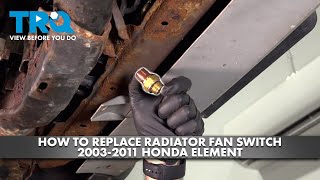
🎬 Watch: How to diagnose and replace your cooling fan switch.Frequently Asked Questions

Where is the engine cooling fan switch located?
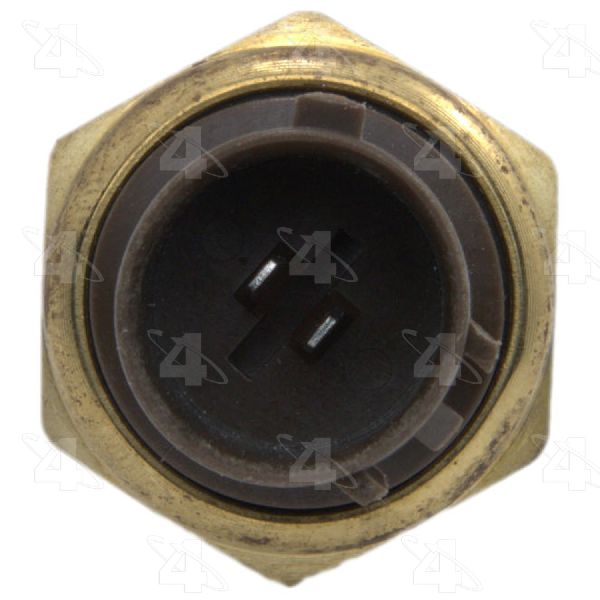
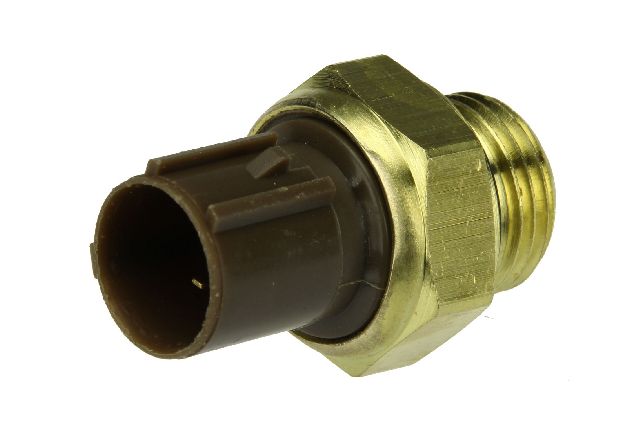
It is located on the bottom of the radiator, toward the passenger side of the vehicle. You will see a gray two-wire electrical connector plugged into it. You will need to remove the lower splash shield to access it from underneath.
Can I replace this part myself?
Yes, this is a DIY-friendly job for someone with basic tools. The main steps involve draining the radiator coolant, unscrewing the old switch with a 24mm wrench or deep socket, installing the new switch, and then refilling and bleeding the cooling system. 🎬 See this walkthrough for replacing the radiator fan switch. The new switch should be torqued to 17 ft-lbs.
Are there any recalls for this part?
No, there are no specific recalls or technical service bulletins (TSBs) from Honda for the engine cooling fan switch on the 2003-2006 Element. Known recalls for this vehicle primarily concern airbags.
How do I test the old switch?
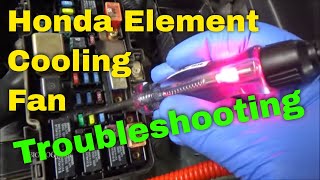
You can test the switch by jumping the two pins on the electrical connector with a small wire or paper clip. With the key on, the fans should immediately turn on. If they do, the switch is confirmed bad. If they don't, the problem lies elsewhere in the circuit, such as the fan relays or the fan motors themselves.
🎬 Watch: What to do if your radiator fans aren't coming on.Helpful Videos


Technical Specifications
OEM Part Numbers: 37760-P00-003 37760-P00-004 37760-PHM-004
Location: Bottom of radiator, passenger side. Socket Size: 24mm. Torque: 17 ft-lbs.
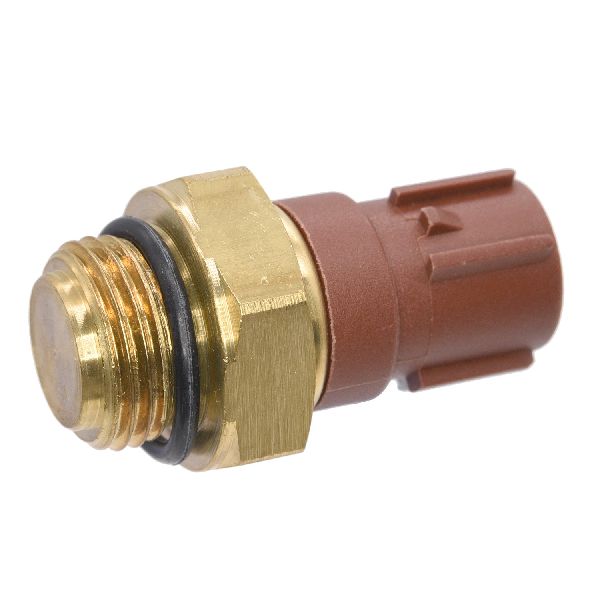
We Have This Part in Stock


The information in this article is provided for general reference and educational purposes only. Vehicle specifications, procedures, and part compatibility can vary by production date, trim level, and region. Always consult your vehicle's factory service manual and verify part numbers before purchasing or performing repairs. Safety-critical components such as airbags, seat belts, and braking systems should be installed by a qualified professional.
- Honda Element: