

A Practical Guide to Disc Brake Rotors for the 2003-2009 Honda Pilot
Stop the shaking and vibration when you brake by choosing the right replacement rotors for your Pilot.
- The most common issue with 2003-2009 Pilot brakes is warped front rotors, causing vibration when braking.
- A quality coated aftermarket rotor from a brand like Centric, Bosch, or Brembo can be a durable upgrade over the original parts.
- Always replace brake pads at the same time as your rotors to ensure proper performance and longevity.
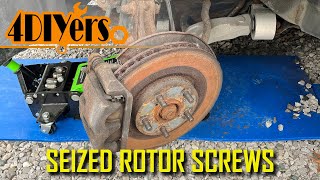
- Rotor set screws are often seized; you may need an impact driver to remove them, and they do not need to be reinstalled.
Is Your Pilot Shaking When You Brake?
One of the most common complaints from first-generation Honda Pilot owners is a vibration or pulsation felt in the steering wheel and brake pedal when braking from highway speeds. This is almost always caused by warped front brake rotors. The original factory rotors on these vehicles were known to warp prematurely. While this is not a safety recall, it is a well-known issue. If you feel this shaking, it's a clear sign your rotors need attention.
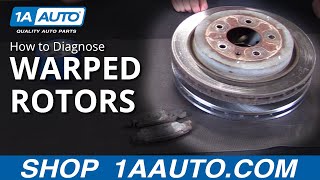
🎬 Watch: How to diagnose warped rotors on your carSymptoms of Failing Brake Rotors
- Pulsation or Vibration: A shaking feeling in the steering wheel or brake pedal during braking.
- Grinding or Squealing Noises: A metal-on-metal grinding sound means the brake pads are completely worn, which severely damages the rotors. Squealing can also indicate a problem.
- Visible Damage: Look for deep grooves, scoring, or a visible "lip" on the outer edge of the rotor.
- Longer Stopping Distances: If your Pilot takes longer to stop, your entire brake system, including the rotors, needs to be inspected.
A Note on Warping
Technically, rotors don't truly "warp" like a piece of wood. The vibration is caused by either uneven wear or an uneven transfer of brake pad material onto the rotor's surface. This creates high and low spots, which you feel as a pulse when the pads press against the spinning rotor. The end result is the same: the rotors need to be replaced for smooth braking.
Choosing the Right Aftermarket Rotors for Your Pilot
Because the original rotors were prone to warping, choosing a quality aftermarket part can be a significant upgrade for your Pilot. Aftermarket rotors come in different tiers of quality and price.
Brand Quality Tiers
- Tier 1: Premium & OEM-Quality Brands (Recommended): These brands offer longevity and are engineered to resist warping. They are the best choice for a smooth, quiet, and durable repair. Brands include Brembo, Advics, Centric (Premium line), and Bosch. Many owners have solved their warping issues by switching to these brands.
- Tier 2: Standard Replacement Brands: These are solid, reliable choices for daily driving that meet or exceed factory specifications. This tier includes brands like Raybestos and Bendix. They offer a good balance of price and quality.
- Tier 3: Performance Brands: If you frequently tow, carry heavy loads, or live in a mountainous area, a performance kit might be a good investment. Brands like PowerStop, EBC Brakes, and Hawk Performance offer drilled and slotted rotors. These designs help dissipate heat faster to prevent brake fade, but they can sometimes be slightly noisier than standard rotors.
Get Coated Rotors
Many premium and mid-grade rotors from brands like Centric, Bosch, and Raybestos come with a special coating on the hat (the center part that goes over the hub) and edges. This coating prevents rust, which not only looks better behind your wheels but also makes future brake jobs easier.
| Rotor Type | Typical Price (Per Rotor) | Best For |
|---|---|---|
| Standard Replacement | $50 - $90 | Daily driving, budget-conscious repairs |
| Coated (Premium) | $70 - $120 | Daily driving, longevity, rust prevention |
| Performance (Drilled/Slotted) | $90 - $180+ | Towing, heavy loads, mountainous terrain |
Frequently Asked Questions
Do I have to replace my brake pads when I replace my rotors?
Yes, you should always install new brake pads with new rotors. Putting old, worn pads on a new rotor will cause uneven wear and prevent the brakes from working properly. It will also void the warranty on the new rotors.
Should I get drilled or slotted rotors for my Pilot?
For most daily driving, you do not need drilled or slotted rotors. A high-quality, solid (non-drilled) coated rotor is the best choice for quiet, reliable performance. However, if you tow trailers or live in an area with long, steep hills, the improved heat dissipation of a drilled and slotted rotor from a brand like PowerStop can help prevent brake fade and warping.
Can I just have my old rotors "turned" or resurfaced?
While resurfacing (machining) is sometimes possible, it's often not recommended for this Pilot. The original rotors were thin to begin with, and removing material makes them even more likely to warp from heat. Given the affordable cost of quality new aftermarket rotors, replacement is almost always the better and safer option.
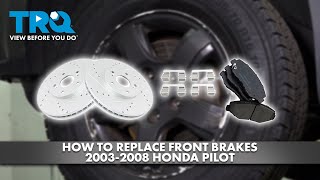
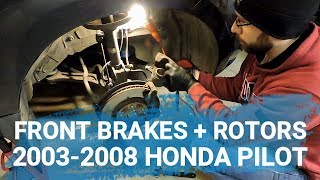
🎬 See this easy front brake and rotor replacement walkthroughWhat are the little screws holding the rotor on?
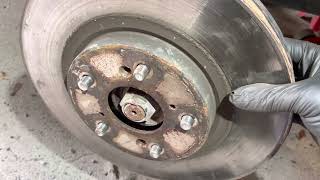
Those are rotor set screws. They are only there to hold the rotor in place on the assembly line before the wheel is installed. They often become rusted and are difficult to remove. It is very common to have to drill them out. 🎬 Watch: How to remove a stuck or seized rotor screw You do not need to reinstall them; the wheel and lug nuts are what actually hold the rotor firmly in place.
Helpful Videos
Technical Specifications
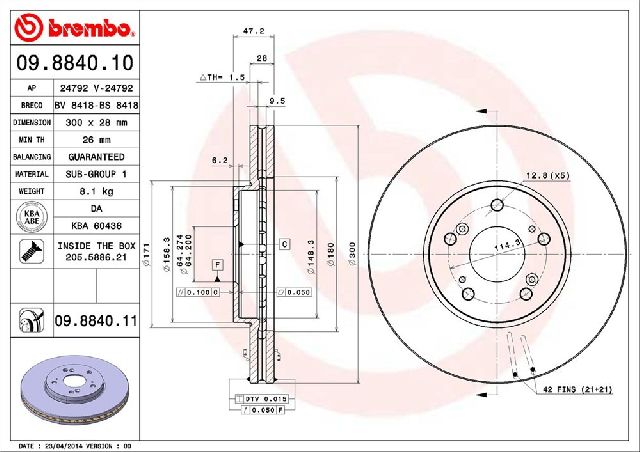
OEM Part Numbers: 45251-S9V-A00 (Front) 42510-S3V-A01 (Rear)
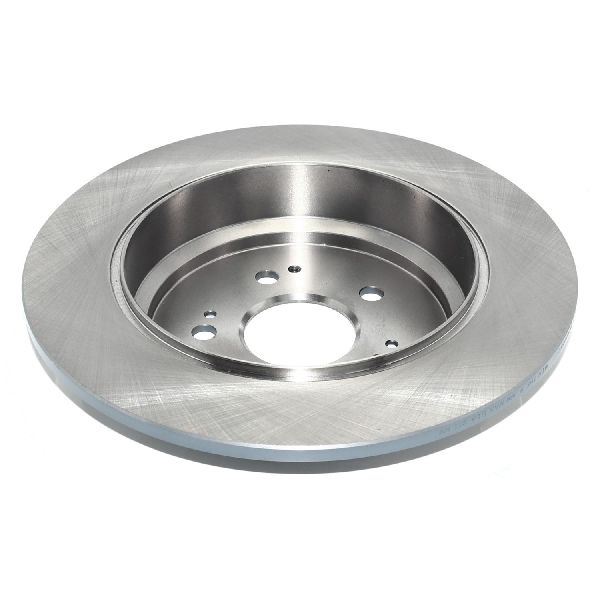
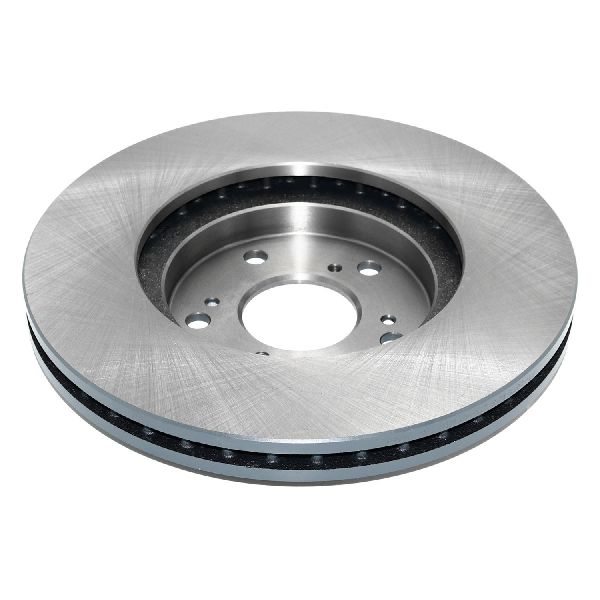
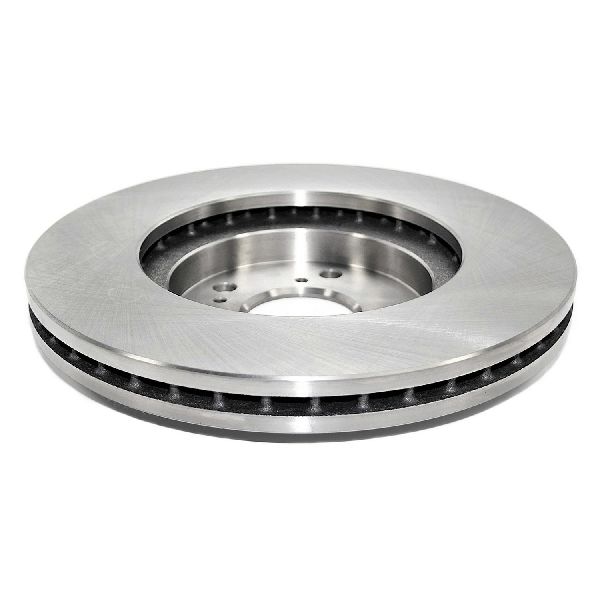
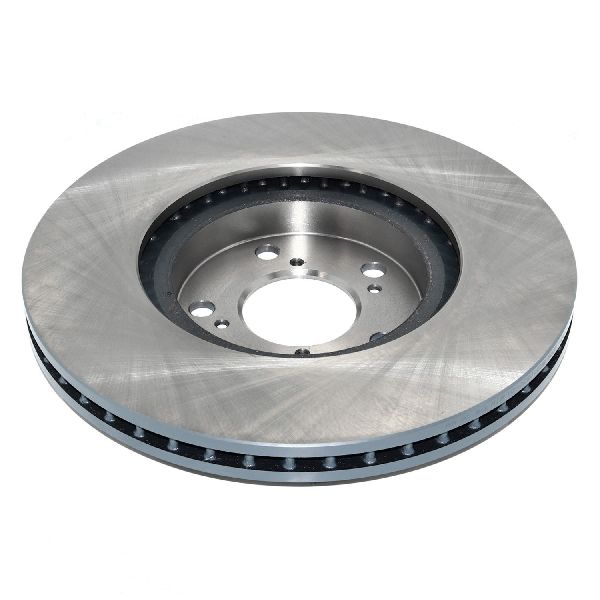
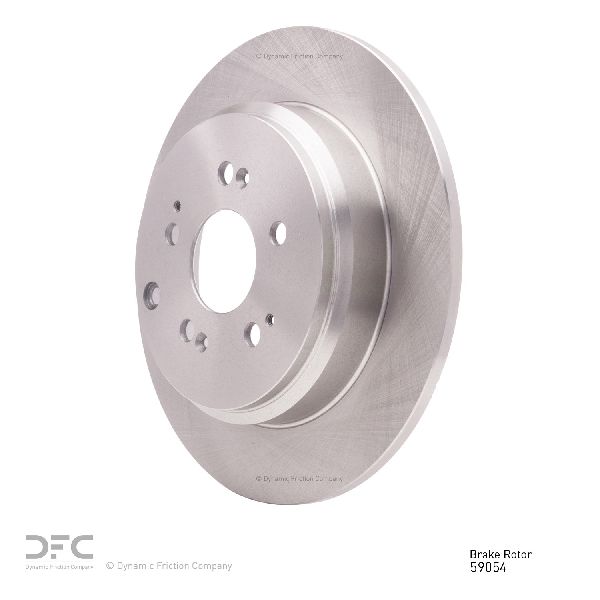
Vehicle-specific fitment for 2003-2009 Honda Pilot. 5-lug bolt pattern. Vented front rotors, solid rear rotors.
We Have This Part in Stock

The information in this article is provided for general reference and educational purposes only. Vehicle specifications, procedures, and part compatibility can vary by production date, trim level, and region. Always consult your vehicle's factory service manual and verify part numbers before purchasing or performing repairs. Safety-critical components such as airbags, seat belts, and braking systems should be installed by a qualified professional.
- Honda Pilot: