

A Guide to Replacing Disc Brake Rotors on Your 2003-2011 Honda Element
Stop the shaking and improve your braking with the right set of new aftermarket rotors for your Element.
- Vibration when braking is the #1 sign of a warped rotor.
- Choose aftermarket rotors with a rust-preventative coating for better appearance and longevity.
- For daily driving, a quality blank rotor from a brand like Advics, Brembo, or Raybestos is better than a cheap drilled/slotted rotor.
- Always replace your brake pads at the same time as your rotors.
Is it Time for New Rotors?
Brake rotors don't last forever. They wear down with the brake pads and can develop issues over time. A common problem for many vehicles, including the Honda Element, is rotor warping. This isn't a true "warp" like a bent record, but rather an unevenness in the rotor's thickness caused by heat and material transfer from the pads. You'll definitely feel it when it happens.
Symptoms of Bad or Failing Rotors:
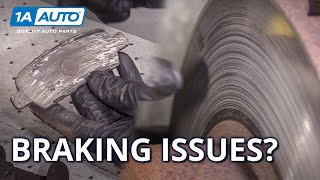
- Pulsation or Vibration: The most common sign. You'll feel a pulsing in the brake pedal or a shaking in the steering wheel when you apply the brakes, especially from higher speeds. This is a classic symptom of uneven rotor wear 🎬 Watch: How to diagnose brake vibration and pulsing issues or "warping."
- Grinding or Squealing Noises: While often a sign of worn brake pads, a loud grinding can mean the pads are completely gone and metal is grinding against the rotor, causing severe damage.
- Visible Grooves or Hot Spots: A visual inspection can tell you a lot. If you see deep circular grooves, scoring, or bluish discolored spots on the rotor surface, it's a sign of wear and heat damage.
Known Issues for the Honda Element
While there are no specific recalls for the disc brake rotors themselves, Honda did issue a recall (NHTSA #10V098000) for some 2007-2008 Elements concerning the Vehicle Stability Assist (VSA) modulator, which could allow air into the brake system, causing a soft or spongy pedal feel. A Technical Service Bulletin (TSB 07-045) also addresses this symptom, noting that a faulty VSA modulator could be the cause. If you have a soft pedal, it's important to diagnose the entire brake system, not just the rotors.
Choosing the Right Aftermarket Rotors
The original Honda (OEM) rotors are good quality, but many aftermarket brands offer similar or even better performance, often for less money. For a daily-driven Element, you don't need expensive, high-performance racing rotors. A quality coated rotor is an excellent choice to prevent rust on the hub and non-contact surfaces, which keeps your wheels looking clean.
Brand Tiers for Your Element:
- Premium / OEM-Equivalent: Brands like Advics, Brembo, Bosch, and high-end lines from Raybestos (Element3) and Centric (Premium) are excellent choices. Advics is a well-regarded supplier for many Japanese automakers. These rotors often feature superior metallurgy and coatings for longevity and consistent performance.
- Daily Driver / Value: Wagner, ACDelco (Professional), and Powerstop kits offer a great balance of quality and price. Powerstop kits are frequently recommended by owners for their all-in-one convenience and solid performance for daily driving.
- Economy: Brands like Pronto and basic lines from Centric or Raybestos will get the job done at the lowest cost. While they meet safety standards, they may not have advanced coatings and might be more prone to noise or warping over time compared to premium options.
Pro Tip: Many Element owners recommend getting rotors with a rust-resistant coating. Brands like Raybestos Element3, Brembo (UV Coated), and Wagner (E-Shield) offer coated rotors that prevent the hub and edges from rusting, which is a common cosmetic issue.
| Part Type | Estimated Cost (Parts Only) |
|---|---|
| New OEM Rotors (Pair) | $180 - $220 |
| New Aftermarket Rotors (Pair) | $80 - $250 |
| Shop Labor | $150 - $250 |
Frequently Asked Questions
Do I need to replace pads and rotors at the same time?
It is highly recommended. Installing new pads on old, worn rotors can cause noise, uneven wear, and reduced braking performance. Always replace pads when you replace rotors to ensure a fresh, flat surface for proper bedding-in and optimal stopping power.
What are drilled or slotted rotors? Do I need them?
Drilled and slotted rotors are designed for high-performance or heavy-duty use to help dissipate heat and gases more effectively. For a daily-driven Honda Element, they are not necessary and are mostly for appearance. A quality, solid (blank) rotor is more than sufficient and often provides better long-term durability.
What is the "TSX brake upgrade" I see in forums?
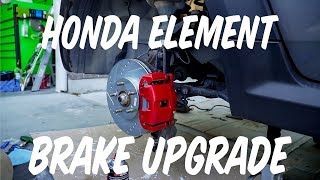
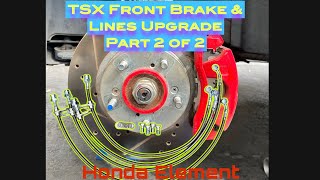
This is a popular modification where owners swap the front brake calipers and rotors from an Acura TSX onto their Element. It's a bolt-on upgrade that provides a larger rotor and caliper for improved braking performance. While effective, it's more involved than a standard rotor replacement and not necessary for most drivers.
🎬 Watch: How to perform the Acura TSX brake upgradeWhat are the rotor specifications for my Element?
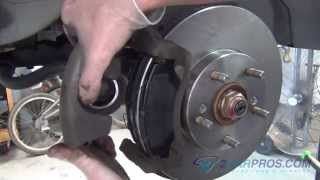
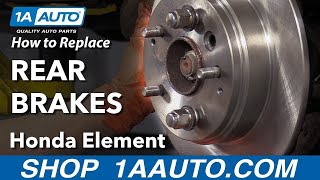
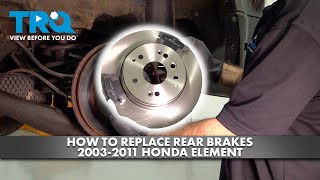
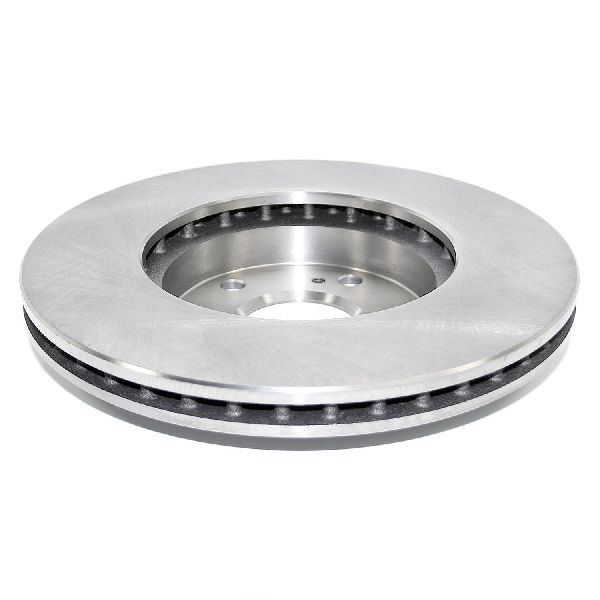
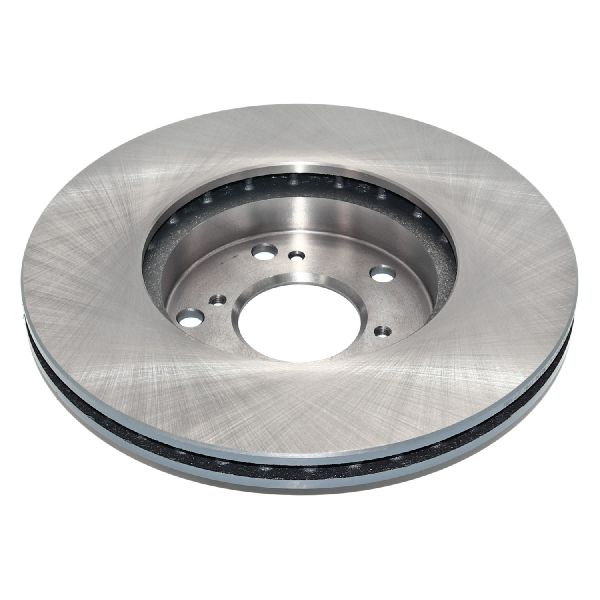
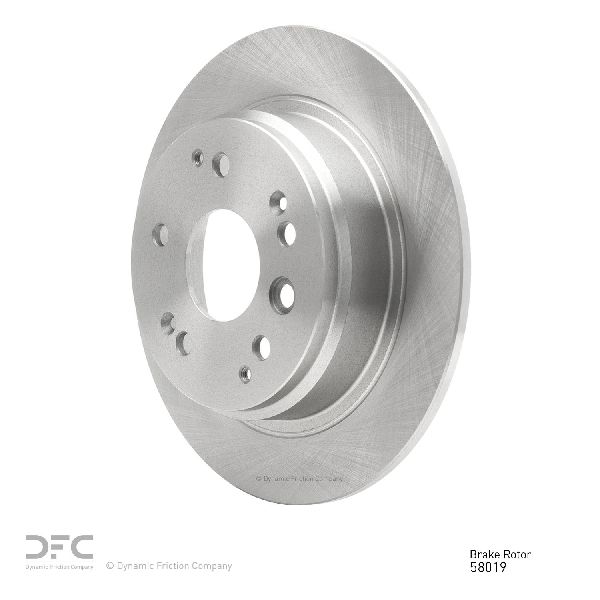
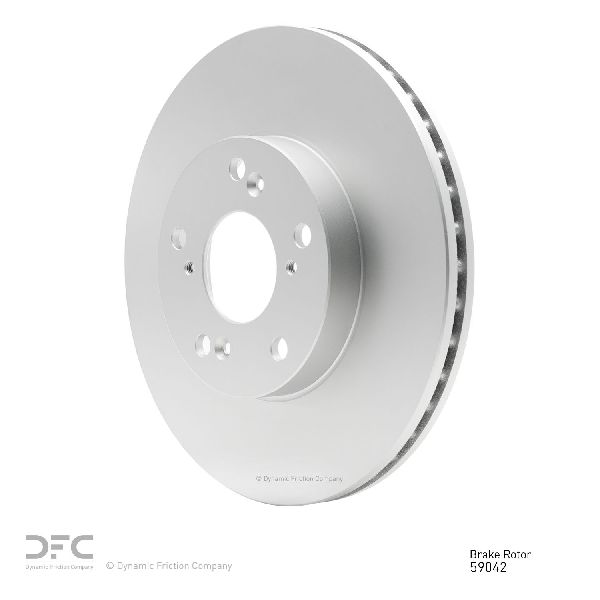
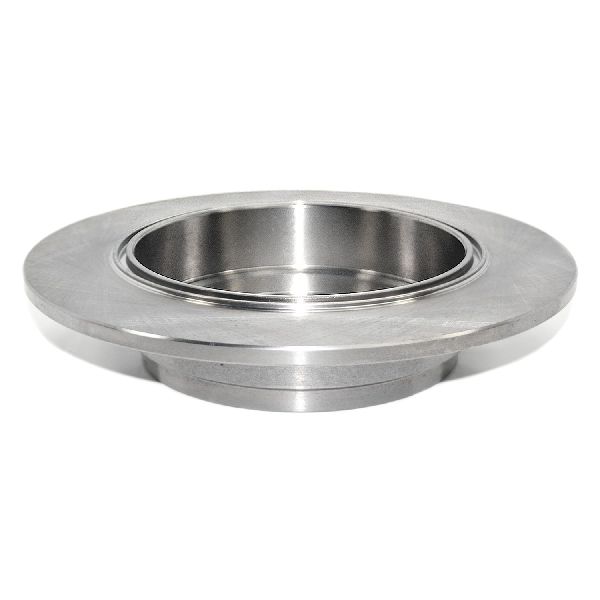
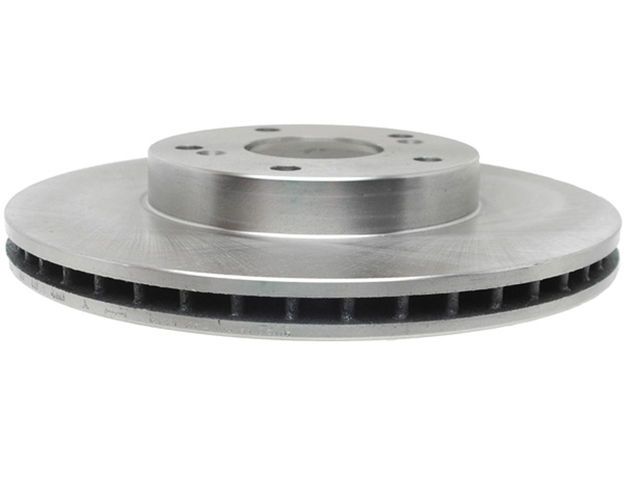
All 2003-2011 Honda Elements use a 5-lug bolt pattern. The front rotors are a vented design, while the rear rotors are solid. The rear rotors also have an integrated drum for the parking brake shoes.
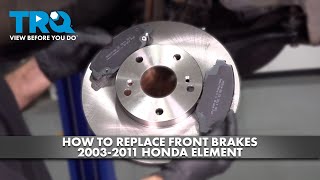
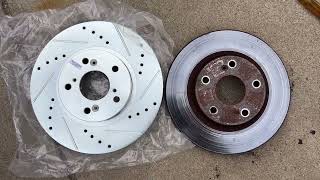
🎬 See this step-by-step walkthrough for replacing front pads and rotorsHelpful Videos
Technical Specifications
OEM Part Numbers: 45251-TA5-A00 (Front) 45251-S87-A00 (Front, superseded) 42510-SCV-A00 (Rear) 42510-S0K-A00 (Rear, superseded)
Front Rotor Type: Vented. Rear Rotor Type: Solid with integrated parking brake drum. Lug Count: 5.
We Have This Part in Stock

The information in this article is provided for general reference and educational purposes only. Vehicle specifications, procedures, and part compatibility can vary by production date, trim level, and region. Always consult your vehicle's factory service manual and verify part numbers before purchasing or performing repairs. Safety-critical components such as airbags, seat belts, and braking systems should be installed by a qualified professional.
- Honda Element: