

A Guide to the Disc Brake Pad Wear Sensor for the 2004-2006 BMW 545i
Understanding the brake pad wear sensor in your E60 545i is key to avoiding unnecessary warnings and ensuring your braking system is monitored correctly.
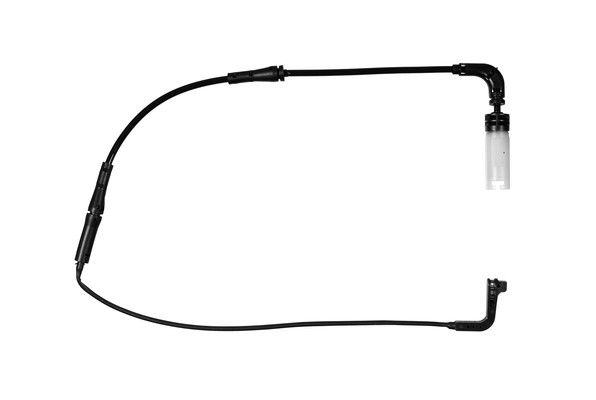
- Your 2004-2006 545i uses two specific wear sensors: one for the front-left wheel and one for the rear-right.
- These sensors are single-use items and must be replaced with your brake pads to ensure the warning system functions and can be reset.
- Aftermarket sensors from OEM-supplier brands like Pagid or Brembo offer the best reliability outside of genuine BMW parts.
- A persistent brake warning light after replacement is typically due to a faulty new sensor or failure to reset the service interval in the iDrive/dashboard menu.
Understanding the Brake Wear Warning Lights
Your BMW 545i uses a two-stage warning system to alert you about brake wear. It's important to know what each color means:
- Yellow Warning: This is an initial, proactive reminder from the car's computer (CBS). It estimates remaining brake life based on your driving habits and mileage. This is your cue to schedule a brake inspection and service soon.
- Red Warning: This is an urgent alert. It means the physical brake pad wear sensor has made contact with the rotor, indicating your pads are at their minimum safe thickness. You should not ignore this light, as doing so can lead to severe rotor damage from metal-on-metal contact, making for a much more expensive repair.
A Common Problem: The Light That Won't Turn Off
A frequent issue 545i owners face is a brake warning light that stays on even after replacing the pads and sensor. This almost always means one of two things: the new sensor is faulty or incompatible, or the service interval was not properly reset. The system reset can only be completed if a new, functioning sensor is correctly installed.
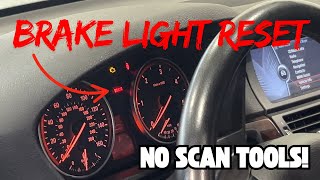
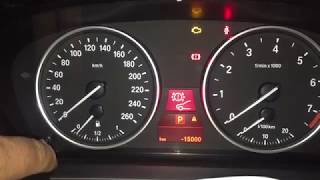
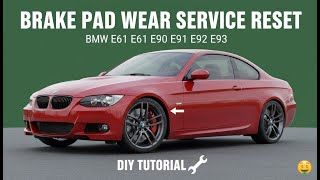
🎬 Learn how to quickly reset your brake pad service light.Choosing the Right Aftermarket Sensor
For a part like a wear sensor, you don't necessarily need to buy the OEM part from a BMW dealer. Many aftermarket brands offer excellent quality, and some are even the original suppliers to BMW. However, quality can vary, so it's wise to choose a reputable brand.
Brand Quality Tiers for Your 545i
- Top-Tier / OEM-Equivalent: Brands like Brembo, Pagid, and Vemo are often original equipment manufacturers or suppliers. They are trusted for their precise fit and reliability, making them a safe bet to avoid false warnings. Febi Bilstein is another brand known for high-quality OE-equivalent parts.
- Reliable Mid-Tier: Beck Arnley, Centric, and Standard Ignition (SMP) are well-known aftermarket brands that provide a good balance of quality and value. They are generally dependable for this application.
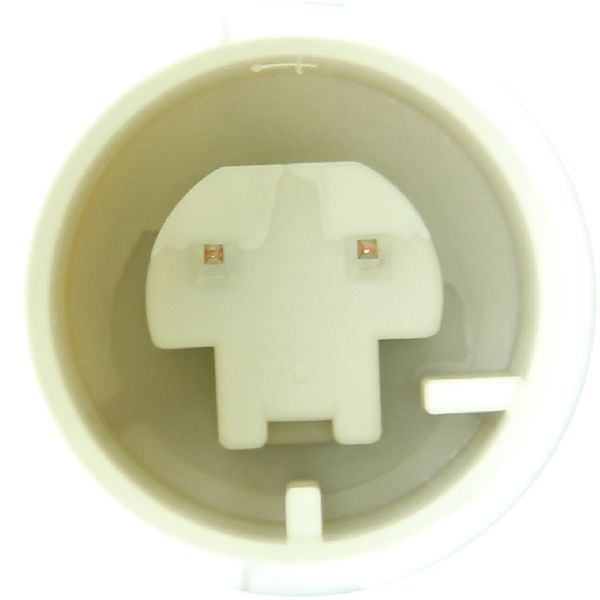
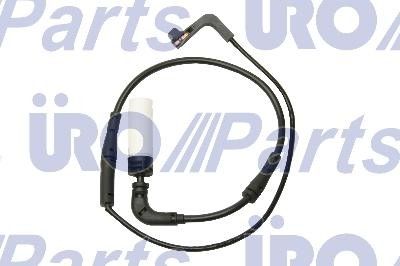
- Economy Options: Brands like URO Parts, Dorman, and Dynamic Friction offer the most budget-friendly prices. While they can work, some owners have reported issues with fitment and premature failure with budget sensors, leading to persistent warning lights. A URO sensor, for example, might have pins that misalign, preventing a secure connection.
Pro Tip: Replace in Pairs (Front & Rear)
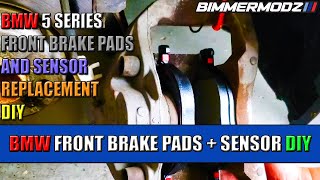
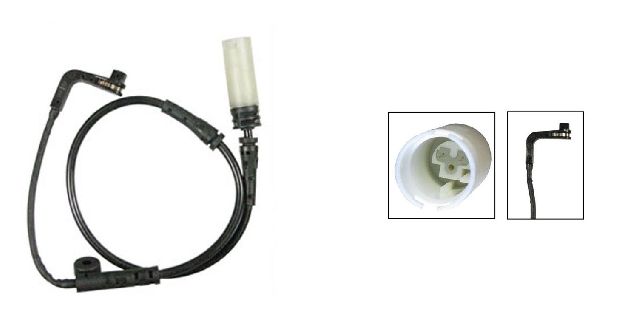
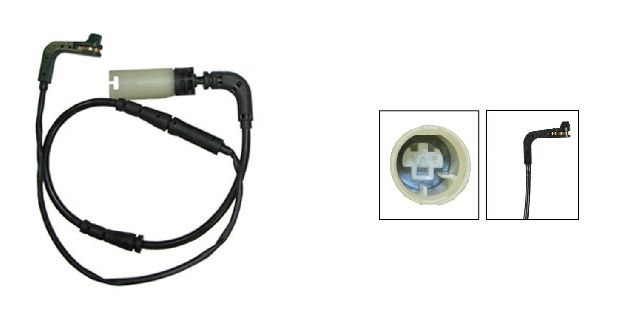
Your 545i has two sensors, one for the front axle and one for the rear. They are different parts and are not interchangeable. When performing a full brake job, ensure you have both the front and rear sensors on hand. 🎬 Watch a step-by-step guide on replacing front pads and sensors. It is highly recommended to replace the sensors even if they haven't been tripped, as they become brittle from heat and often break during removal.
Cost of Replacing a Brake Pad Wear Sensor
The sensor itself is inexpensive, but it's almost always replaced during a larger brake job. The cost is primarily the labor for the brake pad and rotor replacement.
| Part/Service | Estimated Cost |
|---|---|
| New Aftermarket Sensor | $17 - $38 |
| New OEM Sensor | $40 - $65 |
| Shop Labor (as part of a brake job) | $150 - $250 per axle |
Frequently Asked Questions
How many brake wear sensors does a 2004-2006 BMW 545i have?
The BMW 545i has two brake pad wear sensors: one located on the front-left (driver's side) wheel and one on the rear-right (passenger's side) wheel.
Do I have to replace the sensor when I replace my brake pads?
Yes. The sensor is considered a one-time-use part. They become brittle with age and exposure to heat and will likely break upon removal. To ensure the warning system works correctly and can be reset, you must install a new sensor with new pads.
Why is my brake warning light still on after replacing the pads and sensor?
This is a common issue. The car's Condition Based Service (CBS) system must be manually reset 🎬 See how to reset your brake light without using scan tools. after the new parts are installed. If the reset fails, it usually indicates the new sensor is faulty, not connected properly, or the wiring is damaged.
Can I bypass the brake wear sensor?
Some owners cut the sensor wire and twist the two leads together to permanently close the circuit, which tricks the system into thinking the pads are always new. However, this is not recommended. Disabling the sensor means you will no longer receive warnings when your brake pads are critically low, which can lead to unsafe driving conditions and severe damage to your brake rotors.
Helpful Videos
Technical Specifications
OEM Part Numbers: 34356789492 34356768595 34356759917
The E60 545i utilizes a two-stage electronic wear sensor. A new sensor has a resistance of less than 5 ohms. A partially worn sensor reads around 470 ohms, and a fully triggered sensor reads as an open circuit. There is one sensor for the front axle and one for the rear axle.
We Have This Part in Stock


The information in this article is provided for general reference and educational purposes only. Vehicle specifications, procedures, and part compatibility can vary by production date, trim level, and region. Always consult your vehicle's factory service manual and verify part numbers before purchasing or performing repairs. Safety-critical components such as airbags, seat belts, and braking systems should be installed by a qualified professional.
- BMW 545i:
- 🎬 Helpful Videos
- 🛍️ Shop This Part
- Understanding the Brake Wear Warning Lights
- A Common Problem: The Light That Won't Turn Off
- Choosing the Right Aftermarket Sensor
- Brand Quality Tiers for Your 545i
- Pro Tip: Replace in Pairs (Front & Rear)
- Cost of Replacing a Brake Pad Wear Sensor
- Frequently Asked Questions
- 🎟️ Get 5% Off