

A Guide to Replacing Disc Brake Pads on Your 2004-2009 Lincoln Navigator
Stop brake noise and improve your SUV's stopping power by choosing the right pads.
- For a heavy SUV like the Navigator, avoid the cheapest economy pads; choose a quality ceramic or semi-metallic pad.
- If you tow, consider a specialized truck and tow brake kit, like the Powerstop Z36, for better heat management and stopping power.
- Symptoms like grinding or the vehicle pulling to one side are serious; address them immediately to avoid more costly rotor damage.
- Always check if you are buying for the front or rear axle, as they are different parts.
Symptoms of Worn Brake Pads
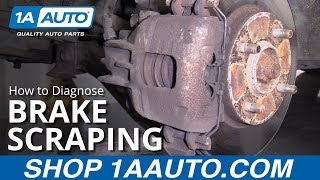
Your Navigator will give you several warning signs when the brake pads are nearing the end of their life. Ignoring these can lead to more expensive repairs. The most common sign is a high-pitched squealing or screeching noise when you apply the brakes. This is caused by a small metal tab called a wear indicator making contact with the rotor. If you hear a grinding sound, it's more serious; it means the pads have worn down completely and metal is scraping against metal. 🎬 Watch: How to diagnose different brake noises and vibrations. You might also feel a vibration or pulsation in the brake pedal or steering wheel, which can point to worn pads or warped rotors.
Grinding is a Critical Warning
A grinding noise means you should stop driving the vehicle immediately if possible. Continued driving can severely damage the brake rotors, turning a simple pad replacement into a much more costly job.
Choosing the Right Aftermarket Brake Pads
When replacing the pads on your Navigator, you have many choices. It's important to select a pad that matches your driving style and needs. For a heavy vehicle like the Navigator, cheap, low-quality pads should be avoided as they can wear out quickly and may not provide adequate stopping power.
OEM vs. Aftermarket
The original pads on your Navigator are from Motorcraft, Ford's official parts brand. They are designed specifically for the vehicle and offer a good balance of performance and low noise. Aftermarket pads from reputable brands can offer equal or even better performance, often at a lower price. High-quality aftermarket brands like Akebono, Bosch, and Brembo are sometimes the original suppliers for manufacturers and provide excellent quality.
Brake Pad Materials for Your Navigator
- Ceramic: A great choice for most Navigator owners. Ceramic pads are quiet, produce very little dust, and are gentle on brake rotors. They provide excellent stopping power for daily driving and light towing. Brands like Akebono, Bosch, and PowerStop's Z16 series offer popular ceramic options.
- Semi-Metallic: These pads offer a stronger "bite" and better performance under high heat, making them a good option if you frequently tow heavy loads. However, they tend to be noisier, produce more brake dust, and can wear rotors more quickly than ceramic pads. Brands like Hawk Performance, EBC Brakes, and Brembo are well-regarded in this category.
Pro Tip: Consider a Kit
For a complete brake job, especially if your rotors are worn, consider a brake kit. Brands like Powerstop offer kits (such as the Z36 Truck and Tow) that include matched pads and rotors, which can improve performance for towing applications. This often solves issues of vibration and ensures all components work together perfectly.
Aftermarket Brand Tiers for Your Navigator
With so many brands available, it helps to think of them in tiers.
| Tier | Brands | Best For | Price Range (Per Axle) |
|---|---|---|---|
| Premium / Performance | Akebono, Brembo, EBC Brakes, Hawk Performance, Powerstop (Z36) | Owners who want the best performance, quiet operation, or have special needs like heavy towing. | $75 - $121+ |
| Daily Driver | Bosch, Raybestos, Centric, Wagner, Motorcraft | The majority of drivers looking for OEM-quality or better for everyday use. A great balance of price and performance. | $50 - $90 |
| Economy | Dynamic Friction, Pronto, other store brands | Budget-conscious repairs where basic function is the only goal. May have a shorter lifespan and be noisier. | $30 - $50 |
Known Issues & Considerations
While there are no major recalls for brake pads on the 2004-2009 Navigator, some owners report related issues. A sticking brake caliper can cause pads to wear out very quickly on one wheel. This is sometimes caused by a collapsed brake hose preventing fluid from returning, not a bad caliper. If you notice one set of pads is much more worn than the others, have the calipers and hoses inspected. Some forum users have also noted that the large size and weight of the Navigator can lead to faster-than-expected brake wear, especially when towing.
Frequently Asked Questions
Should I replace rotors with my brake pads?
It is highly recommended. If your rotors are below the minimum thickness, have a deep groove, or are warped (causing a pulsation), they must be replaced. Installing new pads on old, worn rotors will reduce the performance and lifespan of the new pads. For best results, always install new pads and rotors at the same time.
Do I need special brake pads for towing?
If you tow heavy loads frequently, upgrading to a performance-oriented semi-metallic pad or a specialized towing kit (like Powerstop Z36) is a wise investment. These pads are designed to handle the extra heat generated from stopping a heavy rig, reducing the risk of brake fade.
What's the difference between front and rear brake pads?
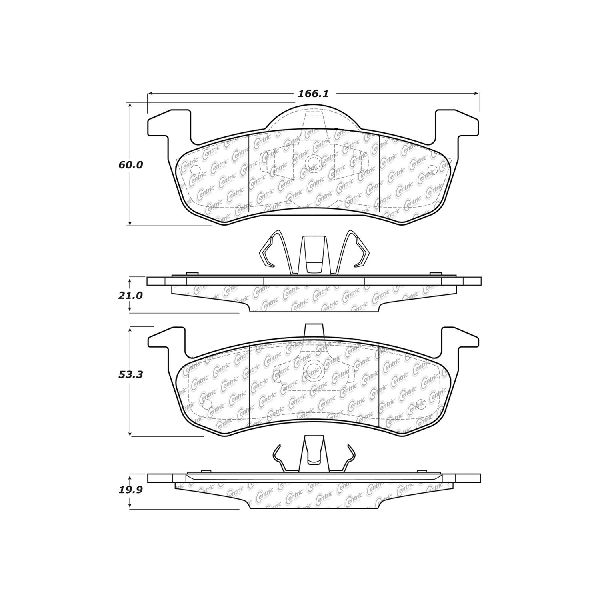
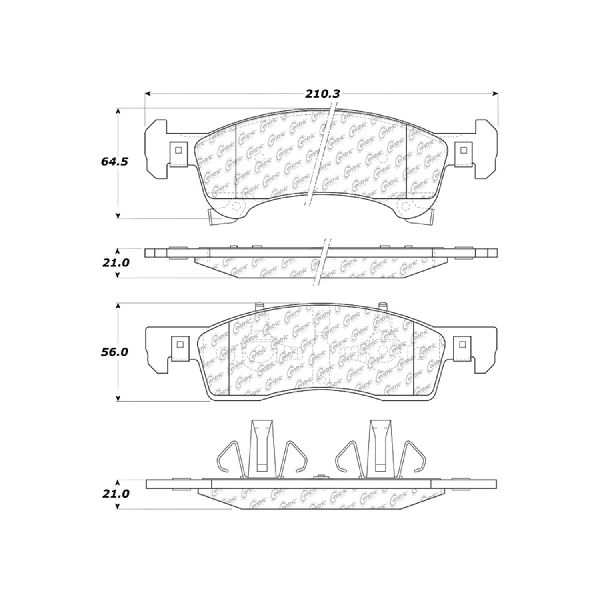
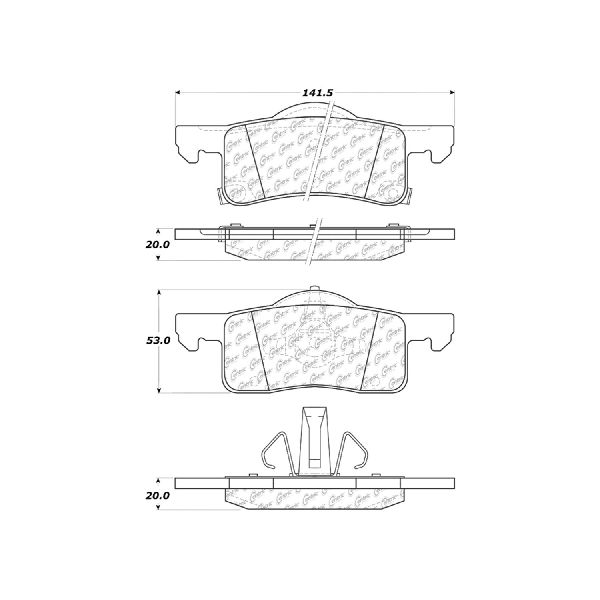
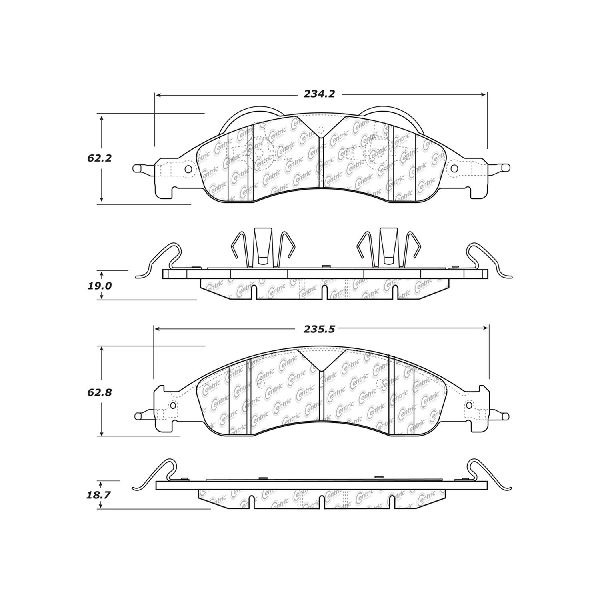
Front and rear brake pads are not interchangeable. The front brakes on your Navigator do most of the stopping, so the pads are typically larger and may wear out faster. When ordering, make sure you are buying the correct set for the front or rear axle.
🎬 Watch this walkthrough for replacing Navigator rear pads and rotors.Can I install brake pads myself?
Yes, replacing brake pads is a common DIY job for those with mechanical experience and the right tools. However, brakes are a critical safety system. If you are not 100% confident in your ability to do the job correctly, it is best to have it done by a professional mechanic.
Helpful Videos
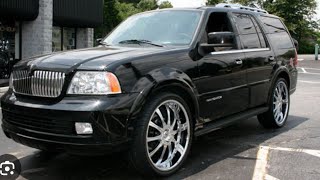
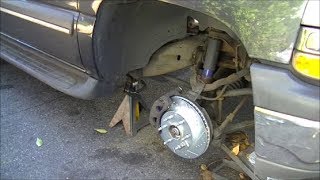
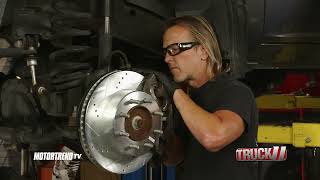
Technical Specifications
OEM Part Numbers: PMD934H PMD1279H PMD702H PMD711H
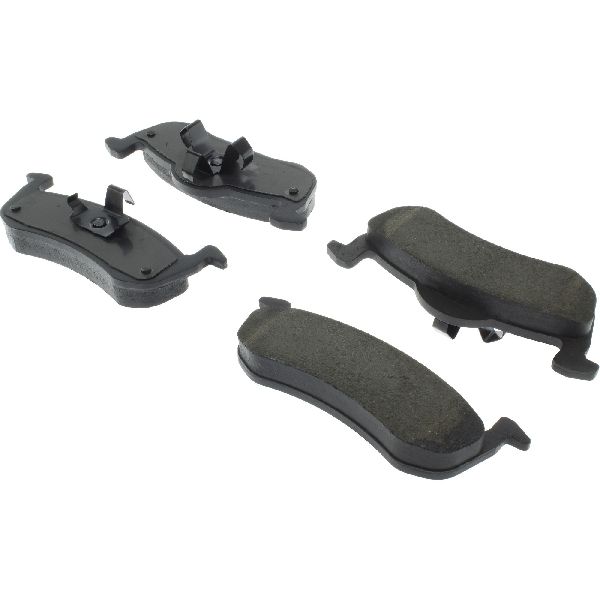
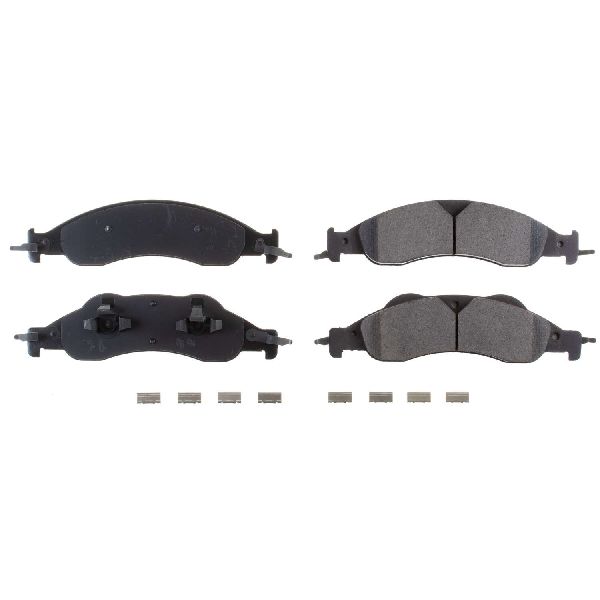
The 2004-2009 Lincoln Navigator uses disc brakes on both the front and rear axles. Pad material is typically ceramic or semi-metallic. Replacement requires pads specific to the front or rear.
We Have This Part in Stock

The information in this article is provided for general reference and educational purposes only. Vehicle specifications, procedures, and part compatibility can vary by production date, trim level, and region. Always consult your vehicle's factory service manual and verify part numbers before purchasing or performing repairs. Safety-critical components such as airbags, seat belts, and braking systems should be installed by a qualified professional.
- Lincoln Navigator:
- 🎬 Helpful Videos
- 🛍️ Shop This Part
- Symptoms of Worn Brake Pads
- Grinding is a Critical Warning
- Choosing the Right Aftermarket Brake Pads
- OEM vs. Aftermarket
- Brake Pad Materials for Your Navigator
- Pro Tip: Consider a Kit
- Aftermarket Brand Tiers for Your Navigator
- Known Issues & Considerations
- Frequently Asked Questions
- 🎟️ Get 5% Off