

Dodge Charger (2004-2013) Disc Brake Rotor Guide
Stop brake pulsation and noise by choosing the right replacement rotors for your Charger.
- Vibration when braking is the most common sign of a bad rotor, often referred to as 'warping'.
- Always verify your Charger's specific trim (SE, SXT, R/T, SRT8) before buying, as rotor sizes differ significantly.
- Always replace brake pads at the same time as rotors to ensure proper performance and longevity.
- Quality aftermarket brands like Powerstop, EBC, and Brembo often offer better performance and durability than stock rotors for the Charger.
Is Your Charger Telling You It Needs New Rotors?
Worn or damaged brake rotors don't just make noise; they compromise your safety. The most common issue Charger owners report is brake pulsation or vibration when stopping, which usually points to warped rotors. This often feels like a shaking in the steering wheel or a pulsing in the brake pedal. Here are the main symptoms to watch for:
- Pulsating Brake Pedal: A pulsing or vibrating feeling through the brake pedal under medium to hard braking. This is the classic sign of a warped rotor. 🎬 Watch this video to see common warped brake rotor symptoms.
- Steering Wheel Vibration: The steering wheel shakes back and forth when you apply the brakes, especially at higher speeds.
- Grinding or Squealing Noises: A high-pitched squeal often means the brake pads are worn, but a deeper grinding sound indicates the pads are completely gone and the metal backing plate is digging into the rotor.
- Visible Damage: Look for deep grooves, scoring, or significant rust on the rotor surface. A visible lip on the outer edge also indicates wear.
A Note on "Warping"
What drivers call "warping" is often uneven rotor thickness caused by uneven deposits of brake pad material, not the rotor itself physically bending. This happens during heavy braking when pads get hot and transfer material onto the disc. High-quality rotors and proper bedding-in procedures can help prevent this.
Choosing the Right Aftermarket Rotors for Your Charger
Many Charger owners find that factory (OEM) rotors can wear out prematurely, with some reporting warping in as little as 13,500 to 30,000 miles. Aftermarket rotors often provide better performance and durability for the price. The key is to choose the right type for your specific Charger trim (SE, SXT, R/T, SRT8) and your driving style.
Check Your Trim Level!
One of the most common ordering mistakes is getting the wrong size rotors. Dodge used different brake systems across the Charger lineup, especially for V6, V8 (R/T), and SRT8 models. The R/T and SRT8 models have significantly larger and more robust brakes to handle the extra power. Always verify your specific sub-model before purchasing.
Rotor Types Explained
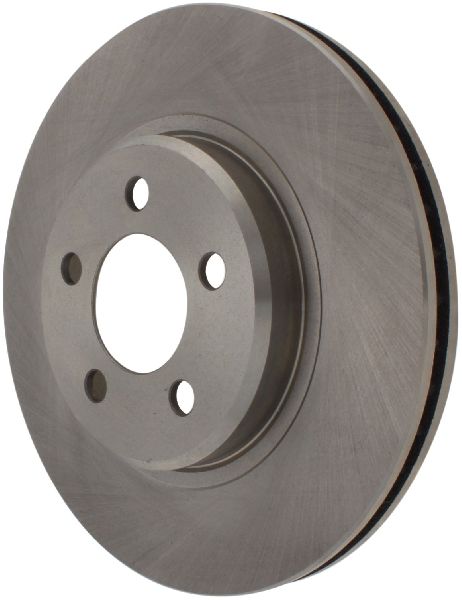
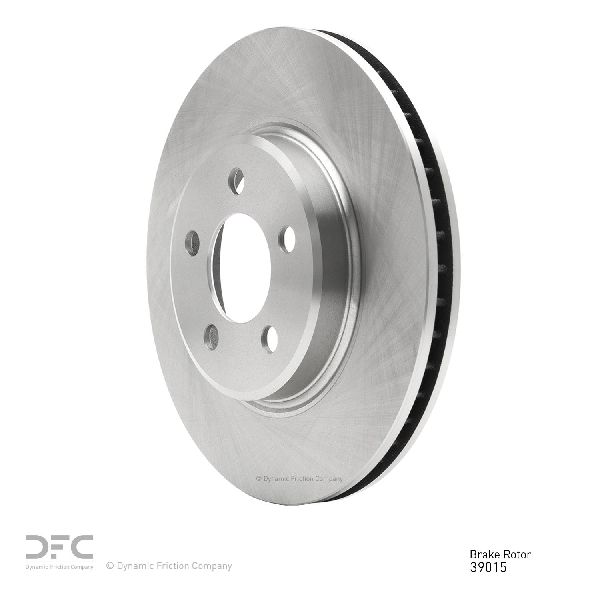
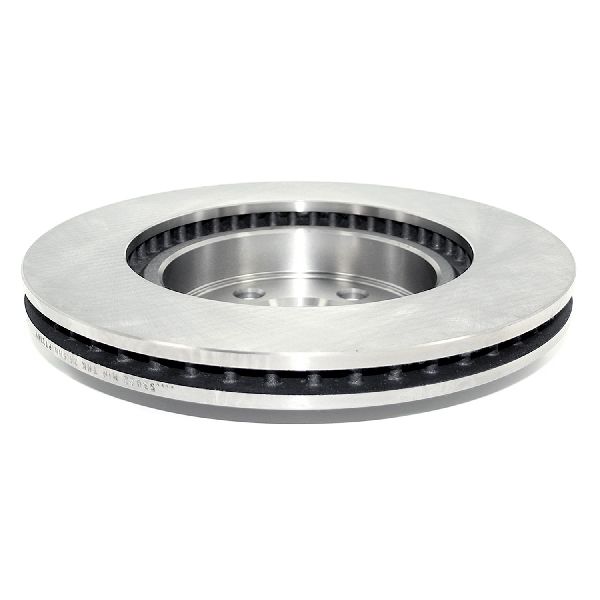
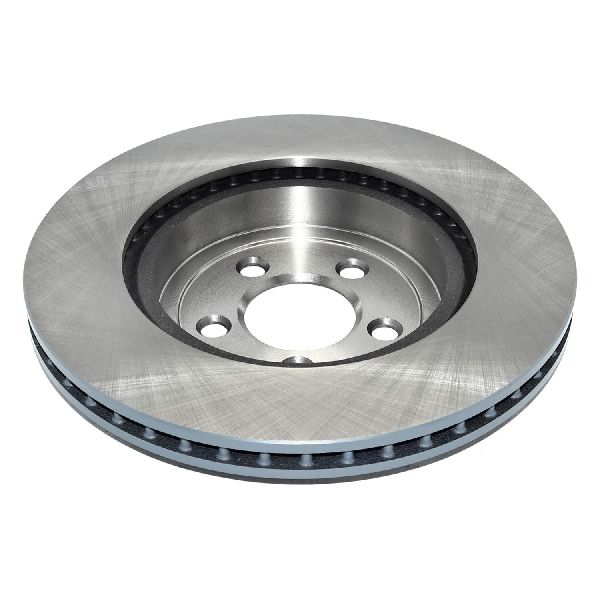
- Blank (Smooth): The most common and affordable type. They offer quiet operation and are perfect for daily driving. Brands like Bosch, Raybestos, and Centric offer quality OEM-equivalent blank rotors.
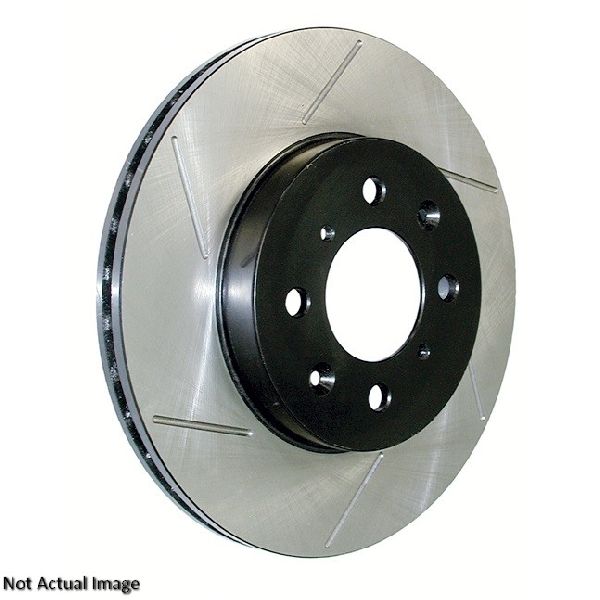
- Drilled & Slotted: These rotors have holes (drilled) and channels (slotted) to help vent hot gases and water, improving cooling and initial brake bite. They are a popular upgrade for spirited driving and offer a more aggressive look. However, cheap drilled rotors can be prone to cracking under extreme use. Powerstop's Z23 and Z26 kits are very popular in this category among Charger owners.
- Slotted Only: A great compromise for performance use. The slots clean the pad surface and vent gases without the potential for cracking that drilled rotors have. EBC and Hawk Performance are well-regarded brands for performance slotted rotors.
Aftermarket Brand Tiers
Based on owner feedback and industry reputation, here’s how some of the available brands generally stack up for the Charger:
- Daily Driver / OEM Quality: These brands provide reliable, quiet performance for everyday use. They meet or exceed factory specifications.
- ACDelco
- Bosch
- Centric (including their Posi-Quiet line)
- Raybestos
- Wagner Brakes
- Pronto / Dynamic Friction
- Performance / Heavy-Duty: These brands are for owners who do spirited driving, have a higher-horsepower model (R/T, SRT8), or simply want a significant upgrade in stopping power and fade resistance.
- Powerstop: Very popular for their complete Z23 (daily driver/sport) and Z26 (street warrior) kits, which include drilled & slotted rotors and ceramic pads. They offer a great balance of performance and value.
- Brembo: A top-tier brand, often used as original equipment on high-performance SRT models. Their aftermarket rotors are excellent but come at a premium price.
- EBC Brakes: A UK-based company highly regarded for its performance rotors (like the BSD slotted series) and pads (Redstuff, Yellowstuff).
- Hawk Performance: Known for high-performance pads and rotors that offer a strong bite.
- StopTech / Centric High Performance: StopTech is the performance division of Centric, offering high-quality slotted and drilled rotors.
Known Issues & Technical Service Bulletins (TSBs)
While no major recalls were found specifically for brake rotors on the 2004-2013 Charger, some related issues exist:
- TSB #05-003-13: Addresses complaints of front and/or rear brake squeal. The solution involves replacing the brake pads with a revised material. This highlights the importance of pairing new rotors with new, quality pads.
- Premature Warping: As mentioned, this is a frequent complaint from owners, often solved by upgrading to higher-quality aftermarket rotors and pads.
Frequently Asked Questions (FAQ)
Should I replace my brake pads when I replace my rotors?
Yes, always. Installing old, unevenly worn pads on new rotors will quickly ruin the new rotors and reduce braking performance. Most quality aftermarket brands offer matched rotor and pad kits.
Can I install brake rotors myself?
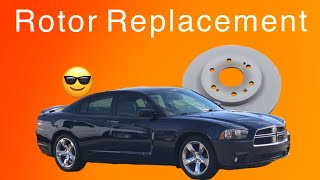
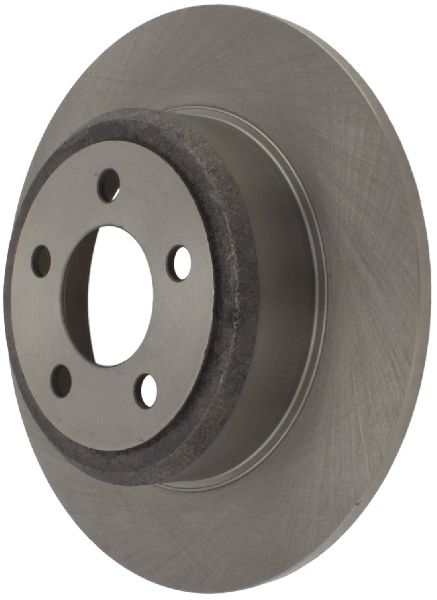
Yes, for many DIY mechanics, replacing brake rotors is a manageable job. It requires basic hand tools, a jack and jack stands, and a torque wrench. However, if you're not comfortable, it's a routine job for any professional mechanic. 🎬 Learn how to replace your front brake rotors step-by-step. The rear rotors on some models can be tricky due to the integrated parking brake shoes inside the rotor hat.
🎬 See how to remove rear rotors with internal parking shoes.What does "bedding in" new brakes mean?
Bedding-in is the process of breaking in your new pads and rotors. It involves a series of controlled stops to deposit an even layer of friction material from the pad onto the rotor. This process is crucial for preventing future vibration and ensuring maximum stopping power. Always follow the manufacturer's specific bedding-in procedure.
Do I need to clean new rotors before installing them?
Yes. New rotors are coated with a thin layer of oil or rust-preventative coating from the factory. This must be cleaned off thoroughly with brake cleaner before installation, as the oil can contaminate the new pads and severely reduce braking ability.
Helpful Videos
Technical Specifications
Rotor diameters vary significantly by trim. For example, a 2011 SE/SXT uses 320mm front rotors, while the R/T uses 345mm and the SRT8 uses 360mm. Always confirm fitment for your specific vehicle.
We Have This Part in Stock

The information in this article is provided for general reference and educational purposes only. Vehicle specifications, procedures, and part compatibility can vary by production date, trim level, and region. Always consult your vehicle's factory service manual and verify part numbers before purchasing or performing repairs. Safety-critical components such as airbags, seat belts, and braking systems should be installed by a qualified professional.
- Dodge Charger:
- 🎬 Helpful Videos
- 🛍️ Shop This Part
- Is Your Charger Telling You It Needs New Rotors?
- A Note on "Warping"
- Choosing the Right Aftermarket Rotors for Your Charger
- Check Your Trim Level!
- Rotor Types Explained
- Aftermarket Brand Tiers
- Known Issues & Technical Service Bulletins (TSBs)
- Frequently Asked Questions (FAQ)
- 🎟️ Get 5% Off