

A Guide to Disc Brake Hardware Kits for the 2004-2014 Mazda 3
Solve brake noise and prevent sticking calipers by choosing the right hardware for your Mazda 3.
- Always replace your disc brake hardware kit when changing brake pads to prevent noise and ensure even wear.
- For the 2004-2014 Mazda 3, use high-quality, coated hardware (especially for the rear) to combat common issues with sticking calipers.
- Properly clean the caliper bracket and lubricate slide pins with silicone-based grease during installation.
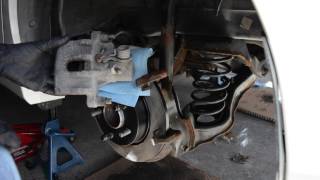
- A special tool is required to retract the rear brake caliper pistons; they cannot be compressed with a simple clamp.
Is Your Mazda 3 Making Brake Noises? It Could Be The Hardware.
If you hear squealing, rattling, or grinding sounds when you brake, your first thought might be worn-out brake pads. While that's often true, the small metal clips and pins holding everything together are just as likely to be the cause. Over time, the hardware on your 2004-2014 Mazda 3 is exposed to intense heat, water, and road salt. This causes the metal to corrode, weaken, and lose its tension. When this happens, you'll get annoying noises and other, more serious problems.
Vehicle-Specific Issue: Sticking Rear Brakes
The 2004-2014 Mazda 3 generation is known for problems with sticking or seizing rear brake calipers. This is often caused by corrosion on the caliper guide pins, which prevents the caliper from sliding freely. Symptoms include a very hot wheel after driving, a burning smell, and rapid, uneven wear of the rear brake pads. A recall was issued for some 2014 models for a related issue where water could enter the rear caliper and cause corrosion. Using high-quality, corrosion-resistant hardware is especially important for the rear brakes on these cars.
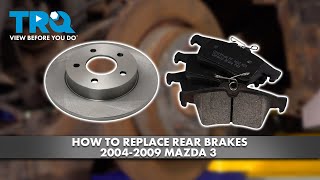
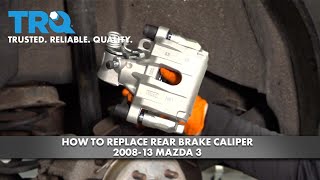
🎬 Watch this in-depth walkthrough for replacing rear brakes.Choosing the Right Aftermarket Hardware Kit
When you replace your brake pads and rotors, you should always install a new hardware kit. It's a small expense that protects your larger investment. For the Mazda 3, aftermarket hardware quality is generally good, and some kits offer upgrades over the original parts.
Premium Aftermarket (Best for Corrosion Resistance)
These brands often feature special coatings that prevent rust and help them last longer, making them a smart choice for Mazda 3 owners, especially for the problematic rear brakes.
- Raybestos Element3: Often recommended in forums, their kits frequently include coated hardware that stands up well to salt and moisture.
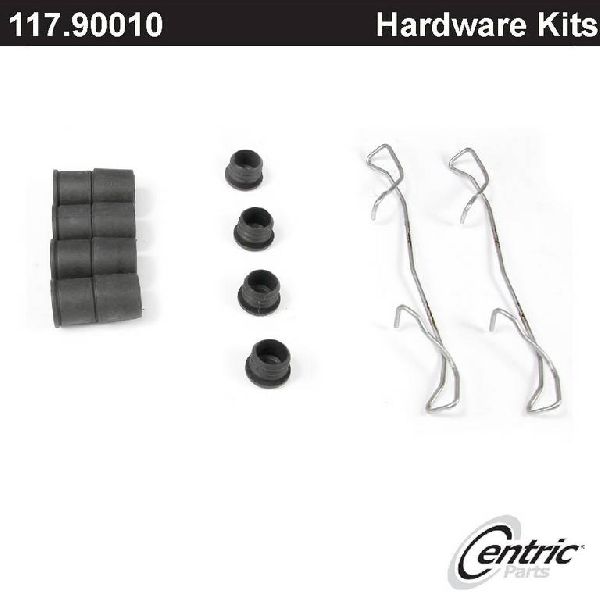
- Centric Premium: Known for good quality and fit, Centric offers kits with corrosion-resistant coatings.
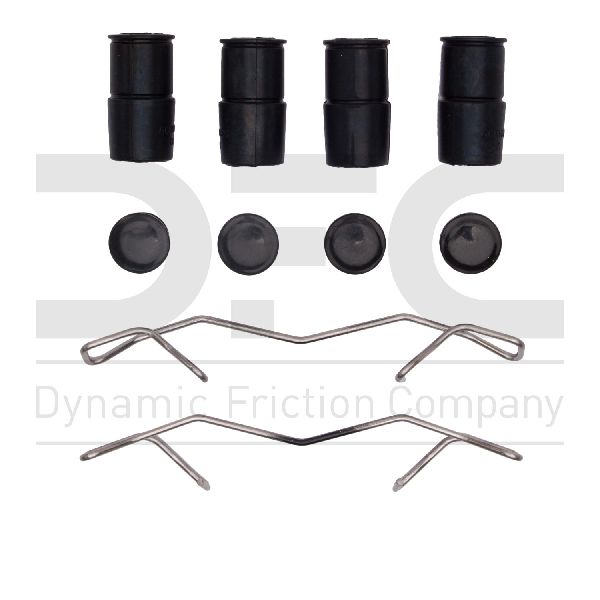
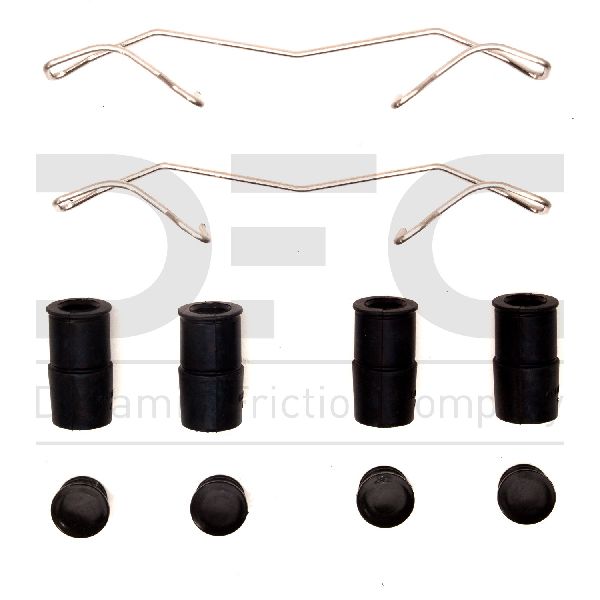
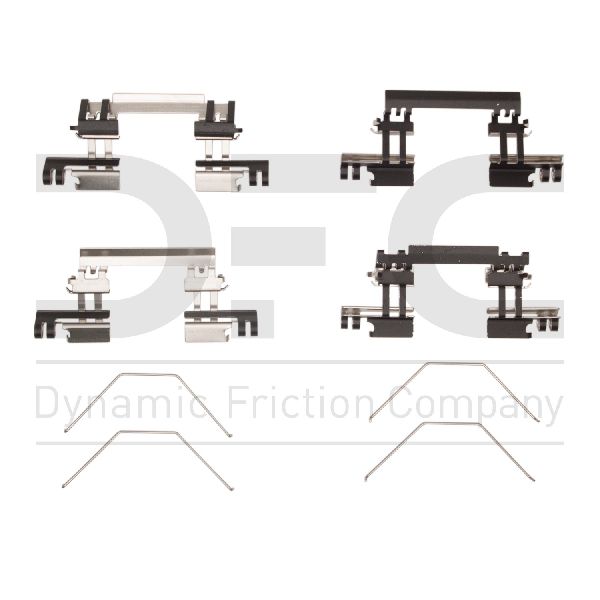
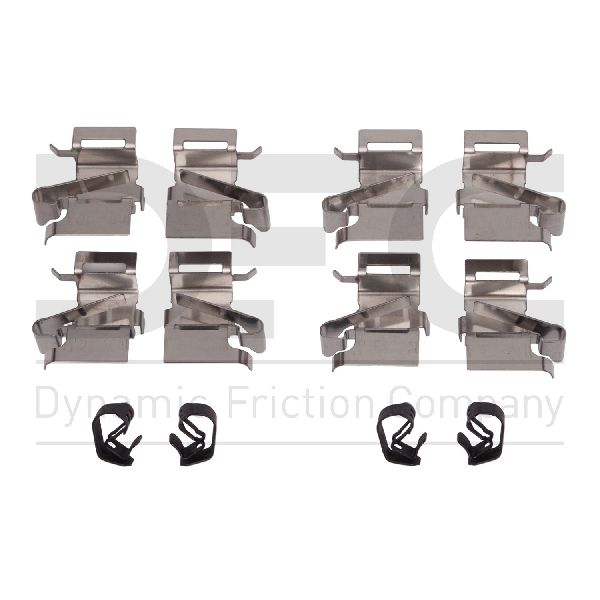
- Dynamic Friction: This brand has a strong reputation for quality components and offers coated hardware options.
OE-Quality Aftermarket (Reliable Replacements)
These brands are known for making parts that fit and function just like the original factory hardware.
- Beck Arnley: Specializes in parts for import vehicles and is known for sourcing high-quality components.
- Carlson: A company that focuses specifically on brake hardware, Carlson is a trusted name for reliable, standard replacement kits.
Standard Aftermarket
These brands offer a dependable, budget-friendly solution for a daily driver.
- Dorman: Widely available and often provides a direct fit. While their standard kits are reliable, it's best to avoid the absolute cheapest "economy" lines, as they can sometimes lead to noise issues.
| Part Type | Price Range |
|---|---|
| Aftermarket Hardware Kit | $8.13 - $43.49 |
| OEM Hardware Kit (Mazda) | $30.00 - $60.00 (estimated) |
Pro Tip: Installation Best Practices
When installing your new hardware, take time to thoroughly clean the caliper bracket with a wire brush where the clips sit. This ensures the pads can move freely. For the caliper slide pins, use a small amount of silicone-based brake lubricant. Do not use anti-seize or petroleum-based grease, as it can swell the rubber boots and cause the pins to stick.
Frequently Asked Questions
Do I really need to replace the hardware with every brake job?
Yes. Professionals always recommend it. The old clips have been heat-cycled thousands of times and have lost their spring tension, which can cause pad rattling. Old slide pins and boots can be a source of future sticking issues. For a few extra dollars, a new kit ensures your new pads and rotors perform correctly and quietly.
What's the difference between front and rear hardware kits?
The kits are specific to the front or rear axle. The clips are shaped differently to fit the front or rear calipers. Also, remember that the rear calipers on the 2004-2014 Mazda 3 have an integrated parking brake. You will need a special brake piston rewind tool to push the piston back in; you cannot simply compress it with a C-clamp like the front calipers.
🎬 Watch: Step-by-step guide for replacing front brakes on this model.Why do the rear brakes stick on my Mazda 3?
It's a common issue for this vehicle generation. The main causes are either seized caliper guide pins or a stuck parking brake mechanism inside the caliper itself. 🎬 See how to replace a seized rear brake caliper. The guide pins fail when the protective rubber boot tears, allowing water and dirt to enter and cause corrosion. This prevents the caliper from releasing pressure from the pads, causing brake drag.
Can I just clean and reuse my old hardware?
While you can clean the parts, it's not recommended. The anti-rattle clips are designed for one-time use and lose their ability to hold the pads tightly. The cost of a new kit is very low compared to the risk of noise or premature wear from reusing old, fatigued parts.
Helpful Videos
Technical Specifications
OEM Part Numbers: BDYA-33-29Z (Front Anti-Rattle Clip Set Example)
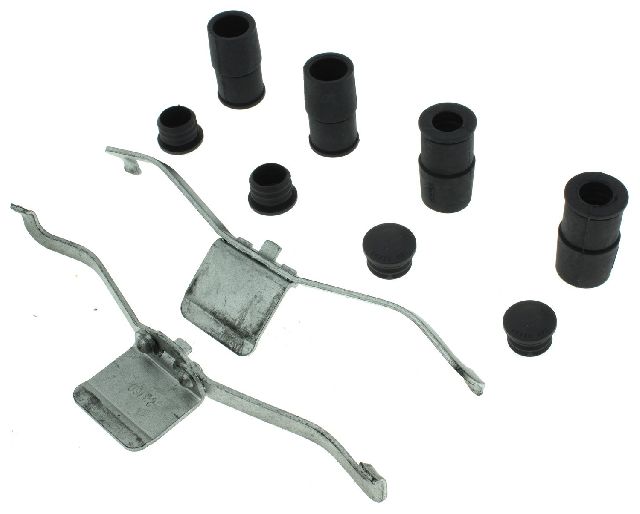
Kits typically include anti-rattle clips, caliper guide pins, and guide pin boots. Materials vary from standard steel to coated stainless steel for corrosion resistance.
We Have This Part in Stock

The information in this article is provided for general reference and educational purposes only. Vehicle specifications, procedures, and part compatibility can vary by production date, trim level, and region. Always consult your vehicle's factory service manual and verify part numbers before purchasing or performing repairs. Safety-critical components such as airbags, seat belts, and braking systems should be installed by a qualified professional.
- Mazda 3:
- 🎬 Helpful Videos
- 🛍️ Shop This Part
- Is Your Mazda 3 Making Brake Noises? It Could Be The Hardware.
- Vehicle-Specific Issue: Sticking Rear Brakes
- Choosing the Right Aftermarket Hardware Kit
- Premium Aftermarket (Best for Corrosion Resistance)
- OE-Quality Aftermarket (Reliable Replacements)
- Standard Aftermarket
- Pro Tip: Installation Best Practices
- Frequently Asked Questions
- 🎟️ Get 5% Off