

A Guide to Oxygen Sensor Replacement for the 2006-2015 Nissan Xterra
Keep your Xterra's engine running efficiently by understanding when and how to replace its oxygen sensors.
- Your Xterra has four O2 sensors; upstream sensors affect performance while downstream sensors monitor emissions.
- Stick with OEM-supplier brands like Denso or NGK for the best reliability and to avoid repeat check engine lights.
- Symptoms include a check engine light (P2A00, P0139, etc.), poor gas mileage, and rough idling.
- Replacement is a feasible DIY job with an O2 sensor socket, but the sensors can be difficult to remove if seized.
- Ignoring a bad O2 sensor can lead to costly catalytic converter damage.
Is Your Xterra's Oxygen Sensor Failing?

A bad oxygen (O2) sensor can cause noticeable problems. Since these sensors wear out over time from heat and exhaust gases, they typically need replacement between 60,000 and 100,000 miles. Ignoring the signs can lead to more expensive repairs, like damage to your catalytic converters.
🎬 Watch: Top symptoms of a bad oxygen sensor you shouldn't ignore.Key Symptoms of a Bad O2 Sensor:
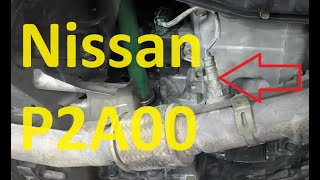
- Check Engine Light: This is the most common sign. Codes like P0139, P0159, P2A00, P0031, or P0051 often point to a failing O2 sensor. 🎬 See how to diagnose and fix the P2A00 fault code.
- Worse Gas Mileage: When the sensor fails, the engine's computer can't properly regulate the fuel mixture, often causing the engine to run rich and burn more fuel than necessary.
- Rough Idle or Misfires: An incorrect air-fuel ratio can cause your Xterra's engine to run poorly, shake, or misfire.
- Rotten Egg Smell: A strong smell of sulfur from the exhaust can indicate a rich fuel mixture and a failing sensor, which can quickly damage the catalytic converter.
Choosing the Right Aftermarket Oxygen Sensor

When replacing O2 sensors on your Xterra, you have a choice between OEM and aftermarket parts. While some Nissan sensors must be OEM, owners report good results with quality aftermarket O2 sensors. The key is to choose a reputable brand.
Aftermarket Brand Tiers for Nissan Xterra
| Tier | Brands | Notes |
|---|---|---|
| OEM Supplier / Premium Aftermarket | Denso, NGK (NTK) | Denso is a known original equipment supplier for many Nissan vehicles. Choosing Denso or NGK/NTK sensors is the closest you can get to original factory performance and quality. They are highly recommended by Xterra owners for reliability. |
| Quality Aftermarket | Bosch, Delphi | Bosch invented the modern O2 sensor and is a major OEM supplier worldwide. While some users have had mixed results with aftermarket Bosch sensors on Japanese vehicles in the past, they are generally considered a reliable and cost-effective option. Delphi is another trusted OE-quality brand. |
| Economy Brands | DriveWire, Walker Products, Vemo | These brands offer a budget-friendly solution. While they can work, some Xterra owners have experienced issues with cheaper, non-OEM sensors causing persistent check engine lights, requiring multiple replacements. They may be a viable option for a quick fix, but consider premium brands for long-term reliability. |
How Much Does an Oxygen Sensor Replacement Cost?

The cost depends on whether you do it yourself or use a repair shop. A shop may charge between $396 and $556 for a single sensor replacement, with the part itself making up a large portion of the cost. Doing it yourself can save significant money on labor.
Estimated Cost Comparison (Single Sensor)
| Cost Type | Price Range |
|---|---|
| New Aftermarket Part | $39.74 - $325.79 |
| Shop Labor | $93 - $137 |
| DIY Total (Part Only) | $39.74 - $325.79 |
| Shop Total (Part + Labor) | $132.74 - $462.79+ |
Pro Tip: Installation Best Practices
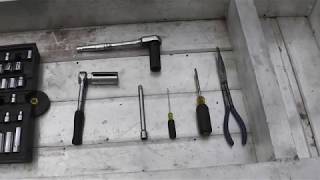
When replacing your O2 sensors, always apply a small amount of anti-seize compound to the threads of the new sensor, being careful not to get any on the sensor tip itself. Use a special O2 sensor socket, which has a slot for the wire, to make removal and installation much easier. The sensors can be very tight, so a breaker bar might be necessary to get them loose.
🎬 Watch this step-by-step guide to replacing your Xterra's O2 sensors.Frequently Asked Questions

How many oxygen sensors does a 2006-2015 Xterra have?
Your Xterra has four oxygen sensors. There are two upstream sensors (Bank 1 Sensor 1 and Bank 2 Sensor 1) and two downstream sensors (Bank 1 Sensor 2 and Bank 2 Sensor 2). Bank 1 is on the passenger side of the engine, and Bank 2 is on the driver's side.
What's the difference between upstream and downstream sensors?
Upstream sensors (also called Air/Fuel Ratio sensors) are located before the catalytic converter and are the primary sensors for controlling the engine's air-fuel mixture. Downstream sensors are located after the catalytic converter and primarily monitor the converter's efficiency. Failures in upstream sensors are more likely to cause noticeable performance issues.
Can I replace just one oxygen sensor?
Yes, you only need to replace the sensor that has failed. However, O2 sensors have a similar lifespan. If one has failed due to high mileage, the others may not be far behind. Some owners choose to replace them in pairs (both upstream or both downstream) or all four at once for peace of mind, especially on high-mileage vehicles.
Are there any recalls or TSBs for Xterra oxygen sensors?
There are no major recalls specifically for oxygen sensor failure on the 2006-2015 Xterra. However, Nissan did issue a Technical Service Bulletin (TSB), NTB13108A, for slow response codes (P0139, P0159) from the downstream sensors on some models, which may require an ECM software update. A separate recall for some 2015 models involved an ECM software update for an issue where a rear O2 sensor could fail without triggering a warning light, but this did not apply to the Xterra.
Helpful Videos

![Bad O2 Sensor Symptoms Downstream & Upstream [Oxygen Sensor Failure and Causes] How to fix & Replace](https://img.youtube.com/vi/b-xxdBlikSA/mqdefault.jpg)
Technical Specifications
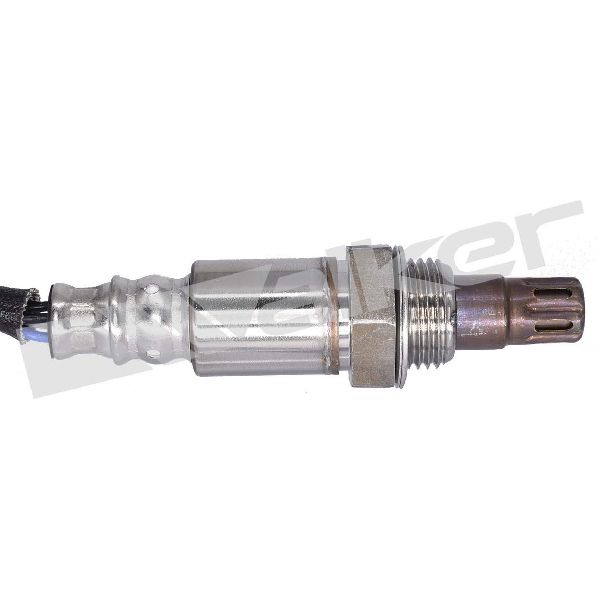
OEM Part Numbers: 22693-7S000 226A0-EA210 226A1-AR210
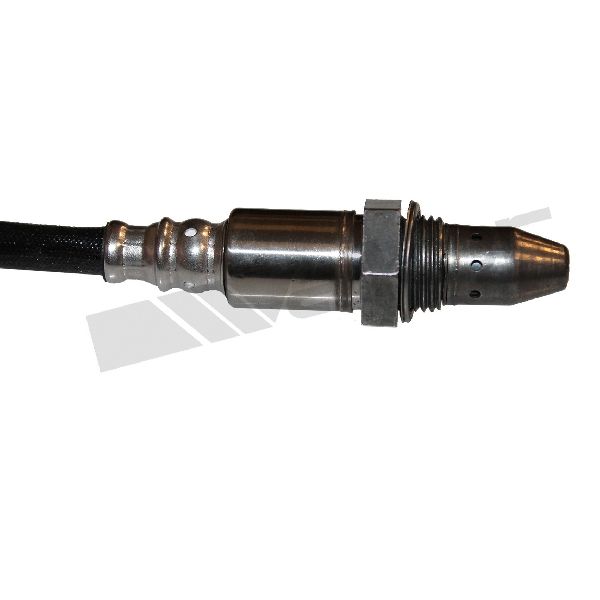
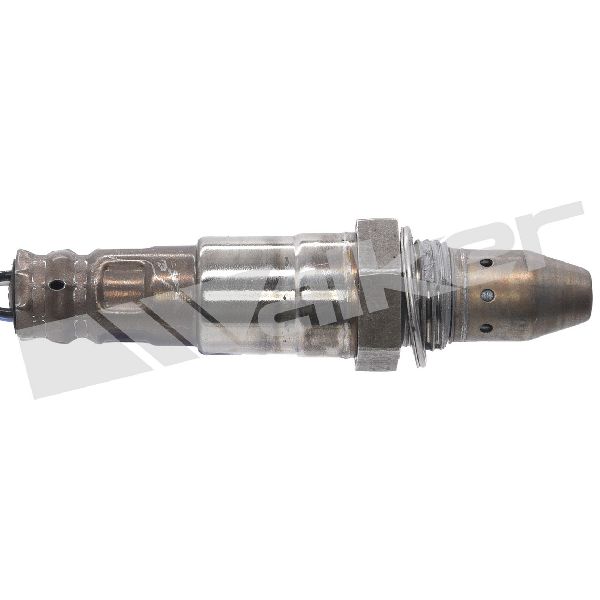
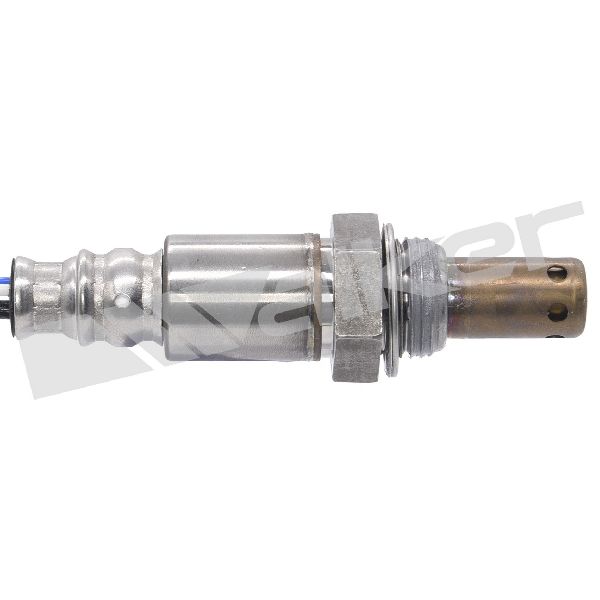
The 4.0L V6 engine uses four 4-wire heated oxygen sensors. The upstream sensors are Air/Fuel Ratio sensors, and the downstream sensors are standard O2 sensors. Bank 1 is the passenger side, and Bank 2 is the driver's side.
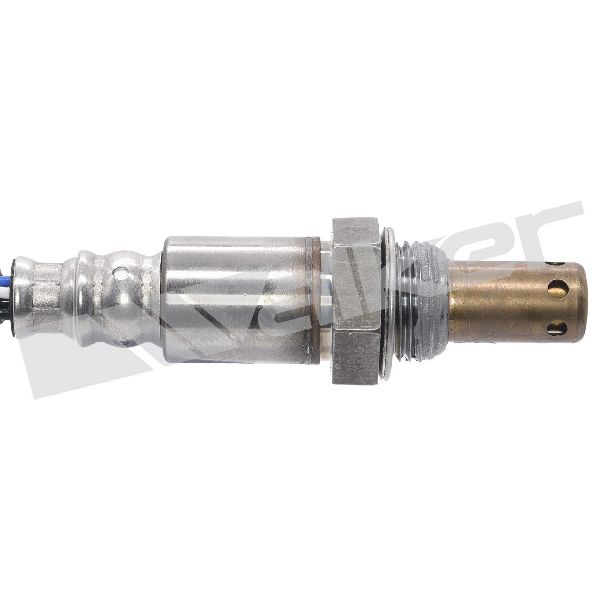
We Have This Part in Stock

The information in this article is provided for general reference and educational purposes only. Vehicle specifications, procedures, and part compatibility can vary by production date, trim level, and region. Always consult your vehicle's factory service manual and verify part numbers before purchasing or performing repairs. Safety-critical components such as airbags, seat belts, and braking systems should be installed by a qualified professional.
- Nissan Xterra:
- 🎬 Helpful Videos
- 🛍️ Shop This Part
- Is Your Xterra's Oxygen Sensor Failing?
- Key Symptoms of a Bad O2 Sensor:
- Choosing the Right Aftermarket Oxygen Sensor
- Aftermarket Brand Tiers for Nissan Xterra
- How Much Does an Oxygen Sensor Replacement Cost?
- Estimated Cost Comparison (Single Sensor)
- Pro Tip: Installation Best Practices
- Frequently Asked Questions
- 🎟️ Get 5% Off