

A Guide to the Manifold Absolute Pressure Sensor for the 2009-2014 GMC Canyon
Fix poor performance and bad gas mileage on your GMC Canyon by understanding its MAP sensor.
- A bad MAP sensor commonly causes a check engine light (P0106), rough idle, poor fuel economy, and hesitation.
- Replacement is very easy for a DIYer, taking less than 30 minutes with basic tools.
- In cold weather, check TSB #20-NA-034, as icing can mimic sensor failure.
- For best results, choose a high-quality aftermarket brand like Delphi, NGK, or Standard Ignition.
Is Your Canyon Running Rough? Signs of a Failing MAP Sensor
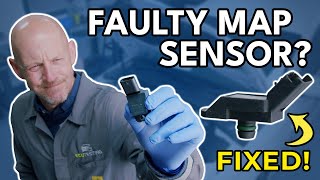
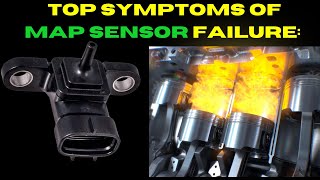
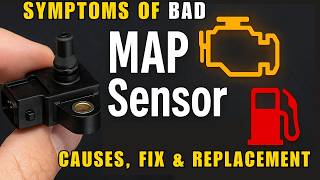
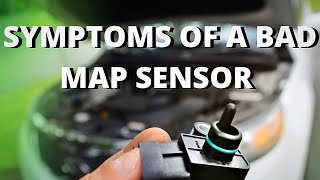
When the MAP sensor starts to fail, it sends incorrect information to your truck's computer. This can cause a variety of noticeable problems. The most obvious sign is the Check Engine Light illuminating on your dashboard. You may also experience poor engine performance such as a rough or unstable idle, hesitation when you accelerate, engine misfires, and a general lack of power. Other common 🎬 Watch: 10 warning signs of a bad MAP sensor symptoms include a significant drop in fuel economy and even black smoke coming from the exhaust pipe, which can cause you to fail an emissions test.
Special Note for Cold Climates: TSB #20-NA-034
General Motors issued a Technical Service Bulletin (TSB) regarding an issue where ice can form on the MAP sensor during long drives in freezing temperatures. This can trigger a P0106 trouble code and cause reduced power and other drivability problems. According to the TSB, once the engine is stopped and warms up, the ice melts and the issue may disappear on the next startup, though the check engine light might stay on. If this happens, the sensor itself may not be faulty and might not need replacement.
Choosing the Right Aftermarket MAP Sensor for Your Canyon
When it comes to electronic sensors, quality matters. While many brands are available, they generally fall into different quality tiers. For a critical sensor like the MAP, choosing a reputable brand can prevent future headaches.
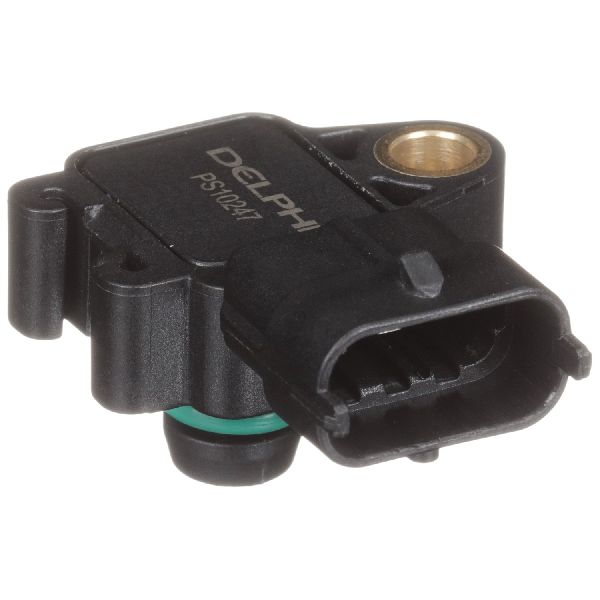
- OEM-Tier (Excellent Quality): Brands like Delphi are often the original equipment manufacturer for General Motors. Choosing a Delphi sensor is essentially like buying the original part without the dealership price tag. They are engineered for a precise fit and reliable performance.
- Top-Tier Aftermarket (Very Good Quality): NGK (under their NTK sensor brand) and Standard Motor Products (Standard Ignition) are highly respected names in the industry. They have a strong reputation for producing quality sensors that meet or exceed OEM specifications.
- Standard/Value-Tier (Good Quality): Brands like Spectra, Facet, and Global Parts offer a more budget-friendly option. While they can be a good value, for sensitive electronics on a GM vehicle, sticking with an OEM-tier or top-tier brand is often the safer bet for long-term reliability.
Cost to Replace the MAP Sensor on a 2009-2014 GMC Canyon
Replacing the MAP sensor is an affordable repair. The part itself is not very expensive, and the labor is minimal because it's easy to access. This is a job most owners can do themselves with basic tools in under 30 minutes.
| Part/Service | Estimated Cost |
|---|---|
| New Aftermarket Part | $42 - $97 |
| New OEM Part (AC Delco) | $85 - $110 |
| Shop Labor | $37 - $55 |
| Total Professional Replacement | $122 - $165 |
DIY Installation is Quick and Easy
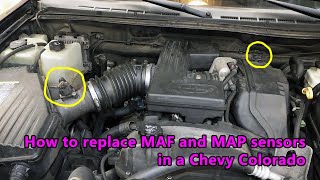
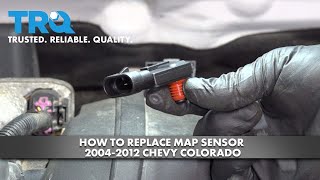
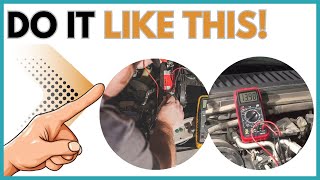
You can easily replace this sensor yourself. The MAP sensor is located directly on the intake manifold. You will need to remove the plastic engine cover, disconnect the electrical plug, release a small locking clip, and then simply pull the old sensor straight out. Press the new sensor in, secure the clip, reconnect the plug, and put the engine cover back on.
🎬 Watch this step-by-step MAP sensor replacement walkthroughFrequently Asked Questions (FAQ)
Where is the MAP sensor located on the 2009-2014 Canyon?
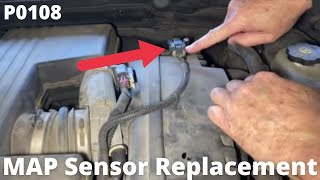
The MAP sensor is mounted on top of the engine's intake manifold, making it very easy to access. After lifting off the plastic engine cover, you will see it clearly.
Can I just clean my old MAP sensor?
While some sensors like the Mass Air Flow (MAF) sensor can sometimes be cleaned, it is generally not recommended for a MAP sensor, especially if it's failing electronically. GM's own service bulletin for the icing issue specifically warns against using chemical cleaners or compressed air on the sensor. Given the affordable cost of a new part, replacement is the most reliable solution.
What are the common trouble codes for a bad MAP sensor?
A failing MAP sensor will typically trigger a Check Engine Light with codes such as P0106 (MAP/Barometric Pressure Circuit Range/Performance Problem), P0107 (Circuit Low Input), or P0108 (Circuit High Input).
🎬 See how to diagnose these specific trouble codesIs a more expensive MAP sensor better?
Not always, but price often reflects quality and brand reputation. For this part, investing in a well-known brand like Delphi, NGK, or Standard is a wise choice. These brands are known for their reliability and are less likely to fail prematurely or cause compatibility issues compared to cheaper, lesser-known brands.
Helpful Videos
Technical Specifications
OEM Part Numbers: 12644228 12592525
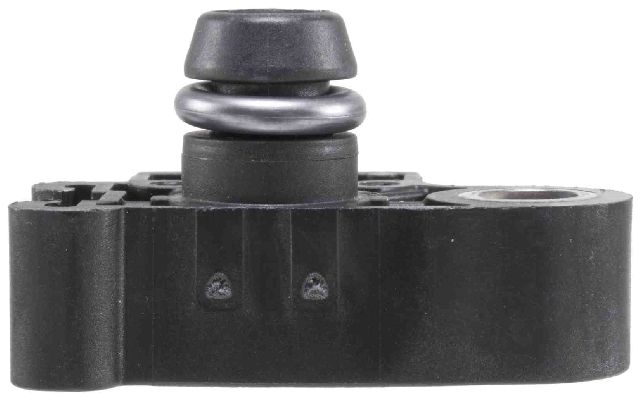
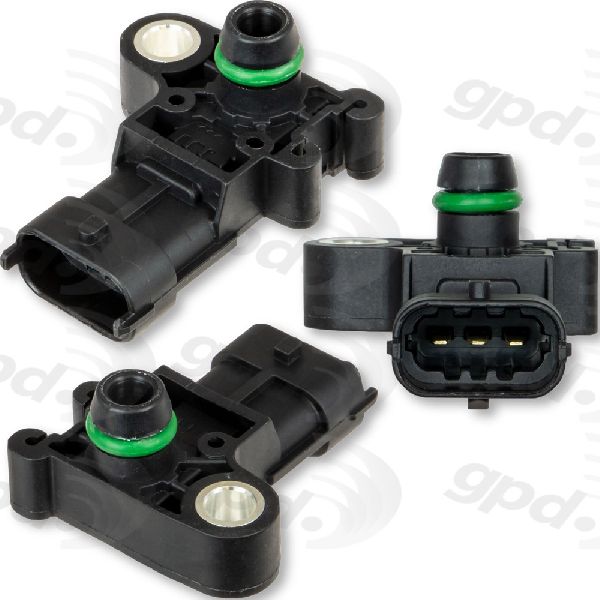
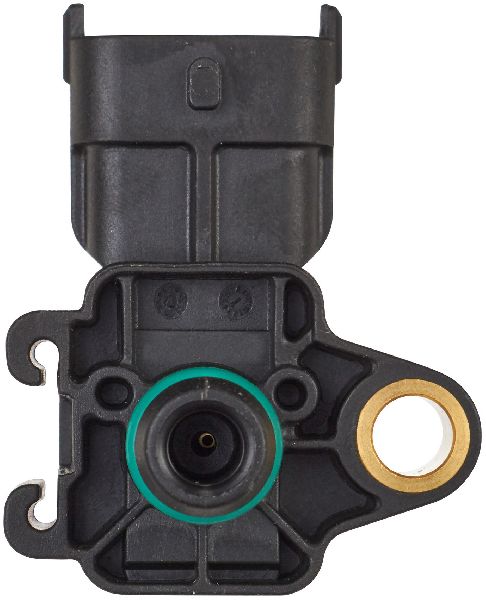
3-pin blade style connector. Mounts directly to the intake manifold.
We Have This Part in Stock


The information in this article is provided for general reference and educational purposes only. Vehicle specifications, procedures, and part compatibility can vary by production date, trim level, and region. Always consult your vehicle's factory service manual and verify part numbers before purchasing or performing repairs. Safety-critical components such as airbags, seat belts, and braking systems should be installed by a qualified professional.
- GMC Canyon:
- 🎬 Helpful Videos
- 🛍️ Shop This Part
- Is Your Canyon Running Rough? Signs of a Failing MAP Sensor
- Special Note for Cold Climates: TSB #20-NA-034
- Choosing the Right Aftermarket MAP Sensor for Your Canyon
- Cost to Replace the MAP Sensor on a 2009-2014 GMC Canyon
- DIY Installation is Quick and Easy
- Frequently Asked Questions (FAQ)
- 🎟️ Get 5% Off