

Mass Air Flow Sensor for the 2009-2016 BMW 528i xDrive: A Replacement Guide
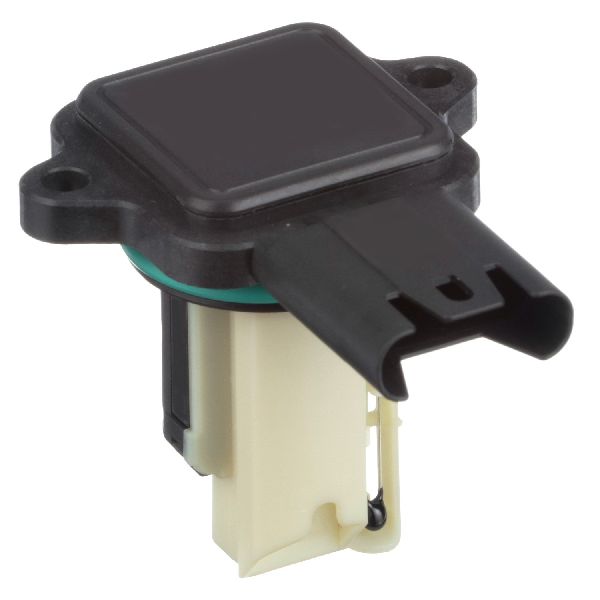
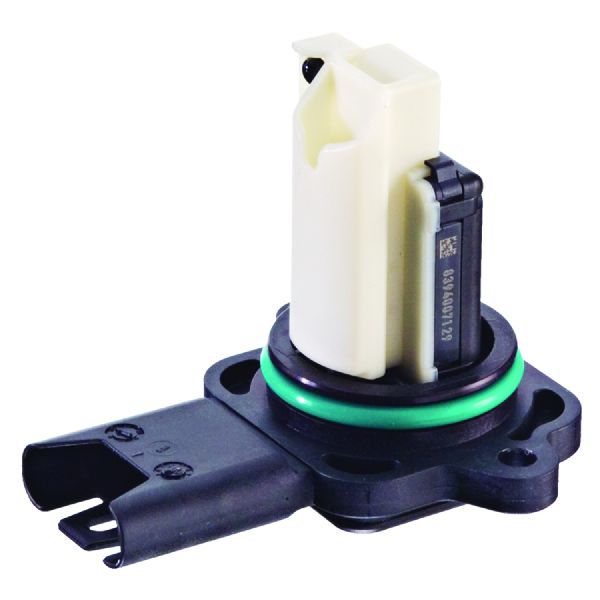
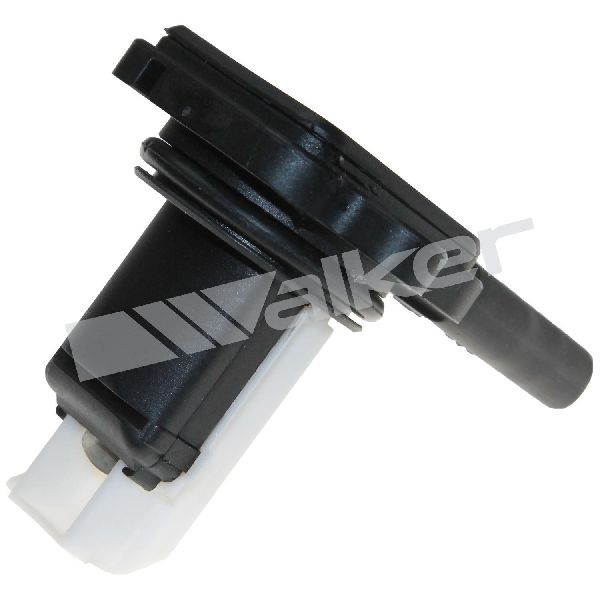
Solving rough idles and poor acceleration in your BMW 528i xDrive starts with understanding its Mass Air Flow sensor.
- First, confirm if your 528i xDrive is a 2009-2010 (N52 engine) or 2012-2016 (N20 engine) to buy the correct part.
- For best results, choose an OEM-supplier brand like Bosch (for N20) or Continental/VDO (for N52).
- Replacement is a very easy DIY job that takes about 15 minutes with only a Torx driver.
- Symptoms like rough idle, poor acceleration, and bad gas mileage strongly point to a failing MAF sensor.
A Critical Note for 2009-2016 Owners
The 2009-2016 BMW 528i xDrive spans two different vehicle generations with two different engines. It is critical to identify your specific model year and engine to get the correct Mass Air Flow sensor.
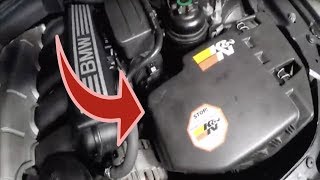
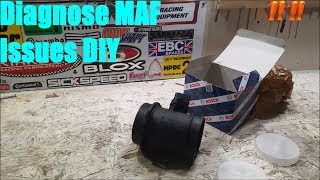
- 2009-2010 (E60 chassis): These models have the 3.0L 6-cylinder N52 engine. 🎬 Watch this guide to replace the MAF on N52 engines.
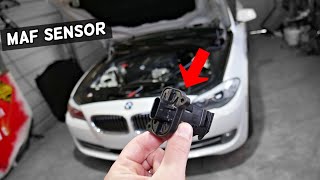
- 2012-2016 (F10 chassis): These models have the 2.0L 4-cylinder turbocharged N20 engine. 🎬 See how to locate and swap the sensor on F10 models.
These two engines use different MAF sensors. Ordering based on your specific year is essential.
Symptoms of a Failing MAF Sensor
A bad MAF sensor sends incorrect data to the engine's computer, leading to an improper air-fuel mixture. This can cause a range of issues, from annoying to serious.
- Rough Idle: The engine may shake or stutter, especially when the car is stopped or warming up.
- Poor Acceleration & Hesitation: You might feel a lag, jerk, or general sluggishness when you press the gas pedal.
- Reduced Fuel Economy: The engine may run 'rich' (too much fuel) or 'lean' (not enough), both of which hurt your gas mileage.
- Check Engine Light: A failing MAF sensor will often trigger a 'Service Engine Soon' light with codes like P0100, P0101, P0102, or various fuel trim errors.
- Stalling: In more severe cases, the engine may stall shortly after starting or when coming to a stop.
- Black Exhaust Smoke: This is a sign of the engine running too rich, burning excess fuel due to a bad MAF reading.
Choosing the Right Aftermarket Part: Brand Quality Matters
When it comes to electronic sensors for a BMW, not all aftermarket brands are created equal. For a sensitive component like the MAF sensor, choosing a quality part is key to restoring performance and avoiding future headaches.
Tier 1: OEM-Supplier Brands (Recommended)
These companies are the original manufacturers for BMW. A part from them is often the exact same as the one from the dealer, just in a different box. For this vehicle, that means:
- Bosch: A primary OEM supplier for the N20 engine's MAF sensor. Choosing Bosch is the safest bet for 2012-2016 models.
- Continental (VDO/Siemens): A primary OEM supplier for the N52 engine's MAF sensor. This is the recommended choice for 2009-2010 models.
Tier 2: Reputable Aftermarket Brands
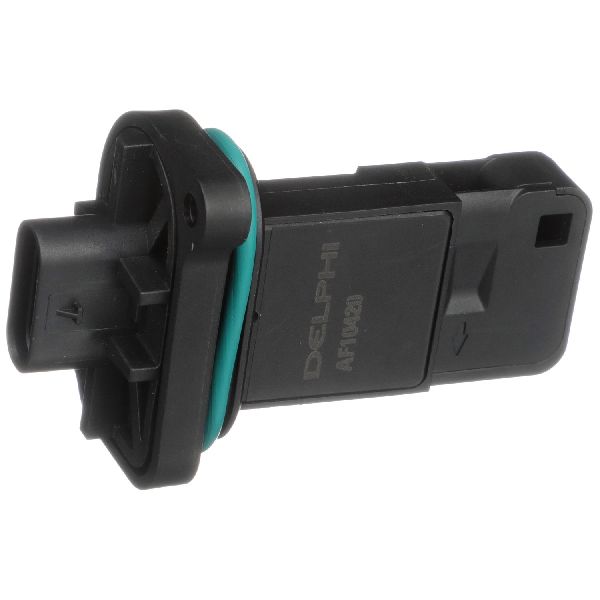
Brands like Delphi, Hella, NGK, and Spectra are known for producing quality components. While they may not be the original supplier for this specific part, they are generally reliable and offer a good balance of price and performance.
Tier 3: Value Brands & Remanufactured
This category includes brands like Cardone (often remanufactured) and other lower-priced options. While the low cost is tempting, these sensors can sometimes have inconsistent quality, leading to performance that isn't as smooth as OEM or even triggering a check engine light. For a precision vehicle like a BMW, it's generally advised to invest in a Tier 1 or Tier 2 brand.
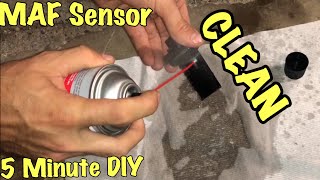
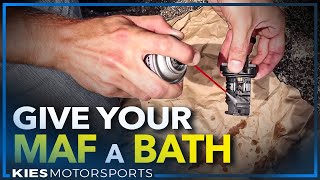
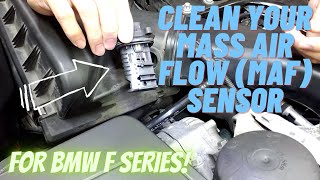
Pro Tip: Try Cleaning It First. Sometimes, the sensor element is just dirty. Before buying a new part, you can try cleaning your existing MAF sensor with a dedicated MAF sensor cleaning spray. Do NOT touch the delicate sensor wires. 🎬 Follow this video to safely clean your sensor for a smoother idle. If cleaning resolves the issue, you've saved yourself some money. If not, it's time for a replacement.
Cost of Replacing a BMW 528i xDrive MAF Sensor
| Part Type | Estimated Cost |
|---|---|
| New Aftermarket | $67 - $264 |
| New OEM | $350 - $450 |
| Shop Labor | $50 - $100 |
Costs are estimates and may vary based on your location and chosen supplier.
Frequently Asked Questions
Is it hard to replace the MAF sensor myself?
No, this is one of the easiest DIY jobs you can do on your BMW. For both the N52 and N20 engines, the sensor is located directly on the air filter box, held in by just two Torx screws. The entire job typically takes less than 15 minutes with basic tools.
What tools do I need?
You will likely need a Torx driver. The N52 engine (2009-2010) typically uses a T25 Torx bit, while the N20 engine (2012-2016) uses a T20 Torx bit. Always double-check your specific vehicle's fasteners.
What is the 'unplug test' for a MAF sensor?
A common diagnostic trick is to start the car with the MAF sensor unplugged. If the sensor is bad and causing a rough idle, the engine may actually run smoother when it's unplugged because the computer switches to a default backup map. If the idle improves with the sensor unplugged, it's a strong indicator the MAF sensor needs to be replaced.
Why shouldn't I just buy the cheapest sensor available?
The MAF sensor provides highly sensitive measurements. Cheaper, lower-quality sensors may not be calibrated to the exact specifications BMW requires. This can result in continued poor performance, bad fuel economy, or even a persistent check engine light, meaning you'll have to do the job all over again.
Helpful Videos
Technical Specifications
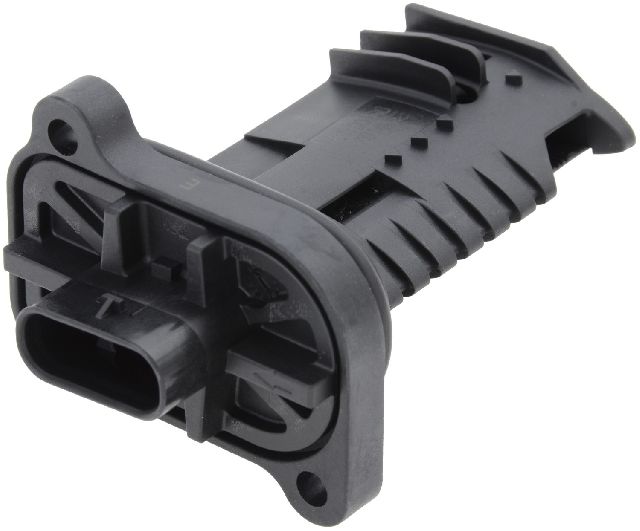
OEM Part Numbers: 13627602038 (for N20 engine, 2012-2016) 13627551638 (for N52 engine, 2009-2010) 13627520519 (for N52 engine, 2009-2010)
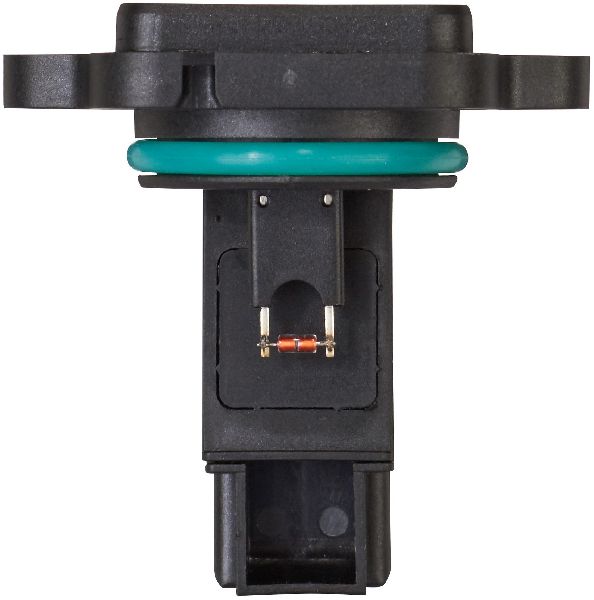
Hot-film type mass air flow sensor. Mounts to the air filter housing with two Torx screws (T20 for N20, T25 for N52).
We Have This Part in Stock

The information in this article is provided for general reference and educational purposes only. Vehicle specifications, procedures, and part compatibility can vary by production date, trim level, and region. Always consult your vehicle's factory service manual and verify part numbers before purchasing or performing repairs. Safety-critical components such as airbags, seat belts, and braking systems should be installed by a qualified professional.
- BMW 528i xDrive: