

Guide to the Manifold Absolute Pressure Sensor for the 2010-2020 GMC Terrain
Fix poor engine performance and bad fuel economy by choosing the right MAP sensor for your Terrain.
- A bad MAP sensor on a GMC Terrain commonly causes a Check Engine Light with code P0106, rough idle, and poor fuel economy.
- Replacement on the 2.4L engine is very simple, requiring only basic tools and less than 30 minutes.
- For electronic sensors, choosing a premium aftermarket brand like Bosch, Delphi, or ACDelco is recommended for reliability.
- Before replacing the sensor, always check for vacuum leaks, as they can produce identical symptoms.
Is Your GMC Terrain's MAP Sensor Failing?

A bad Manifold Absolute Pressure (MAP) sensor can cause noticeable problems with your GMC Terrain. Because it plays a key role in managing the engine's air-fuel mixture, a failure can throw everything off balance. You might notice one or more symptoms, which can range from annoying to serious.
Choosing the Right Aftermarket MAP Sensor
When replacing the MAP sensor on your Terrain, you have several options besides going back to the dealer. Aftermarket parts offer a range of choices in terms of price and quality. For a critical electronic sensor like this, it's wise to stick with reputable brands.
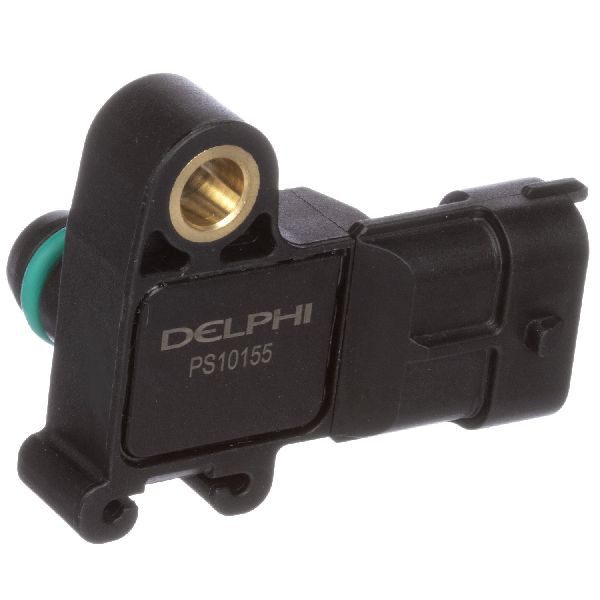
- Premium Aftermarket (Bosch, Delphi, NGK/NTK, ACDelco Professional): These brands are often the original equipment manufacturers (OEM) for General Motors or are major suppliers to many car brands. A sensor from one of these brands, like Bosch or Delphi, will provide performance and reliability that is very close or identical to the original part. ACDelco GM Original Equipment is the factory part, while their "Professional" line is their high-quality aftermarket offering.
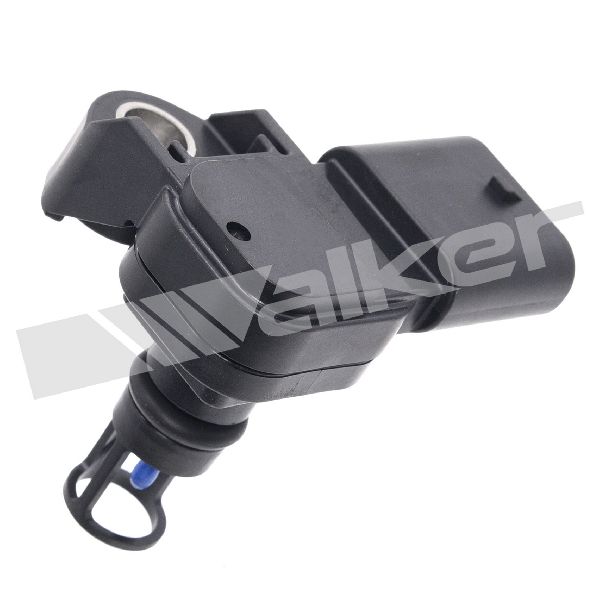
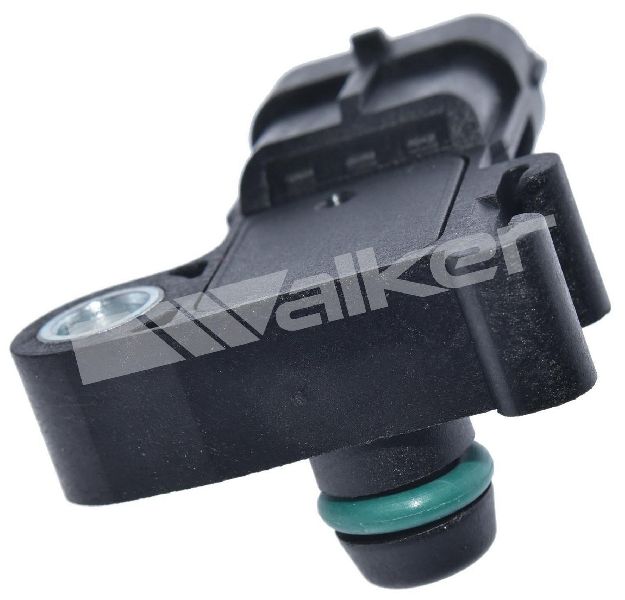
- Quality Aftermarket (Standard Motor Products, Walker Products, Spectra): These brands are well-known in the aftermarket and provide a good balance of quality and value. They are generally reliable and are a solid choice for a direct-fit replacement without the premium price tag.
- Economy Brands (Global Parts, True Tech, Facet, other store brands): While these are the most affordable options, their quality can be inconsistent. For a sensitive electronic part like a MAP sensor, an economy brand might not perform to OEM specifications, potentially causing continued running issues or a shorter lifespan.
Estimated Replacement Costs
The cost to replace a MAP sensor varies based on the part you choose and who does the work. The job is simple enough for most DIY mechanics.
| Item | Estimated Cost |
|---|---|
| New OEM (ACDelco GM Original) | $45 - $95 |
| New Aftermarket | $39 - $103 |
| Shop Labor | $50 - $100 |
| Total (Shop Installed) | $90 - $200+ |
Frequently Asked Questions

Where is the MAP sensor on a 2010-2020 GMC Terrain?
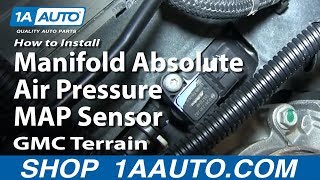
On the popular 2.4L 4-cylinder engine (2010-2017), the MAP sensor is located on the top front of the intake manifold, just above the throttle body. It is held in by a single T-25 Torx screw and is very easy to access after removing the engine cover and air intake ducting. Locations on other engines (3.0L/3.6L V6, 1.5L/2.0L Turbo) are similar, always on the intake manifold.
Can I clean my MAP sensor instead of replacing it?
Sometimes, cleaning the sensor with a dedicated MAF or electronics cleaner can solve the problem, especially if the issue is caused by carbon or oil buildup. However, a MAP sensor is an electronic component that can fail internally, and in those cases, cleaning will not help and replacement is necessary.
What happens if I don't replace a bad MAP sensor?
Continuing to drive with a faulty MAP sensor can lead to long-term problems. An incorrect air-fuel mixture can cause poor fuel economy, high emissions, and damage to your spark plugs and catalytic converter over time. It can also cause stalling and hesitation, which can be a safety concern.
Is an ACDelco sensor worth the extra cost?
For many GM vehicle owners, using an ACDelco (or the original supplier like Bosch/Delphi) part for critical sensors is worth the peace of mind. These parts are guaranteed to meet GM's exact specifications. While a premium aftermarket brand can be just as good, ACDelco ensures you are getting the part your vehicle was designed with.
Helpful Videos

Technical Specifications
OEM Part Numbers: 12711681 55573248 12707766 25203477 55573246
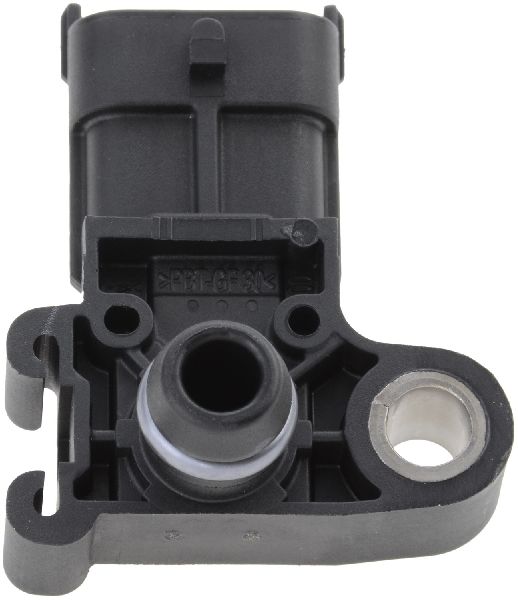
The MAP sensor for the GMC Terrain is typically a 3-pin electronic sensor that mounts directly to the intake manifold. It uses a piezoresistive element to measure pressure changes and sends a variable voltage signal (typically 1-4.5V) to the ECU. The specific part number varies depending on the engine (2.4L, 3.0L, 3.6L, 1.5T, 2.0T).
We Have This Part in Stock


The information in this article is provided for general reference and educational purposes only. Vehicle specifications, procedures, and part compatibility can vary by production date, trim level, and region. Always consult your vehicle's factory service manual and verify part numbers before purchasing or performing repairs. Safety-critical components such as airbags, seat belts, and braking systems should be installed by a qualified professional.
- GMC Terrain: