

Guide to the 2012-2017 BMW M5 Disc Brake Pad Wear Sensor
Understand the brake pad wear sensor in your F10 M5 and how to choose the right aftermarket replacement.
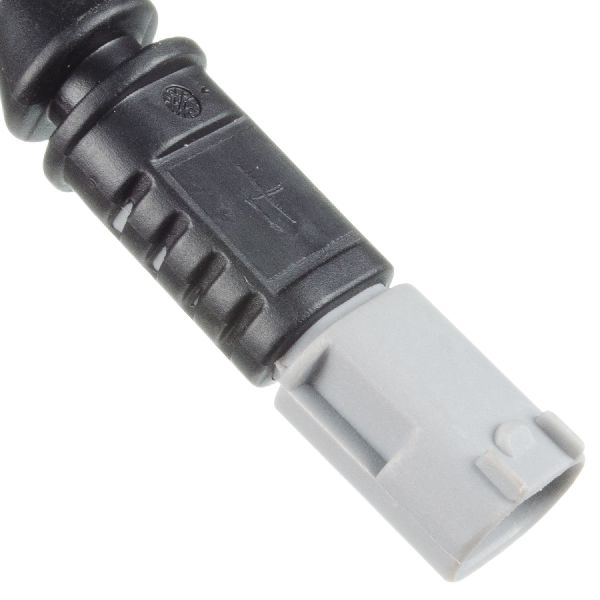
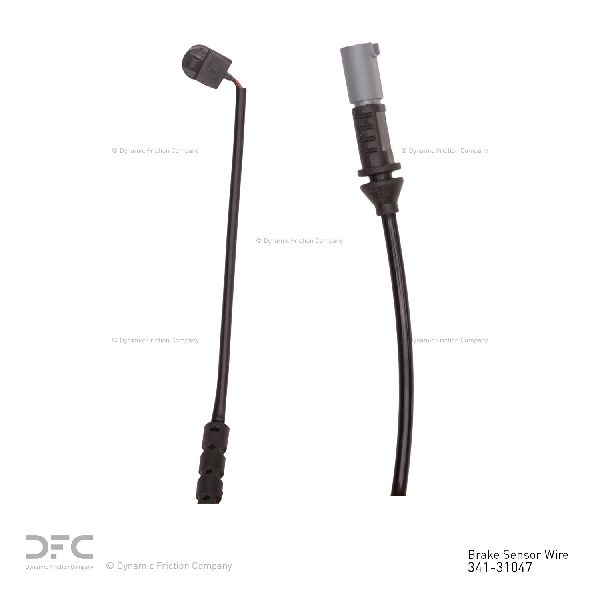
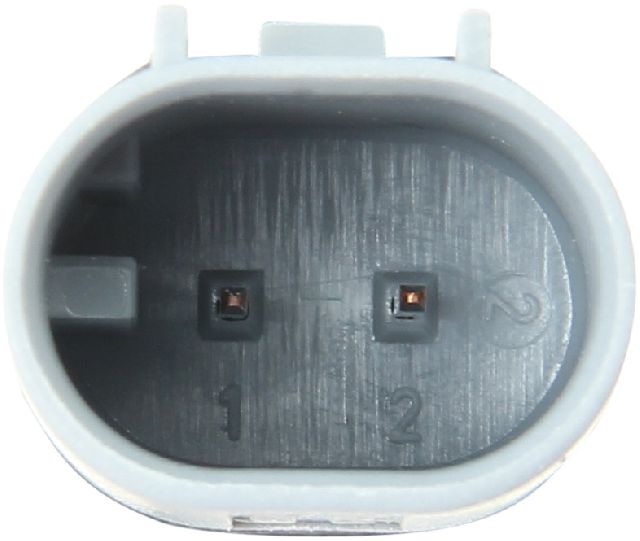
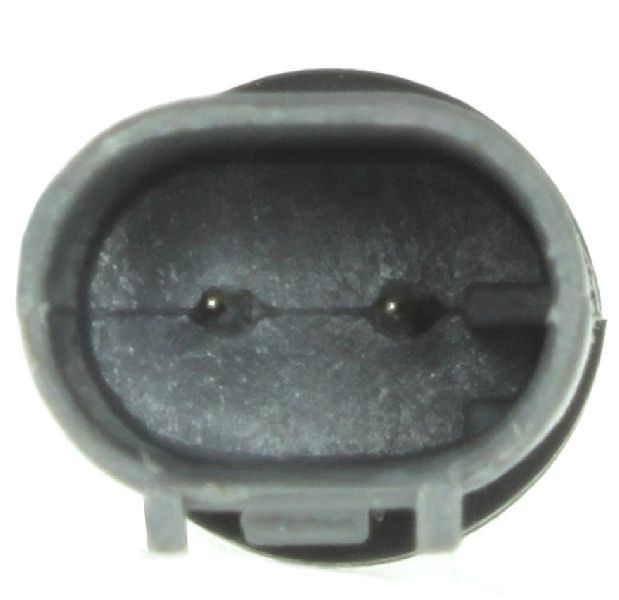
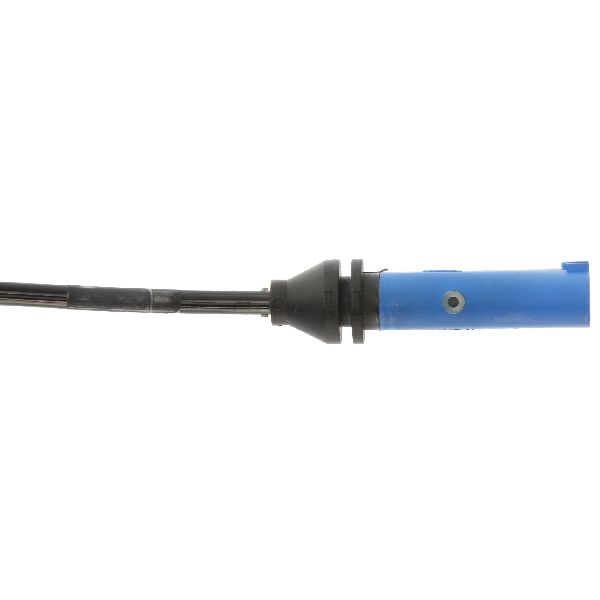
- Your 2012-2017 M5 uses two brake wear sensors, one front and one rear.
- Always replace the sensors when you replace your brake pads to avoid issues with brittle plastic.
- Aftermarket sensors are a good option, but stick with OEM-equivalent brands like Brembo or Pagid to avoid reset and quality issues.
- You must reset the brake service light via the instrument cluster after replacing a triggered sensor.
Symptoms of a Failing Brake Pad Wear Sensor
The most common symptom is a brake warning light on your instrument cluster. For the F10 M5, this typically appears as a red symbol of a car on a lift or a ((O)) symbol and a message in iDrive to service the brakes. You might see this light for two reasons:
- Normal Wear: The sensor has done its job because the brake pads are worn to their minimum thickness. This is the intended function.
- Sensor Failure: The sensor itself or its wiring can become damaged from road debris, corrosion, or get brittle from heat cycles and break, causing a false warning light even if the brake pads have plenty of life left. A faulty aftermarket sensor can also cause a persistent light or prevent the service reminder from being reset.
Don't Ignore the Light
While a sensor failure can happen, you should always assume the warning light means your brake pads are low and require inspection immediately. The inner brake pad, where the sensor is often mounted, can wear faster than the more visible outer pad.
Choosing the Right Aftermarket Sensor
For a simple part like a wear sensor, you don't necessarily need to buy the Genuine BMW part. However, quality can vary significantly among aftermarket brands, which can lead to fitment issues or false warnings. Here is a general breakdown of brand quality:
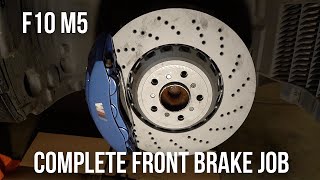
- OEM-Equivalent Brands (Recommended): Brands like Brembo, Pagid, and Textar are often original equipment suppliers to BMW and other German manufacturers. Choosing one of these brands provides OEM quality, often at a lower price. They are a reliable choice for your M5. 🎬 Watch: Step-by-step guide to replacing front pads, rotors, and sensors.
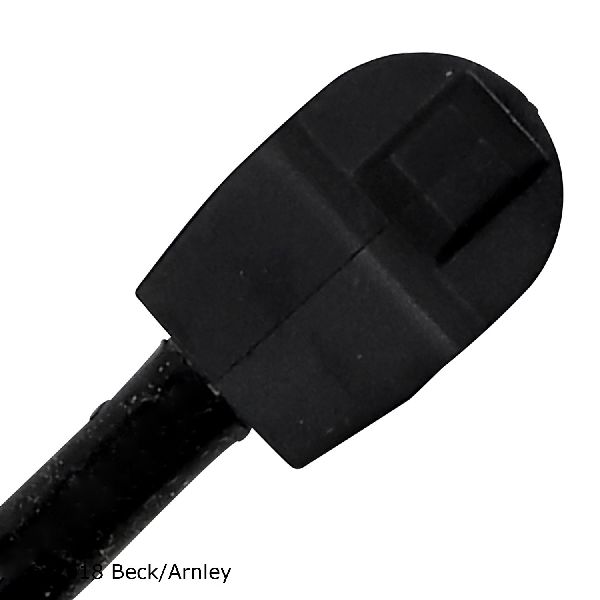
- Reputable Aftermarket Brands: Brands such as Beck Arnley, Centric, and Raybestos are well-known in the aftermarket and generally produce reliable parts that are a good balance of quality and price. EBC Brakes is also a known performance brand with available sensors.
- Budget Brands (Use with Caution): Brands like URO Parts and Dorman are often the most affordable, but owner experiences can be mixed. Some users report no issues, while others have experienced problems with fitment, premature failure, or difficulty resetting the service light. For a critical warning system on a high-performance car like an M5, saving a few dollars here might not be worth the potential hassle.
| Tier | Brands | General Assessment |
|---|---|---|
| Premium Aftermarket / OEM-Equivalent | Brembo, Pagid, Textar | Excellent quality, often identical to the dealer part. Highly recommended. |
| Standard Aftermarket | Beck Arnley, Centric, EBC, Raybestos, Dynamic Friction | Good, reliable quality suitable for most owners. A solid choice. |
| Economy Aftermarket | URO Parts, Dorman, Carlson, Holstein | Hit-or-miss quality. May work fine, but risk of fitment or electrical issues is higher. |
Pro Tip: Replace in Pairs
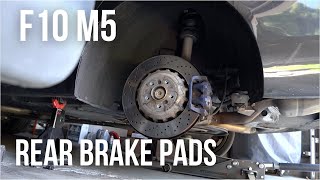
Your M5 has two brake pad wear sensors: one for the front axle (usually on the left/driver's side) and one for the rear axle (usually on the right/passenger's side). 🎬 See this walkthrough for replacing your rear brake pads. It is best practice to replace the sensors every time you replace your brake pads, even if the warning light has not yet come on. The plastic becomes brittle with heat and age and they often break during removal.
Frequently Asked Questions (FAQ)
How many brake pad wear sensors does my 2012-2017 M5 have?
Your F10 M5 has two sensors: one for the front brakes and one for the rear brakes. The front sensor is typically on the driver's side caliper, and the rear sensor is on the passenger's side caliper.
Do I have to replace the sensor if the warning light isn't on?
While you can technically reuse an untriggered sensor, it is strongly recommended to replace it with every brake pad change. The sensors become brittle from constant heat exposure and are very likely to break during the brake job anyway. For their low cost, it's cheap insurance against having to take everything apart again.
Can I just bypass the sensor?
Some people cut the sensor wire and twist the two leads together to permanently complete the circuit and prevent the light from ever coming on. This is not recommended. The system is designed for your safety to provide an essential warning that your high-performance brakes require service.
Why is my brake warning light still on after replacing the pads and sensor?
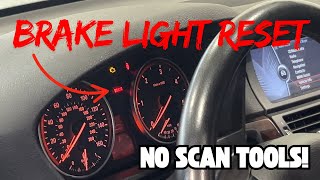
After replacing the pads and a triggered sensor, you must reset the brake service indicator in the vehicle's computer. This can be done through a sequence using the trip reset button on the instrument cluster. 🎬 Watch: How to reset the brake light without scan tools. If the reset is unsuccessful, it often points to a faulty or improperly installed new sensor, or a break in the sensor's wiring harness.
Helpful Videos
Technical Specifications
OEM Part Numbers: 34356791958 34352284343
The system uses two sensors, one for the front axle and one for the rear. The front sensor is typically located on the left wheel, and the rear sensor on the right wheel.
We Have This Part in Stock

The information in this article is provided for general reference and educational purposes only. Vehicle specifications, procedures, and part compatibility can vary by production date, trim level, and region. Always consult your vehicle's factory service manual and verify part numbers before purchasing or performing repairs. Safety-critical components such as airbags, seat belts, and braking systems should be installed by a qualified professional.
- BMW M5: