

A Guide to Replacing Brake Rotors on Your 2012-2017 Honda CR-V
Stop brake noise and steering wheel vibration by choosing the right replacement rotors for your CR-V.
- A common issue on 2012-2017 CR-Vs is front brake judder (vibration); upgrading to quality aftermarket rotors can be a permanent fix.
- Always replace brake pads and rotors together to ensure proper performance and longevity.
- For the best value and durability, choose a coated rotor from an OEM-quality brand like Centric, Raybestos, or Bosch.
- When replacing rear rotors, inspect the caliper guide pins for corrosion or sticking, as this is a known failure point on this vehicle.
Is Your CR-V Shaking When You Brake?

One of the most common signs of a failing brake rotor on a 2012-2017 Honda CR-V is a vibration or judder felt in the steering wheel or brake pedal when braking from highway speeds. This is often caused by 'warping,' or more accurately, uneven wear on the rotor's surface. Other symptoms include a grinding noise, a pulsing sensation from the brake pedal, or visible grooves and scoring on the rotor's surface.
Known Issues for 2012-2017 Honda CR-V Brakes

Owners of this CR-V generation have reported a few common issues with the factory brake system. Understanding these can help you make a better purchase decision.
Front Brake Judder & Warping
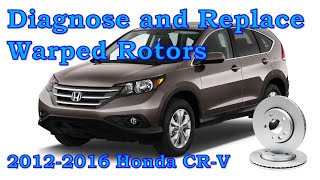
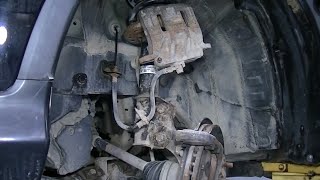
Many owners report premature 'warping' of the front brake rotors, causing a significant vibration when braking. This issue is so common that Honda released a Technical Service Bulletin (TSB #A15-030) for the 2012-2013 models acknowledging a front brake shake or judder. While the TSB addresses potential misalignment, the issue often points to the quality of the original rotors. 🎬 Watch: Diagnosing and fixing front brake judder on your CR-V Choosing a high-quality aftermarket rotor can be a permanent fix for this problem.
🎬 See this step-by-step front brake and rotor replacement walkthroughRear Brake Caliper and Rotor Issues
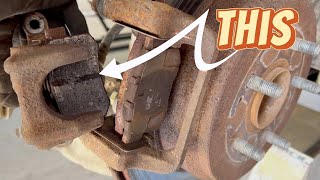
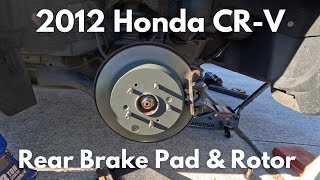
Another frequent complaint involves the rear brakes, specifically sticking calipers and corroded caliper guide pins. This can cause the brake pads to drag on the rotors, leading to rapid and uneven wear of both the pads and the rotors themselves. When replacing your rear rotors, it is critical to clean and lubricate the caliper pins and ensure the caliper moves freely.
🎬 Watch: How to replace rear brake pads and rotors correctlyA Note on the 2017 Model Year
The 2012-2016 CR-V belongs to the 4th generation, while the 2017 model year marked the beginning of the 5th generation. While many parts are shared, there can be differences. Always verify the exact fitment for your specific vehicle before purchasing parts, especially if you own a 2017 model.
Choosing the Right Aftermarket Rotor for Your CR-V

Original Honda (OEM) rotors are a safe bet, but many high-quality aftermarket brands offer better performance and value. Aftermarket rotors for your CR-V can be grouped into three main tiers.
Tier 1: Economy Rotors
These are the most affordable options, often found as basic, uncoated store-brand parts. While they will function, they are made from standard-grade iron and are highly susceptible to rust, especially on the hub (or 'hat') section. They may not have the same lifespan or resistance to warping as more premium options.
Tier 2: OEM-Quality Coated Rotors (Recommended)
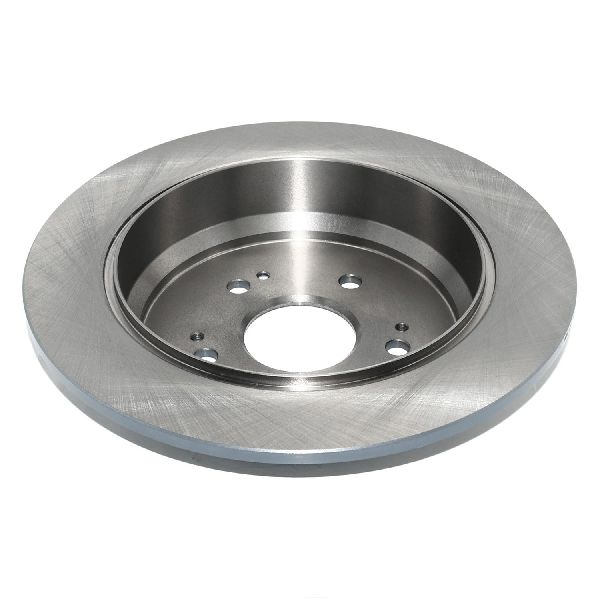
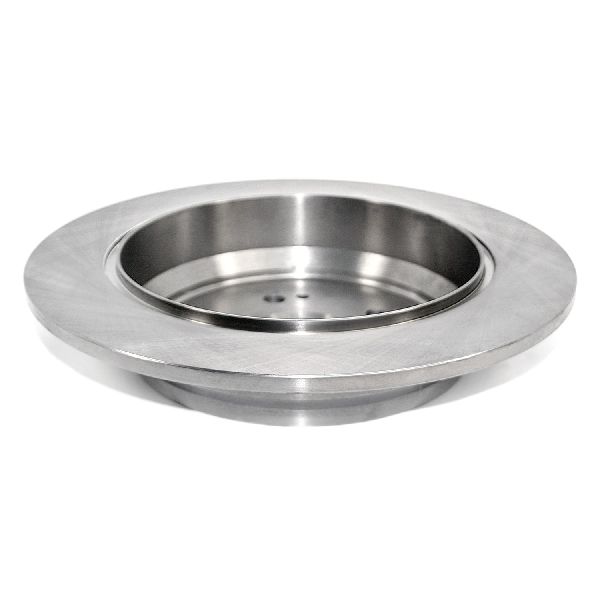
This is the sweet spot for most CR-V owners. These rotors are made from higher-grade G3000 iron and feature a protective coating (often grey or black) on the hat and cooling vanes. This coating prevents rust and corrosion, keeping your wheels looking clean and extending the rotor's life. Brands like Raybestos (Element3), Centric (Premium), Bosch (QuietCast), and Advics are highly recommended by owners and mechanics. They offer durability and performance that meets or exceeds the original factory parts.
Pro Tip: Spending a little extra on coated rotors is highly recommended, especially if you live in an area where roads are salted in the winter. The coating prevents unsightly rust from forming on the non-contact surfaces of the rotor.
Tier 3: Performance Rotors (Drilled & Slotted)
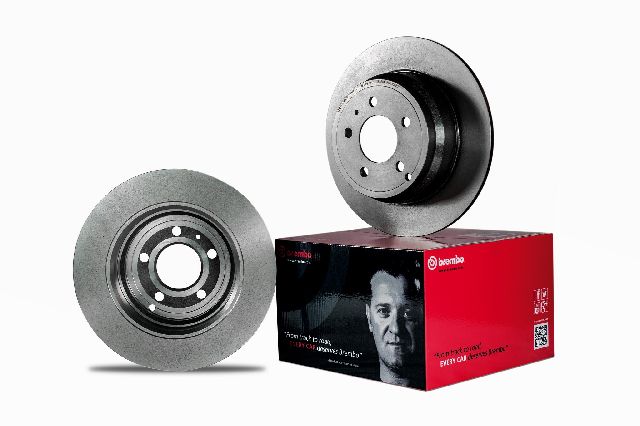
For drivers who want enhanced braking performance or a more aggressive look, performance rotors are an option. These rotors, often from brands like Powerstop, EBC Brakes, or Brembo, feature drilled holes and/or slots on the surface. These features help vent hot gases and debris from between the pad and rotor, which can improve initial bite and performance in wet conditions. However, for a daily-driven CR-V, they are mostly for appearance and can sometimes cause faster brake pad wear and more noise.
| Rotor Tier | Common Brands | Price Range (per rotor) | Best For |
|---|---|---|---|
| Economy | Pronto, Dynamic Friction (basic), Store Brands | $40 - $65 | Budget-focused repairs |
| OEM-Quality (Coated) | Centric, Raybestos, Bosch, Advics, Wagner | $65 - $120 | Most drivers; best balance of price and durability |
| Performance | Powerstop, EBC, Brembo, StopTech, Hawk | $90 - $200+ | Upgraded performance and appearance |
Frequently Asked Questions
Should I replace my brake pads and rotors at the same time?
Yes, it is always recommended. Installing new pads on an old, worn rotor can lead to noise, poor performance, and reduced pad life. Likewise, putting old pads on a new rotor will immediately create an uneven wear pattern on the new rotor surface. For best results, replace pads and rotors together as a set.
What is brake judder and why does it happen to my CR-V?
Brake judder is the shaking or vibration you feel through the steering wheel when you brake. It's not typically caused by 'warped' metal, but by an uneven transfer of friction material from the brake pads onto the rotor, creating high and low spots. This is a known issue with the 2012-2017 CR-V's original front rotors. Upgrading to a quality coated aftermarket rotor often solves the problem.
Are coated rotors worth the extra cost?
Absolutely. The coating prevents rust on the rotor hat (the center part visible through your wheel) and the cooling vanes. This not only looks much better but also helps the rotor maintain its structural integrity and cooling efficiency over time, making it a worthwhile investment for durability and aesthetics.
Do I need drilled and slotted rotors for my CR-V?
For daily driving, no. Standard smooth (blank) rotors from a quality brand provide excellent, quiet, and reliable stopping power. Drilled and slotted rotors are primarily for high-performance driving or for looks. They can increase brake noise and wear out pads faster without providing a noticeable benefit in normal commuting.
Helpful Videos
Technical Specifications
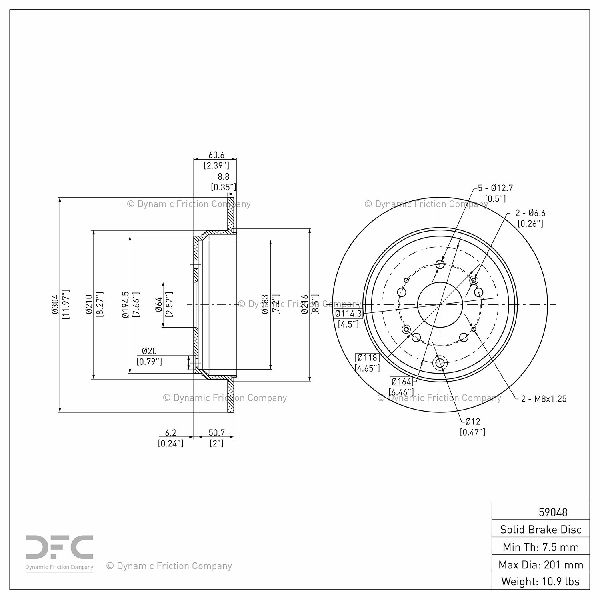
OEM Part Numbers: 45251-T0G-A00 45251-T0H-A01 42510-STK-A00 42510-T0A-A00 42510-SWA-A00
Vehicle specifications vary. The 2012-2016 models are 4th generation, while the 2017 model is 5th generation. Always confirm part numbers and fitment with your vehicle's specific year and trim (LX, EX, EX-L, Touring) and drivetrain (FWD or AWD) before ordering.
We Have This Part in Stock
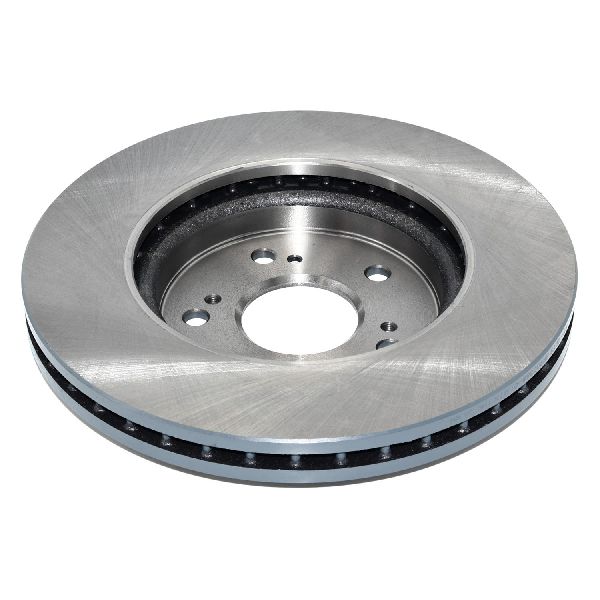
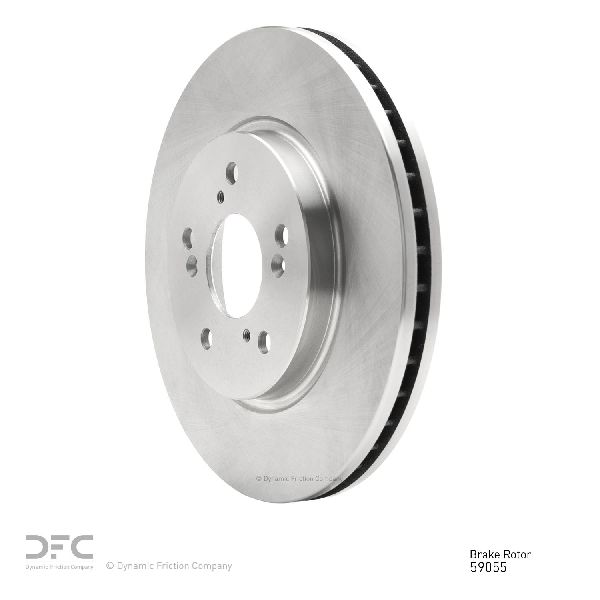

The information in this article is provided for general reference and educational purposes only. Vehicle specifications, procedures, and part compatibility can vary by production date, trim level, and region. Always consult your vehicle's factory service manual and verify part numbers before purchasing or performing repairs. Safety-critical components such as airbags, seat belts, and braking systems should be installed by a qualified professional.
- Honda CR-V:
- 🎬 Helpful Videos
- 🛍️ Shop This Part
- Is Your CR-V Shaking When You Brake?
- Known Issues for 2012-2017 Honda CR-V Brakes
- Front Brake Judder & Warping
- Rear Brake Caliper and Rotor Issues
- A Note on the 2017 Model Year
- Choosing the Right Aftermarket Rotor for Your CR-V
- Tier 1: Economy Rotors
- Tier 2: OEM-Quality Coated Rotors (Recommended)
- Tier 3: Performance Rotors (Drilled & Slotted)
- Frequently Asked Questions
- 🎟️ Get 5% Off