

BMW 320i Brake Pad Wear Sensor Guide (2012-2023)
Don't let a simple sensor keep your brake warning light on; here's what you need to know before you buy a replacement.
- Always replace both wear sensors when changing brake pads, even if the light is not on.
- A tripped sensor must be replaced; you cannot reset the warning light without installing a new one.
- Spending a few extra dollars on a quality aftermarket brand like Brembo or Pagid can prevent false warnings and reset issues.
- Your 320i has two sensors: one front-left and one rear-right.
Understanding the Brake Pad Wear Sensor on Your 320i
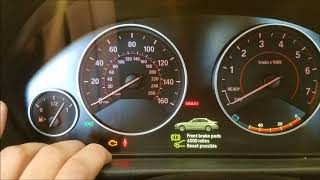
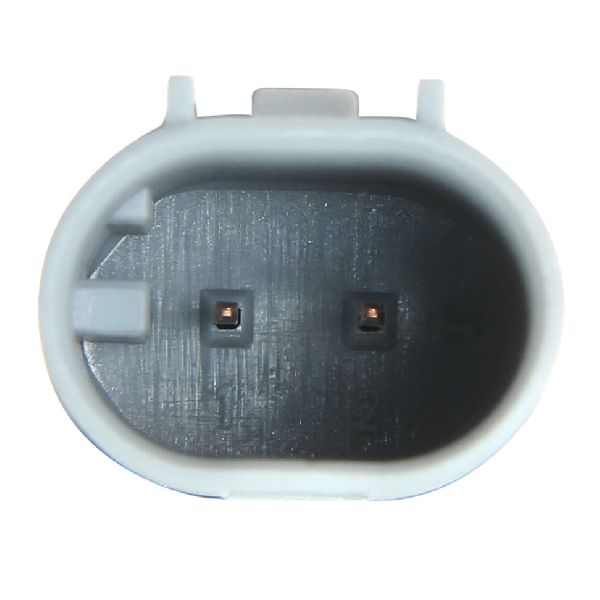
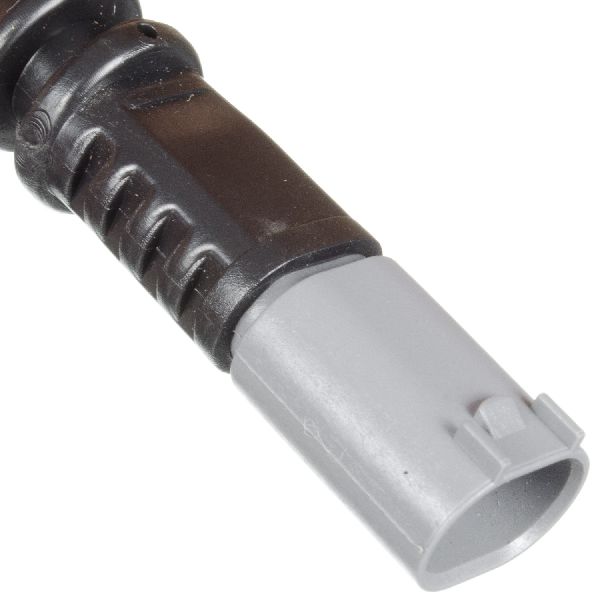
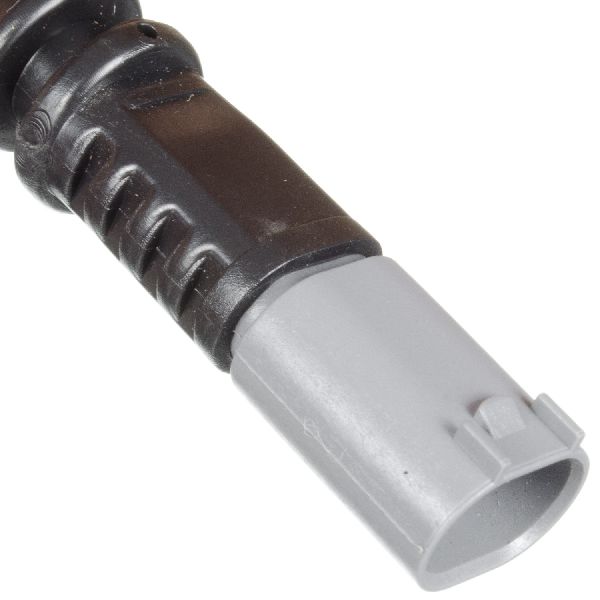
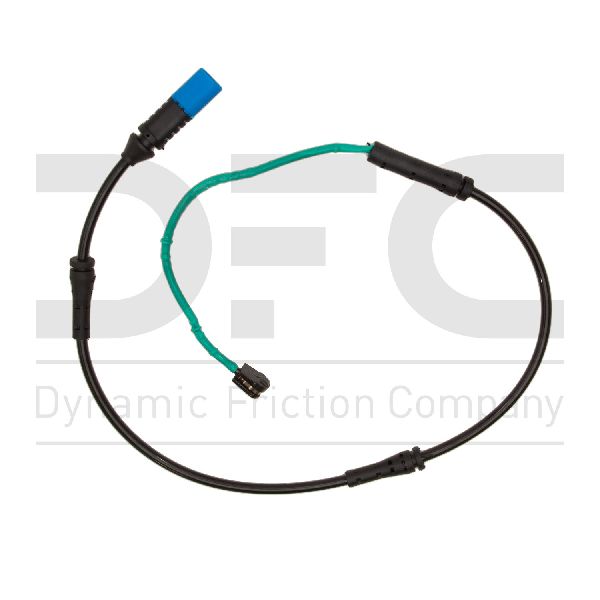
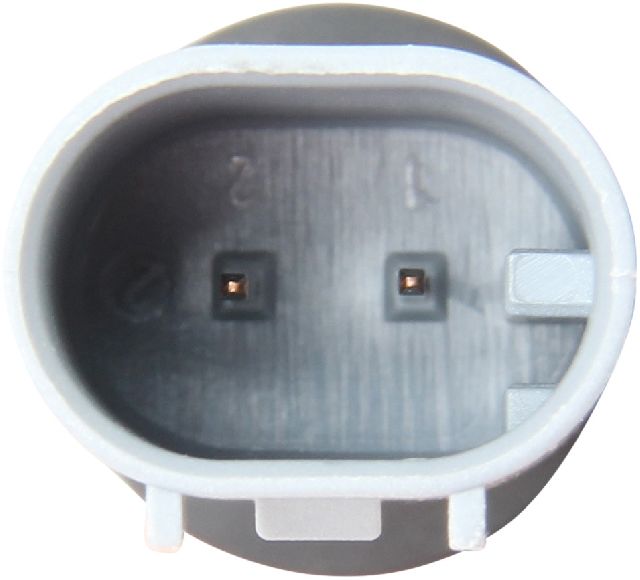
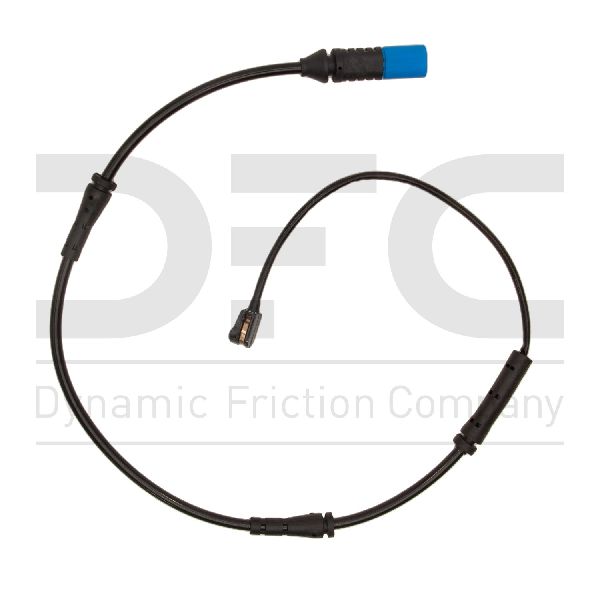
The brake pad wear sensor on the 2012-2023 BMW 320i is a critical, yet simple, part of the braking system. Its only job is to alert you when the brake pads have worn down to their minimum thickness. It is a one-time-use part; once it's triggered, it must be replaced along with your brake pads to turn off the dashboard warning light. 🎬 Watch: How to replace the sensor and reset the light. It is highly recommended to replace both sensors every time you perform a brake job, even if the warning light hasn't come on yet. The plastic becomes brittle with age and heat from the brakes and can easily break when being moved to a new pad, which can cause a false warning light down the road.
Symptoms of a Tripped or Failed Wear Sensor
The most obvious symptom is a red or yellow brake warning light illuminated on your instrument cluster. This will be accompanied by a "Brake Service Required" or similar message in your iDrive's Condition Based Service (CBS) menu. Occasionally, a low-quality or faulty aftermarket sensor can cause the light to stay on even after a brake job, or it may prevent you from resetting the service reminder. If you replaced your pads but not the sensor, the old sensor will continue to keep the light on.
Known Issues: False Warnings and Software Glitches
For some earlier models in this generation, BMW issued a Technical Service Bulletin (TSB: SI B34 02 08) regarding an erroneous brake pad warning light. This was caused by a software error in the Dynamic Stability Control (DSC) module that could trigger a false warning. If your pads have plenty of life but the light is on, a dealer or qualified shop may need to perform a software update. There are no specific recalls for the brake pad wear sensors on the 2012-2023 BMW 320i.
Choosing the Right Aftermarket Sensor
You don't need to buy the most expensive sensor for it to work correctly, but you should be careful about choosing the absolute cheapest option. For a part like this, quality is about correct fitment and durable materials that can withstand the heat in the wheel well.
- OEM-Quality Brands (Brembo, Pagid, Vemo): These brands are often the original equipment manufacturers for BMW. Choosing one of these is like getting the dealer part without the dealer price tag. They offer the best fit and reliability. Brembo and Pagid are excellent choices for peace of mind.
- Trusted Aftermarket Brands (Beck Arnley, Centric, Raybestos, Standard Ignition, Holstein): These are well-known brands that produce reliable replacement parts. They offer a good balance of quality and price and are a safe bet for most owners.
- Value Brands (URO Parts, Dynamic Friction): These brands offer the lowest prices. While many users have no issues, some forum discussions mention fitment problems (being too loose in the brake pad) or premature electronic failures with budget sensors, leading to frustrating warning lights that won't reset. The small savings may not be worth the potential hassle.
Pro Tip: Since the labor to replace a sensor is the same whether it's a $12 part or a $30 part, spending a few extra dollars on a reputable brand like Brembo or Pagid is a smart investment to avoid having to do the job twice.
Typical Replacement Costs for a BMW 320i
| Part/Service | Typical Cost |
|---|---|
| New Aftermarket Sensor | $11.35 - $39.63 |
| New OEM Sensor | $30 - $45 |
| Shop Labor (Standalone) | $75 - $125 |
| Shop Labor (During Brake Job) | Included / Negligible |
Frequently Asked Questions
Do I need to replace the sensor if the warning light isn't on?
Yes, it is strongly recommended. The sensor's plastic housing becomes brittle from thousands of heat cycles and is likely to crack or break when you try to transfer it from the old brake pad to the new one. Replacing it during a brake job is cheap insurance against a future headache.
Why does my iDrive say "Reset Impossible" after replacing the sensor?
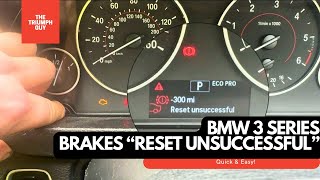
This usually means there is still an open circuit. This can be caused by a defective new sensor, a sensor that isn't plugged in all the way, or a damaged wire somewhere between the sensor and the computer. Double-check your connections first. If the problem persists, you may have a faulty sensor.
🎬 Watch this fix if your brake service reset is unsuccessful.How many brake pad wear sensors does my 320i have?
Your F30-generation BMW 320i has two sensors: one for the front axle, located on the driver's side (left) brake caliper, and one for the rear axle, located on the passenger's side (right) brake caliper.
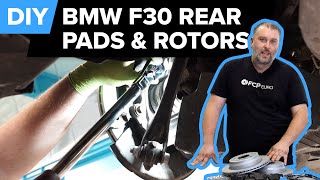
🎬 See this DIY walkthrough for rear brake and sensor replacement.Can I bypass the brake pad wear sensor?
Some owners cut the sensor wire and twist the two leads together to permanently close the circuit and prevent the warning light. While this works, it disables the brake pad warning system entirely. You will have to manually inspect your brake pads for wear, which is a safety risk if forgotten.
Helpful Videos

Technical Specifications
OEM Part Numbers: 34356792289 34356792292
Locations: Front Left, Rear Right. Quantity per vehicle: 2.
We Have This Part in Stock

The information in this article is provided for general reference and educational purposes only. Vehicle specifications, procedures, and part compatibility can vary by production date, trim level, and region. Always consult your vehicle's factory service manual and verify part numbers before purchasing or performing repairs. Safety-critical components such as airbags, seat belts, and braking systems should be installed by a qualified professional.
- BMW 320i:
- 🎬 Helpful Videos
- 🛍️ Shop This Part
- Understanding the Brake Pad Wear Sensor on Your 320i
- Symptoms of a Tripped or Failed Wear Sensor
- Known Issues: False Warnings and Software Glitches
- Choosing the Right Aftermarket Sensor
- Typical Replacement Costs for a BMW 320i
- Frequently Asked Questions
- 🎟️ Get 5% Off