

Ford Explorer Engine Camshaft Position Sensor Guide (2012-2024)
Is your Explorer running rough, stalling, or refusing to start? A bad camshaft position sensor could be the problem.
- Your Explorer's V6 engine has four camshaft sensors; V8s also have four, while the 2.3L EcoBoost has two. Identify the correct one with a code scanner before buying.
- Symptoms include stalling, rough idle, hard starting, and poor acceleration.
- OEM (Motorcraft) is the safest choice, but top-tier aftermarket brands like Delphi, Denso, and NTK are reliable, cost-effective alternatives.
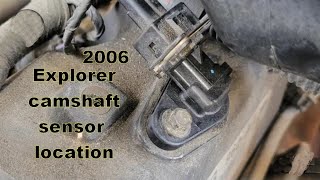
- Replacement is a DIY-friendly job for most sensors, typically held by a single bolt, but some may be in tight locations.
Is Your Ford Explorer Showing Signs of a Bad Camshaft Sensor?
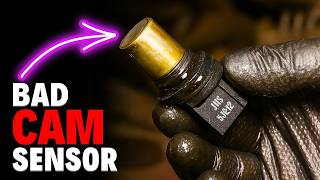
When a camshaft position sensor starts to fail, it sends bad information—or no information at all—to your engine's computer. This can cause a range of problems, from annoying to serious. The first sign for most drivers is a Check Engine Light on the dashboard. Other common symptoms include a rough idle, engine stalling unexpectedly at stops, and difficulty starting the engine. You might also notice your Explorer feels sluggish, hesitates when you accelerate, and gets worse gas mileage than usual.
🎬 Watch a detailed breakdown of common bad camshaft sensor symptoms.Don't Ignore the Signs
While you might be able to drive with a failing sensor for a short time, it's not recommended. The engine could stall in traffic, creating a safety hazard. Continuing to drive can also lead to more stress on other engine parts.
Choosing the Right Aftermarket Sensor for Your Explorer
When replacing a critical sensor, quality matters. While the OEM Motorcraft part is always a safe bet, several aftermarket brands offer reliable alternatives that can save you money. For a part this important, it's best to stick with well-known manufacturers.
- Top-Tier Aftermarket (OEM Quality): Brands like Delphi, Denso, and NGK (NTK) are often original equipment manufacturers for many car brands. They are known for producing sensors that meet or exceed Ford's specifications and are considered highly reliable choices.
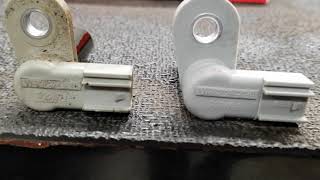
- Trusted Mid-Tier: Standard Ignition (SMP) and Walker Products have a long-standing reputation for producing quality replacement parts that offer a good balance of price and performance. Some findings suggest that Standard Ignition parts can even be identical to the OEM part, just in a different box. 🎬 See how OEM and aftermarket sensors compare in quality.
- Value-Oriented: Brands like Dorman or store brands like Duralast can be a budget-friendly option. However, for critical electronic sensors, some professional mechanics and owners on forums express caution, citing a higher potential for premature failure compared to OEM or top-tier brands.
Pro Tip: Check the Connectors
Before installing a new sensor, always inspect the wiring connector for oil contamination or corrosion. A leaking valve cover gasket can allow oil to seep into the connector, which can damage the new sensor. Clean the connector with electrical contact cleaner if you see any oil or dirt.
How Much Does a Camshaft Sensor Replacement Cost?
The cost to replace a camshaft position sensor on a 2012-2024 Ford Explorer depends on your engine and whether you do the work yourself. The job is generally straightforward for a DIYer with basic tools.
| Item | Estimated Cost |
|---|---|
| New Aftermarket Sensor | $18.58 - $72.11 |
| New OEM (Motorcraft) Sensor | $85 - $110 |
| Shop Labor | $52 - $77 |
| Total Professional Replacement | $137 - $187 |
Frequently Asked Questions
How many camshaft sensors does my Explorer have?
It depends on your engine. The 3.5L V6 engines have four sensors—one for each of the four camshafts (two intake, two exhaust). The 2.3L I-4 EcoBoost engine has two sensors (one intake, one exhaust). It's crucial to identify which sensor is faulty using the specific trouble code.
Should I replace all the sensors at once on my V6?
It's not strictly necessary, but it can be a good preventative measure. The sensors are exposed to the same heat and conditions, so if one has failed due to age, the others may not be far behind. If you are already accessing a hard-to-reach sensor, replacing its nearby counterpart at the same time can save you future labor.
Is Motorcraft really better than aftermarket for this part?
For critical electronic sensors, many technicians and long-time Ford owners prefer to use OEM Motorcraft parts. They are guaranteed to fit and function exactly as Ford intended. However, top-tier aftermarket brands like Delphi, Denso, and NTK are widely considered to be just as reliable and can be a smart way to save money without sacrificing quality.
What are the common trouble codes for a bad camshaft sensor?
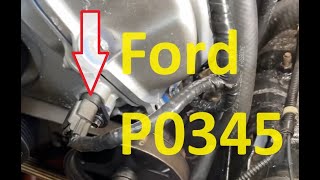
The most common codes are P0340 and P0344 for Bank 1, and P0345 and P0349 for Bank 2. Bank 1 is the cylinder bank that contains cylinder #1. On Ford V6 engines, this is typically the passenger side. 🎬 Learn how to diagnose and fix a Bank 2 P0345 code. Bank 2 is the opposite bank (driver's side).
Are there any recalls for the camshaft position sensor?
As of now, there are no specific recalls from Ford or NHTSA for the camshaft position sensor itself on 2012-2024 Explorers. However, some Technical Service Bulletins (TSBs), like TSB 15-0149, address related issues where a PCM software update was needed to fix idle problems that could be mistaken for a sensor issue.
Helpful Videos
Technical Specifications
OEM Part Numbers: 7T4Z6B288A AT4Z6B288A BL3Z-6B288-A DU-102
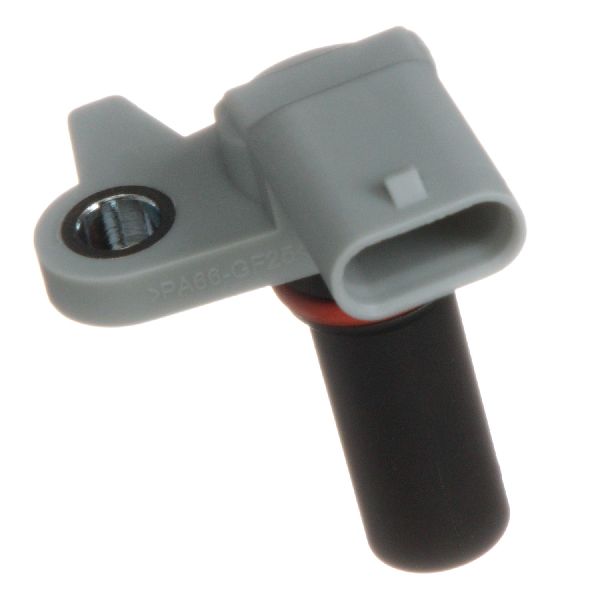
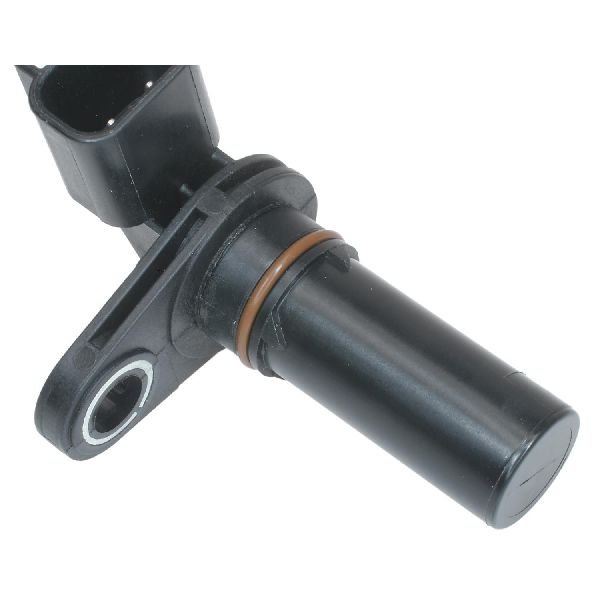
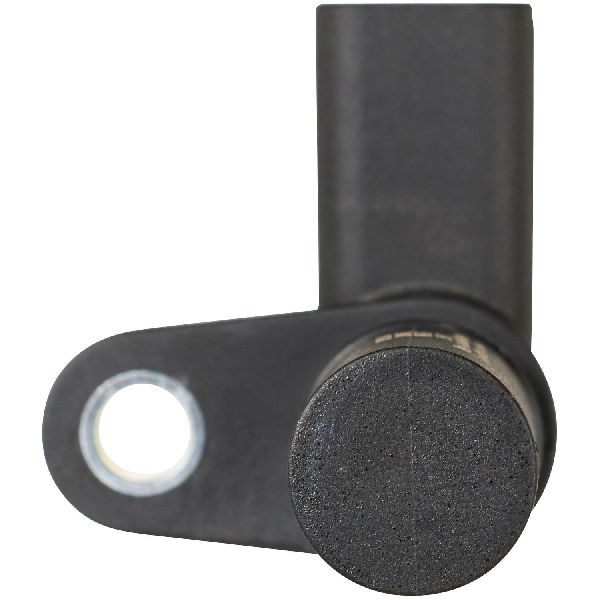
The sensor is a Hall-effect type sensor that generates a digital square wave signal for the PCM. It is typically held in place by a single 8mm or 7mm bolt. The number and location of sensors vary by engine (2.3L I4, 3.5L V6, etc.).
We Have This Part in Stock


The information in this article is provided for general reference and educational purposes only. Vehicle specifications, procedures, and part compatibility can vary by production date, trim level, and region. Always consult your vehicle's factory service manual and verify part numbers before purchasing or performing repairs. Safety-critical components such as airbags, seat belts, and braking systems should be installed by a qualified professional.
- Ford Explorer: