

A Guide to Replacing Disc Brake Pads on Your 2013-2020 Ford Explorer
Everything you need to know about choosing the right aftermarket brake pads for your fifth-generation Ford Explorer.
- Listen for squealing as a first warning, and address grinding noises immediately to prevent rotor damage.
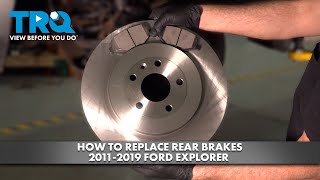
- For DIY rear brake jobs, you must use the 'Brake Service Mode' to retract the electronic parking brake.
- High-quality aftermarket ceramic pads from brands like Akebono or Bosch can offer quieter operation and less dust than stock pads.
- Always consider replacing rotors with pads for the best and safest performance, especially if you feel vibrations when braking.
Is it Time for New Brake Pads?

Your Ford Explorer will give you several warning signs when the brake pads are getting thin. Ignoring them can lead to more expensive repairs, like needing to replace the brake rotors too. Look out for these common symptoms.
Key Failure Symptoms:
- Squealing or Screeching: A high-pitched noise when you apply the brakes is often the first sign. This sound comes from a small metal tab called a wear indicator, which is designed to alert you that the pads are low.
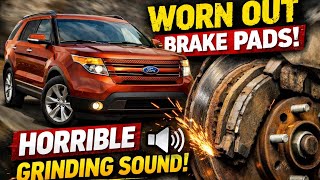
- Grinding Noise: A loud, harsh grinding sound means the brake pad material has completely worn away. This is a serious issue where metal from the pad's backing plate is grinding against the rotor, causing significant damage. 🎬 Watch: See how bad rotors and calipers sound in action. Stop driving and have your brakes inspected immediately.
- Vibration or Pulsing: If you feel a pulsing or shaking in the brake pedal or steering wheel when you brake, your brake rotors may be warped. This can happen when worn pads cause excessive heat.
- Brake Warning Light: An illuminated brake warning light on your dashboard can indicate low brake fluid or worn pads.
Known Issues and Service Bulletins
While there are no specific recalls for just the brake pads on the 2013-2020 Explorer, Ford has issued several Technical Service Bulletins (TSBs) for brake-related noises and feel. TSB SSM 49011 addresses a hard brake pedal feel on some 2020 models at startup, which can be fixed with a software update. TSB SSM 50064 and SSM 51120 were issued for general brake noise diagnosis on 2013-2021 models. Some owners of early models in this generation have reported issues with calipers sticking, leading to premature pad and rotor wear.
Choosing the Right Aftermarket Brake Pads

When shopping for new brake pads, you'll see different materials and brands. The original pads from Ford are made by Motorcraft. While Motorcraft pads are a reliable choice, many aftermarket brands offer similar or even better performance, often at a lower price. Your choice depends on your driving style and budget.
Brake Pad Materials:
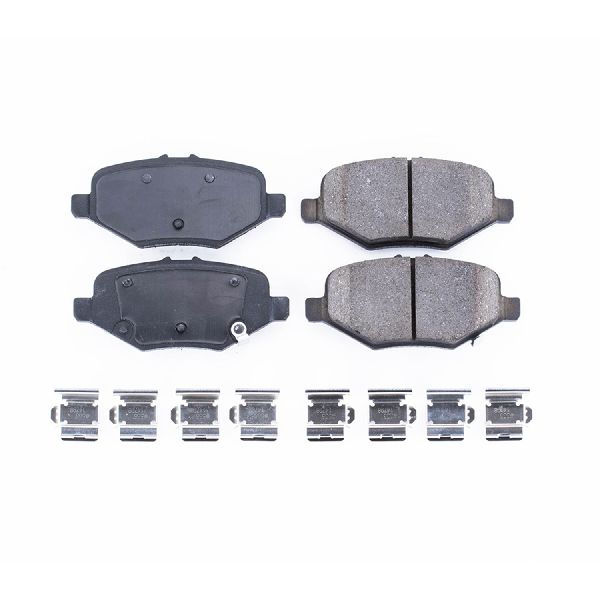
- Ceramic: These are a popular upgrade. They are known for being quiet, producing less dust (which keeps your wheels cleaner), and offering consistent performance. Brands like Akebono, Bosch, and some Powerstop lines offer quality ceramic pads.
- Semi-Metallic: These pads offer excellent heat dissipation and are often more affordable. They provide strong braking performance, making them a good choice for towing or heavy-duty use. However, they can be noisier and produce more dust than ceramic pads.
Brand Tiers for Your Explorer:
- OEM-Equivalent: Brands like Motorcraft (OEM), Akebono, Bosch, and Wagner OEX offer pads that meet or exceed the quality of the original factory parts. They are a safe bet for daily driving and reliability.
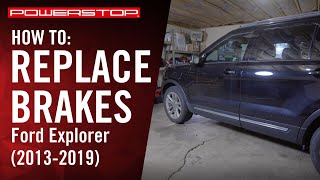
- Performance/Heavy-Duty: If you tow with your Explorer or simply want more stopping power, consider brands like Hawk Performance, EBC Brakes, or Powerstop's truck and tow kits. These often come in kits with upgraded rotors. 🎬 See this walkthrough for a complete front brake replacement.
- Economy: Brands like Pronto and Dynamic Friction offer budget-friendly options. While they are more affordable, they may not last as long or be as quiet as premium pads.
A Note on DIY Replacement
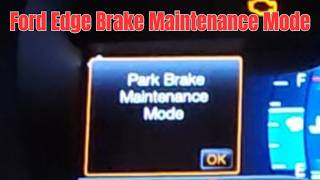
For 2013-2020 Explorers with an electronic parking brake (EPB), you MUST put the system into 'Brake Service Mode' before replacing the rear pads. Failing to do this can damage the rear calipers and cause multiple warning lights on your dash. This procedure can be activated through the vehicle's information display. 🎬 Watch: How to safely enter Electronic Parking Brake Service Mode. Front brake pad replacement does not require this step.
How Much Does Brake Pad Replacement Cost?
The cost can vary widely based on the parts you choose and local labor rates. Replacing just the pads is cheaper, but if the rotors are damaged, they will need to be replaced too.
| Service | Estimated Cost (Parts + Labor) |
|---|---|
| Brake Pads Only (per axle) | $150 - $300 |
| Brake Pads & Rotors (per axle) | $430 - $800 |
Frequently Asked Questions

Can I replace just the brake pads and not the rotors?
Yes, if the rotors are still in good condition (not warped, grooved, or below the minimum thickness). However, most mechanics recommend replacing pads and rotors together to ensure the best performance and longevity. New pads on a worn rotor surface can lead to noise and uneven wear.
What's the difference between OEM Motorcraft pads and aftermarket pads?
OEM Motorcraft pads are what your Explorer came with from the factory and are a guaranteed fit and quality. High-quality aftermarket brands like Akebono, Bosch, or Powerstop can offer similar or specialized performance (like less dust or more bite) and are often more affordable. Some owners prefer the feel of OEM pads, while others find aftermarket options to be a better value.
How long should brake pads last on a Ford Explorer?
The lifespan of brake pads typically ranges from 30,000 to 70,000 miles. This depends heavily on your driving habits. Frequent city driving with lots of stop-and-go traffic will wear pads out faster than mostly highway driving.
Why are there so many warning lights on after I changed my brake pads?
This is a common issue if the electronic parking brake was not put into service mode before working on the rear brakes. It can trigger faults for the parking brake, hill start assist, and traction control. A professional scan tool may be needed to clear these codes after the service mode procedure is correctly followed.
Helpful Videos
Technical Specifications
Brake pad material is the key specification, with ceramic and semi-metallic being the most common choices for the 2013-2020 Explorer. Ensure pads are compatible with your specific sub-model (e.g., Base, ST, Police Interceptor) as caliper and rotor sizes can vary.
We Have This Part in Stock
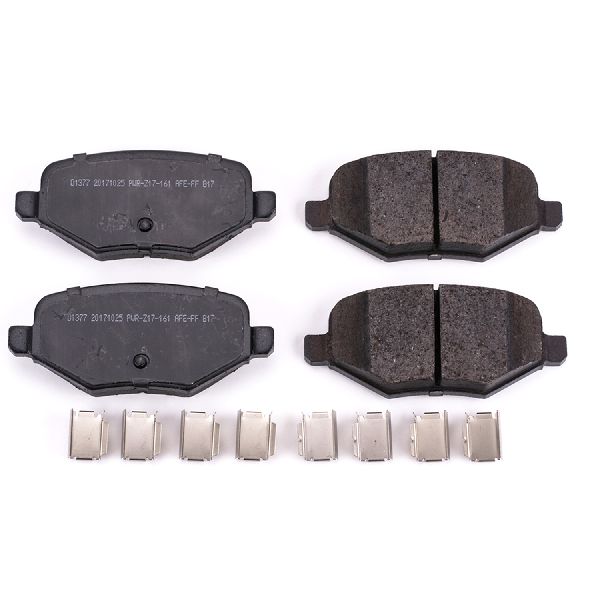
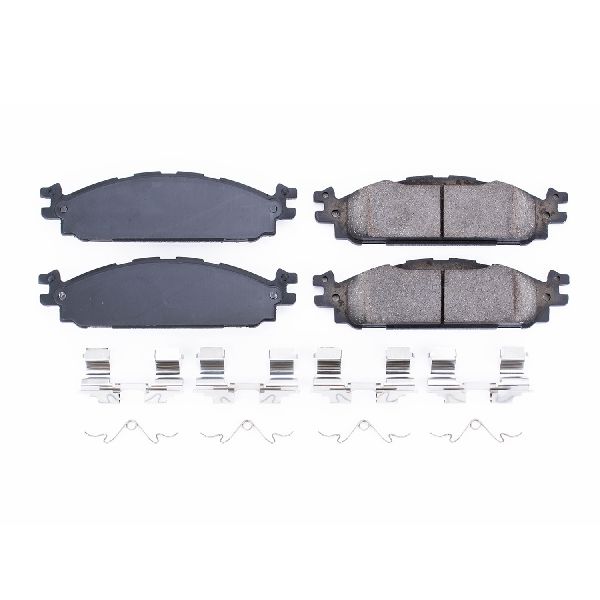
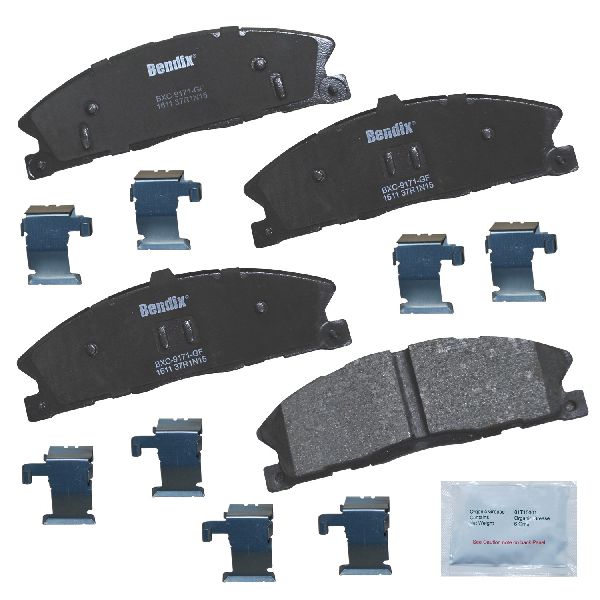

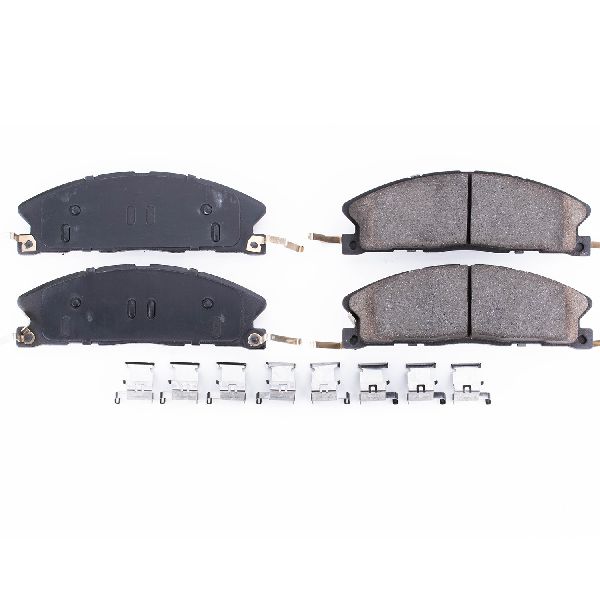

The information in this article is provided for general reference and educational purposes only. Vehicle specifications, procedures, and part compatibility can vary by production date, trim level, and region. Always consult your vehicle's factory service manual and verify part numbers before purchasing or performing repairs. Safety-critical components such as airbags, seat belts, and braking systems should be installed by a qualified professional.
- Ford Explorer:
- 🎬 Helpful Videos
- 🛍️ Shop This Part
- Is it Time for New Brake Pads?
- Key Failure Symptoms:
- Known Issues and Service Bulletins
- Choosing the Right Aftermarket Brake Pads
- Brake Pad Materials:
- Brand Tiers for Your Explorer:
- A Note on DIY Replacement
- How Much Does Brake Pad Replacement Cost?
- Frequently Asked Questions
- 🎟️ Get 5% Off