

A Guide to Aftermarket Brake Pads for the 2014-2016 BMW 535d
Stop wasting time and money on the wrong brake pads for your F10 535d.
- Your 535d has electronic wear sensors; if the red brake light is on, you must replace the sensor with the pads.
- OEM pads from brands like Textar provide great performance but create a lot of dust. Aftermarket ceramic pads from brands like Akebono are a popular upgrade for cleaner wheels.
- Replacing pads and rotors at the same time is highly recommended for the best performance and safety.
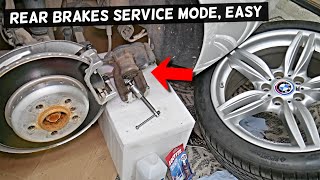
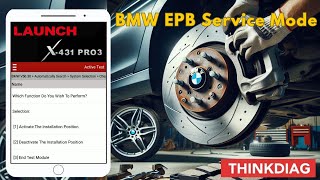
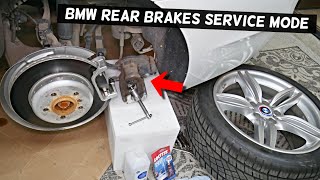
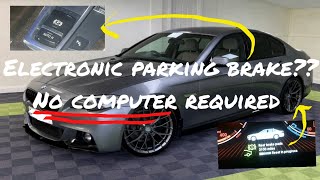
- The rear electronic parking brake requires a scan tool to put it in service mode for pad replacement.
Signs Your 535d Needs New Brake Pads
Your BMW is equipped with a sophisticated system to let you know when it's time for a brake service. Ignoring these signs can lead to more expensive repairs and unsafe driving conditions.
- Dashboard Warning Light: Your F10 535d has a Condition Based Service (CBS) system. A yellow warning light is an early reminder to schedule service. A red warning light is urgent and means the brake pad wear sensor has been tripped, indicating the pads are critically low.
- Squealing or Grinding Noises: A high-pitched squeal when you brake is often the first audible sign. If you hear a grinding sound, it means the pads are likely worn completely, and the metal backing plate is scraping against the rotor, causing damage.
- Changes in Pedal Feel: If the brake pedal feels soft, spongy, or lower than usual, it can indicate worn pads.
- Reduced Stopping Power: If your car takes longer to stop than it used to, your brake pads are not providing enough friction and need immediate inspection.
- Visual Inspection: New brake pads have about 10-12mm of friction material. If you look through your wheels and see that the pad material is thinner than its metal backing plate (around 3-4mm), it's time for a replacement.
Choosing the Right Aftermarket Brake Pads
Switching to aftermarket pads is a popular choice for 535d owners, often to reduce brake dust or enhance performance. The original equipment (OEM) pads are typically made by brands like Textar, Pagid, or Jurid. While these provide the factory-intended feel, many aftermarket options offer distinct advantages.
Brand Quality Tiers for Your BMW 535d
| Tier | Brands | Characteristics & Notes |
|---|---|---|
| OEM Equivalent / Low Dust | Akebono, Textar, Pagid, Brembo (OEM line), Bosch | These brands offer a similar feel and performance to the original BMW pads. Akebono Euro Ceramic pads are highly recommended by enthusiasts for their very low dust output and quiet operation, though some note a slightly less aggressive initial bite than stock. Textar and Pagid are often the actual original suppliers, so their aftermarket pads are nearly identical to the dealer parts. |
| Performance / Enthusiast | Hawk Performance, EBC Brakes, StopTech | For drivers seeking improved stopping power, especially for spirited driving. Brands like Hawk and EBC offer various compounds (e.g., street performance, track). Be aware that some aggressive performance pads can be noisy and create more dust than stock pads. |
| Daily Driver / Value | Dynamic Friction, Centric, Raybestos, Wagner Brakes | These brands provide a reliable, budget-friendly option for daily driving. They meet safety standards and offer a good balance of performance and price, though they may not provide the same specific pedal feel or longevity as premium brands. Many owners have good experiences with quality ceramic options from these brands for low dust and quiet operation. |
A Note on Brake Wear Sensors
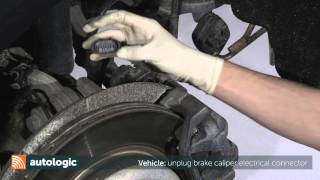
Your 535d uses electronic brake wear sensors on the front-left and rear-right wheels. If your dashboard brake warning light is on, you must replace the sensor along with the pads. The sensor is designed to wear down with the pad, and once it trips the light, it cannot be reused. It's good practice to replace the sensors with every brake job, as they can become brittle and break during removal.
Frequently Asked Questions
Do I have to replace my rotors with my brake pads?
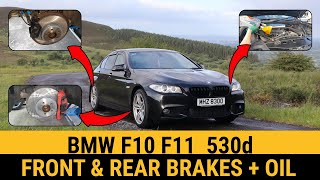
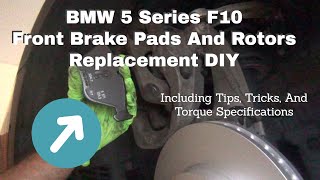
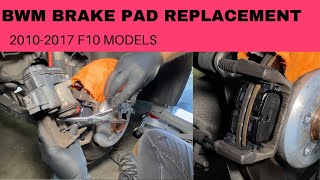
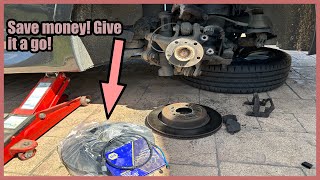
Not always, but it is highly recommended. BMW rotors are designed to wear with the pads. If you install new pads on worn or uneven rotors, it can cause noise, vibration, and reduced performance. An independent shop can measure the rotor thickness to see if it's within the minimum specification, but most owners and shops find it best to replace pads and rotors together 🎬 Watch: Step-by-step guide to replacing front pads, rotors, and sensors. for optimal performance and safety.
What's the difference between ceramic and semi-metallic pads for my 535d?
OEM BMW pads are typically a semi-metallic compound, which offers a strong initial bite but creates a lot of dust. Aftermarket ceramic pads, like those from Akebono, are a popular upgrade because they produce significantly less dust and are quieter. The trade-off can sometimes be a slightly less aggressive initial bite when cold, but for daily driving, most owners prefer the clean wheels and quiet operation of ceramic pads.
Can I replace the brake pads on my 535d myself?
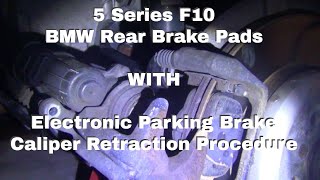
Yes, if you are an experienced DIY mechanic with the right tools. The job requires safely lifting the vehicle, a caliper piston compression tool, and a torque wrench. Crucially, the rear brakes on the F10 chassis have an electronic parking brake (EPB) that must be put into a special service mode using a diagnostic scan tool 🎬 Watch: How to use a scan tool for EPB service mode. before you can retract the caliper piston. Failure to do this can damage the caliper. 🎬 See how to safely handle the electronic parking brake during replacement. If you are not comfortable with this procedure, it is best to have a professional mechanic do the job.
Were there any recalls for the 2014-2016 535d brakes?
Searches for the 2014-2016 model years did not find specific recalls related to the brake pads or calipers. There was a TSB (Technical Service Bulletin #340213) for some BMW models regarding the Condition Based Service (CBS) system incorrectly calculating the remaining brake pad life, but this does not affect the physical brake components themselves.
Helpful Videos
Technical Specifications
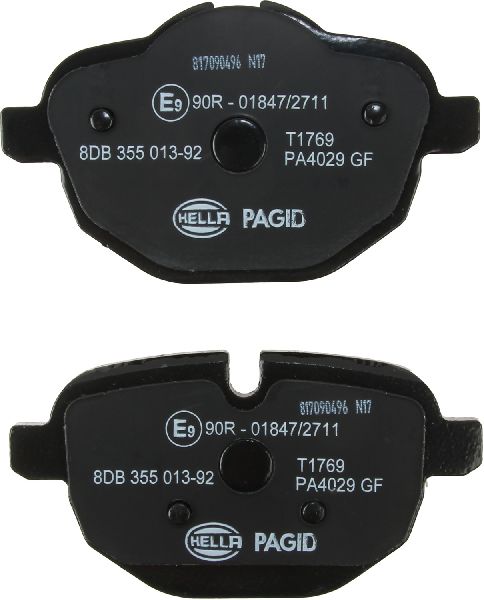
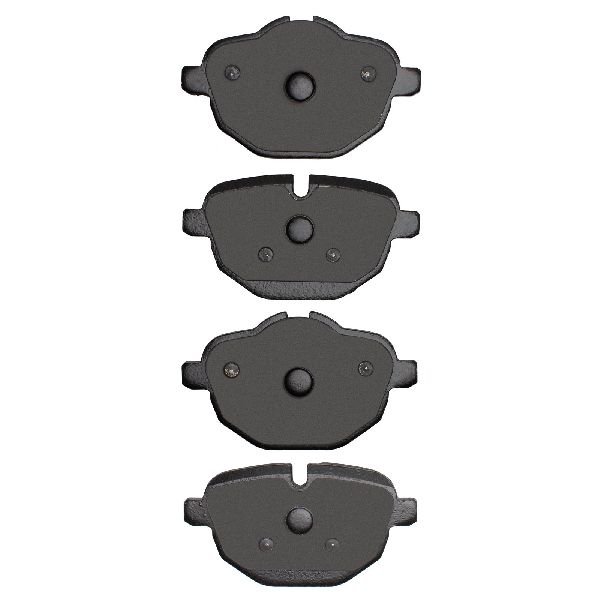
OEM Part Numbers: 34216862202
The 2014-2016 BMW 535d (F10 chassis) uses a four-wheel disc brake system with single-piston floating calipers for standard models. The system includes electronic brake wear sensors on the front-left and rear-right wheels. The rear brakes feature an electronic parking brake (EPB) that requires a diagnostic tool for service.
We Have This Part in Stock
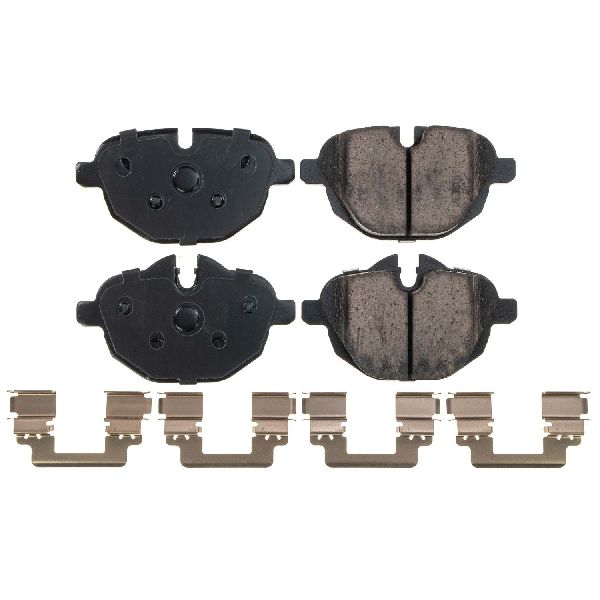
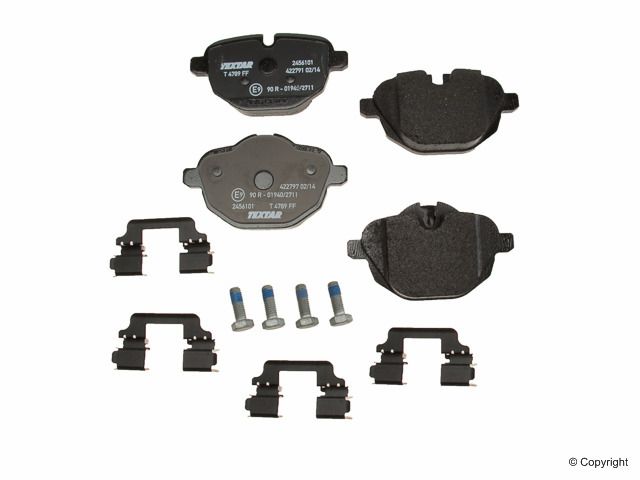
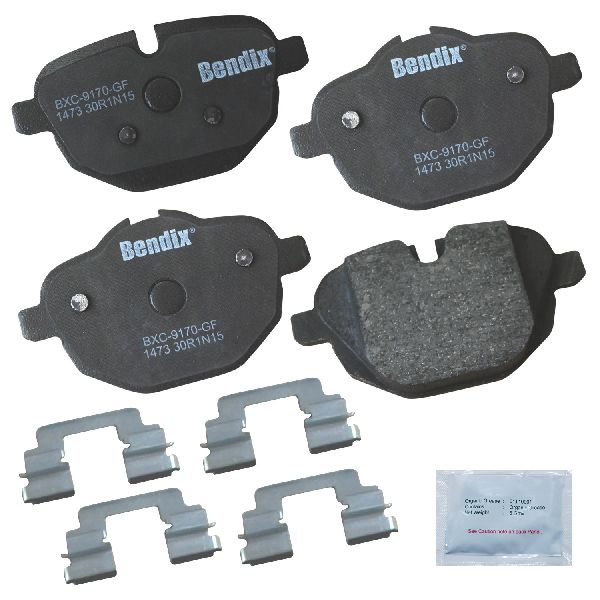
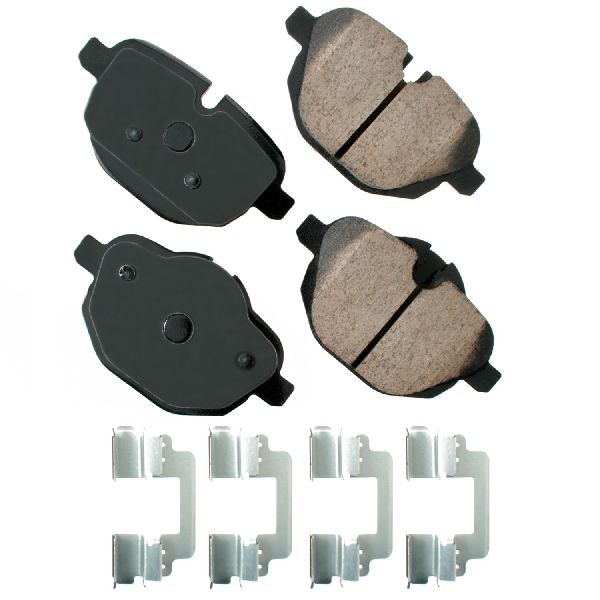

The information in this article is provided for general reference and educational purposes only. Vehicle specifications, procedures, and part compatibility can vary by production date, trim level, and region. Always consult your vehicle's factory service manual and verify part numbers before purchasing or performing repairs. Safety-critical components such as airbags, seat belts, and braking systems should be installed by a qualified professional.
- BMW 535d: