

A Guide to the Disc Brake Pad Wear Sensor for the 2015-2019 BMW M3
Understanding the brake wear sensor on your F80 M3 and why you must replace it with every brake job.
- Your M3 uses two sensors: one front-left and one rear-right.
- Once the brake warning light is on, the sensor must be replaced to reset it.
- It is highly recommended to replace sensors with every brake pad change, even if the light is not on.
- Quality aftermarket sensors are a reliable and cost-effective alternative to OEM parts for this specific component.
Brake Wear Warning: What It Means for Your M3
When the red "Brake" warning light appears on your dashboard, it means one of your two brake pad wear sensors has been tripped. The vehicle's computer system, known as Condition Based Service (CBS), uses these sensors to calculate and alert you when the brake pads have reached their minimum thickness. It is a one-time-use part; once the light is on, the sensor has been destroyed and must be replaced to reset the warning. It is not possible to simply reset the light without replacing the sensor first.
Don't Ignore the Warning
While the car is still safe to drive for a short period, the warning indicates your brake pads are very low. Ignoring it can lead to the brake pads wearing down completely, causing metal-on-metal contact with the brake rotors. This will severely reduce stopping power and can cause expensive damage to the rotors and calipers.
Choosing the Right Aftermarket Sensor
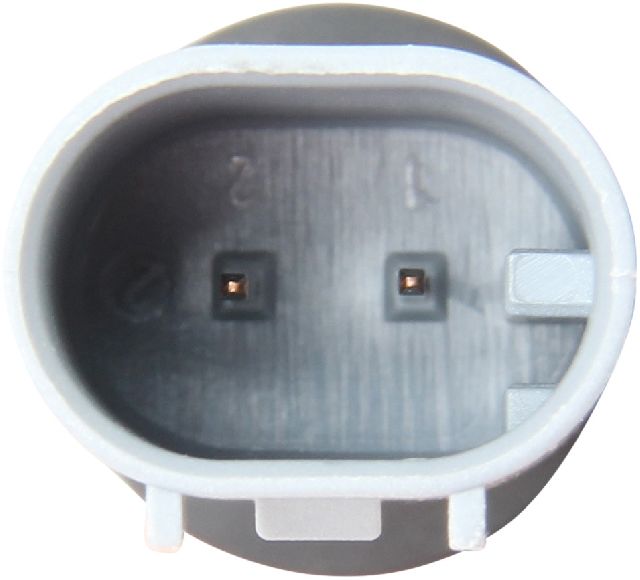
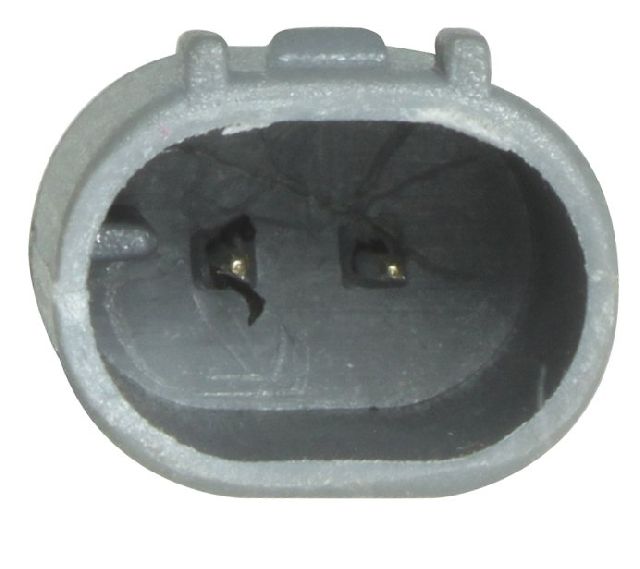
For a simple component like a brake pad wear sensor, you do not need to buy an expensive OEM part to ensure reliability. The sensor's only job is to wear out and break a circuit. Most aftermarket brands provide a perfectly functional and cost-effective replacement. The primary difference between brands is often the quality of the plastic connectors and wire sheathing.
- Performance-Associated Brands (Brembo, Pagid, EBC Brakes): These companies are leaders in the braking world. While they are known for high-performance pads and rotors, their sensors are built to OE specifications and are a very reliable choice.
- Quality Aftermarket Brands (Beck Arnley, Centric, Holstein, Vemo): These brands are well-known for producing quality replacement parts that meet or exceed OEM standards. They offer a great balance of price and quality, with fit and function that is comparable to the original part.
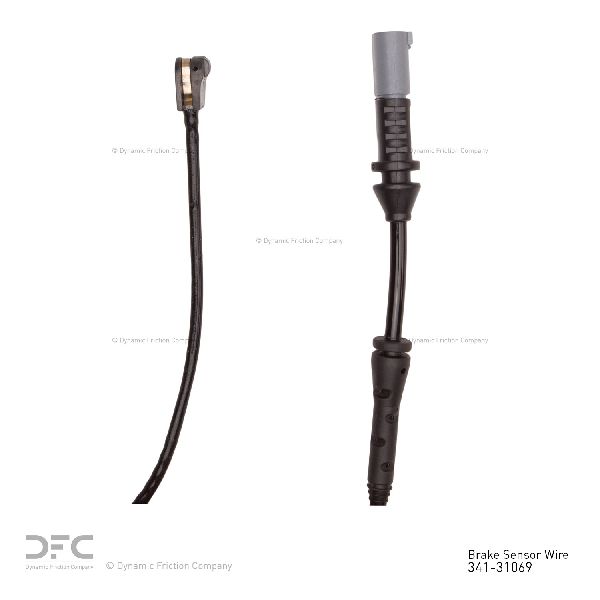
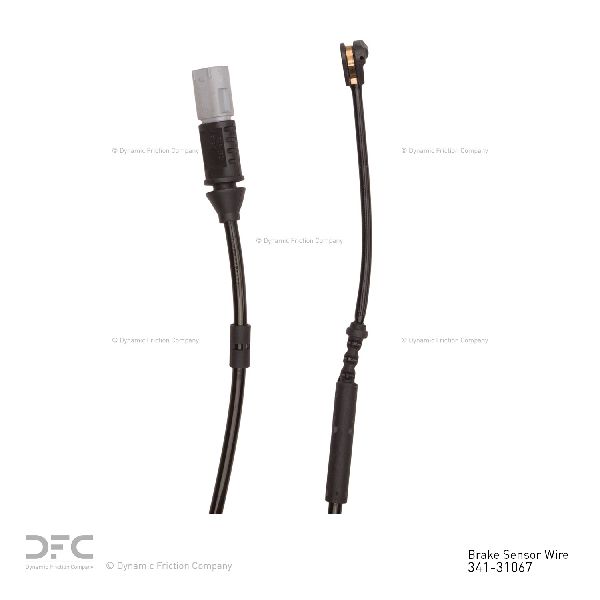
- Value-Oriented Brands (URO Parts, Dynamic Friction, Carlson): These brands provide a functional and budget-friendly option. For a simple wear item like this, they are a viable choice for many owners, especially since the part is designed to be replaced with every brake service.
Pro Tip: Replace Sensors with Pads
It is best practice to replace both brake wear sensors every time you replace your brake pads, even if the warning light hasn't come on. The sensor's plastic housing becomes brittle from thousands of heat cycles and often crumbles when you try to remove it from the old brake pad. Having new sensors on hand prevents delays during your brake job.
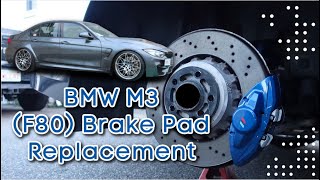
🎬 Watch this DIY guide to replacing M3 brake pads at home.Common Ordering Mistakes
The most common mistake is ordering the wrong sensor. The 2015-2019 M3 uses two sensors, one for the front axle and one for the rear axle. These sensors have different lengths and part numbers. Always verify you are buying one of each if you are servicing both front and rear brakes. The front sensor is located on the left (driver's side) wheel, and the rear sensor is on the right (passenger's side) wheel.
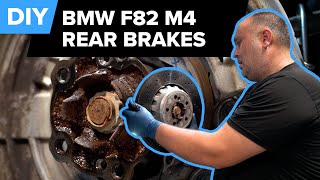
🎬 See a detailed walkthrough of the rear brake and sensor replacement.| Part Type | Estimated Cost |
|---|---|
| New OEM Sensor (Each) | $30 - $46 |
| New Aftermarket Sensor (Each) | $11 - $40 |
| Shop Labor (Sensor only) | $50 - $100 |
| Shop Labor (with Brake Job) | Included |
Frequently Asked Questions (FAQ)
How many brake wear sensors does my 2015-2019 M3 have?
Your M3 is equipped with two brake pad wear sensors: one for the front axle on the driver's side wheel, and one for the rear axle on the passenger's side wheel.
Can I reuse my old brake wear sensor?
You can only reuse the sensor if the warning light has not been triggered AND you can remove it from the old brake pad without it breaking. The plastic becomes very brittle with age and heat, so it is highly recommended to replace it every time you change your pads to avoid issues.
How do I reset the brake service light after replacement?
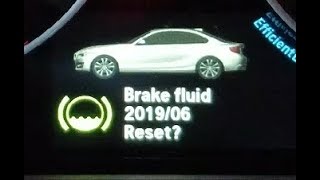
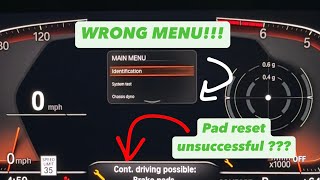
After the new pads and sensor are installed, you can reset the light through the instrument cluster. Turn the ignition on (engine off), then press and hold the trip reset button on the corner of the cluster. The service menu will appear, and you can cycle through to the correct brake service icon (front or rear) and press and hold again to confirm the reset.
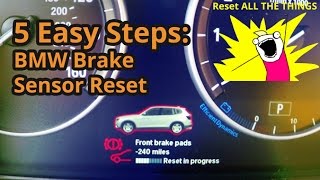
🎬 Watch: How to reset the brake wear sensor through the dashboard.My warning light is on, but my pads look fine. What could be the cause?
This can happen for a few reasons. First, the inner brake pad often wears faster than the outer pad, and the sensor is on the inner pad. You may not be able to see the true pad level without removing the wheel. Second, the sensor wire itself can get damaged, kinked, or cut, causing a false warning. In rare cases, it could be a software issue with the DSC module, which may store fault codes 5DE0 or 5DE1.
Helpful Videos
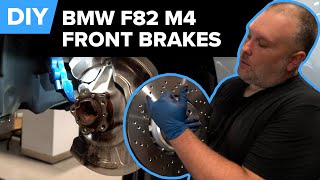


Technical Specifications
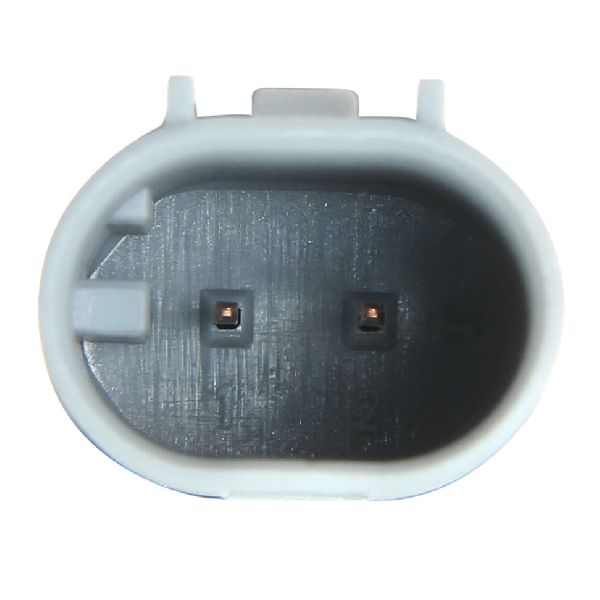
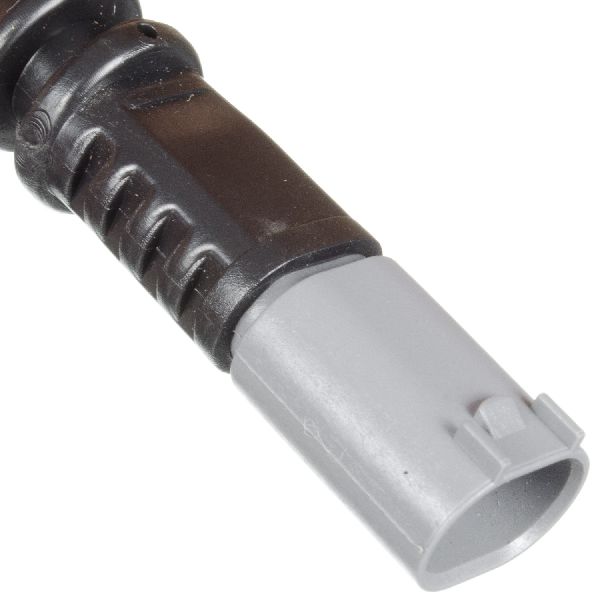
OEM Part Numbers: Front: 34357847410, 34356792289 Rear: 34357847411, 34356792292
Quantity Required: 1 Front, 1 Rear. The F80 M3 uses two sensors in total.
We Have This Part in Stock

The information in this article is provided for general reference and educational purposes only. Vehicle specifications, procedures, and part compatibility can vary by production date, trim level, and region. Always consult your vehicle's factory service manual and verify part numbers before purchasing or performing repairs. Safety-critical components such as airbags, seat belts, and braking systems should be installed by a qualified professional.
- BMW M3: