

A Guide to Replacing Disc Brake Rotors on the 2017-2019 Chrysler Pacifica
Tired of that steering wheel shake when you brake? Here’s what you need to know about choosing the right rotors for your Pacifica.
- The correct model years are 2017-2019; the modern Pacifica minivan did not exist in 2015-2016.
- Brake pulsation from warped rotors is a very common complaint; investing in quality, coated aftermarket rotors from brands like Bosch, Raybestos, or Powerstop can prevent premature failure.
- Proper installation is critical. Ensure the wheel hub is perfectly clean and lug nuts are torqued to spec to avoid wobble and pulsation.
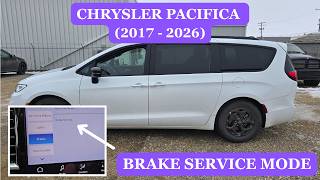
- When replacing rear rotors, you must use the infotainment screen to put the electronic parking brake into 'Service Mode' to avoid damaging the calipers.
A Note on Vehicle Years
This guide covers the modern Chrysler Pacifica minivan, which was introduced in the 2017 model year. While the prompt mentions 2015-2019, please be aware that models from 2015-2016 are the Chrysler Town & Country, which may use different parts. This article is specific to the 2017, 2018, and 2019 Chrysler Pacifica.
Common Symptoms of Failing Brake Rotors

Because the Pacifica is a heavy vehicle, its brakes work hard. Rotor issues are a common complaint. Here’s what to look and feel for:
- Pulsation or Shaking: The most frequent issue reported by Pacifica owners is a shaking steering wheel or pulsating brake pedal when braking. This is almost always caused by warped rotors or uneven pad material deposits on the rotor face.
- Grinding or Squealing Noises: A loud grinding sound indicates your brake pads are completely worn away and metal is grinding against the rotor, causing severe damage. Squealing can be a sign of glazed rotors or worn pads.
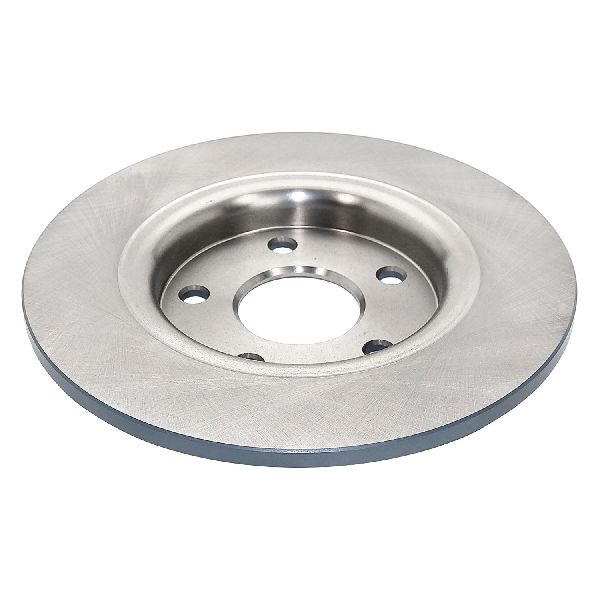
- Visible Damage: Look at the rotor's surface. Deep grooves, scoring, or a blueish tint are clear signs of trouble. The blue color indicates the rotor has been overheated, which can happen from sticking calipers or aggressive driving.
- Premature Rust: Some owners report excessive rust on the original rotors, leading to noise and poor performance well before the typical 40,000-mile mark.
Choosing the Right Aftermarket Rotors for Your Pacifica

Not all aftermarket rotors are created equal. For a heavy minivan prone to brake pulsation, choosing the right quality level is important. One owner reported getting warped rotors straight out of the box from a low-cost online brand.
Brand Quality Tiers
- Performance / Heavy-Duty: Brands like Powerstop, Brembo, and EBC Brakes offer high-performance options. Powerstop kits, often with drilled and slotted rotors, are a popular upgrade for improving heat dissipation and reducing fade, which is ideal if you tow or live in a hilly area. Brembo and EBC are premium brands known for excellent metallurgy and performance.
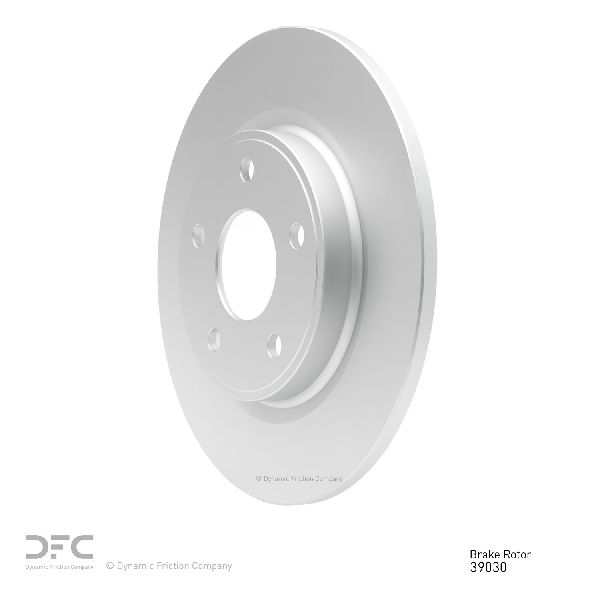
- OEM-Quality: These are your best bet for reliable, everyday driving. Brands like Bosch, Raybestos, Centric (Premium line), and ACDelco provide rotors that meet or exceed original factory specs. Many of these brands offer rotors with protective coatings (e.g., Raybestos RPT, Bosch QuietCast) that prevent rust on the hub and edges, keeping them looking good and performing well.
- Economy: These include house brands and budget lines like Pronto or Centric's C-Tek series. While the low price is tempting, they are more likely to be made from lower-quality materials that can warp more easily under the heat and stress generated by the Pacifica's weight. Given the common complaints of brake pulsation, it is often worth spending slightly more for a coated, OEM-quality rotor.
Pro Tip: Look for Coated Rotors
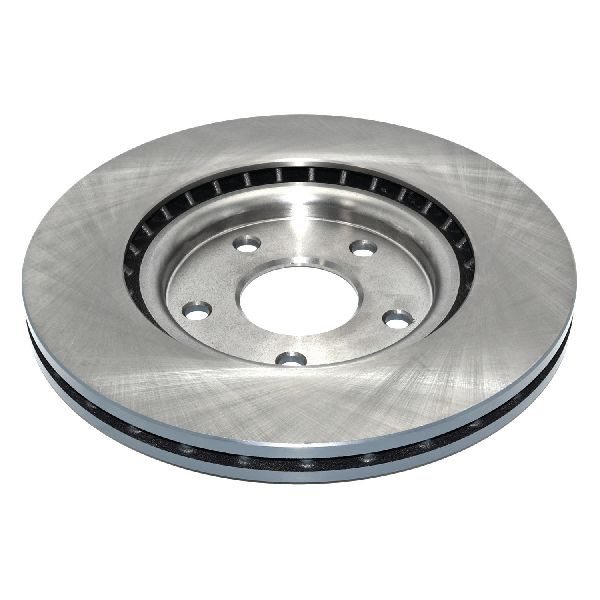
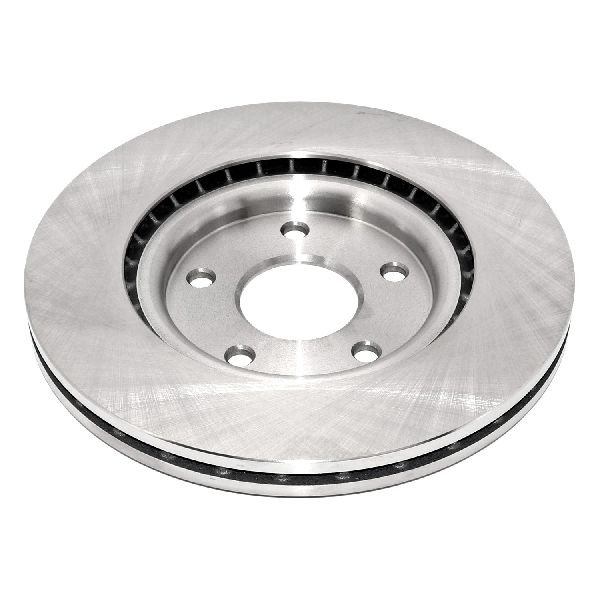
Many aftermarket brands offer fully coated rotors. This coating, often black or grey, prevents rust from forming on the non-contact surfaces like the rotor hat (the center part) and the cooling vanes. This not only looks better behind your wheels but also helps the rotor cool effectively over its lifespan.
Known Issues, Recalls, and TSBs

- Common Complaint - Warping: As mentioned, rotor warping is a persistent issue for many Pacifica owners. This is not always the fault of the rotor itself. Improper installation, such as failing to clean rust off the wheel hub or unevenly torquing the lug nuts, can cause pulsation that feels identical to a warped rotor.
- Brake Booster Warranty Extension (XA7): While not a rotor issue, Chrysler extended the warranty on the brake booster for some 2018-2020 Pacificas to 5 years or 150,000 miles. Symptoms include a hard brake pedal or loss of power assist. If you experience this, contact a dealer.
- Recall on Modified Vans: A small number of 2017 Pacificas modified by Vantage Mobility for wheelchair access were recalled because the rear brake lines may have been crossed. This is highly specific and does not apply to standard factory vehicles.
Brake Rotor Replacement Costs

Costs can vary by location and the quality of parts you choose. Replacing pads at the same time as rotors is highly recommended.
| Part/Service | Estimated Cost |
|---|---|
| New Aftermarket Rotors (Pair) | $102 - $323 |
| New OEM Mopar Rotors (Pair) | $300 - $350 |
| Shop Labor (Pads & Rotors, One Axle) | $160 - $250 |
| Total Professional Job (Aftermarket, One Axle) | $262 - $573 |
Rear Brakes: Electronic Parking Brake (EPB)
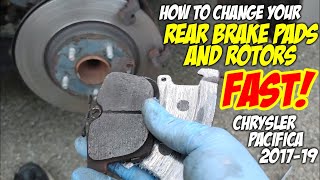
The 2017-2019 Pacifica has an electronic parking brake. To replace the rear rotors and pads, you must put the system into 'Service Mode' using the vehicle's infotainment screen. This retracts the caliper pistons. Failure to do this will damage the calipers. 🎬 Watch: How to safely enter electronic park brake service mode. After the job is done, you exit service mode to reset the system.
Frequently Asked Questions (FAQ)
Why do my new rotors seem warped already?
This is a common and frustrating problem. It can be caused by a few things: 1) Low-quality rotors that warped from heat. 2) Improper 'bedding-in' of the new pads and rotors. 3) An uneven wheel hub surface; if the installer didn't clean all rust and debris from the hub before mounting the new rotor, it will not sit flat, causing a wobble. 4) Unevenly tightened lug nuts. Always use a torque wrench to tighten lug nuts to the factory specification in a star pattern.
What's the difference between coated and non-coated rotors?
Non-coated rotors are bare cast iron and will quickly develop surface rust, especially on the hat and edges. Coated rotors have a protective layer that prevents this cosmetic rust and can help maintain proper cooling by keeping the vanes clear of corrosion. For the Pacifica, a coated rotor is a worthwhile upgrade for longevity and appearance.
Can I replace just the rotors and not the brake pads?
It is strongly recommended to replace brake pads and rotors at the same time. Installing old, worn pads on new rotors will create an uneven wear pattern on the new rotor surface, reducing its lifespan and causing noise or pulsation. New pads are inexpensive and ensure a fresh, flat surface to mate with your new rotors.
Is replacing Pacifica rotors a good DIY job?
Yes, for those with some mechanical experience. The front rotors are straightforward. The rear rotors require the extra step of activating the electronic parking brake's 'Service Mode' through the dashboard screen. If you are not comfortable with this, it's best to leave the job to a professional. You will need a good set of tools, including a torque wrench and potentially a large C-clamp to compress the front caliper pistons.
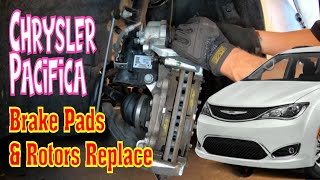
🎬 Watch this step-by-step guide for replacing your front rotors.Helpful Videos
Technical Specifications
OEM Part Numbers: 68280438AC 68280438AB 68223507AB
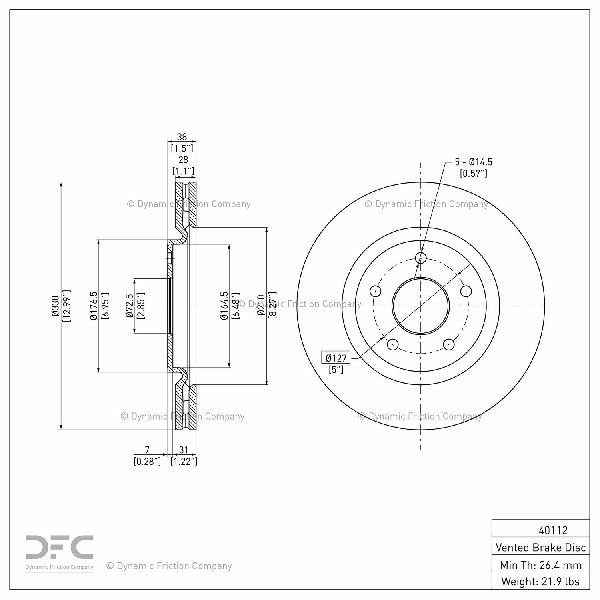
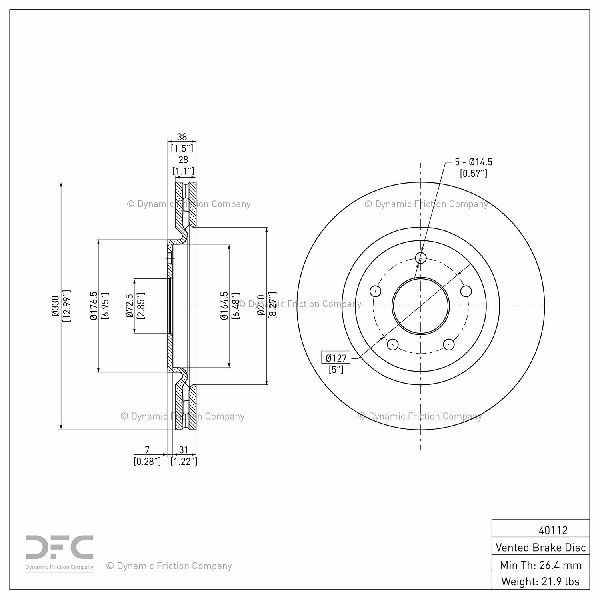
Front Rotor Diameter: 12.99 in (330mm). Rear Rotor Diameter: 12.60 in (320mm). The vehicle uses an electronic parking brake that requires a 'Service Mode' for rear brake service.
We Have This Part in Stock

The information in this article is provided for general reference and educational purposes only. Vehicle specifications, procedures, and part compatibility can vary by production date, trim level, and region. Always consult your vehicle's factory service manual and verify part numbers before purchasing or performing repairs. Safety-critical components such as airbags, seat belts, and braking systems should be installed by a qualified professional.
- Chrysler Pacifica:
- 🎬 Helpful Videos
- 🛍️ Shop This Part
- A Note on Vehicle Years
- Common Symptoms of Failing Brake Rotors
- Choosing the Right Aftermarket Rotors for Your Pacifica
- Brand Quality Tiers
- Pro Tip: Look for Coated Rotors
- Known Issues, Recalls, and TSBs
- Brake Rotor Replacement Costs
- Rear Brakes: Electronic Parking Brake (EPB)
- Frequently Asked Questions (FAQ)
- 🎟️ Get 5% Off