

A Guide to Aftermarket Brake Pads for the 2015-2019 Mazda 3
Stop the guesswork and find the right brake pads for your daily commute or spirited drive.
- Most 2015-2019 Mazda 3s have an Electronic Parking Brake (EPB) that requires a special 'Maintenance Mode' for rear pad replacement.
- High-quality aftermarket ceramic pads from brands like Akebono, Bosch, or PowerStop can offer lower dust and quieter operation than OEM pads.
- Always check if your car is Japan-built (VIN starts with 'JM1') or Mexico-built ('3MZ') to ensure you buy the correct parts.
- It is strongly recommended to replace brake rotors at the same time as the pads to ensure proper performance and longevity.
Is it Time for New Brake Pads?


Your Mazda 3 will give you clear signs when its brake pads are nearing the end of their life. Ignoring these symptoms can lead to more expensive repairs down the road. Be aware of the following signs:
- High-Pitched Squealing: This is often the first sign. A small metal tab called a wear indicator makes contact with the rotor, creating a squeal to alert you it's time for a change.
- Grinding Noises: If you hear a harsh grinding sound, it means the pad material has completely worn away. The metal backing plate is now grinding against the rotor, causing serious damage. Stop driving the vehicle if you hear this.
- Vibrations or Pulsing: If you feel a pulsing in the brake pedal or a vibration through the steering wheel when braking, your rotors may be warped. This is often caused by worn pads or excessive heat.
- Reduced Stopping Power: If your car takes longer to stop or the brake pedal feels soft and sinks closer to the floor, your brake system needs immediate inspection.
A Note on Recalls and Service Bulletins
While there are no specific recalls for the brake pads on the 2015-2019 Mazda 3, some related issues have been noted. A recall was issued for 2014-2016 models for a parking brake caliper issue where water could enter and cause rust, potentially leading to brake drag or reduced parking brake force. Additionally, a Technical Service Bulletin (TSB 04-007/20) was released for some Mazda vehicles, including the 3, that may exhibit a grinding noise from the rear brakes due to rust buildup on the rotors that the stock pads cannot remove effectively. Another TSB (04-001/19) notes that a clunk or buzz noise on the first forward movement is a normal ABS self-check and not a cause for concern.
Choosing the Right Aftermarket Brake Pads

Mazda's Original Equipment (OEM) pads are generally high-quality, quiet, and offer good performance, but they can be expensive and produce a moderate amount of dust. Aftermarket pads offer a wide range of options that can provide better performance, less dust, or a lower price. They are typically made from ceramic or semi-metallic compounds.
- Ceramic Pads: These are a popular choice for daily drivers. They are known for being quiet, producing very little dust, and offering a long service life. Brands like Akebono, Bosch QuietCast, and PowerStop's Z16/Z17 series are excellent ceramic options.
- Semi-Metallic Pads: These pads offer better performance in aggressive driving and colder climates, but they tend to be noisier and create more dust than ceramic pads.
- Organic Pads: These are a good, quiet option for daily commuting but may wear faster and produce more dust.
Brand Recommendations for Your Mazda 3
Based on owner feedback and brand reputation, here’s how some popular choices stack up:
- Premium (OEM Quality or Better): Akebono and Advics are often OEM suppliers for Japanese automakers and are highly recommended for their quiet operation and low dust. Brembo also offers premium ceramic pads that are an excellent OE equivalent.
- Performance / Enthusiast: PowerStop kits (like the Z23) are very popular for those wanting more bite and better heat dissipation, often packaged with drilled and slotted rotors. EBC Brakes (Ultimax, Yellowstuff) are another great choice for spirited driving, though they can be dustier.
- Daily Driver (Value & Quality): Bosch QuietCast, Centric Posi-Quiet, Raybestos Element3, and Wagner ThermoQuiet offer a fantastic balance of performance, low noise, and affordability for everyday use.
Important: The Electronic Parking Brake (EPB)
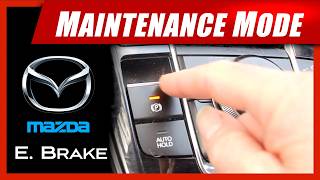
Most 2015-2019 Mazda 3 models are equipped with an Electronic Parking Brake (EPB). This system requires being put into a special "Maintenance Mode" before you can replace the rear brake pads. You cannot simply push the rear caliper piston back in. The procedure involves a sequence of pressing the start button, accelerator pedal, and EPB switch. Failing to do this can damage the caliper. 🎬 Watch how to put your Mazda into EPB maintenance mode. If you are not comfortable with this process, it's best to have a professional mechanic perform the rear brake service.
Cost of Replacing Brake Pads on a 2015-2019 Mazda 3

| Part/Service | Estimated Cost |
|---|---|
| New Aftermarket Brake Pad Set (Front or Rear) | $26 - $195 |
| New OEM Brake Pad Set (Front or Rear) | $60 - $105 |
| Shop Labor (Pads Only, Per Axle) | $110 - $161 |
| Shop Labor & Parts (Pads & Rotors, Per Axle) | $398 - $449 |
Frequently Asked Questions
Do I need to replace my rotors at the same time as my pads?
It is highly recommended. Installing new pads on old, worn, or warped rotors will cause the new pads to wear unevenly and can compromise braking performance. Most shops will insist on replacing pads and rotors together.
What's the difference between Japan-built and Mexico-built Mazda 3 brake parts?
For some parts, there can be a difference. Your vehicle's VIN will tell you where it was built (a VIN starting with 'JM1' is Japan, '3MZ' is Mexico). Always verify the fitment of your brake pads using your VIN to ensure you purchase the correct parts.
My new brakes are squeaking. Is this normal?
A short break-in period where some noise may occur is normal. However, persistent squeaking can be a sign of improper installation, not using brake grease on contact points, or issues with the hardware clips. If the noise doesn't go away after a few days of driving, have them inspected.
Can I replace the brake pads myself?
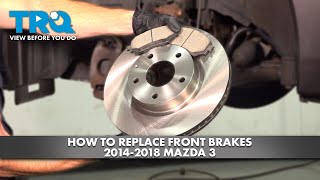
Yes, if you have the right tools and mechanical experience. The front brakes are a straightforward job. 🎬 Follow this step-by-step guide to replace your front brakes. However, the rear brakes are more complex due to the Electronic Parking Brake (EPB) needing to be put in maintenance mode. If you are not familiar with this procedure, it's best left to a professional.
🎬 See the full process for changing rear pads and rotors.Helpful Videos
Technical Specifications
OEM Part Numbers: B4Y02648ZBMV BJY72648ZA
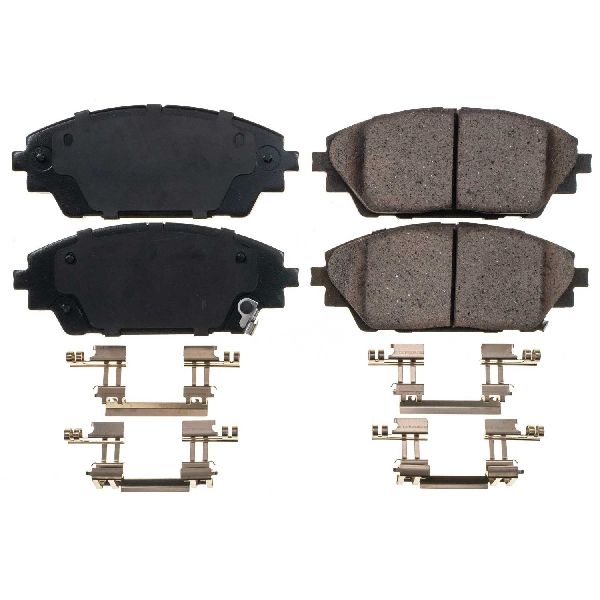
Pad material is typically ceramic or semi-metallic. Rear brake replacement requires putting the Electronic Parking Brake (EPB) into maintenance mode. Check VIN for Japan (JM1) vs. Mexico (3MZ) build for correct fitment.
We Have This Part in Stock
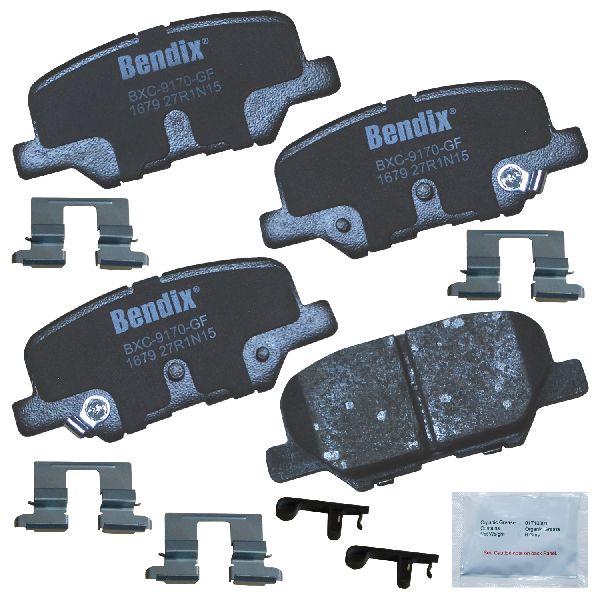
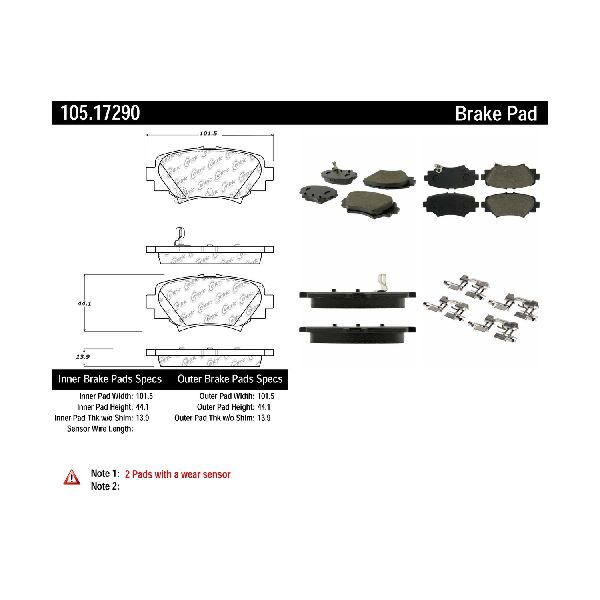
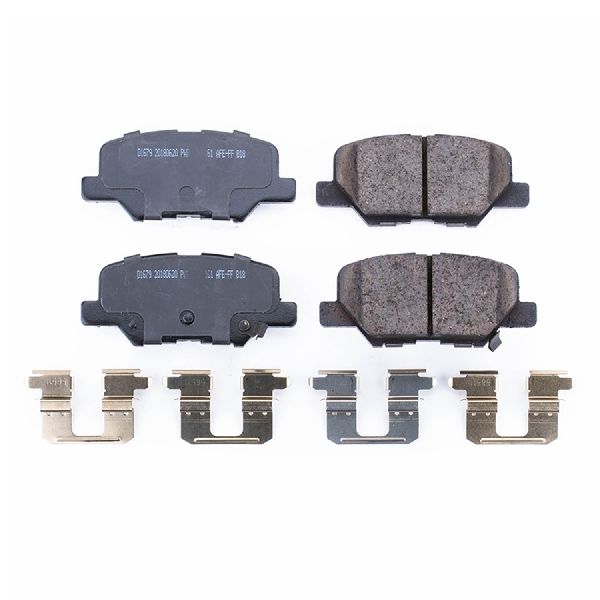
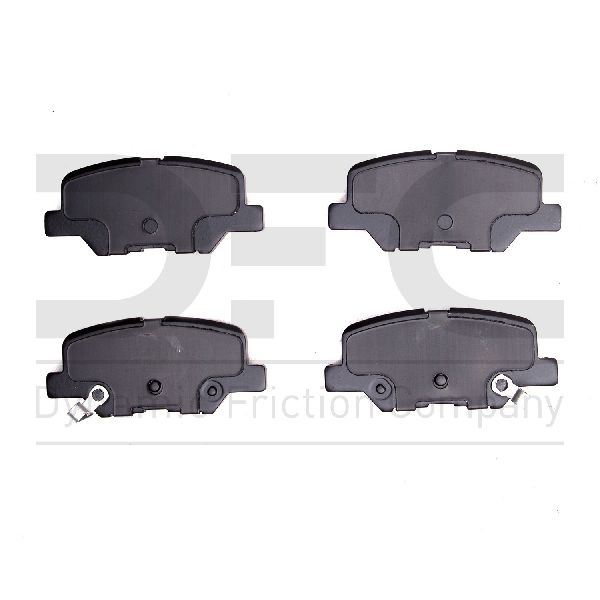
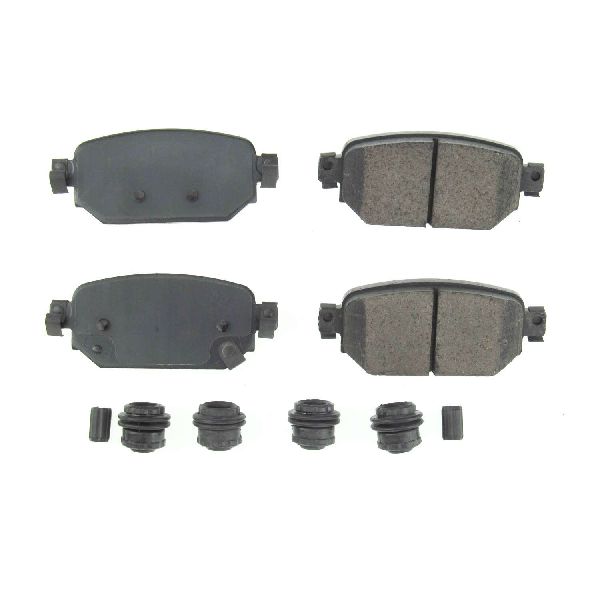

The information in this article is provided for general reference and educational purposes only. Vehicle specifications, procedures, and part compatibility can vary by production date, trim level, and region. Always consult your vehicle's factory service manual and verify part numbers before purchasing or performing repairs. Safety-critical components such as airbags, seat belts, and braking systems should be installed by a qualified professional.
- Mazda 3:
- 🎬 Helpful Videos
- 🛍️ Shop This Part
- Is it Time for New Brake Pads?
- A Note on Recalls and Service Bulletins
- Choosing the Right Aftermarket Brake Pads
- Brand Recommendations for Your Mazda 3
- Important: The Electronic Parking Brake (EPB)
- Cost of Replacing Brake Pads on a 2015-2019 Mazda 3
- Frequently Asked Questions
- 🎟️ Get 5% Off