

Your Guide to the 2017-2025 Mini Cooper Disc Brake Hardware Kit
Don't let old, corroded brake hardware ruin a fresh brake job on your F-Series Mini.
- Always replace the disc brake hardware kit when changing brake pads and rotors to prevent noise and uneven wear.
- On 2017-2019 models, be aware of a TSB for premature rear brake wear and ensure the parking brake is adjusted correctly.
- Corroded or seized caliper guide pins are a common issue; ensure they are cleaned and lubricated or replaced.
- A quality aftermarket brand like Dynamic Friction offers reliable, OEM-equivalent performance for a fraction of the dealer price.
Why You Can't Skip Replacing Brake Hardware
When performing a brake job on your 2017-2025 Mini Cooper, replacing the disc brake hardware is not an optional step. These small metal clips and pins are exposed to intense heat, moisture, and road salt. Over 30,000 to 50,000 miles, they corrode, lose their spring tension, and get gummed up with brake dust and grime. Reusing old hardware is a common mistake that leads to noise, vibration, and premature, uneven wear on your new pads and rotors. For the small additional cost, a new hardware kit is cheap insurance for a quiet and effective brake job.
Symptoms of Worn Brake Hardware
Failing brake hardware can mimic other brake problems. Here’s what to look and listen for:
- Brake Noise: A persistent squealing or scraping sound, especially at low speeds, can be caused by pads that aren't retracting properly due to binding hardware. A rattling or clunking noise over bumps can indicate that the anti-rattle clips are weak or missing.
- Uneven Brake Pad Wear: If you inspect your pads and find that the inner pad is worn significantly more than the outer pad (or vice-versa), it's a classic sign of seized caliper guide pins or pads stuck in their brackets. The hardware is not allowing the caliper or pads to move freely.
- Brake Drag or Pulling: When a caliper guide pin seizes, it can cause the brake pad to stay partially applied to the rotor even when you're not braking. This can make the car pull to one side and create a noticeable burning smell from the constant friction.
Known Issue: Premature Rear Brake Wear
A Technical Service Bulletin (TSB M340317) was issued for early models in this generation (approx. 2017-2019) for premature wear of the inner rear brake pad, sometimes in as few as 12,500 miles. This was often caused by an improper setting of the electronic parking brake from the factory. If you have an earlier model with this issue, ensure the parking brake is correctly adjusted during the brake service. While not a hardware failure, it's a critical check during a rear brake job.
Choosing the Right Aftermarket Hardware: OEM vs. Dynamic Friction
For a part like a brake hardware kit, you don't need to pay dealership prices for OEM parts to get reliable quality.
- OEM Hardware: Made by Mini's supplier, it guarantees a perfect fit but comes at a premium price.
- Aftermarket Hardware: Quality can vary widely between brands. However, reputable aftermarket brands provide excellent value.
Dynamic Friction is a quality aftermarket brand that produces hardware kits designed to meet or exceed original equipment (OEM) form, fit, and function. Their kits often use materials like stainless steel and feature corrosion-resistant coatings, which is a significant benefit for Mini owners in regions with road salt. For a daily driven Mini Cooper, a Dynamic Friction hardware kit is a reliable and cost-effective choice that ensures your brake job is done right.
| Part Source | Estimated Cost |
|---|---|
| New OEM (Dealer) | $40 - $80 |
| New Aftermarket (Dynamic Friction) | $5.83 - $31.14 |
Frequently Asked Questions
Do I really need to replace the hardware with every brake job?
Yes. It is highly recommended by professional mechanics. The old clips lose tension and corrode, and the guide pin boots can tear. Reusing them is the number one cause of noise and premature wear after a brake service. For the low cost, it's not worth the risk.
What is included in a disc brake hardware kit?
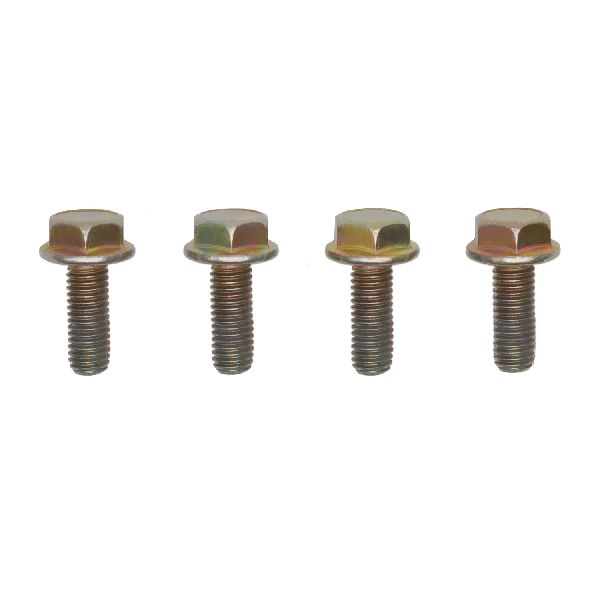
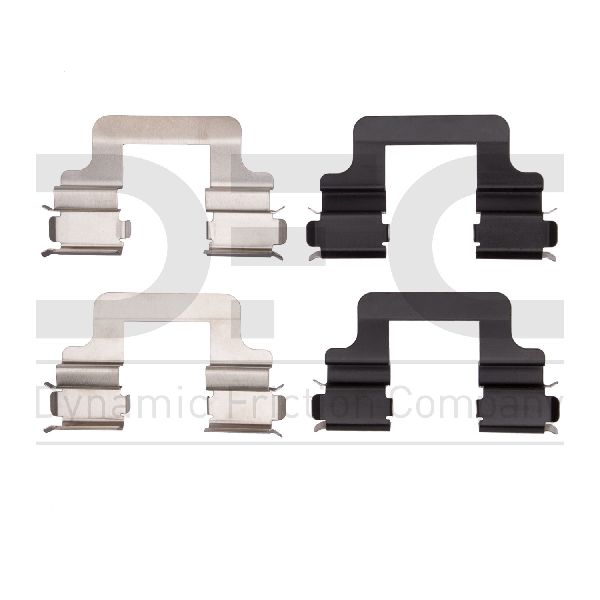
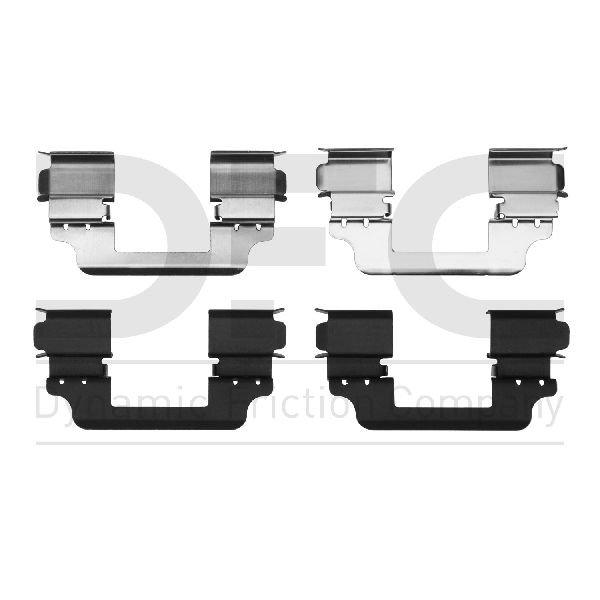
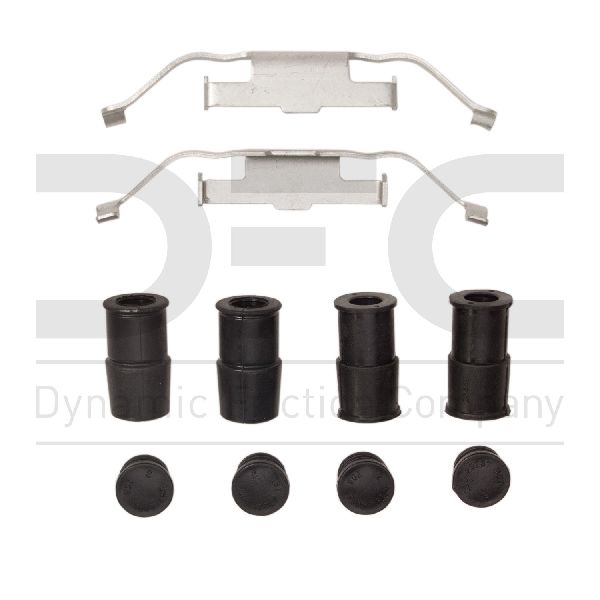
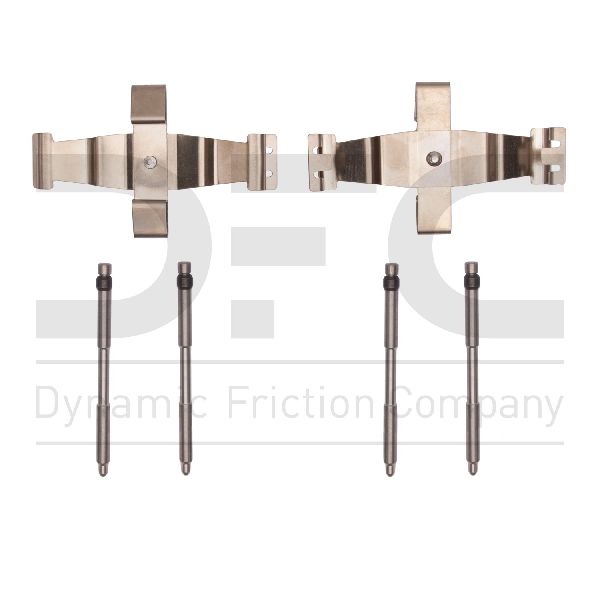
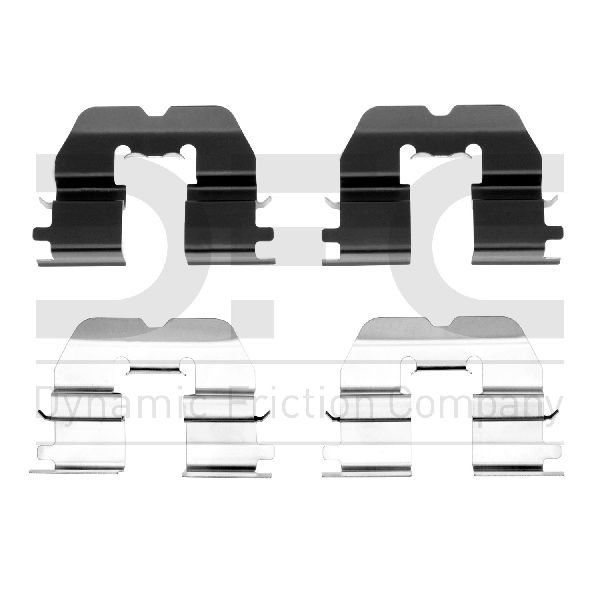
A typical kit for a Mini Cooper includes the metal anti-rattle clips (expansion springs) that fit into the caliper bracket and, depending on the kit, may also include new guide pins and rubber boots for the caliper.
Can bad hardware cause my brake warning light to come on?
No, not directly. The brake pad warning light on your Mini is triggered by a separate, single-use electronic wear sensor that makes contact with the rotor when the pad material is low. However, if binding hardware causes one pad to wear out extremely fast, it will trigger the sensor prematurely.
Is installation difficult?
No. If you are already replacing your brake pads and rotors, replacing the hardware adds only a few minutes to the job. It involves popping out the old clips, cleaning the caliper bracket where they sit, and snapping the new ones in. Lubricating the caliper guide pins is also a critical step.
Technical Specifications
OEM Part Numbers: 34-11-6-862-801
Kit typically includes anti-rattle clips (expansion springs) and may include caliper guide pins and boots. Made of corrosion-resistant materials like stainless steel.
We Have This Part in Stock

The information in this article is provided for general reference and educational purposes only. Vehicle specifications, procedures, and part compatibility can vary by production date, trim level, and region. Always consult your vehicle's factory service manual and verify part numbers before purchasing or performing repairs. Safety-critical components such as airbags, seat belts, and braking systems should be installed by a qualified professional.
- Mini Cooper: