

A Guide to Replacing Disc Brake Rotors on the 2020-2025 Ford Explorer
Address common brake vibration and noise issues by choosing the right aftermarket rotors for your Explorer.
- Vibration when braking is the most common sign of warped rotors on the Explorer, a frequent issue with original factory parts.
- You must verify your Explorer's specific brake package (Standard vs. Performance/ST) before ordering, as rotor sizes are different.
- Always replace brake pads and rotors together as a set for each axle to ensure proper performance and wear.
- When replacing rear rotors, you must use the vehicle's 'Brake Maintenance Mode' to retract the electronic parking brake.
Is Your Explorer Shaking When You Brake? The OEM Rotor Problem

One of the most frequent complaints from 2020-2025 Ford Explorer owners is a noticeable vibration or pulsation in the steering wheel and brake pedal, especially when braking from highway speeds. This is a classic symptom of warped or unevenly worn brake rotors. 🎬 Watch: Why your steering wheel shakes and how to fix it. While often called "warping," the issue is typically caused by an uneven transfer of brake pad material onto the rotor face due to excessive heat, creating high spots. The Explorer is a heavy vehicle, and its factory-installed (OEM) rotors can be prone to this premature wear and tear, leading to the annoying and potentially unsafe shaking. For this reason, many owners choose high-quality aftermarket rotors when it's time for a replacement.
Choosing the Right Aftermarket Rotors for Your Explorer

When shopping for new rotors, you have options that range from direct OEM replacements to performance upgrades. The most important first step is to identify which brake system your Explorer has. Models like the ST or those with a Performance/Street Pack have larger, more powerful brakes than the Base, XLT, or Limited trims. Always verify your specific package before ordering, as rotor sizes are different.
| Brake Package | Front Rotor Size (approx.) | Rear Rotor Size (approx.) | Notes |
|---|---|---|---|
| Standard (Base, XLT, Limited, etc.) | ~345 mm (13.58 in) | ~320-325 mm (12.59 in) | Rear rotors are typically solid (not vented). |
| Performance/Street Pack (ST, Platinum) | ~363 mm (14.3 in) | ~350 mm (13.8 in) | Calipers are often painted red. Rear rotors are vented. |
Aftermarket Brand Tiers
Aftermarket brands offer a solution to the common OEM warping issue, often with better materials and designs at a competitive price.
- Tier 1: Daily Driver Upgrades (Dynamic Friction & Powerstop Z17/Z23): These are excellent choices for the majority of Explorer owners.
- Dynamic Friction (DFC): DFC offers direct-fit rotors with a GEOSPEC coating that provides superior rust protection compared to standard zinc plating. Their 5000 ADVANCED brake pads are formulated to match OEM performance, providing a balanced, quiet stop.
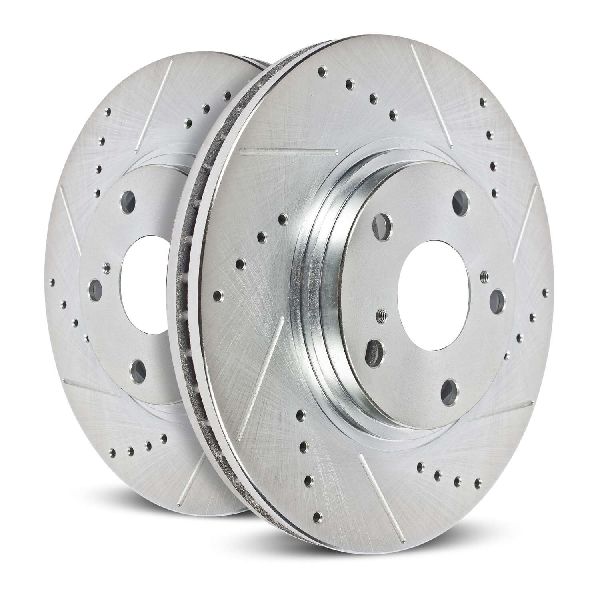
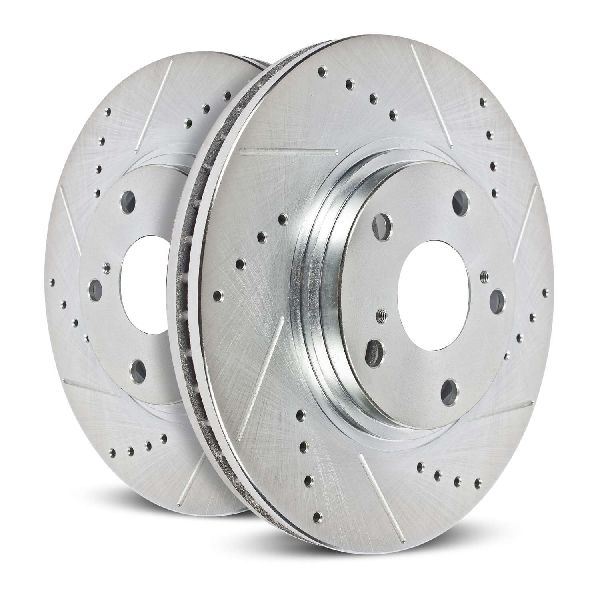
- Powerstop: Powerstop is very popular among Explorer owners for their all-in-one kits. The Z23 Evolution Sport kit includes drilled and slotted rotors for better cooling and carbon-fiber ceramic pads that reduce dust and noise. The Z17 Evolution kit is a similar high-quality option with coated, non-drilled/slotted rotors for a stock look with upgraded materials.
- Tier 2: Heavy-Duty & Towing (Powerstop Z36): If you frequently tow a trailer or carry heavy loads, you need rotors that can handle extra heat. The Powerstop Z36 Truck & Tow kit is specifically designed for this purpose. It pairs drilled and slotted rotors with more aggressive carbon-fiber ceramic pads to resist brake fade under heavy use.
Pro Tip: Look for coated rotors (like Dynamic Friction's GEOSPEC or Powerstop's GEOMET). This coating is applied to the hub and internal vanes, preventing the rust that is common on uncoated rotors, especially in regions that use road salt. This not only keeps them looking good behind your wheels but also helps prevent them from seizing to the hub.
Cost to Replace Ford Explorer Brake Rotors
The cost will vary based on your location, which rotors you choose, and your shop's labor rate. A full brake job includes replacing the pads and rotors on a single axle (either front or rear). Always replace rotors in pairs.
| Service | Estimated Cost Range (Parts & Labor) |
|---|---|
| Front Pads & Rotors Replacement | $450 - $800 |
| Rear Pads & Rotors Replacement | $430 - $780 |
Important Note for DIY: The 2020-2025 Explorer has an electronic parking brake (EPB). You MUST put the system into "Brake Maintenance Mode" before attempting to service the rear brakes. Failure to do so can damage the rear calipers. This procedure is typically done 🎬 Watch: How to safely service rear brakes using maintenance mode. through the vehicle's infotainment screen or a sequence of pedal and button presses.
Frequently Asked Questions (FAQ)

Do I have to replace my brake pads when I replace the rotors?
Yes, absolutely. You should always install new brake pads with new rotors. Old pads have worn into the specific pattern of the old, uneven rotors. Using them on a fresh, flat rotor surface will cause immediate uneven wear, noise, poor performance, and will quickly ruin your new rotors.
Can I just resurface (machine) my old rotors?
While resurfacing used to be common, it's often not recommended for modern vehicles, especially if the rotors are already showing signs of heat damage and warping. Resurfacing removes material, making the rotor thinner and even more susceptible to overheating and warping again. Given the reasonable cost of new high-quality aftermarket rotors, replacement is almost always the better long-term solution.
What is "bedding in" new brakes and is it necessary?
"Bedding in" is a critical process after installing new pads and rotors. It involves a series of controlled, hard stops to allow an even layer of friction material from the new pads to transfer onto the rotor face. This process ensures smooth, quiet, and powerful braking right from the start. Brands like Powerstop provide specific instructions for this procedure, which you should always follow.
Are there any recalls for the 2020-2025 Explorer brake rotors?
There are no specific recalls for brake rotor failure on the 2020-2025 Explorer. However, there have been recalls for related components, such as a rear axle bolt that could fracture (Recalls 22V-255, 23V-199) and a very small recall for loose front brake calipers on a few 2025 models. The issue of premature rotor warping is a well-documented complaint among owners but has not resulted in a formal recall.
Helpful Videos

Technical Specifications
OEM Part Numbers: L1MZ-1125-C L1MZ-1125-B L1MZ-2C02-6A L1MZ-2C02-6C BRRF406
Rotor sizes vary by trim. Standard brakes use approximately 345mm front and 325mm rear rotors. Performance packages (ST, Street Pack) use larger 363mm front and 350mm rear rotors. The rear axle features an electronic parking brake that requires a special service mode for retraction.
We Have This Part in Stock
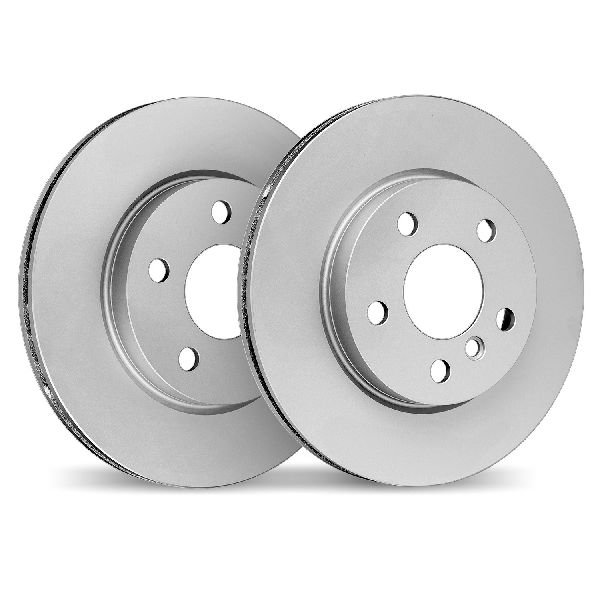
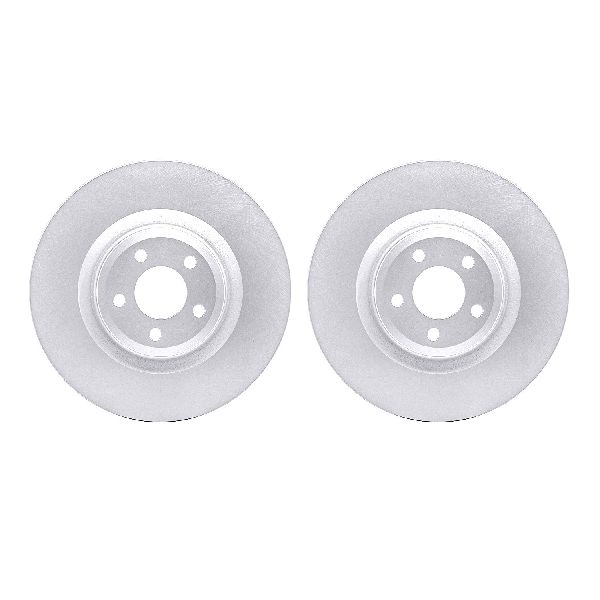
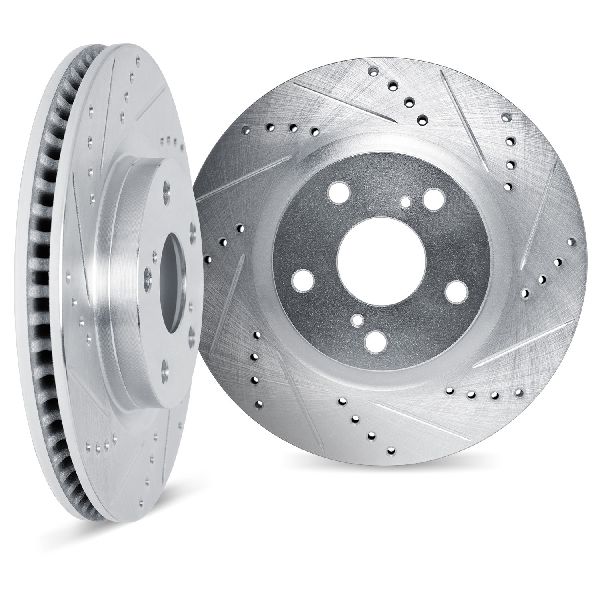

The information in this article is provided for general reference and educational purposes only. Vehicle specifications, procedures, and part compatibility can vary by production date, trim level, and region. Always consult your vehicle's factory service manual and verify part numbers before purchasing or performing repairs. Safety-critical components such as airbags, seat belts, and braking systems should be installed by a qualified professional.
- Ford Explorer: